v0.47.0 - October 22 2026
The honest-save release. Editor panels and settings screens now save through one path. It writes only what you changed and checks every value before anything is written. Whatever the plugin would refuse is named, instead of an answer of "Saved", and a change made elsewhere since the page opened asks you to reload rather than being written over. Each integration now declares where its plugin keeps its keys and tokens, so no Minn screen or response carries them, whether the plugin is active or not. Breakwater's spam log arrives under Forms with Not spam and Was spam, and prices show your store's currency on the side your store puts it. The full review of the release candidate found one high issue (a WPForms notification name chosen by a form editor could run script for an administrator opening its Emails page), three medium and twenty-one low. Two reviews of the fixes and a last pass over the final fix found lows of their own. All of it is fixed before release, and every fix a test can reach has a test that fails without it.
Added
- Breakwater. Minn now reads Breakwater's log, every comment, sign-up and form submission it checked, under Forms: filter it to what was held, see why each one scored what it did, and say Not spam to hand a held submission back to its form (saved and sent as if it had never been held) or Was spam on one that got through. Its mode can be switched on the Settings tab, and Settings → Spam shows its card.
Improved
- Editor panels refuse what they cannot store, by one set of rules. The SEO, Meta Box, Pods, The Events Calendar, PowerPress, Seriously Simple Podcasting and WP Job Manager panels now save through one path: a number the plugin would have emptied, a choice a field does not offer or a number outside its range is named as not saved, and what was stored stays.
- Settings screens refuse and name what they cannot save. Perfmatters, Autoptimize, Asset CleanUp, FluentSMTP, Gravity SMTP, ACF options pages, JetEngine options pages and Fluent Forms emails now write only what you changed and check every changed value before anything is written: a field you may not change, a value the plugin refuses, or a hidden key's placeholder pasted somewhere new stops the save with the fields named, and nothing is saved.
- A settings save no longer overwrites a change made elsewhere. The page sends what it loaded beside your edits, and when one of those values changed since, it asks you to reload instead of writing over it.
- Integrations now declare where their plugin keeps its keys. Each one names the settings rows, user fields and table columns holding its plugin's keys, beside the code that detects the plugin. The database browser hides them and no Minn response carries them, whether or not the plugin is active, and a check fails when an integration reads a settings row holding a key nothing declares. Contact Form 7, Yoast SEO, Amelia, UpdraftPlus, Jetpack, Solid Security, OttoKit, WP Statistics, CleanTalk and WP Migrate are the first.
- Contact Form 7's reCAPTCHA and Turnstile secrets are kept out of every Minn response. Contact Form 7 files its secrets under the public site key's name, so they used to be hidden only in their own row.
Fixed
- Prices show your store’s currency, on the side your store puts it. The Products list, a product’s variations and products added to an order in the Items dialog printed a dollar sign whatever the store sold in, so a shop in rupees showed $500. They now print the symbol WooCommerce uses for the store, and every price Minn shows (products, orders, subscriptions, coupons, bookings and the Overview) puts it where the store's currency position setting says, so a store set to "500 ₹" no longer sees "₹500".
- Overview warnings are readable in the light theme. A stat's amber note (a figure that needs a look) was too faint against the light background. It now uses the darker amber the other warnings use.
- Minn Admin opens on LiteSpeed sites with ESI turned on. LiteSpeed Cache put a placeholder tag where Minn's sign-in token belongs, and on some servers the page then showed a screen of code instead of the app.
- Minn Admin opens on sites that minify their HTML. A cache plugin, a "minify HTML" snippet or a host optimizer that squeezes the page onto one line left Minn on a blank page. The page now boots however its whitespace is squeezed.
- The job listing panel shows only the fields WP Job Manager shows you. Salary and remote-position fields a site has switched off are no longer offered, a listing editor who cannot manage listings no longer sees Featured and Listing Expiry (which WP Job Manager's own box hides from them), and a field it refuses is now named on the save instead of looking saved while nothing changed.
- A switch sent as "off" or "false" is off in every settings screen. FluentSMTP read "false" as on and turned email simulation on, and Gravity SMTP stored the word as sent.
- Autoptimize's critical CSS is cleaned of tags as Autoptimize cleans it. The cleaning never ran on saves from Minn.
- A setting sent to the wrong tab, or to a tab that does not exist, is not written. Autoptimize and Asset CleanUp wrote it anyway, and Asset CleanUp then answered that the tab was unknown.
- Saving a settings tab without changes rewrites nothing. Asset CleanUp rewrote its whole settings row, and Gravity SMTP filled in settings it had left at their defaults.
- A Gravity SMTP save made after the service changed asks you to reload. The Sending tab shows one service's details, so a save from a page opened before someone switched services elsewhere no longer writes one service's details over another's.
- An emptied event date says it was not saved. An event always has a start and an end, so an emptied Starts or Ends box is named instead of looking cleared.
- Form status cards count only the entries their list shows. The entry counts and the fourteen-day chart on the Everest Forms, Fluent Forms, WPForms, Forminator, Formidable, SureForms and CFDB7 cards now read through the same rule as the entry list, so a card never counts an entry the list would hide from you. The All In One Security failed-login count reads its log the same way.
- A chart or time window Minn cannot read the clock for shows nothing instead of guessing. It used to read the dates on another clock and could count the wrong days.
- Settings screens no longer say "Settings saved" for a value they dropped. JetEngine and ACF options pages named nothing when they refused a value (a choice the field does not offer, an unreadable date, a link that runs code, an image you may not use), and Perfmatters dropped changes to the fields it prints straight into your pages (the code boxes, DNS prefetch, the tracking id, the CDN URLs, the lazy load threshold, the login URL message) from anyone without permission to add raw code. Each is now named, and nothing is saved.
- No PHP 8.5 deprecation notices from Minn. Saving an editor panel, the admin notices screen and the SureForms overview each logged one on PHP 8.5, and an AIOSEO site logged a warning for a post type AIOSEO keeps no settings for.
- A new post no longer turns into a pile of drafts when the SEO plugin says no. Minn showed the SEO panel to writers the SEO plugin keeps out (a Contributor under Rank Math, any writer under SureRank, a role SEOPress, SiteSEO or AIOSEO blocks) and on new posts of a type whose SEO box is switched off. Saving a change there stored the post but reported a failure, so every save and every autosave made another draft. The panel now shows only where the SEO plugin's own screen would. If a save still includes a change the plugin refuses, the post saves as usual and the editor names the SEO fields that were not stored. A social image you may not use no longer stops the rest of your SEO changes from saving.
- A debug switch your host already sets is shown as set elsewhere. When the server runs a file ahead of WordPress (a host's or firewall's PHP prepend) that defines WP_DEBUG, WP_DEBUG_DISPLAY or another debug setting, the System page now locks that switch instead of offering one that would rewrite wp-config.php and change nothing.
- Run on Minn installs only the release it was offered. The switch now refuses a Minn release whose archive holds a different version than the update service named, any release older than the oldest one Minn Admin installs, and, once a site has switched to a release, any release older than that one, so an older signed release can't be passed off as the latest.
- A Gravity Forms builder save keeps a hidden key in fields you did not touch. A key or token a form held in an HTML block, a default value, a description, a choice or a sub-label reached the builder as its [redacted:…] placeholder, and saving any change to the form wrote that placeholder over the real key. Those values now stay as stored, and a save that edits one around its placeholder is refused with nothing written.
- A Fluent Forms emails save that Fluent refuses changes nothing. When a notification in the save had no message or Send-to address, or the confirmation was set to redirect with no address, the notifications before it were already saved while the page said the save failed. Every check Fluent Forms makes now runs before anything is written.
- Text Minn shortens never shows part of a saved key. Cron arguments, activity log details (WP Activity Log and All-In-One Security), admin notices, mail log events and connection hints, logged queries, licence notes, entry summaries, field values and global styles were cut short before Minn's key filter saw them, so a key that ran across the cut showed its first characters. The whole value is now checked first and the key shows as hidden.
- The database browser hides more plugins' saved keys. Disembark's connection token (which lets a site be copied whole), Contact Form 7's settings row (its Stripe secret key, captcha secrets, Brevo key and Constant Contact tokens), Yoast SEO's settings row (its SEMrush, Wincher and MyYoast tokens), each user's Yoast AI tokens, Amelia's settings row (its payment, calendar, mail and WhatsApp secrets and the secrets its customer and employee panel links are signed with), UpdraftPlus' remote storage keys and tokens, UpdraftCentral and Migrator keys, backup encryption phrase, settings lock password, extra database logins, UpdraftPlus.com account login and running backup jobs (which copy every storage destination's settings, typed passwords included), BackWPup's job keys and storage credentials, WPvivid's storage passwords and migration tokens, SureForms' captcha and Stripe secrets, Formidable's captcha keys, Plausible's API token and shared links, the Castos token Seriously Simple Podcasting keeps, PowerPress's Blubrry login and tokens, WP 2FA's authenticator seeds, All-in-One WP Migration's secret key (which opens its signed-out export and import), Connect Matomo's token, and the captcha secrets of Forminator, Fluent Forms, Everest Forms, Ninja Forms, Gravity Forms and WP Job Manager now open redacted.
- Picking the Custom palette keeps colors changed meanwhile. On Your profile and on another person's page, choosing Custom now sends only the choice, so colors changed since the page opened (by the person in another tab, or by an administrator) are no longer put back.
- An image address can't restyle the thumbnail it shows in. Image fields, the featured image, the media library and picker tiles, theme screenshots and the site icon now escape the image address for the page as well as for the stylesheet, so an address holding encoded quotes can no longer lay a block over Minn's controls.
- Adjust balance adds or takes off an amount. The gift card dialog now asks how much to add or take off (a minus amount takes it off), so a card spent at checkout while the dialog was open keeps the spend instead of getting it back. Taking off more than the card holds is refused.
- An event's details never cost a new event its id. A start or end date The Events Calendar panel cannot read, or a venue or organizer it refuses, is now named on the save while the event keeps its id, instead of failing after the event was stored and making another draft on every save.
- Custom field panels say when they keep a value. ACF, Meta Box, JetEngine and Seriously Simple Podcasting now name a field whose value they refuse (a link that runs code, a date or number they cannot read, a picture you cannot attach, a choice the field does not offer), so it stays unsaved in the editor instead of looking saved while the stored value was kept.
- The PowerPress panel names what it does not save, and never stores a garbled value. Details typed before the episode has a media file, an unreadable size or duration, an unknown episode type, a subtitle that would save as nothing, and an episode number or season that is not a whole number (1.5 used to save as 15) are now named on the save while the stored value stays. An emptied file size goes back to PowerPress's own detection, and a post saved by someone PowerPress keeps from podcast episodes keeps its id.
- Address fields keep a saved link when they refuse a new one. Typing an address that is not a web link (such as one starting with javascript:) into an event's website, a podcast episode's media file, a job listing's company video or the SEO canonical URL no longer erases the saved one; in PowerPress it removed the whole episode. The field is named as not saved, and only emptying the box clears it.
- A WPForms notification name can no longer run code when an administrator opens its Emails page. WPForms lets anyone who can edit a form choose its notifications' internal names, and Minn placed those names in the page unescaped, so a crafted one ran script as the administrator viewing it. Minn now accepts only the plain numbers WPForms itself uses, and every page escapes such names wherever they appear.
- A BackWPup delete removes only a backup BackWPup lists. A crafted delete could remove other files in the content folder or the protection file that keeps database backups off the web.
- Broken Link Checker's Edit URL and Unlink respect who may edit the content. An editor could rewrite or remove a link inside a page they are not allowed to edit, such as the privacy policy page. Minn now asks Broken Link Checker's own rule: edit access to every place the link appears.
- Mail logs hide password reset links from anyone who could not reset that password themselves. On a network, a site's administrator could request a password reset for a network administrator on their own site and read the link in that site's mail log; on a single site, a role a mail plugin lets read its log could do the same for an administrator. The key in a reset link is now hidden from them in every view of the log, its search and its debug lines, and such an email can only be resent to whom it was sent.
- Resending an order email sends only one that fits the order. Any order email could be resent for any order, such as "Your order is complete" for one still pending. Now only the invoice, the new-order email, a customer note and the email for the order's current status can be resent, as in WooCommerce. An email the store has switched off is sent only for someone who manages WooCommerce's settings, which until now never worked for anyone.
- Minn Admin's updater installs only the release it names. An update offer pointing at an older release under a newer version number is refused, for the plugin and its language packs.
- Code snippets respect a site that switches off code editing. WPCode's HTML, JavaScript and CSS snippets, Custom CSS & JS styles placed inline in the page, and Bricks page scripts can no longer be changed when the site sets DISALLOW_FILE_EDIT. Deleting or renaming a snippet still works.
- Smaller access fixes. A duplicated post copies a custom field only where you could add it yourself. The Gravity Forms entry list and Ninja Forms submissions no longer carry password fields. A partly refunded order's refund email says partially refunded. A LatePoint booking shows the customer's private notes only to those LatePoint lets see customers. Everest Forms, AIOS, One Time Login on multi-network installs, WP Freighter's per-site Minn switch, the JetEngine and Elementor template copies, the theme changelog, the post type editor and the Run on Minn status each follow their plugin's or WordPress's own rule more closely.
v0.46.0 - October 18 2026
The shared-core release. Form entries, activity logs, bookings, email logs and redirects now run through one layer in Minn that asks each plugin's own question about who may see or change what, and says a change worked only once it has. A key or token the database browser hides is now hidden on every other screen too, and a save that would write its placeholder back over the real key is refused instead. wp minn install switches a WordPress site to Minn from the command line, and PDF Invoices & Packing Slips documents show on your orders. The cycle opened by fixing every finding from the review of the shipped 0.45.0 (two medium, eighteen low) and closes with a full review of the release candidate: nothing critical or high, one medium issue (a Pods field the plugin refused could leave a new draft behind on every retry) and twenty-six low. Two more reviews of the fixes found four lows of their own. All of it is fixed before release, each fix with a test that fails without it.
Added
wp minn installswitches a WordPress site to Minn. With Minn Admin active, WP-CLI gainswp minn preflight, which reports what the site will and will not get on Minn without changing anything, andwp minn install, which downloads Minn from the Minn update service, checks it against its checksum and its release signature, shows that report, and after you confirm runs the site on Minn. WordPress's own files move to a folder beside the site, and wp-config.php, wp-content and the database stay as they are. Once Minn runs the site,wp minn ejectbrings WordPress back.- Invoices from PDF Invoices & Packing Slips on your orders. With PDF Invoices & Packing Slips for WooCommerce active, the orders list shows each order's invoice number in an Invoice column, linked to the invoice PDF, and right-clicking an order opens any of its documents. The order page and quick view have a Documents card with a PDF button for every document, and for the invoice its number, date and notes, with Create, Edit, Regenerate and Delete. Changes go through the plugin, follow its own rule for who may change a number or a date, and say they worked only once the order really holds them.
Improved
- Form entries share one core. Entries from Gravity Forms, WPForms, Fluent Forms, Ninja Forms, Formidable, Forminator, Everest Forms, SureForms, Elementor forms, Flamingo and CFDB7 now run through one shared layer in Minn. It checks who may see and change each entry, keeps each person to the forms they are allowed, and never reports a change as done unless it really happened. Nothing changes on screen.
- Activity logs share the same core. WP Activity Log, Stream, Activity Log, Simple History, All-In-One Security, Solid Security, Wordfence, Limit Login Attempts Reloaded and Sucuri now run through the shared layer the form entries use. Each status card counts only the events its list would show you, and releasing a lockout or unlocking an address says it worked only once it really has. Nothing else changes on screen.
- Bookings share the same core. Amelia, Bookly, JetAppointments, JetBooking and LatePoint, event registrations included, now run through the shared layer too: every view, count and chart holds each person to the staff, providers, locations or vendors they may see, and approving, cancelling or deleting a booking says it worked only once it has.
- Email logs share the same core. FluentSMTP, Gravity SMTP, Post SMTP, Site Mailer, SureMails, WP Mail Logging and WP Mail SMTP now run through the shared layer too: every log, message, count and chart answers to each plugin's own permissions, and deleting, resending or reactivating says it worked only once it has. A resend whose mailer reports a failure now says so instead of reporting it sent, and deleting a Post SMTP entry also removes the details Post SMTP keeps beside it.
- Redirects share the same core. Redirection, Rank Math, Safe Redirect Manager, Simple 301 Redirects, 301 Redirects and Broken Link Checker now run through the shared layer too: adding, editing, enabling or deleting a redirect says it worked only once it has, and an address that already has a redirect is refused instead of quietly rewriting it, in Rank Math and when renaming a Simple 301 Redirects rule.
- Keys and tokens never leave Minn by accident. A licence key, an API token or another credential that Minn's database browser hides is now also hidden from every other screen in Minn, wherever it turns up, even inside a log or a link. Screens that hand you a key on purpose, such as the WP Migrate connection info, the Disembark command and one-time login links, still show it. Saving a screen that showed a hidden key keeps the real one; a change that would still save the hidden placeholder is refused with a message asking for the real value, and an Elementor, Bricks, ACF or ACPT export that would carry a key is refused instead of handing out the key.
- Email previews show only what the entry holds. Previewing or test-sending a form notification in Minn fills in the entry's answers, the form and the site, and as much of the person's name and email as the plugin's own entry screen shows you. A tag that would read more of their account, the page they sent it from, or anything another plugin adds stays a visible placeholder, and a Gravity Forms test send runs no shortcodes, as the preview runs none. Real notifications are unchanged.
- Editing a post type or taxonomy saves only what you changed. If someone else changed the same post type or taxonomy after you opened it, Minn asks you to reopen it instead of undoing their change.
- Undo on the site's look never removes someone else's change. Undo after applying a style, mixing colors or type, pasting a look or resetting it puts back the look you had just before, and refuses if the look changed again since, in another tab or the Site Editor.
- On Minn, an editor that needs the Minn Legacy Pack offers it. The editors of Elementor, Brizy, Beaver Builder and Bricks run on WordPress's own editor scripts, which a site running Minn gets from the Minn Legacy Pack. When the pack isn't on yet, "Edit in Elementor" (or the builder you use) now stays in the row menu and the editor's banner, and following it asks to install the pack from the Minn update service, then opens the editor. The Plugins tab offers it too. Someone who can't install plugins is asked to check with an administrator. And when a plugin's scripts on your public pages need WordPress's own scripts (WooCommerce's product options and block cart do), the Overview says which plugin needs the pack, names a page where visitors hit it, and offers to install it.
Fixed
- A booking card counted pending bookings twice. The Next 14 days chart on Amelia, Bookly, JetAppointments, JetBooking and LatePoint drew each pending booking in both the booked and the pending part of its bar. Each booking now counts once.
- A network site's administrator sees the site's members in Users. On a multisite network the Users list showed a site's administrator only their own account. It lists every member again, as WordPress's own Users screen does, with the role change and Remove from this site for each one.
- The block editor button opens template parts in the Site Editor. While editing a template or template part, the inspector's button, the ⌘K command and ⌥-clicking the WordPress button all sent you to wp-admin's post list instead, because WordPress's post editor can't open a template. They now open that template or part in the Site Editor, saving what you typed first.
- A restored Everest Forms entry comes back to Received. An entry trashed by another tool without a note of its earlier status was restored to no status at all: it vanished from every filter and could not be trashed, marked or deleted again.
- Edit in Elementor from the content list, and on Minn. A page built with Elementor (or another page builder) now offers "Edit in Elementor" in its row menu in Content, beside the editor's banner. On a site running Minn, both used to be hidden because Minn has no wp-admin; Minn now opens a page builder's own editor while the Minn Legacy Pack is active, and tells Minn Admin which ones it can open, so those links stay and every other wp-admin link is still left out.
- Add plugin searches WordPress.org on Minn. On a site running Minn rather than WordPress, the Add plugin dialog still said WordPress plugins would install but never run there, and hid the directory search and the plugin catalog. Minn runs WordPress plugins now and reads the directory through its own update service, so the dialog offers the same search and catalog as on WordPress, with the zip URL and GitHub release field kept beside them.
- The form status cards speak your language. The hint under Unread entries ("12 total, 3 spam") was always in English. It now follows your language like the rest of the card, and Elementor's reads "in trash" as the other plugins' cards do.
- A PW Gift Cards resend says it was sent only when it was. Resending a gift card whose recipient is not an address WooCommerce can mail (a typo, or two addresses with only a space between them) said the card was sent while WooCommerce sent nothing. Minn now says nothing was resent, and resends only to the addresses WooCommerce accepts.
- Saving a new category or tag base keeps your permalink structure exactly as it was. Before, it also rewrote the structure, giving one stored without a leading slash one, and refused the save when the structure had no tag.
- Custom CSS shows the stylesheet as it is saved. Settings → Design showed the copy visitors get, which other plugins may add rules to, and saving an edit wrote those rules into your stylesheet. Saving without a change writes nothing, and if someone else saved the CSS after you opened it, Minn asks you to reload instead of overwriting their change.
- Changing one color of a custom palette keeps the rest. On Your profile, a person's page and the site default, a save that names one color now leaves every other color as saved.
- Saving role defaults keeps what the page cannot show. A policy for a role that isn't registered right now and the sign-in policy of a role without Minn access stay as saved, and a role that kept a Minn toolbar after losing Minn access no longer blocks every save. If another administrator saved role defaults after you opened them, Minn asks you to reload.
- Swapping an Overview card keeps the cards you can't see right now. A card that is hidden for the moment (a WooCommerce card while WooCommerce is off) stays in its slot when you change another one.
- A style edit keeps styles saved for blocks this site doesn't know. Editing a color or font in Styles, or using a palette or typeset, no longer deletes the styles saved for a block or block style the server doesn't register.
- Island previews never resolve a plugin's dynamic content for a writer who may not author it. When someone without permission for unfiltered HTML (a Contributor or Author) previews a block, Minn now turns off every plugin's and theme's block-rendering code and every shortcode for that preview, so a plugin such as Otter, JetEngine or Kadence Blocks Pro cannot read options, other people's drafts and private posts or other users' details through it, even when its markup is tucked inside an ordinary block or a link, or (as Otter's excerpt code did) the plugin switches its resolver back on halfway through. An administrator still sees the full preview.
- The editor keeps a post's title as it is stored. Opening a post decoded its title and every save sent it back, so inline tags such as
<em>were lost, and a title holding escaped markup (what the block editor stores when someone types a tag) became live HTML the next time an editor or administrator saved the post in Minn. The title box now holds the title exactly as stored, and a save sends it only when you change it. - Post type and taxonomy edits keep what you did not change. Saving one setting no longer rewrites the labels or the description: the description keeps its links and line breaks, and is a multi-line box now, labels stay exactly as Custom Post Type UI, ACF or JetEngine stored them, and an edited description keeps its links, as CPT UI's own screen does. Turning on one switch no longer writes the other switches, the supports or the taxonomies from what WordPress registered, so a setting another plugin or your theme adds while the site runs stays out of Custom Post Type UI, ACF, JetEngine or Minn's own definition; ACF keeps its own title.
- Opening a rich-text field never changes it. The rich-text dialog for ACF and other editor fields removed email, phone, jump, relative and inline-image links, and embeds for someone who may post HTML, the moment it opened, even when you pressed Apply without typing. It now gives back exactly what the field holds unless you edit it, and an edit keeps those links.
- Your appearance choices stay yours. Changing a palette, a font or the default-admin switch sent every appearance setting the page had loaded, so a Minn bar or palette choice made since in another session, or by an administrator, was put back. Each click now saves only what it changes, and a user's page never touches their Minn bar setting.
- Pasting never rebuilds a block from copied markup. Markup that copied Minn's own block cards, which any web page can put on the clipboard and a Contributor can put in a post, made a paste duplicate another block of the post or turn it into a Shortcode block on save. A pasted card now pastes as what it shows.
- Content made to look like one of Minn's cards can no longer change another block. A post could carry markup dressed as Minn's Buttons, Details or Columns cards, or as an upload in progress, and when an editor reviewing it clicked, saved or uploaded, Minn changed a different block of the post: rewrote it as Buttons, removed a column, or put the uploaded image somewhere else. Minn now acts only on its own cards and uploads.
- Opening a post in the editor never runs its scripts with your session. To match the front end's styles the editor loaded the post's public page in a hidden frame inside the app, so a script that an author allowed to post HTML had put in a post ran with an administrator's session as soon as they opened it. The styles now come from a sandboxed copy that cannot reach the app, and Otter's style warm-up works the same way. Saving a post also no longer runs a script stored in its content, which the editor's working copy of it could.
- Editing a form entry's checkboxes keeps every pick the visitor made. On Gravity Forms, WPForms, Ninja Forms and Elementor entries, a pick the form no longer offers used to vanish at the first save of that answer. It now shows as a ticked box marked "no longer on the form" and stays unless you untick it. Ninja Forms lists that a site fills when the form renders are offered too, an Elementor option with a comma in it stays whole, and on a WPForms field that shows choice values the kept pick keeps its label in WPForms' own entry view and export.
- Template renames keep the title you did not change. In JetThemeCore and Elementor templates, saving the rename dialog without a change stored "(no title)", a decoded copy of the title or a cleaned one ("50%DEAL footer" became "50AL footer"). The title is written only when you change it.
- A settings field you typed into and put back is no longer saved. On settings tabs, Site Options pages, Store settings and its dialogs, and in Minn's own Settings (a switch flipped back, a tagline with a line break), a field counts as changed only when it now reads differently from when the page opened, so the plugin never rewrites a value you left alone.
- Editing a form entry keeps an "Other" answer that only had focus, and a text answer you typed into and put back.
- Apply in the block settings and the ACF toolbar changes only the fields you changed. A number no longer turns into text, a line break is kept, an unset choice stays unset, and a block you changed nothing in stays exactly as stored.
- The link and image popovers keep what you did not change. A link keeps its nofollow and its other rel words when you switch "open in new tab", and changing an image's alt text keeps the caption's links and emphasis and the link's rel.
- Menu item, term and excerpt edits save only what you changed. Saving a menu item with nothing changed writes nothing, a label-only edit on a webcal: link is accepted, and renaming a term no longer resends its description.
- WooCommerce emails, payment methods and shipping methods keep a field you cleared. An email's additional content, a payment method's description or a shipping method's title that you emptied on purpose showed WooCommerce's default text in Minn, and saving any other field of that form stored the default. It now reads back empty and stays empty.
- 301 Redirects and Simple 301 Redirects keep a source or target you did not change. Changing only the status or the other address decoded and cleaned an address stored with encoded characters, so
caf%C3%A9becamecaféorcaf(renaming a Simple 301 rule) and50%DEALlost%DE. An address you leave alone is now written back exactly as stored, and a save that names only one field keeps the other. - Rank Math redirect edits keep the sources and a relative target as Rank Math stored them. Changing a redirect's type or target rewrote its sources in a form Rank Math no longer recognised as the same rule, so adding that source again elsewhere made a duplicate, and a relative target such as
/newwas made absolute. - FluentSnippets saves keep a snippet's code and tags exactly as stored. Saving a snippet, or switching it on or off, removed the first line's indentation and any blank lines at the top of a PHP snippet, and rewrote its tags.
- WPCode text snippets keep code you did not change. When someone without the unfiltered HTML capability changed a text snippet's priority or type, its code was filtered again, so an embed an administrator had added was removed. Only code that is changed is filtered now.
- An event's cost and website stay as stored when you change another event detail. The Events Calendar's own save decoded and stripped them, so a cost such as
Under <$20becameUnderand&in a website became&. - PowerPress episode details survive a backslash. Editing an episode whose details held a backslash (an episode title such as
AC\DC live) made all its extra details, the duration and chapters among them, unreadable. An unchanged media file URL is no longer rewritten either. - Adding a photo to a Jetpack tiled gallery keeps the photos already in it. Their alt text, links and custom links were replaced from the media library, and the gallery lost its crop setting. Only the added photo is read from the library now.
- Agent Access keeps switched-off abilities listed with Novamira 1.12.9. On a site where Agent Access is the first thing to load WordPress's abilities in a request, an ability you had switched off showed without its name and description, and one whose Novamira feature is off was missing from its tab.
- FluentSMTP: saving its settings keeps "keep logs forever". A stored log retention of 0 days, which means forever, was saved as one day, so the next daily clean-up would have deleted the email log. A setting you did not change is no longer written at all.
- Gravity Forms: editing one part of a form, a notification or a confirmation leaves the rest as stored. Sub-label markup, the add-on data and prices on the other choices, notification names and From names, routing and conditions, and a confirmation's link to a deleted page all stay as Gravity Forms stored them.
- WPForms: editing an entry keeps the name and address parts the form no longer shows, and editing a confirmation keeps its name, type, page and redirect. A confirmation whose page was deleted could not be edited at all; now it can.
- Fluent Forms: editing the confirmation keeps a redirect address, page and form behaviour you did not change.
- Perfmatters: a field you typed into and put back keeps its stored value, DNS prefetch lines included.
- The ACPT group builder keeps what you did not change. Saving a group cleaned every label, description, box label, choice list, default and number setting again, so markup or a code like "50%DEAL" in a label was lost, a choice without its own label took its value, a choice with spaces around it lost them and its default, a group without a label took its name as one, and a stored step of "any" refused the save. Each one now stays as ACPT stored it unless you change it.
- Ticking a box in an ACPT checkbox list saves again. When the list held an option such as "50%DEAL", Minn sent it as "50AL", ACPT refused the list and nothing was saved. Options now go exactly as they are.
- An ACPT field save says it worked only once it did. A value ACPT does not accept, such as a choice the field does not offer or a number above its maximum, was not stored while the save reported success. The editor now shows which field was not saved and keeps it unsaved, and everything else, other plugins' fields included, is saved.
- ACF field edits and the group builder keep a field's choices. Saving a field, or a group in the builder, read every field's choices back from their text, so a choice label holding " : " lost its end, and the builder turned a step of "any" into 0. Settings you did not change now stay as ACF stored them, and a group save no longer adds a Minn setting to the group.
- Ticking a box keeps the picks the field no longer offers. In the ACF and JetEngine panels, ACF and JetEngine options pages and JetEngine content type items, ticking a box dropped any stored pick the field no longer shows (a choice removed since, an ACF "Allow Custom" entry), and in an ACF repeater it dropped them from rows you did not touch. Those picks now stay.
- JetEngine checkboxes with number keys show what is ticked, and "save as array" checkboxes save on options pages. A checkbox whose options are numbers showed nothing ticked and ticking one cleared the others, and on an options page ticking a "save as array" checkbox stored an empty list.
- A JetEngine content type keeps its own Title field. A type with a field named title showed another field's text or the item number there, and saving any change stored that as the title.
- Custom CSS & JS: an untitled snippet stays untitled, and a name like "50%DEAL" survives a code edit. Saving a snippet stored "Untitled CSS" as its title, or cleaned its name, even when you changed only the code or the switch.
- WPCode, Header Footer Code Manager and FluentSnippets: an edit keeps a name or description you did not change. Changing only a snippet's priority, device or type cleaned its name, description and tags too, so "50%DEAL" lost "%DE", inline markup was stripped and a description lost its line breaks.
- Novamira: changing a memory's type leaves the rest of it as written. Its name, description and content were cleaned on every save, so the content lost its tags and code when only the type changed.
- Bricks: a template edit that leaves the title alone keeps it as stored. A title holding both an entity and inline tags had its tags turned into text by an edit that changed only the template type.
- A JetSearch weight edit leaves the suggestion's text alone. Names like "50%DEAL" or "Shoes <50" were rewritten whenever a suggestion was saved, even when only its weight changed. The name is now written only when you change it.
- WP Freighter: an unnamed tenant stays unnamed. Saving a tenant, or changing only its domain, stored its hostname or "Tenant N" as its name. The name is kept as WP Freighter stores it, empty included.
- The database browser follows each plugin's own rule for who may read what. A table whose plugin keeps you off its own screen is now left out of System › Database and answers Unknown table, as Minn's own view of that plugin already refuses: PW Gift Cards' privilege, WP Activity Log's only-admins or only-me, Simple History's stealth mode, Stream's role access, Activity Log's role scoping, WP Mail Logging's capability, and the rule of every log and store Minn reads through its shared layer. Gravity Forms' entries, Burst's and Koko's statistics, Solid Security's tables and the visitor logs of WP Statistics (its read capability setting), Independent Analytics, Matomo, AnalyticsWP, Rank Math (404 log and analytics) and Gravity Forms' payment add-ons follow their plugins' rules too, and Redirection's logs and 404 records follow its separate log and 404 permissions. A booking list a plugin holds to your own rows (Amelia providers, LatePoint agents, JetBooking vendors) no longer opens in full, nor do the customer and service tables it reads. A plugin's other tables holding the same data follow the list they belong to: entry fields, payments, orders, booking and log meta, notification logs, Wordfence's live traffic and two-factor secrets, and Fluent Forms' and WPForms' queued emails, integrations, payments, drafts and uploads and WP Mail SMTP's mail queue. Where a role may list a plugin's records but not see all of them, the tables holding the hidden part are left out for that role: WooCommerce Gift Cards' full codes and private messages for anyone but an administrator, Gravity SMTP message bodies (password reset and sign-in links) without its preview capability, and JetAppointments' phone numbers, comments and form fields without its appointment-meta access; Minn's own masked lists still work for them. While a Fluent Forms form has a password field whose answers Fluent hides, the tables holding those answers are left out, and a Gravity Forms entry never shows a password answer. Copies of a plugin's tables under any name are left out like the originals, a log whose plugin is inactive, and so cannot say who may read it, is left out too, and the database checks on the System page neither offer to open nor name a table you cannot browse.
- The database browser hides more stored secrets. Formidable's PayPal Connect passwords, Connect verification token and Lite connection id, Sucuri's two-factor backup codes (including the plain copy it keeps for five minutes after making them), the code an email second factor sent, Solid Security's Network Brute Force key, OttoKit's connection secret, WP Statistics' licence and encryption keys, Independent Analytics' salts, SureCart's reCAPTCHA and webhook secrets and a shopper's checkout password hash, CleanTalk's short-lived self-call tokens, and the mail plugins' credentials (FluentSMTP's connections, with the SMTP passwords, API keys and mailbox tokens it can keep unencrypted, and its alert channel tokens, Post SMTP's Microsoft 365 tokens and mobile app keys, SureMails', GoSMTP's and Easy WP SMTP's credentials, and Site Mailer's connection secrets) now show as hidden. A copy of any of them that looks like a key is hidden on every other Minn screen too, and the transients list hides a cached value holding such a copy, wherever the copy sits, instead of printing part of it.
- The revision comparison no longer names another post through an ACF image or file field. An id you may not read, or one that is not an attachment, shows as its number, as ACF's own comparison does.
- Deleting a site, turning a plugin or theme on network-wide and changing network administrators need the network's owner. An account holding those capabilities through the main site's role used to get through, and was refused only after the site was gone or the plugin's activation had run. It is now refused before anything runs, and isn't offered them, and a site's own plugin switch changes a plugin network-wide only for the network's owner.
- The network database upgrade asks for the upgrade right where WordPress does. WordPress counts
upgrade_networkonly on the main site, and Minn counted it on whichever site you were on, so a role a subsite granted could run the upgrade and silence its notice. The route and the notice now ask on the main site. - "Move them to the site default" leaves alone the accounts you may not edit. On a network, a site administrator resetting everyone's palette also reset super admins and members they may not edit, whose palette choice applies across the network. Only accounts you may edit are moved now, and the count says so.
- Remove language keeps every language a reader still uses. It now keeps the languages WPML (hidden languages included), Polylang, TranslatePress, Bogo, qTranslate-XT, WPGlobus, WP Multilang, Falang, Sublanguage, xili-language and Ceceppa Multilingua serve to visitors, on this site or on another site of the network, whose own lists it reads, and the language a site on another network uses through that network's default, and says why on the row. When it cannot read one of those plugins' lists, it keeps every language and names the plugin. Other code that hooks the site's language is named in the confirmation, so you can check it does not use the language you are removing.
- A wp-config switch never flattens a value it does not own. The debug switches judged a constant by any define of it in wp-config.php, then rewrote the first, so a commented-out or second define could turn a private debug log path into the public default, or make the switch edit a comment and report success. A switch now rewrites only the define PHP really runs, and a constant the file defines more than once, inside a condition, below the line that loads WordPress, or in a line that does not take effect is locked with the reason shown. WP-CLI's
if ( ! defined() )fallback still works, a save checks that wp-config.php was written in full and puts the original back if it was not, and the next page load reads the new file right away. - A Pods field save says it worked only once it did. A value Pods does not accept, such as a malformed email address or an emptied required field, ended the whole post save with Pods' own error after the post was stored, so on a new post every retry and autosave made another draft, and other plugins' fields in the same save were skipped. The post now saves once, the editor shows which field was not saved and keeps it unsaved, the fields Pods accepts are saved, and a value Pods refuses is never written another way.
- A dynamic block's preview shows only in that block. A post could hold text made to look like a block preview. When an editor or administrator opened it in Minn, the next dynamic block's preview (as the reviewer sees it, which for some blocks includes their own sign-out link or account details) was drawn into that text, and saving the post stored it there for the post's author to read. A preview now goes only into its own block, and nothing Minn adds to previews (a light or dark mode mark, a missing-image mark) reaches the post's text.
- ACPT boxes kept to certain accounts stay hidden in Minn. A box ACPT shows only to named accounts, or only on posts in a given state, was shown and saved in Minn's editor panel and site options for everyone who could edit the post or open the page. Minn now leaves such a box out wherever ACPT's own screen does.
- ACF relationship and taxonomy fields name only what ACF itself shows. A taxonomy field showed the name of a term from any taxonomy whose number was stored in it, and a relationship or post field with no post type filter accepted and named WordPress's privacy request records, whose title is the requester's email address, so an Editor could list who had asked for their data. Such entries now read as withheld and stay as they are when you save.
- Gravity Forms test sends leave the latest entry alone, and previews show only what Gravity Forms shows. Sending a test notification added a "notification sent" note to the form's latest real entry, even for a form editor allowed only to read entries. Previews and test sends also filled in the submitter's email, role, name and website for that editor. Tests now write no note, and a role that may not list users sees only the submitter's username, as on Gravity Forms' own entry screen.
- WPForms email previews show only what WPForms shows. Previewing a notification filled in the email address and first and last name of the account behind the form's latest entry for anyone who could edit the form, while WPForms' own entry screen shows only that account's display name. Someone who may not list users now sees those tags as placeholders. Administrators still see the address.
- Editing one Contact Form 7 message no longer strips your email templates. For an Editor, or anyone without permission to post unfiltered HTML, saving one message or mail field on the Mail page ran both email bodies and every message through WordPress's HTML filter again. An HTML autoresponder lost its
<style>and<head>, leaving its CSS as visible text, and a "From: [your-name] <[your-email]>" line lost the address. Only what you changed is saved now. - Saving a post keeps a Details, Buttons or Shortcode block you did not edit exactly as written. Every save in Minn rebuilt these blocks from their fields. One written in the block editor lost its inner block markup (the block editor then reported it as invalid), its anchor, colours and bold or italic text, a button's nofollow or sponsored setting, a lock on a Shortcode block and a long shortcode's line breaks. They now save as stored unless you change them; typing into a field and putting it back counts as no change.
- Resending an order email tells you whether it went. "Customer note" in an order's Send WooCommerce email sent nothing yet said it was sent and noted a resend on the order. It now resends the order's latest note to the customer and says so when there is none. Every email answers "sent" and notes it on the order only once WooCommerce has sent it; an order with no address, an email another plugin stops or a mail server that refuses now says so. "New order" can be resent again, as WooCommerce's own order action allows.
- A membership's end date or subscription link changes only when you say how. A request to the end-date or subscription action that left the field out was read as "no end date" (reviving an expired membership) or as "unlink". It is now refused.
- A cancelled JetBooking booking can't be put back over someone else's nights. Moving a cancelled, refunded or unfinished booking back to a confirmed status skipped JetBooking's own availability check, so the unit could be double-booked. The move is now refused while another booking holds those nights.
- A Bookly booking can't be moved back into a full appointment. Bookly refuses a status change that would put more people in an appointment than the service takes, but changing a booking's status through Minn skipped that check, so a direct request could put a cancelled booking back into a full appointment. Such a change is now refused.
- Unticking a taxonomy or feature in a post type or taxonomy says what really happened. A taxonomy that attaches itself (CPT UI's "Attach to post type"), a post type that names a taxonomy in its own settings, a JetEngine type's taxonomies and features added by the theme or a plugin all showed ticked, and unticking them saved nothing while saying "updated". Minn now changes the definition that holds it when you may edit it, and otherwise says where it comes from. Unticking every feature now keeps them all off, and a taxonomy ticked on a Minn type stays attached.
- A JetEngine edit no longer stores a singular label you never typed. Changing anything on a JetEngine post type or taxonomy wrote WordPress's derived or translated singular name into JetEngine's settings, so later plural renames no longer carried it.
- A JetEngine content type item JetEngine could not save is no longer reported as added or saved. When JetEngine refused the write (often after a field was added without updating the type), adding an item reported success and showed item #1 instead, and an edit said "Saved" while nothing changed. Both now say the item was not saved.
- Network settings save all or nothing. An account with network settings rights that isn't a super admin could save a mix of settings and get "not saved" while part of it had saved. The settings only a super admin may change are no longer shown to such an account, and a save that includes one is refused whole. An invalid admin email or choice now refuses the save before anything is written.
- Editing a Safe Redirect Manager rule keeps what you didn't change. A save without the status turned it into 301, a save without the source or target was refused, and a 403, 404 or 410 rule with no target got "/". Untouched fields are now kept, and a status Safe Redirect Manager doesn't know is refused.
- Beaver Builder and Brizy Pro licences follow the vendors' own rules. An administrator whom Beaver Builder's settings capability, or Brizy Pro's white label with the licence tab hidden, keeps off the licence screen could still paste a key or deactivate the licence from Licences. They now see the licence without its buttons.
- A debug switch defined first by another config file shows as defined elsewhere. When wp-config.php loads another file that already sets WP_DEBUG or one of the other switches, System still offered the switch and said "enabled" while the site kept the other file's value. It is now locked as defined elsewhere and the save is refused. Sites whose included file doesn't touch the switches, such as WP Freighter tenants, keep them.
- A Buttons block changed in its settings panel stays changed. The next save of the post quietly put the old block back.
- Hardening. The site language save needs a language. A site's administrators can't read the changelog of a network-only plugin their Plugins screen hides, and no longer see the icon and link of one that isn't active on their site. Minn's guard on user roles and network-owner settings also catches a role or setting name written with trailing spaces.
v0.45.0 - October 14 2026
The safety-net release. Whatever a screen in Minn saves, it can no longer change who runs your site unless your own account could make that change in WordPress: switching plugins on or off, the theme, the admin email, a powerful role, or a more powerful account's login. Adding a user, coupons, customers, new orders and new products each get a page of their own, and plugins White Label CMS hides from your clients leave Minn for them too. The full review of the release candidate found one medium and thirty-two low issues, and three more reviews of the fixes found two medium ACF saves that could lose data and a way for a forms editor to get a password-reset link from a Gravity Forms User Registration preview. All of it is fixed before release, each fix with a test that fails without it.
Added
- Plugins hidden from clients stay hidden in Minn. When White Label CMS hides a plugin's whole menu from your clients, Minn hides the screens it adds for that plugin from the same people: its sidebar item, its ⌘K entries and its doorway on Extensions. A screen several plugins share, like Field Groups, stays while one of them is still in their menu, and a plugin's list still in their menu (Elementor's Templates, say) keeps that one screen. Your White Label CMS Admins still see everything, and Minn's own screens, like the store's Orders and Products, stay. Other menu tools can tell Minn the same through a new filter in the author guide. Pages a shared framework draws for several plugins (Crocoblock's dashboard, Freemius, YITH's panel and others) no longer count as one plugin's, JetSmartFilters' Filters have a screen of their own so hiding JetSearch leaves them, hiding only Flamingo takes just its inbox out of Contact Form 7's screen, a plugin's own settings pages drawn with a framework it bundles (Rank Math's, say) still count as its own, WooCommerce Memberships goes when its Members list is hidden, and the sidebar catches up as soon as a hide changes.
Improved
- Adding a user is a page of its own. Add user opens a page instead of a dialog, with what WordPress's own Add User screen asks plus a display name and bio. The role starts on the one your site gives new accounts (the dialog always picked Subscriber), a password is generated for you, and WordPress's welcome email, on by default and something the dialog could not send, gives them a link to set their own password, in the language you picked for them. If the site keeps that email from going out, the page says so instead of claiming it was sent. You land on the new account's page.
- Coupons get a page of their own. Add coupon and every coupon in the list open a full page instead of a dialog, with every setting of WooCommerce's coupon screen: the code (with Generate), the discount, the expiry, spend limits, usage restrictions and limits. Editing a coupon saves only what you changed, so a limit someone else raised meanwhile stays, and clearing a limit or the expiry now saves (the dialog's Clear did nothing). The page lists the orders that used the code, twenty at a time. With everything on the page, the coupon's Edit in WooCommerce link is gone.
- Customers get a page of their own. A customer on the Customers screen, a subscription or a membership opens a page instead of a dialog: WooCommerce's own order count and total spent, every order a page at a time, their subscriptions and memberships, and their profile and addresses, each with a pencil to edit it. An edit sends only what you changed, so an address the customer updated at checkout meanwhile stays. New order starts an order for them with their details filled in, and an order's Customer card opens the customer.
- New orders get a page of their own. New order opens a full page in the order page's layout instead of a one-item dialog: several products (a variable product asks which variation), coupons, a shipping charge, the payment method, a customer from your store (whose details fill in) or a guest, the addresses, a note and the starting status. Nothing is saved until you create the order, and WooCommerce works out discounts, tax and the total. If it refuses a coupon, the page tells you why and deletes the draft WooCommerce had started, so no order is left behind. You land on the new order's page.
- Adding a product to an order or a subscription picks the variation. Choosing a variable product in the items search now lists its variations to pick from, instead of adding the parent product, which is not something a customer can buy.
- Order totals line up. The totals on an order or subscription sit in the same right-hand column as the items and refunds, instead of beside their labels.
- New products start on the full product page. Add product on the Products screen, and the new Product item in + New (shown on a WooCommerce store to people who can make products), open the same page you edit products on, so images, pricing, inventory, shipping, attributes, variations and organization are all there from the start. The product is created when you first save it, as a draft unless you pick another status, and a variable product's variations are saved right after it, in the same click.
- One changelog link per plugin. Plugin cards with an update waiting no longer carry a separate "What's new" link: the version number already opens the same notes. Those notes are whatever the plugin's author publishes, so they may not describe the update on offer, and the window and the right-click menu now call them the Changelog.
- A safety net under every save. Whatever a screen in Minn saves, it can no longer change who runs your site unless your own account could make that change in WordPress: opening registration or changing the role new accounts get, switching plugins on or off, changing the theme, moving the site's address or its admin email, giving an account a powerful role (Administrator, Editor, Shop Manager) or taking one away, or changing a more powerful account's username, email or password. On a network, a site's administrators can't move their site, change network settings or name a network administrator. Everyday changes go through as before, like WooCommerce Subscriptions making a buyer a Subscriber.
- A smaller download. The plugin zip now carries only the user guide from the docs folder, the one doc Minn reads, so it is about 2.6 MB instead of 3.5 MB.
- Code snippets stay readable when code editing is off. On a site that turns off code editing from the dashboard (DISALLOW_FILE_EDIT), a Code Snippets snippet's page showed only Trashed, Lock and Last active. It now shows the name, description, scope, tags and code read-only, as WPCode and FluentSnippets do, and adding, editing and activating stay off.
Fixed
- Custom fields someone else changed survive your save. Saving a post sent every field of each custom-field panel you had touched (ACF, ACPT, JetEngine, Meta Box, Pods, The Events Calendar, WP Job Manager, Seriously Simple Podcasting and the SEO panel), so a field someone else changed after you opened the post went back to what you had loaded. Minn now sends only the fields you changed, and one you edit while a save is on its way goes with the next save.
- Plugin edit dialogs keep what you left alone as it is stored now. The edit dialogs on plugin screens (Code Snippets, Redirection and the others with a Save button) read the item again as they save, so a field you didn't touch keeps any change made meanwhile.
- Minn's own pages save only what you changed. The order, product (and its quick view), membership, membership plan, settings, user and profile pages, shipping zones and widgets send only what you changed, so a change made elsewhere meanwhile stays: saving a note on an order that was paid while it was open used to set it back to Pending payment, saving a product put back a price changed by an import, and saving the Comments settings put back the spam settings and blocked words as the tab had loaded them.
- Block previews no longer show other people's private posts. A preview of a GenerateBlocks dynamic tag, a GenerateBlocks headline, button, image or container set to show dynamic data, or an Otter dynamic element that named another post by its id showed that post's title, text or custom fields, even when it was a draft, private or trashed post the person writing could not open. For anyone who may not author dynamic content (Contributors and Authors, and Editors on a network), previews in Minn now leave those tags empty, as GenerateBlocks does in WordPress's own block preview, and Otter's show their placeholder text. Administrators and Editors see them resolved as before.
- Saving a product keeps stock sold while its page was open. A product page or quick view left open while orders came in wrote back the stock count it had loaded on any save, so sold units went back on sale and a product that had sold out could be bought again. The quantity is now sent only when you change it, and if the stock moved since the page opened, Minn leaves it as stored, saves your other changes and tells you the current count, the way WooCommerce's own product screen does. Each variation's stock gets the same check. A variation that shared its parent's stock and is switched to its own keeps the quantity you type, instead of being marked out of stock.
- A snippet switched off stays off. Saving a snippet's name, code or notes from its details (Header Footer Code Manager, WPCode, Code Snippets, Custom CSS & JS, FluentSnippets) sent back the on/off state the dialog had when it opened, so a snippet switched off in the meantime, by someone else or by WPCode itself after an error, came back on. The edit now leaves the switch to the Activate and Deactivate actions.
- Gravity SMTP keeps each service's settings apart. Picking another sending service and editing a field (a From address, an API key) in the same save wrote that field into the newly picked service, so one provider's key could end up on another. Switching the service now has to be saved on its own: a save that also changes a field is refused with a message, and once the switch is saved the tab shows the new service's settings.
- Podcast episode fields you didn't touch stay as they were. Saving any field in the editor's Podcast episode panel (Seriously Simple Podcasting) re-cleaned every other text field on the episode, deleting anything that looked like a percent code (the %Ac in 100%Ac, say) from an iTunes title or file size that went out in the podcast feed. Untouched fields are now left as stored.
- Event costs keep their backslashes. Saving The Events Calendar's Event details panel dropped backslashes from the cost (and re-cleaned a cost nobody edited). Costs and websites now keep their backslashes, and one you didn't touch is left exactly as stored.
- Saving the Content settings leaves your permalinks alone. Saving anything on Settings › Content (the default category, say) also resent the permalink settings, which rebuilt the site's rewrite rules and, on a web server WordPress can't identify, put /index.php into every URL. The permalinks now save only when you change them, and a structure you type is stored exactly as typed, as WordPress's own screen stores it. On the main site of a network that uses folders, the /blog prefix WordPress keeps there stays.
- An order keeps its empty shipping address. Saving an order (its status or a note) copied the billing name into the shipping address when that was empty, so a digital order with nothing to ship gained a shipping name. The billing name now fills in only when you type a shipping address on the order.
- Theme actions take only real themes. Activating, deleting or network-enabling a theme accepted any folder under the themes directory, including one named with .. (which reached wp-content itself) or a theme's own subfolder, so a role allowed to delete themes could delete far more than a theme. Only a theme WordPress lists is accepted now, broken ones included so they can still be removed.
- Duplicate stays on content. The Duplicate action worked on WordPress's internal records too, so an Editor could copy a privacy request and read the requester's email address, which only administrators see on the privacy screens. It now works on content types that have a screen of their own, and so do Restore and the editing lock, which let an Editor bring back a privacy request from the trash.
- New builder pages follow who may create them. Starting a page in a page builder from Minn checked who may edit pages rather than who may create them, which a site can set apart. It now checks the same permission WordPress's own new-page screen does.
- Session details stay with administrators. A user's sessions list still told a role that may only edit that user (a Shop Manager looking at a customer) when each session expires, which gives the exact sign-in time back, and on a network it showed every session's address and browser to an account holding a network permission through a site's role. Expiry now counts as a detail, and on a network the details go to super admins.
- Your toolbar choice is private. The Show toolbar setting was readable by anyone through the public list of authors. Now only you and people who can edit your account can read it.
- WooCommerce logs follow WooCommerce's own rule. System › Logs listed WooCommerce's log files (webhook and payment gateway logs, which carry customer details) to anyone who can open the System page, even a role WooCommerce itself would not show them to. They now need WooCommerce's store-management permission.
- Duplicating an Elementor template keeps it where it was. Duplicating a library template that carried the floating-buttons type wrote the copy into Elementor's Floating Buttons, which only administrators may create, so a Contributor could put a post there. A copy now always lands in the same place as its original.
- Editing a content type keeps it hidden if you hid it. Editing a post type or taxonomy kept in Custom Post Type UI or JetEngine (renaming it, say) switched its admin screen back on (and JetEngine's menu entry), undoing a choice the dialog never shows. Those settings are now set only when a type is created.
- PowerPress episode titles you didn't touch stay as they were. Saving any field in the PowerPress panel rewrote an untouched episode title or subtitle through a text cleaner, so a title like "Episode <3" went out in the podcast feed as "Episode <3". Untouched fields are now compared before cleaning and left as stored.
- ACF choices keep empty values and labels. Saving a field group in Minn's builder, or editing a field in the Fields view, rewrote choices that had an empty value or an empty label (a "None" option, say) into new choices with stray colons. Choices are now read back with ACF's own reader, and ACPT's field builder, which had the same fault, now reads them the same way.
- The field group builder won't save over newer changes. With a field group open in Minn's builder (ACF or ACPT), a field someone added in the plugin's own editor, or that an import or an acf-json sync brought in, was deleted by your next save, and a group switched off since came back on. The builder now notices when the group changed after you opened it and asks you to reload instead of saving over it.
- A membership plan keeps rules added elsewhere. Saving a plan's page in Minn deleted every content, product or discount rule it hadn't loaded, so a rule someone added in WooCommerce Memberships while the page was open disappeared (members-only content could become public, or member pricing vanish). A save now removes only rules you deleted on that page, and a rule someone else changed or removed meanwhile is no longer put back as the page loaded it.
- Unsaved editor drafts survive a stray link. Opening the sign-in page with ?loggedout=true in the address (which any website can link to) erased the drafts the editor keeps in your browser in case it crashes. They are now cleared only after you actually sign out.
- The wp-config switches leave custom values alone. On System, the Log to file switch replaced a WP_DEBUG_LOG set to a private file path with a plain on, which moved the log to the public wp-content/debug.log, and any switch replaced a setting written as anything other than a plain true or false. A switch now changes only a plain true or false; anything else shows as locked and stays as written.
- Form email previews can't hand out a password reset link. With Gravity Forms User Registration active, a preview or test of a notification or confirmation filled in its set-password and activation links for the account behind the form's latest entry, which could be an administrator's, so anyone who could preview a form's emails could take over that account, and making the link cancelled any reset that person had pending. Previews and test emails now leave those tags, and any other add-on's tags, unfilled; real emails are unchanged.
- Email previews don't reveal the submitter's account data. A Gravity Forms or WPForms email preview (and a Gravity Forms test email) built from the form's latest entry filled in tags that read the submitting account's stored settings, so whoever could preview the email could read any of them, including two-factor seeds and licence keys. Those tags now show as a placeholder in previews and tests, and so do tags that read past the entry in other ways (another post, the page the form was sent from, a custom field, in Gravity Forms, WPForms and Fluent Forms alike); in Gravity Forms the profile details its entry screen already shows still fill in, and real notifications are unchanged. In Gravity Forms that also holds for tags written without a colon or put together from the form's title or your own profile, and for a test email's From, From name and Reply-to; and a Fluent Forms preview no longer runs a ChatGPT feed, which called OpenAI and wrote to the entry.
- Fluent Forms passwords stay masked. Minn's Fluent Forms entry list, entry page and email preview showed a password answer in full while Fluent still held it (a spam entry it skipped, integrations still queued), where Fluent's own screens show it masked. Minn now masks it the same way.
- Pods number and price fields keep their values. On a site whose language writes thousands with a dot (German, Spanish, Italian, Dutch and others), or where a field uses the 9.999,99 format, saving any Pods field from the editor's Custom fields panel turned 19.99 into 1,999.00, and every later save multiplied it again. Untouched fields are now left as stored, and a number you type is handed to Pods in the field's own format.
- A manual UTC offset survives a Settings save. On a site set to a manual offset (UTC+5:30, say) rather than a city, the Site tab showed the timezone as UTC and saved it on every save, so changing the tagline stored UTC and moved every local time on the site. The field now shows the offset as WordPress names it and saves the timezone only when you change it.
- A language another site uses stays installed. On a network, Languages offered to remove any language this site and its users don't use, but every site shares the same language files, so removing one switched another site that runs in it back to English, and that site's administrator couldn't reinstall it. A language any site on the network uses (sites that follow the network's default included) is now kept and says how many sites use it, and on a network too large to check, nothing is offered for removal.
- Block commenter is gone; Spam stays. WordPress matches each line of its disallowed list against every later comment's name, email, website, text and IP as a fragment, so a blocked address like x@example.com also trashed comments from anyone whose address contained it (jax@example.com), including people who had never commented before. Minn could only check commenters who already exist, so the right-click Block commenter action is removed. Mark a comment as spam instead; the disallowed list itself is still under Settings › Comments.
- Update won't install an older version. WordPress remembers an available update for hours. If a theme or plugin was replaced another way in the meantime (a deploy, SFTP, a host's file manager), Minn's Themes tab still offered that remembered update, and clicking Update installed the older release over the newer one and reported success; a plugin deleted that way could be reinstalled. An update now has to be newer than what is installed, and Minn checks again with WordPress.org first when it isn't, as WordPress's own screens do.
- ACF User fields keep people whose role changed. A User field limited to a role (Reviewers: editors only, say) lost anyone whose role had changed since they were picked whenever you saved any custom field on the post, and ACF then removed the post from their side of a two-way field. Fields you don't touch are now left as stored, and a person already in the field stays when you edit it; the role still applies to people you add.
- Events with several venues keep them all. With Events Calendar Pro, an event can have more than one venue, but the editor's Event details panel showed only the first and sent it back with any edit, so changing the cost unlinked the others. On an event with several venues the Venue field is now left to the calendar's own screen, as the Organizer field already was for several organizers.
- Bricks templates without a type or title keep them. A Bricks template with no type (an import of a type this site doesn't offer) opened in Minn with Type set to Header and its empty title filled in as "(no title)", so saving a tag turned it into an empty Header called "(no title)", with its design left where Bricks no longer looked. Both now stay empty unless you change them, and choosing a type for such a template moves its design along, as it does for any other.
- The database browser hides more credentials, and copies of them. System › Database showed password hashes, reset tokens and API secrets kept in other plugins' own tables and settings (ACPT, LatePoint, Amelia, OttoKit, Freemius, Elementor Connect, WPForms, Formidable and others). Columns named like a password, secret or token are now hidden in every table and can't be sorted or searched, those rows are hidden by name, and any cell holding a copy of a credential the browser hides elsewhere (even encoded, under any name) is hidden too and left out of value searches. To keep that safe, long text columns (a post's content, an option's value) no longer sort, and a value search stops counting at 1,000 matches and says so. Activity logs still show what they recorded, as their own screens do.
- CleanTalk's access key stays out of view. The spam settings showed the first four characters of CleanTalk's key and the Connectors card its last four to anyone who can change settings, though only someone who may manage plugins can change the key, and on a network a site's key can be the network's, which CleanTalk hides from site administrators. The spam note now just says a key is set, and the card's last four characters show only to people who may manage plugins (super admins on a network), in WordPress's own settings route as well. Akismet's key, whose first four characters the spam card showed too, is no longer named either. On a network, a site administrator's Connectors card no longer offers a key box whose save would be refused, and the spam settings offer a key box only to someone who may save that key.
- A mistyped Events Calendar key no longer marks the working one invalid. On sites with a persistent object cache (Redis, Memcached), pasting a wrong key for an Events Calendar product (or a key during an outage of their licence server) left the working licence marked invalid for twelve hours, with the calendar's licence warnings, although Minn showed it as fine. A refused key now leaves the recorded status exactly as it was on every site. The same goes for Etch.
- Renaming a snippet keeps its type. A WPCode or FluentSnippets snippet with no type (one whose type was lost in an import, which therefore never runs) opened in Minn with PHP picked, so renaming it turned it into a PHP snippet; a Novamira memory with no type became a user memory; and a Custom CSS & JS Pro HTML snippet set to desktop or mobile only went back to internal linking on any edit. Each now stays as it was unless you change it, and FluentSnippets, which won't save a snippet without a type and a Run at setting, asks you to pick them.
- Licence actions follow each plugin's own rules. Minn offered Activate, Deactivate and Re-check for ACF PRO, WPForms, MonsterInsights, ExactMetrics, Gravity Forms and Admin Columns Pro to anyone who can manage settings, even where the plugin itself refuses them: an agency that hides ACF's Updates page from a client's administrators still left that client able to deactivate the agency's ACF PRO licence from Minn. Each now offers them only to the people its own licence screen would, and everyone else sees the licence read-only. The same rule now covers The Events Calendar's add-ons, Gravity SMTP, SearchWP, Smash Balloon's feeds, Kadence Blocks Pro, Essential Addons Pro, Gravity Perks, WP Migrate, CleanTalk and Brainstorm Force's products. So do LayerSlider, Slider Revolution and plugins licensed through Freemius, and on sites where Kadence manages its key in its own licence window, administrators keep their Kadence licence actions.
- Network screens check permissions where WordPress does. WordPress reads network permissions on the network's main site, so a "network manager" role created on one subsite gives its holder nothing in Network Admin. Minn read them on whichever site the request came from, so that role could list and change the network's sites, accounts and settings from Minn, and make an account a network administrator. Minn now checks on the main site too. Network screens, WP Multi Network's included, also offer only the actions you may run (Add site, Delete site, Delete network, Move site) instead of ones that always fail.
- With several networks, install-wide tools stay with the main network. On a WordPress install running more than one network (WP Multi Network), the database browser, the logs and the wp-config switches treated any network's super admin as the owner of the whole install, so a secondary network's administrator could read the main network's site and every network's settings and clear the debug log. Those tools now belong to the main network's super admins, and so do backups and migrations (Duplicator, WPvivid, UpdraftPlus, BackWPup, All-in-One WP Migration, Disembark and WP Migrate), which share the one database every network uses.
- Look-alike blocks in a post can't change other blocks. A writer could put an element in a post (inside a paragraph or a Group) dressed up to look like one of the editor's protected blocks and pointing at another block. When an Editor or Administrator then saved the post in Minn, cut that element, or applied a setting to the Group, Minn copied, rewrote or dropped the other block. The editor now only treats the blocks it drew itself as protected; anything else in the text is saved as the writer's text.
- Editing a JetSearch suggestion keeps its search count. JetSearch counts every search for a suggestion, and saving a renamed suggestion in Minn put back the count from when you opened it. The count is now saved only when you change it.
- WP Freighter keeps the rest of its configuration. Changing the files mode or domain mapping from Minn replaced WP Freighter's whole configuration with those two settings. The rest of it now stays.
- Activating a second copy of Minn switches to it. A zip from GitHub's Code › Download ZIP or a release's Source code link unpacks to minn-admin-main or minn-admin-0.43.0, so WordPress installs it beside an existing minn-admin instead of updating it. Activating that second copy failed with a fatal error, or "activated" while the old copy kept running and every page logged warnings. Activating it now deactivates the old copy and says so, a copy that can't run stays quiet instead of erroring, and Plugins names any other copy that is installed so you can delete it. A copy running from another folder now updates in place, where an update used to replace it and switch Minn off, and deleting the old copy keeps Minn's translations. (GitHub #67)
- No more deprecation notices on PHP 8.4. On PHP 8.4 and later with debugging on, Minn wrote two "deprecated" notices to the debug log (or the page) on every request. It no longer does.
- A refused Settings save keeps what you typed. When WordPress refused a save on Settings (an address that isn't an email, say), the tab went back to the stored values and took every edit on it with them. The form now stays as you typed it, ready to correct and save again.
- Saving a subscription keeps a status changed meanwhile. The subscription page's Save sent the status it had loaded even when you hadn't touched it, so a subscription put on hold by a failed renewal while the page was open came back active. Save now sends the status only when you pick one.
- Repeater rows stay matched after a save. After you deleted or reordered rows in an ACF repeater and saved with the Custom fields dialog closed, the next edit to a row was merged onto the row that used to sit there, along with whatever that row held that the form doesn't show. Rows are matched to their saved positions after every save now, and rows you change while a save is on its way stay matched to the ones they came from. That includes rows changed while a save that reordered or deleted rows is on its way, and a save waiting behind it. A save that lands after you have moved on to another post, or while a row's gallery is open, no longer touches those rows.
- Back goes where you came from. A Back trail left by a page you had moved on from without using it (a leave you cancelled, or a membership's link to a product) was picked up by the next page that offers one, so an order opened from the sidebar could offer to go back to a coupon. A trail now lasts only for the page it was left for, and a subscription opened from a customer or a membership goes back there.
- The database browser covers backup copies and store data. A copy of the user meta table (one made before a migration, say) showed the two-factor seeds and sign-in tokens Minn hides in the live table, and anyone who could open System › Database could read WooCommerce's orders, addresses and database-kept logs even without access to WooCommerce, whose own log screen keeps them out. Copies of WordPress's settings and meta tables are now hidden the same way, WooCommerce's tables are left out for anyone who may not manage WooCommerce, and on a site holding too many credentials to check every cell for copies, long values are held back instead of shown unchecked. Copies are recognised by their name or by their columns (wp_usermeta-bak, or a wp_um_bak with user meta's columns), as are copies of Wordfence's two-factor and settings tables, Search & Filter's settings, OttoKit's webhook log and WooCommerce's tables, and ACF PRO's record of a failed activation, which keeps the licence key, is hidden too. wpDiscuz's own tables, whose names start like WooCommerce's, stay visible to administrators.
- A refused licence key leaves the working one as it was. Pasting a key that the vendor refused (a typo, or an outage) changed the working licence anyway for several plugins: ACF PRO cleared its status until its next check, Essential Addons Pro showed an invalid-licence notice and paused its own licence checks for an hour, Admin Columns Pro could lose its update permission, and Search & Filter Pro and Smash Balloon's records were rewritten. Each is now put back as it was. HappyFiles, Gravity Forms and CleanTalk change things at their own servers that Minn cannot undo, as their own screens do. Essential Addons Pro's put-back no longer undoes a licence another administrator activated meanwhile.
- Plugin settings saved from Minn reach the plugin. Antispam Bee read its settings from its own cache entry, so on a site with Redis or Memcached a change saved from Minn ("Keep spam for review", say) showed as saved while Antispam Bee kept the old one; and with Autoptimize active across a network, a save went into a per-site setting Autoptimize never reads while Minn said "Settings saved". Antispam Bee's settings now go through its own writer, and Autoptimize's network-wide settings are refused with a message that they live in Network Admin.
- Redirection keeps anonymized IP logging. Redirection's IP logging setting showed anonymized logging as plain "on", and a save from Minn switched it to full logging, so the redirect and 404 logs started recording visitors' full addresses. The setting now offers Redirection's three levels and saves the one you pick.
- Activity Log rows and post type definitions follow their plugins' own rules. Minn showed every Activity Log (Aryo) entry to anyone who can manage settings, administrators' actions included, where Aryo shows each account only what its role covers; and Minn's post type manager let an administrator change or delete types kept in Custom Post Type UI on a site that limits CPT UI to the agency. Both now apply the plugin's own rule. Aryo's rule now holds on versions before 2.14 too.
- Every screen acts on the item it names. On a dozen plugin screens (Broken Link Checker, Rank Math's redirects, ACF and ACPT options and others), a request could name one item in its address, pass the checks for it, and change another named in its body. Each now acts only on the item in its address. WooCommerce's store settings and shipping zones and Gravity Forms' entry lists now do the same.
- Event times keep their seconds. Saving any field in the Event details panel moved an event's untouched start and end to the minute (an end at 23:59:59 became 23:59:00), and The Events Calendar recomputed its duration. Dates you didn't change now stay exactly as stored.
- ACF links keep their addresses. A Link field still holding an address in ACF's older form (a plain URL or a page, as after changing a field to Link) was emptied by any save that wrote its row or group back whole: editing one row of a repeater emptied that link in every row, and a sibling's edit emptied it in an options page group or a nested repeater. Values you didn't touch now stay as stored, and older links are saved in the form ACF's own screen saves them. That includes flexible content that comes from a cloned field.
- Bulk edits and replies say what was refused. A bulk status or stock change on Products and a reorder of tax rates said everything was saved even when WooCommerce refused part of it (a product deleted in another tab, say), and a reply to a pending comment said the comment was approved when the approval was refused. Each now says what was not saved and why, and refused products stay selected.
- A new repeater row starts fresh. Adding an ACF repeater row or flexible content section anywhere but the end, or deleting one row and adding another in the same save, gave the new row the stored values of the row that used to sit there for every field you left blank, and your site showed them. A new row now starts at each field's default value, or empty where it has none, as it does in ACF's own screen.
- ACF fields Minn can't save safely stay in wp-admin. Editing a flexible content field from Minn removed for good any section switched off in ACF and reset renamed section labels, a repeater holding a taxonomy field that saves terms left the post with only the last row's terms, and fields from a seamless clone were saved where ACF doesn't read them. Those fields are now edited in wp-admin only, and Minn says so; the rest of the post saves as usual. That includes an options page in a second language (WPML, Polylang) and flexible content from a seamless clone.
- List actions and links go where they say. An item whose id held characters like ../ could send a list action (Unlock, Resend and the like) to another address on your site, a link with a hidden tab or line break in it could point off the site, and WP Migrate's requests skipped the checks Minn's own requests make. Each now stays where it says. The editor also opens only real content types, and sends a template's id the way WordPress's own editor does.
- A plugin update WordPress can't switch back on says why. When WordPress couldn't switch a plugin back on after updating it (a plugin it needs is missing, say), Minn told the administrator that their account couldn't switch plugins on. It now says WordPress refused, with WordPress's reason.
- Settings you can't save here look locked. Autoptimize's settings on a network that sets them network-wide, and Asset CleanUp's while every one of them is at its default, looked editable while every save was refused. They now show as locked, with the reason, and offer no Save.
- Times read on your site's clock, in every browser. Times on booking pages and lists, detail rows and post tooltips followed the visitor's browser, so a 9:00 am Amelia visit read 12:00 PM in a browser three hours east while the bookings card's Next used the site's time. They now follow the site's timezone everywhere, across a daylight-saving change too. SureForms, SureMails and Site Mailer showed their times hours off on a site whose database runs in another zone and counted their 14-day charts on the database's calendar, BackWPup's Last run, the Modified times of Elementor templates and FluentSnippets and Scrutoscope's Captured time were hours off, Redirection's Last hit counted from midnight, and a JetBooking check-in read as hours away. Post SMTP, Activity Log, WP Activity Log and All-In-One Security times, JetAppointments slots, Bricks templates and BackWPup's backup-now progress read an hour off for anything from the other half of the year. Each now reads the time as the plugin stores it, and status-card charts keep 14 consecutive days across a daylight-saving change instead of skipping or repeating one.
- Dates show as dates. WPForms and SureForms entries, LatePoint's registration dialog, Broken Link Checker's link page and mail log details printed raw stamps like 2026-10-09T19:44:00+00:00. They now show a readable date and time on the site's clock.
- Form entries read the way the form plugin shows them. Gravity Forms rows show a name as one name, a Read or Unread pill that matches the entry page, and a star for starred entries, with new Unread and Starred filters. CFDB7 entries show apostrophes, quotes and slashes as typed instead of
', and a search for them finds them. Fluent Forms, Elementor and WPForms entries no longer offer Mark as read once opening has marked them read, and WPForms offers Mark spam and Trash straight away. Fluent Forms' per-form counts leave out spam and trash, Ninja Forms and Everest Forms entries say Received instead of Published, and no Submission panel repeats a raw status. Ninja Forms, Fluent Forms and WPForms lists sort by when an entry was sent, so an imported one lands in its place, and WPForms and SureForms open on everything received instead of only unread entries.
- Bookings show their notes and their real state. LatePoint's status pills read Payment pending, No show, Checked in and Fully paid instead of raw values, and stay inside their column. LatePoint and Bookly booking pages show the internal note and the customer's comment instead of always saying No notes. JetBooking lists a guest booking under the guest's name and shows its note, and an Amelia booking made on Amelia's own form shows the customer's answers as readable rows instead of raw JSON. A WooCommerce gift card waiting for its delivery date reads Scheduled instead of Disabled, and one the scheduler has sent reads Active. JetReviews shows the product's name as typed and each question's rating, and JetSearch shows the parent suggestion's name instead of its id.
- Activity logs say who and what. Simple History names who acted when no user did (Anonymous web user, WordPress, WP-CLI) instead of web_user or wp, says how many times a grouped event happened, lists a post's changes one per line with the old and new value, and shows an event's IP address instead of the name it is stored under. Wordfence logins show their action in words, a sign-out reads Signed out instead of Signed in and no longer counts as a successful login, and passkey sign-ins and failures read as what they are. Activity Log's action pills read like the tabs above them, Stream's context and Solid Security's lockout type use the plugins' own words, a Sucuri event shows the address, time and level Sucuri stored, and WP Activity Log shows the username a failed login tried instead of System.
- Backups, builders and tools show what they hold. Backup dialogs for BackWPup, UpdraftPlus and WPvivid are headed by the backup with the plugin's name under it, say where a set is stored and whether it is locked, and no longer show a raw stamp, a byte count or true, and WPvivid backups of files and database read as both. Novamira lists connected OAuth apps again, every Abilities tab opens after an ability is switched off, no tab appears twice, and Novamira's own tabs come first. The Elementor templates count leaves out the Default Kit as the list does and a Status column marks drafts, OttoKit offers Retry on requests that failed and Rerun on delivered ones, as its own screen does, the 301 Redirects card counts the 404 log current versions keep, Redirection marks disabled rules Inactive, and Scrutoscope shows readable Context and Type labels, real callback counts and which visitors it samples.
- Novamira switches mean what they say. Abilities that one of Novamira's features owns (Agent Context, the Gutenberg and Design abilities) showed as switches in Minn, and switching one off changed nothing: Novamira kept it callable by connected agents. They now show as locked rows that link to Novamira's Features screen, and a rule Minn 0.44 saved for one of Novamira's own MCP adapter abilities is cleared on the next save.
- Shared network snippets act on themselves. On a multisite network, a shared network snippet in a site's Code Snippets list opened the site snippet with the same number, and Deactivate or Delete acted on that one instead. It now opens its own read-only view and Deactivate switches it off for that site, and it no longer offers Activate, Delete or Edit, which only work on the site's own snippets, but links to Code Snippets' own screen to switch it on.
- Search finds what the list shows. Activity Log by Aryo finds an action by the words its pill shows, WP Activity Log finds the username a failed login tried, SureForms and CFDB7 searches find text with apostrophes, quotes and ampersands, and a Site Mailer search finds names with accents or slashes.
- Labels read the way the plugin writes them. A status label a plugin already wrote keeps its own wording on its pill and its tab instead of being re-cased. Gravity SMTP's suppression reason reads in its own words (Manually Suppressed), WooCommerce Memberships' rule pickers and chips name posts and terms in plain text instead of entities like
‘, SureForms answers and JetReviews titles and messages show ampersands and apostrophes as typed, and a scheduled Elementor template reads Scheduled.
- Lists and dialogs behave while they load. A list waiting on a new filter or tab stays dimmed and out of reach of the keyboard until its new rows arrive, so nothing acts on the old ones. A settings tab that fails to load says so under its tab bar, and the other tabs still open. The media preview is announced as a dialog named by its file. A status stored with underscores reads as words, a recipient written as
Name <address>keeps the address in mail log lists, and Site Mailer recipients show without the quotes and brackets it stores them with.
- A subscription's cards name what they show. The Orders card shows the parent order's status and total and every order's date, and the Customer card names the account instead of showing its user id. Page cards that list rows, like a membership plan's Members, no longer draw a divider under their last row.
- A site name shows as typed. A site name with an ampersand or apostrophe showed as
&or'in the sidebar.
- Top referrers are back on Koko Analytics 2.x. The Overview's traffic day detail always listed no referrers on Koko Analytics 2.x, which renamed its referrer table.
v0.44.0 - October 11 2026
The keep-what-you-didn't-touch release. Most of this cycle went into saves that change only what you changed: ACF, Meta Box, JetEngine and ACPT fields keep their backslashes, dates and untouched values, a product keeps its variations' stock and its formatting, and coupons, users, menu items, membership plans and the form email pages keep what someone else set. Photos in an ACF block's preview now open the media picker when you click them, Minn on Minn updates itself, Swiss and Austrian German get Minn in German, and a store-wide attribute offers the terms the shop already has. The cycle opened by fixing every finding from the review of the shipped 0.43.0 and closes with a full review of the release candidate: one high issue (markup dressed as Minn's own editor controls could put a script into a post an editor saved), two medium and thirty-four low, all fixed before release, every fix reviewed again, and two new checks in the test suite that fail whenever a network permission or a stored license key slips past Minn's rules.
Added
- Replace an ACF block's photo by clicking it. Photos in an ACF block's preview now open the media picker on click, the way a core Image block's photo does, and a photo set opens the Images editor at the picture you clicked; the hover chip says Replace image or Edit images. It works for photos a template marks with ACF's own toolbar marker and, with no marker at all, for any picture Minn can match to exactly one of the block's image or gallery fields by its file. A marker that names a photo next to other fields keeps its popover, whose photo row now works and keeps what you typed beside it. Only the field you picked changes, and without media-library access photos stay in the block settings.
- Update Minn, on Minn. When Minn Admin runs on Minn, the update banner, the header chip, notifications and Update everything now offer new releases of Minn itself, which Minn looks for on GitHub once a day, instead of WordPress. The banner links the release notes, the confirmation says what changes, and the page reloads into the new release when it is done. The version in the header is Minn's, and What's new has a tab for Minn's changelog beside Minn Admin's.
Fixed
- Swiss and Austrian German no longer leave Minn in English. A site or profile set to Deutsch (Schweiz), Deutsch (Schweiz, Du) or Deutsch (Österreich) got the whole of Minn in English, because Minn only shipped a catalog under the German code. These languages now use the German catalog and get language packs of their own, with Swiss spelling (ss for ß) in the Swiss ones.
- Formal and regional languages translate the server side too. With Deutsch (Sie), and now Swiss and Austrian German, Minn's interface was German but everything the server sends (the greeting, the overview cards, labels on plugin pages) stayed English on WordPress 6.7 and later, which no longer lets a plugin redirect one locale to another's catalog. Minn now loads the parent catalog itself, and WordPress's own Swiss strings stay as they are beside it.
- A store-wide attribute offers the values it already has. Adding an attribute like Size or Condition to a product left a blank box for its values, with none of the terms the store had already set up. Its values now open as a list of those terms, ticked as you pick them and shown as chips, the way categories and brands work, and a value that is not on the list yet can be typed and added. Saving one with no values is refused with a message, because WooCommerce quietly drops a store-wide attribute that has none.
- Custom CSS & JS snippets stay right at their permalink. Deleting, editing or switching off a snippet in Minn could leave its old code public at the snippet's permalink, and renaming a switched-off snippet could make switching it back on write an HTML-encoded copy of its code that broke the page. Both now follow what the plugin itself does.
- Gravity Forms builder saves keep add-on logic and other people's changes. Saving a form in Minn's builder could silently remove add-on conditional-logic rules (entry meta, a custom property) from every field, and a page left open could switch a form back on after someone switched it off, or undo an edit made in Gravity Forms' own editor. Rules Minn's builder cannot show are now kept, and a save from a page that is out of date is refused with a message to reload. The notification and confirmation pages for Gravity Forms, Contact Form 7, Fluent Forms and WPForms now save only what you changed on them, so a page left open no longer puts back a switch, a recipient, a routing rule or a condition someone changed in the meantime (a Contact Form 7 autoresponder moved off the visitor's address stays moved).
- Language packs for Minn install only from Minn's own release. A translation offered for Minn Admin by any other source (another updater, a same-name listing, a file another plugin supplied) could install without being checked, and its fast-loading translation file runs as PHP. Such a pack is now refused and never offered, whatever kind of pack it claims to be, and Minn's own packs still install against their published checksum. A copy of Minn installed under another folder name (GitHub's source download unpacks to minn-admin-main) now gets Minn's releases and the same checks.
- Agent Access on a network follows Novamira's own rule. On a multisite network, an account given the network-options permission without being a super admin could use Minn to switch Novamira's AI abilities back on, change which abilities agents may use, rewrite the instructions every agent receives, revoke connections and edit agent memories. Only super admins can now, as in Novamira itself.
- A failed license paste keeps the working key. A mistyped key erased the stored Beaver Builder license, and an activation that could not reach the license server replaced it with the pasted key. The previous key is now put back whenever activation fails. The same now holds for Bricks (where a refused or expired key replaced the stored one and an outage marked a working licence as unverified, while a licence Bricks itself runs on, processed, cancelled but paid or past due, still activates), Etch (whose activation record a refused key erased, stopping updates), WP Migrate (where an expired key replaced a working one), The Events Calendar add-ons (where a typo marked a working key invalid for twelve hours) and Kadence Blocks Pro (where a key pasted while its license server was down was taken as valid and kept).
- ACF saves keep backslashes and dates. Editing any ACF field in Minn removed a level of backslashes from every other field on the post, its repeater rows and its option-page groups (JSON, regex patterns, Windows paths), and cleared dates ACF accepts but Minn's picker cannot show (timestamps, imported text) or zeroed their seconds. Saving a field group in Minn's builder, editing a field or moving one did the same to every field's settings (a conditional rule matching ^\d{5}$ stopped matching, and with ACF JSON on the change reached your theme's files). Values now save as typed, and untouched dates and times stay as stored.
- ACF user fields stay inside the site on a network. On multisite, a subsite administrator could store an account from another site in an ACF user field and read back its name. Only members of the site, or people credited as authors on it, now resolve.
- Meta Box fields keep their backslashes. Saving a post in Minn stripped backslashes (regex patterns, Windows paths, escaped quotes) and %XX sequences from every Meta Box text field on it, untouched ones included. Untouched fields are now left as stored, and typed values save exactly as Meta Box's own form saves them.
- Replies and user emails from a delegated account come from that account. Someone allowed only to add Gravity Forms entry notes, a user-manager role short of administrator, or a shop manager writing to an order's customer could make the site send any message from its admin address. Anyone who is not an administrator now sends from their own address, as Gravity Forms' own note email does, and an account with no address is refused rather than sent as the site.
- SureRank keeps a page's own index and follow choice. Editing any SEO field in Minn deleted SureRank's per-post "index" or "follow" setting and handed the page back to a site-wide noindex or nofollow rule. Untouched toggles, numbers and choices are now left as stored for every SEO plugin.
- Robots switches start from what the page inherits. With SureRank or Rank Math, a page that follows a site-wide or post-type noindex or nofollow showed those switches off in Minn, and turning on one other switch (No archive, say) dropped the inherited ones, so the page was indexed. Turning off SureRank's last per-page No index deleted it and left the page noindexed by the site rule while Minn showed it off. Minn now shows what the page inherits and changes only the switch you flip, the way each plugin's own box does.
- ACPT custom fields keep their values when you save. Saving a post or an ACPT option page from Minn could erase every date and time field, delete other fields whose names start the same way (price and price_sale), write a field's before/after text into its value, and break repeater rows (links became http://Array, dates and phone numbers went blank). Editing a text field holding a shortcode stored the shortcode's output in its place, and one that allows HTML lost its markup. Minn now leaves fields you did not change alone, clears a field the way ACPT's own screen does, and shows dates, fields with before/after text, fields holding a shortcode or HTML, and repeaters as locked: edit those in ACPT's own screen.
- Gravity Forms answer edits keep totals right. Editing an answer that a calculation reads (a quantity, say) left the calculated total, the order summary and add-on scores at their old values. They are now recalculated the way Gravity Forms' own entry screen does it.
- Gravity Forms rules keep their comparisons. Saving a notification or confirmation could quietly turn a routing or condition rule that used "greater or equal", "in", "like" or an add-on's comparison into "is", changing who got an email or when it went. Every comparison Gravity Forms accepts is now kept.
- Moving Gravity Forms entries to and from the trash needs delete rights. A role allowed to edit entries but not delete them could trash and restore them. That now needs Gravity Forms' delete-entries permission, as on its own screen; spam, read and star stay with editors.
- Fluent Forms routing survives a save with Pro. With Fluent Forms Pro installed, saving any change to a notification that routes by rules sent it to a single address from then on. Routing is now kept as it is, and the page says so instead of showing empty address tabs.
- JetEngine saves keep what you did not touch. Saving one JetEngine field could rewrite the post's or content item's other fields: links lost encoded characters, formatting was stripped, 1.50 became 1.5, a picture or gallery Minn could not resolve was cleared, and an empty radio was given its first choice. Parts of a content item's address could also land in its fields, and options pages lost every backslash. Untouched values now stay exactly as stored.
- The database browser hides more credentials. Core's AI connector keys, the WPMU DEV key (which signs remote commands to the site), Smush's key cache and Post SMTP's OAuth tokens could be read in full in the database viewer, and on a multisite network the network options table showed Freemius secret keys and the WPMU DEV key. They are now redacted in both tables and cannot be found by searching values. WP Mail SMTP's one-hour Connect token, Jetpack's registration secrets and every license key or token the Licenses screen shows only as "key present" (Envato, CleanTalk, Bricks, Elementor Pro, ACF PRO, WPForms, the Smash Balloon family and the rest) are hidden the same way, also on a database server that stores table names in lower case. So are ACPT's activation record, CleanTalk's dashboard sign-in token and its network copies of the key, WooCommerce.com's product keys, and the plugin update caches whose download links carry a license key (core's update lists and those of Easy Digital Downloads, Plugin Update Checker, Elementor Pro, StellarWP, WP Rocket and WP All Import Pro). Classic Oxygen's update cache, whose name ends in the license key, no longer appears at all.
- Deleting a CFDB7 entry removes only that entry's uploads. On entries an older CFDB7 stored, deleting one in Minn could also remove the uploads folder's protective index.php, a .php file, or another visitor's upload. Minn now follows CFDB7's own rules and removes only the entry's real uploads.
- Forminator payments waiting on checkout stay pending. Marking a pending Stripe entry as spam and back made it a completed entry Forminator could no longer match to its payment, and entry counts left pending entries out. Spam now applies only to completed entries, pending ones are listed and counted the way Forminator counts them, and a pending entry shows a Pending label.
- Folders by Premio works again. On Folders 3.2.1 and later, Minn's media folder picker and Move to folder never appeared, or another folder plugin's folders showed in their place. They now come from Folders.
- OttoKit shows its real connection. The OttoKit card said Not connected on every site. It now shows the connected account and flags a connection that can't reach OttoKit, and the OttoKit token never reaches the browser.
- AIOSEO keeps what you set in Minn's SEO panel. A social image saved from Minn never appeared as the page's og:image, a focus keyword set or cleared in Minn stayed hidden from AIOSEO 5's own editor, and editing any other SEO field reset an image AIOSEO had set (featured, attached, or one outside the media library) to the site default. Now the image renders, the keyword matches, and an image Minn does not show is left alone. Every SEO plugin's image fields also refuse a file that is not an image.
- The Minn Bar's visibility fix ignores lookalikes and asks first. Something an author put in a post (an invisible full-page box, or a label pointed at the bar's button) could turn an administrator's next click on that post into turning off maintenance mode, ending a coming-soon page or opening the site to search engines. The bar now finds its controls only inside itself, and the fix asks you to confirm before it changes anything.
- Post content can't reach the editor's own controls. A post written by an author or contributor could carry the ids and labels of Minn's own controls: clicking its text in the editor could press Publish, and a hidden element could pull the editor's side panel into the post, where the next save wrote it into the content. The same label in a custom field's rich-text editor published the post on the first click inside it, an embedded PDF named querySelector or body stopped the editor from loading at all, and markup dressed as a shortcode block's field could put a script into the post when an editor saved it. Those references now sit idle while the post is open in Minn and are saved back exactly as written, and a block's fields are read only from Minn's own controls.
- On a network, the System page, logs, database browser and licenses need a super admin. An account given the network-settings permission without being a super admin could read every account's email from the database browser, read and clear every site's logs, and change licenses, none of which WordPress lets it reach. Those now need a super admin, as WordPress's own Site Health does, and Novamira Pro's license follows Novamira's own rule.
- Editing a coupon keeps its type and status. Fixing a coupon's description turned a Subscriptions sign-up fee discount into a percentage off the whole first order, and published a coupon left pending or private. Both are now kept unless you change them.
- Saving a product leaves what you did not touch. A product save gave every variation that shares the parent's stock its own copy of it (10 shirts across three sizes became 10 of each), and rewrote the short description and purchase note as plain text (lists, links and shortcodes gone) and a sale ending at 23:59:59 as 23:59:00. Only what you edited is saved now.
- Membership plans and members keep their status and owner. Renaming a private or pending WooCommerce Memberships plan published it, so its restrictions, discounts and sign-up grants started applying. Adding a plan from a member's page could create it for a different account that had taken the member's old address as its email. Both are fixed.
- Gift card codes stay masked for shop managers. WooCommerce Gift Cards masks codes for shop managers on its own screens, but the order and subscription timeline in Minn showed them in full in their notes. They are masked there too now, following the same setting.
- Block commenter blocks only that commenter. Blocking a commenter added their address as a line WordPress matches anywhere in a comment, so a spammer who used a short address like e@gmail.com got everyone else's mail at gmail.com trashed, and a comment without an email blocked an IP shared by others. Minn now blocks only an address that no other commenter's contains, and points you to Spam otherwise.
- The Overview's store numbers need the store's permission. An account that edits only its own orders (a marketplace vendor) saw the whole store's order counts on the Overview. Those now need the same permission as WooCommerce's own order counts.
- Saving a user keeps their roles. Changing a user's name or email gave a user with no role on the site the Subscriber role, and dropped every role but the first from a user with several. Roles now change only when you pick another, and such a user opens on an empty role picker, so any role you pick for them is saved.
- Menu items keep their markup. Editing a classic menu item's link stripped any markup from its label (an icon before Home, a New badge). Labels now save as written.
- Form and folder plugins run their own rules. Gravity SMTP's Send a test email now needs Gravity SMTP's own permission for it; Fluent Forms status changes and opening an entry now honour Fluent's status rules, hooks and auto-read setting; deleting a SureForms entry runs SureForms' own clean-up (an add-on's uploaded files); WPForms answers that a calculation computes or reads are left to WPForms, which recalculates them; HappyFiles' Uncategorized takes an item out of the folder you are viewing only, when files can sit in several folders; and the Fluent Forms email preview no longer fills a cookie tag with your own login cookie. ACF and JetEngine gallery, image and file fields, and blocks Minn rebuilds from pictures (Jetpack's Tiled Gallery), are read-only for someone who cannot use the media library, where a change used to be dropped without a word (Remove still works).
- The System page offers its debug switches only to people who can use them. A role allowed to run the site but not to edit files, or a host that turns file editing off with a filter rather than the constant, saw Debug mode and the other wp-config switches, and every click was refused. They now show only where the save is allowed.
- The database browser fits a phone. At phone width the table list ran long table names into their row counts. Names now shorten with an ellipsis and the Engine column steps aside.
- On a network, a site's administrator can't set the default role or open registration. On multisite, a site administrator could use Minn's Settings to make every new account on their site an Administrator and write the registration switch, both of which WordPress keeps in Network Admin. They are now single-site settings, as in WordPress, and on a single site the role picker leaves out Administrator and Editor, as WordPress's own does.
v0.43.0 - October 5 2026
The forms release. A form entry now opens on a page of its own with Reply, which writes back from the site, and for Gravity Forms, WPForms Pro, Ninja Forms and Elementor Pro, Edit answers fixes a mistyped email before you do. Gravity Forms forms open in a builder, their notifications and confirmations get pages of their own, and WPForms, Fluent Forms and Contact Form 7 emails and confirmations follow, each with a preview built the way the plugin sends it. Every page with a Save button now answers ⌘S and asks before unsaved edits are lost, and the builders undo and redo. Settings gains a site-wide default appearance, orders can be trashed and restored, and ACF block text can be typed over in place. The cycle opened by fixing every finding from the review of the shipped 0.42.0 and closes with a full review of the release candidate: nothing critical or high, four medium issues (three of them in this cycle's new form pages, closed before they ever shipped), and every fix reviewed twice more before release.
Added
- Edit WPForms notifications and confirmations in Minn. The WPForms surface gains a Forms tab listing each form with its entry count. A form opens a page for its email notifications (on or off for the form, who they go to, the sender, subject and message, with a smart-tag picker) and its confirmations (a message, a page or an address). The preview shows the whole email the way WPForms sends it, built from the form's latest entry for people who can view its entries (anyone else sees the smart tags as typed). Saving goes through WPForms' own form save. Adding notifications and confirmations, and their conditions, stay in the WPForms builder.
- Edit Fluent Forms emails and confirmations in Minn. A form on the Fluent Forms Forms tab opens a page for the emails it sends (who they go to, the sender, the subject and message, with a smart-tag picker) and what visitors see after submitting (a message, a page or an address). A preview shows the email built from the form's latest entry for people who can view its entries. Saving goes through Fluent Forms' own settings and checks, so a missing subject is refused on its field. Minn offers what your edition of Fluent Forms offers: adding emails, routing and conditions need Fluent Forms Pro, and any already set up are kept as they are.
- Edit Contact Form 7 emails and messages in Minn. A form on the Contact Form 7 Forms tab now opens a page for the email it sends (to, from, subject, headers, the message), the optional second email (often a reply to the sender), and the messages visitors read after sending or when something needs fixing. A { } picker inserts the form's mail tags and the special ones, like the site's title or the date. A preview fills the email with the form's latest message from Flamingo, for people who can read Flamingo's messages. Saving changes only the mail and messages, so the form's other settings (a Brevo contact list, for one) stay as they are, and goes through Contact Form 7's own save and its configuration check, so a warning such as a sender address on another domain shows beside the field it is about. Undo, ⌘S and the unsaved-changes prompt work here too.
- Edit an entry's answers. For Gravity Forms, WPForms Pro, Ninja Forms and Elementor Pro, the entry page has an Edit answers button that turns the answers into a form: names, email, phone, drop-downs, checkboxes, dates, numbers and the rest of the everyday fields, empty ones included, so you can fix a mistyped email before you reply or fill in a missing phone number. Each answer is saved through the form plugin's own edit, so its formatting and hooks run: Gravity Forms keeps phones and dates in the form's format and notes who changed which answers, WPForms records "Entry edited." and leaves every other field exactly as it was, and paragraph answers keep their line breaks. Files and payments stay in the form plugin, and the page says so. If someone else changed an answer while you were editing, Minn refuses to overwrite it and asks you to reload. Leaving with unsaved edits asks first, and ⌘S saves.
- Set up Gravity Forms confirmations in Minn. A new Confirmations tab beside Notifications lists what visitors see after submitting each form, with Activate and Deactivate. A confirmation opens its own page, and New confirmation starts one (visitors see it only once you create it). Choose a message, with a merge tag picker for the visitor's answers; a page of the site; or a redirect, and pass the answers along in the address. Set the conditions that pick this confirmation over the others. A preview beside it shows the message as the form's latest entry would fill it in, or the exact address a visitor lands on (for people who can view entries; anyone else sees the merge tags as typed). Duplicate and Delete sit in the More menu. The form's default confirmation, the one shown when no other applies, stays on and can't be deleted, as in Gravity Forms. Saving goes through Gravity Forms' own confirmation save, including its filter that strips merge tags from HTML attributes for people who can't post unfiltered HTML.
- Build Gravity Forms notifications in Minn. A notification on the Notifications tab now opens its own page, and New notification starts one (nothing sends until you create it). Choose who it goes to: addresses, the form's email field, or routing rules that pick an address by the answer given. Set who it's from and where replies go, write the subject and message with a picker for the form's merge tags, and choose when it sends, including only when certain answers match. A preview beside the editor shows the email as the latest entry would produce it, and Send test mails it to you alone; both need permission to view the form's entries. Duplicate and delete sit in the page's menu. Everything saves through Gravity Forms' own notification save and checks.
- Build Gravity Forms forms in Minn. A form on the Forms tab now opens a builder that shows its fields laid out the way Gravity Forms lays them out, side-by-side columns included. Add any standard or advanced field from the list beside it (click, or drag it onto the form), drag fields into order, duplicate or remove them, and edit the selected field's label, description, choices (with values and defaults), placeholder, default value, width, Name and Address parts, formats, file limits and conditional logic. Each field offers the settings Gravity Forms gives that field type, so add-on fields still move, resize and get relabeled. The title, description, submit button text and Active switch sit on the same page, and one Save stores everything through Gravity Forms' own save, so add-ons hear about it as they do from Gravity Forms' editor. Removing a field deletes its answers in past entries, as it does in Gravity Forms, and Minn says so before you confirm. New form creates one and opens it in the builder. Pricing fields, calculations, feeds and confirmations stay one link away in Gravity Forms.
- A default appearance for the whole site. Settings → Appearance sets the palette everyone sees in Minn until they pick their own (a named scheme, or a custom one for dark and light) and the light or dark mode a device starts in until its person picks one. Your profile and each user's page offer it first in the row as "Site default", and anyone who never picked a palette follows it. When people already picked their own, the section says how many and can move them back to the site default, keeping their other settings. The Minn admin bar on the site follows it too.
- Orders can be trashed, restored and deleted. Move to Trash sits in the order's More menu and in each row's right-click menu, and it offers Undo. The orders list gains a Trash view (All still leaves trashed orders out, as wp-admin does), where a row offers Restore or Delete permanently. A trashed order opens read-only with the same two choices: Restore puts back the status the order had before, and Delete permanently asks first. Trash and delete go through WooCommerce's own REST API with its own permission checks, and Restore, which WooCommerce's API does not offer, is gated the same way: whoever may trash an order may restore it. An order that started a subscription asks first, because WooCommerce Subscriptions cancels that subscription along with it (emailing the customer and stopping its payments) and restoring the order brings it back cancelled. On a site with the Trash turned off, the menus offer Delete permanently instead.
- Open a payment at its provider from the order. An order paid through a gateway that links its transactions (Stripe's dashboard, for one) now shows a "View in Stripe" link beside the transaction ID in the Payment card, the same link wp-admin puts on the ID in its "Payment via" line. It opens the live or test dashboard the gateway itself picks, and it steps aside while the method or ID is being edited so it never opens the wrong payment.
- ACF block copy can be typed over in place. ACF Pro blocks used to show their text read-only in the editor, with every word behind the block's settings. Their previews now render the way the block editor renders them, so a template that marks its fields with ACF's own inline-editing helper (
acf_inline_text_editing_attrs(), or a block with autoInlineEditing) gets exactly those fields editable in place, and the edit lands in that field alone. A block that marks nothing gets its text and textarea fields editable where the preview shows the stored value once and nothing else reads the same. Text that holds a shortcode shows it as a token inside the editable text, so typing never overwrites a[shortcode]with what it printed: click the token to change or remove the shortcode, Backspace removes it whole, and typing[offers the shortcodes a theme or plugin describes through the newminn_admin_shortcode_hintsfilter (a business fact by name, with the value it prints). A textarea shown as a list or as paragraphs is editable line by line. A computed fallback, a value that appears twice or a field the template never shows stays in the block's settings. A button marked with ACF's toolbar helper (acf_inline_toolbar_editing_attrs()) opens just the fields behind it, such as its link or the contact request it starts, and a chip on hover says where it goes; a link field searches your own content. Templates that check$is_previewnow see a preview in Minn, as they do in the block editor; a block that should keep its front-end render can opt out with theminn_admin_acf_preview_renderfilter.
Improved
- Merge tags in the form builder. An HTML block's content and a field's default value now have the same { } merge tag picker as notifications and confirmations, so you no longer type tags from memory. Content offers the form's field tags; a default value offers the ones Gravity Forms fills in before anyone submits, like the signed-in user's email or today's date.
- Undo and redo in the builders. The form and field group builders and the notification and confirmation pages now keep a history of your changes. ⌘Z undoes the last one and ⇧⌘Z (Ctrl+Y on Windows) redoes it, and the arrows beside Save do the same. Adding, removing, moving or resizing a field is one step, and so is everything typed into one box. Undo back to what was last saved and the page no longer counts as unsaved, so leaving asks nothing. In a box you're typing in, ⌘Z undoes the typing first, as it always has. History starts over each time you save.
- Minn asks before unsaved edits are lost. The form, field group, notification and confirmation pages, settings forms, products, memberships, Styles and role defaults keep your changes until you press Save. They used to ask only from their own Back button and when the tab closed, so a click in the sidebar, a jump through ⌘K, or the browser's Back threw the changes away without a word. Every way out now asks first, and staying keeps everything as it was.
- ⌘S saves on every page with a Save button. It used to work only in the post editor. Now it presses Save on the builders, a notification or confirmation, settings forms, products, memberships, Styles and the edit dialogs, instead of the browser offering to save the web page.
- Form entries open on their own page. An entry used to open in a dialog over the list. Now every form plugin Minn covers (Gravity Forms, WPForms, Fluent Forms, Ninja Forms, Forminator, Formidable, Everest Forms, SureForms, Elementor Pro, Contact Form 7 through Flamingo or CFDB7, and Bricks) opens it on a page: who sent it up top with their email and phone, what they wrote in full, the rest of their answers, and the notes trail with a box to add one where the plugin keeps notes. The entry's actions and its submission details sit beside them, and the arrows (or the ← and → keys) step to the previous and next entry in the list you came from. In Gravity Forms, star it from the title and click the form's name to open it in the form builder. A link to an entry opens straight to it.
- Reply to a form entry from Minn. Reply opens Minn's email composer addressed to the person who filled in the form, with "Re:" and the form's name as the subject. It sends from the site as a styled email (their answer comes back to you), and in Gravity Forms the reply is logged in the entry's notes. Minn only sends to an email address the entry itself holds, and since anyone can put an address in an entry by filling in the form, replying needs Gravity Forms' permission to email entry notes, or site administrator access.
- Repeater rows and page sections can be dragged into order. Each row of a repeater or flexible content field (in the editor's field panels, Site Settings and anywhere else they appear) has a grip; drop it above or below another row. The up and down buttons stay for the keyboard.
- Role defaults can cover every role at once. A new Every role row leads the Role defaults table. Any role without a setting of its own follows it, including roles a plugin adds later, so a new custom role never slips through. A role can still make its own choice, an explicit "Person chooses" included, and each role's first option says what it would follow.
- Block settings use switches for on/off choices. An ACF block's true/false fields, and any block setting a plugin declares as a checkbox, now show as the same switches the rest of the block settings use.
- Align offers the block's own choices. The setting lists only the alignments a block supports, with None first so an untouched Apply never adds one, and blocks that turn alignment off no longer show an empty Align box.
Fixed
- Ninja Forms answers show as typed. An apostrophe or ampersand in an answer showed as ' or &, because Ninja Forms stores answers encoded. Minn now decodes them the way Ninja Forms does.
- SureForms entries show their field labels. Entries listed the internal key SureForms stores each answer under instead of the field's label. Minn now reads the label out of the key, as SureForms' own export does, and leaves out its internal fields.
- Minn's browser tab no longer shows the WordPress logo. On a site without a Site Icon the tab fell back to WordPress's logo even when the theme has its own icon. It now shows the brand mark a theme or plugin offers through the new
minn_admin_faviconfilter, or Minn's own mark in your accent color.
- Text stays editable in place after applying block settings. Applying a block's settings re-rendered its preview without its in-place text, which stayed read-only until the editor reloaded.
- Clicking a button's label to edit it no longer follows the link. Text inside a link in a block preview (a button label, a "read more") can be typed over in place, but the click that put the cursor there also opened the link and left the editor.
- Saving an edit no longer changes settings you did not touch. Edit forms send every field, and a stored choice missing from a list (a WPCode snippet set to run on demand or behind conditional logic, a Universal snippet, a Code Snippets CSS or JavaScript snippet, a Custom CSS & JS snippet that loads in more than one place) used to be swapped for the list's first option. Renaming a snippet could start its PHP running everywhere, wp-admin included, or turn its CSS into PHP. Forms now keep the stored choice, and the WPCode and Code Snippets lists name every option those plugins offer. WPCode snippets at any of its insert locations can now be edited in Minn, where some used to be refused.
- Redirection edits keep conditions, flags and order. Saving a redirect in place used to clear the targets of a login, role or IP rule, drop its case and query handling, and move it to the top of the order. The redirect log and the 404 log are also two separate settings now, so changing one no longer switches the other back on (the 404 log records visitor addresses), and either can be kept forever.
- A signed-out visit to Minn no longer reveals a hidden login address. With WPS Hide Login or Solid Security's Hide Backend in place, opening /minn-admin/ while signed out used to redirect to the secret login page. Minn now sends signed-out visitors to wp-admin, where the login-hiding plugin decides what they see.
- Event details saves keep the rest of the event. Saving any field in the Event details panel (the cost, say) used to unfeature the event, show a hidden event in listings, turn its map off, unpin it from the month view and move it to the site's timezone. A venue or organizer the editor cannot see is also kept instead of being unlinked, a venue or organizer has to be a real one the editor may see, and saves with Community Events active no longer report an error after landing. A recurring Events Calendar Pro event is left to The Events Calendar, because a save from Minn used to delete its recurrence rules and collapse the series.
- ACF field edits keep Required on translated sites, colon choices and multi-value defaults. On a site in another language, relabelling a required field made it optional. Choices like 16:9 or 10:30 were split at the colon on any field group save, and checkbox defaults were cleared.
- Backslashes survive. Duplicating a post used to strip every backslash from the copy (code samples, Windows paths, block settings), Custom CSS & JS dropped them from snippet code before writing it to the site, which broke icon font codes, and WPCode removed them from live snippet code on any edit, even a priority change, which could break a regular expression or the snippet itself. WPCode edits also keep the snippet's compress-output setting.
- Term merges keep the default category. Merging the default category (or WooCommerce's default product category) into another term used to delete it. That term can only receive merges now, and merges ask the same per-term permissions wp-admin does.
- System, logs and the database viewer follow Site Health's access. On a single site they now require the access core requires for Site Health, so a custom role with settings access but no plugin-install rights no longer sees server details, reads or empties logs, or browses the database.
- Plugin permission settings Minn missed are honoured. Duplicator 5 backup downloads need its own Export permission, PowerPress's Roles and Capabilities setting now limits the episode panel to podcast editors, Meta Box fields marked read-only or disabled and Pods fields marked read-only or hidden stay locked, Perfmatters' login message now needs the code-editing access its other code fields need, ACPT repeater rows no longer carry sub-fields the editor's role may not see, and Enable Media Replace's own replace permission now adds to the upload permission instead of standing in for it.
- Bricks and other cached permission answers can't outlive a signed-out request. Bricks remembers who may see form submissions for the person signed in when the page starts; a request that WordPress treats as signed out partway through could still read submissions. Minn now checks that someone is signed in first.
- Mail logs and stats stop showing what they should not. Gravity SMTP's list no longer shows Cc and Bcc recipients to a role that may only see the list, and Jetpack Stats top pages link only to the site's own pages.
- Gravity Forms notification edits keep HTML email templates. Renaming a notification used to strip the head and styles from an HTML template and leave the CSS showing as text in the email, and could quietly change a subject containing a percent sign.
- SEO titles keep their variables. Saving anything in the SEO panel used to damage untouched titles and descriptions that use Yoast or Rank Math variables, turning %%category%% into %tegory%%.
- WPForms trash keeps partial entries partial. A partial or abandoned entry moved to the Trash and restored came back as a completed one. Minn now records and restores the status the way WPForms does, and marking an entry as spam (or not spam) goes through WPForms' own steps, so its spam reason and log are kept.
- Asset CleanUp saves keep your Google Fonts settings. Toggling an unrelated setting while font removal was on used to erase the stored font preferences.
- Store settings keep extension switches. Saving a WooCommerce settings section whose options are grouped (JetWooBuilder's custom template switches, for one) used to switch every one of them off.
- The database viewer hides more saved credentials. Jetpack and WooCommerce.com connection tokens, WP Mail SMTP, Gravity SMTP and Post SMTP keys, payment gateway secrets, Freemius account data, All In One Security captcha secrets, Simba two-factor trusted devices, UpdraftCentral sign-in keys and Gravity Forms' REST API secrets now show as redacted and can't be searched.
- Block previews stay small. A Latest Posts or Latest Comments block set to show everything, or a plugin's own posts grid, now previews a readable page of items instead of the whole site.
- The media modal saves only what you changed. Saving a new alt text before the caption had loaded used to erase the caption and description, and every save curled straight quotes in the title.
- Redirects and folders behave like their plugins. Adding a Safe Redirect Manager or Simple 301 Redirects redirect for an address that already has one used to overwrite that rule (republishing it if it was switched off); it is refused now, as their own screens do. Moving media between Folders folders keeps an item's other folders, as Folders itself does.
- Minn updates only from its own release. The plugin now tells WordPress where its updates come from, refuses any other package offered for it, and checks its release's fingerprint even when another plugin (a host's package cache) supplies the download.
- On a network, Overview and Memberships stay on the current site. The Users card and the storage figure counted the whole network, and adding or transferring a membership could look up anyone on the network by email. Both now stay on the site you are on.
- Custom CSS & JS edits keep the plugin's own setup. After any change made in Minn, the plugin stopped loading jQuery for snippets that need it, and a block editor snippet switched off, deleted or edited in Minn kept running in the block editor with its old code. Externally linked files also lost their cache-busting, so browsers kept the old file. Switching a snippet off and on again, or saving it unchanged, also rebuilt its file from the plugin's stored copy, which for CSS a designer wrote in the plugin's editor holds
>as>, so the rule stopped matching. Minn now rebuilds all of it the way the plugin does, writes only the file of the snippet you changed, keeps the plugin's own bytes through switching off and on and through an unchanged save, and no longer publishes HTML snippets as files.
- Plugin and theme uploads follow the host's rules. Uploading a zip, or installing a plugin from a link, now needs WordPress's own permission to upload plugins or themes, not only to install them. Hosts that keep installs to WordPress.org deny it, and Minn now hides the upload area too.
- Maintenance mode holds form submissions too. While the holding page was up, a visitor could still submit a Contact Form 7 or Gravity Forms form to any page: the mail went out, the entry was stored, and a Gravity Forms registration feed could create an account on the closed site. Those form posts are now held as well, along with any other a plugin handles once WordPress has routed the request. A few plugins answer earlier than that (Formidable's form posts, LatePoint's booking steps) and are not held. Signing in, scheduled tasks and WooCommerce payment callbacks still get through.
- Post type edits keep settings Minn doesn't show. Saving a post type or taxonomy in Minn, even just its name, dropped Post Formats and trackbacks support and detached taxonomies from post types the editor doesn't list, such as Media, and a Custom Post Type UI type set to no supports gained a title and editor. They now stay as they were.
- ACF respects its own lock. When a site hides ACF's settings from its administrators (a common setup for client sites), Minn still let them edit or delete ACF post types, taxonomies and field groups. Field groups now stay out of reach and ACF post types show as read-only, the way ACF's own screens treat them.
- Links that come from plugins are checked before you can click them. Plugin author sites, settings and admin links supplied by integrations, and button links inside block previews now go through the same address check as the rest of Minn, so an address that would run code is dropped instead of shown as a link.
- A mistyped license key no longer replaces a working one. Activating SearchWP, LayerSlider or WP All Export with a wrong key, or during a network hiccup, could erase or replace the working license. The previous license now stays in place. Divi licenses are activated on Elegant Themes' own Updates screen, since Minn couldn't confirm them from outside wp-admin. A Gravity Forms key set in wp-config is now respected, and Smash Balloon deactivation only reports success once smashballoon.com confirms it.
- ACPT repeater checkboxes keep their selections. Saving any field in an ACPT panel or options page cleared the checkbox choices in every row of every ACPT repeater on it.
- Store email settings keep theme syncing. Saving any WooCommerce email setting in Minn turned off the option that keeps email colours and fonts in step with the theme, and Minn's switch for it couldn't turn it off. Payment, email and shipping settings Minn doesn't show are also now kept exactly as they were.
- Writers can save SEO changes on posts with a social image. For someone without permission to upload media, editing a post's SEO description failed with "You cannot use that media item" whenever an editor had already set its social image, even though they hadn't changed it. Only a newly chosen image is checked now.
- Shortcode-only snippets can be edited. Editing a WPCode snippet that is only used as a shortcode filled in a location it never had, so the save was refused; Header Footer Code Manager's manual snippets had a location written over them. An empty location now stays empty.
- Tools a site limits to certain administrators stay limited in Minn. When a site restricts WPvivid backups, Transients Manager, LightStart or SeedProd maintenance mode, WooCommerce's coming-soon switch or Redirection's first-time setup to particular people, other administrators could still use them through Minn. Minn now asks each plugin's own permission as well.
- Deleting a network works in WP Multi Network. "Delete network and sites" always failed, because Minn never sent the confirmation that the network's sites go too.
v0.42.0 - September 27 2026
The one-list release. Update everything now runs plugins, themes and language packs as a single batch that walks one list, and every activity log draws the same fourteen-day chart the mail and forms views already had, with a bar that narrows the list to that day. MonsterInsights, ExactMetrics and self-hosted Matomo join the Traffic chart, logged emails stop firing their senders' tracking pixels when you open them, and Rank Math redirects, Broken Link Checker, Sucuri's audit log and LatePoint event registrations all land in Minn. The cycle closes with the longest security pass yet: a full review of the release candidate found two medium issues and a set of smaller ones, and every fix was then reviewed on its own before it shipped, which turned up and closed an older way for a Contributor to plant script that ran when an administrator saved their post.
Added
- Every activity log charts its last fourteen days, and a bar narrows the list to that day. Simple History, WP Activity Log, Stream, Activity Log (Aryo), All-In-One Security, Wordfence, Solid Security and Limit Login Attempts Reloaded all draw the same fourteen-day chart on their status card that the mail and forms views already had: events per day, with errors, high-severity events, warnings or failed logins split out where the plugin records them, and lockouts per day on the two lockout logs. Clicking a bar narrows the list beneath it to that day, a chip beside the tabs names the day and clears it, and the narrowing combines with the tabs and search. Each log is counted on the site's own calendar whatever clock the plugin stores its rows in. Simple History's list folds repeats of one event into a single row, so its bar can read higher than the rows a click shows; that is the plugin's own arithmetic.
- Update everything means everything now, and it walks one list. Every Update everything control (the Plugins toolbar, the new one on the Themes tab, the notification panel and the palette) runs plugins, themes and language packs as a single batch behind one panel, in that order, each row ticking down the list with its old and new version; WordPress core still follows last on its own, since it owns the maintenance window. The Plugins button counts every pending update rather than plugins alone, and the Themes tab finally has a bulk button of its own. Update translations rides the same batch runner with only language packs in it.
- Update translations runs as one batch and shows its work. The Translations tab's button now updates every pending language pack in a single request, the way Update everything handles plugins: packages are fetched side by side first, then installed one after another, and the same panel opens with a row per pack (plugin, theme or WordPress, and its language) moving from Queued through fetched, Extracting and Installing to a green tick, with a closing line of totals and timings. Hide the panel and the batch keeps running; the chip in the top bar counts it down and reopens it.
- MonsterInsights Pro and ExactMetrics Pro licenses on the Licenses tab. The Pro builds now show their license state (plan, expiry, and whether the vendor last rejected, disabled or expired the key), and the row offers paste-to-activate, re-verify and deactivate through the plugin's own license code, so a seat freed here is freed with the vendor too.
- MonsterInsights and ExactMetrics join the Traffic chart. The two most-installed Google Analytics plugins keep their reports on Google's side and fetch them through Awesome Motive's relay, so nothing sat in the database for Minn to read. Minn now asks the plugin's own overview report for the numbers, using the Google connection, permissions and report cache the plugin already manages: the Overview chart shows daily sessions and pageviews, the day drill-down lists top pages (with real post titles) and referrers plus an Open MonsterInsights or Open ExactMetrics link, and the Stats page adds countries and devices. Access follows the plugin's own "view reports" roles and its dashboard switch, and a freshly connected property with no data yet steps aside for another analytics plugin. Also fixed on the way: a plugin whose activation redirects wp-admin to its onboarding wizard no longer logs a browser error from Minn's background notice and link captures.
- Self-hosted Matomo and Matomo Cloud join the Traffic chart. Minn already read the Matomo that installs inside WordPress; sites that run Matomo on their own server, or on Matomo Cloud, connect it through the Connect Matomo plugin instead, and that Matomo lives entirely off-site. Minn now reads it through Connect Matomo's own request queue, so the Overview chart, the day drill-down (top pages with real post titles, referrers, an Open Matomo link) and the Stats page breakdowns (countries, devices, site searches) all arrive in one request to the Matomo server, using the connection and token the plugin already holds. Access follows the plugin's own "display stats to" setting, and a connected Matomo with no visits yet steps aside so another analytics plugin can answer.
- Opening a logged email no longer tells the sender you read it. Email previews in every mail log (WP Mail Logging, FluentSMTP, Post SMTP, Gravity SMTP, SureMails, Site Mailer and form notifications) used to load the message's remote images, which fires the tracking pixels many marketing and transactional emails carry. Remote images, stylesheets and fonts are now blocked by default, and a bar above the preview offers Load images when the message has any. WP Mail Logging's own "Always Load Remote Images" setting is honored.
- WPS Hide Login shows up on the System page. A Login address row names the address the login page now answers on and where wp-login.php and wp-admin send visitors, and it warns while the plugin still uses its default
/login/, which bots try right after wp-login.php.
- Rank Math redirects and its 404 log, in Minn. Sites that use Rank Math's Redirections and 404 Monitor get a Redirects view beside the other redirect plugins: the redirect list with Active, Inactive and Trash tabs, adding and editing a redirect (Rank Math's own check refuses one that would loop back to itself), and a 404 log where Redirect… on any logged miss sends that address somewhere useful. A status card counts active redirects, redirect hits, logged 404s and the most-hit missing address.
- Sort Simple History by event, level or date. Click a column heading in the Simple History log to sort by it, and click again to reverse. This needs Simple History 5.34 or later; sorting by anything other than date lists each event on its own rather than grouping repeats, which is how Simple History itself sorts.
- Scrutoscope shows whether background jobs are keeping up. Its status card now lists pending and running Action Scheduler jobs and, when the oldest one is overdue, by how long and which job it is, plus a count of failed jobs with the most recent one named. A queue that has stopped draining is the usual reason WooCommerce emails, renewals and imports quietly stall.
- SiteOrigin Page Builder and Oxygen pages are protected in the editor. Both keep the real page outside the normal content, so an edit made in Minn would never show on the site. Minn now recognizes pages built with SiteOrigin Page Builder and with Oxygen (the classic Oxygen 4 and the newer Oxygen 6), keeps their body read-only, and offers a button that opens the page in its builder. The protection holds even while the builder plugin is switched off.
- Elementor MCP joins Agent Access. Elementor 4.3 can let AI tools such as Claude, Cursor or Codex read and edit Elementor pages. It is off by default. Minn now shows whether it is on, turns it on or off with the same switch Elementor uses, and lists the connections its setup created on every account you manage, with when and from where each was last used and a Revoke button. Novamira and Elementor MCP share one Agent Access entry with a switcher.
- Gravity SMTP email details show the Reply-To address. Gravity SMTP 2.3.4 started keeping the Reply-To of each email it sends, and the email detail now lists it beside From, Cc and Bcc.
- SureForms: a Forms list with views and conversion, and each entry's activity. The SureForms view gains a Forms list showing each form's entries and, once SureForms' form view tracking is switched on, its views and conversion rate, calculated exactly the way SureForms calculates them. An entry's card now ends with its activity log, which since SureForms 2.12.8 includes whether the notification email went out.
- Export Safe Redirect Manager redirects as CSV or JSON. Safe Redirect Manager 2.3 added an export, and its status card now links it, using the plugin's own signed download so its permission check still applies.
- LatePoint event registrations. Sites that sell LatePoint events get an Event registrations view beside Appointments: who registered for what, how many seats, upcoming or cancelled, with the customer and event in the detail. Cancel registration does exactly what LatePoint's own button does: it releases the seats and sends LatePoint's cancellation notice, and leaves the order alone.
- Sucuri Security's audit log joins Activity Log. The events Sucuri records on the site (logins, plugin and theme changes, settings, and its own warnings) list in Minn with level tabs, search and the same fourteen-day chart as the other activity logs. Minn reads only what Sucuri keeps on the site, and the status card says when Sucuri's API service sends older events to its own servers instead.
- Broken links under Tools. With Broken Link Checker running its standard local checker, Minn lists the links it has found broken (plus warnings, redirects and dismissed ones), shows where each appears, and fixes them in place: recheck a link, change its address everywhere it appears, remove it while keeping the text, mark it as working, or dismiss it. Access follows Broken Link Checker's own setting for who may see its links screen.
Fixed
- All-day events show as all-day again. The Events Calendar now records an all-day event differently, and Minn's event panel read every all-day event as a timed one, so the switch looked off after saving. Minn now asks The Events Calendar itself.
- SEOPress and SiteSEO role restrictions hold on older plugin versions. Both let you block chosen roles from the SEO box. On SEOPress versions before 10.1.1, and on older SiteSEO, Minn could not find the plugin's check and let every role edit SEO titles, descriptions and noindex on their own posts. Minn now reads the same setting directly, so a blocked role stays blocked.
- Custom CSS & JS snippets follow the plugin's own per-snippet permissions. A role given only access to the snippet list could switch off or permanently delete other people's snippets through Minn, where the plugin's own screen also asks for edit, delete and publish rights on that snippet. Minn now asks for the same rights.
- The database browser's hidden password and token columns can no longer be guessed through search or sort. Password hashes, reset keys, login session tokens and WooCommerce API secrets were hidden in the rows, but searching or sorting on those columns still answered questions about what they held, enough to rebuild a value a character at a time. Those columns can no longer be searched, and sorting by them keeps the table's normal order.
- Editing a WooCommerce API key's description no longer hands the key to you. Store settings sent only the fields you changed, and a key edited that way was reassigned to whoever edited it and dropped to read-only access, so an integration using it lost write access and its credentials started acting as you. An edit now changes only what you changed.
- Saving a payment method in Store settings no longer erases its other settings or your bank accounts. WooCommerce re-saves every field of a payment method on each save, so the fields Minn does not show were being cleared, and saving Direct bank transfer deleted every bank account the store lists on thank-you pages and emails. Those fields and accounts are now kept exactly as they were, and settings sections Minn does not show can no longer be saved from it at all.
- Update everything installs every language pack again. When a batch updated plugins or themes first, the language packs from wordpress.org were skipped: only packs from commercial plugins installed, and the rest showed as not confirmed. Every pending pack now installs in the same run.
- Faster updates now follow the site's own download rules. When Update everything downloads several packages at once, each download now goes through the same checks WordPress applies to one download at a time. A plugin that blocks or answers a download itself (an offline or staging guard, for example) is respected, so the package is no longer fetched around it. The site's certificate settings and its curl options apply, logging and monitoring plugins see the downloads, and a plugin that fetches its own update package gets its turn before Minn hands over the copy it already downloaded. The downloads still run side by side.
- LatePoint bookings could be read or changed by a request from another website while you were signed in. LatePoint keeps its own copy of the signed-in user, and it kept answering for you even after WordPress had rejected a request that arrived without Minn's security token, so a page elsewhere could approve or cancel bookings in your name. Those requests are now refused.
- ACF fields your site hides from a role stay hidden in Minn. A site can hide an ACF field from some users, or make it read-only, with ACF's
acf/prepare_fieldfilter. ACF applies that only on its own screens, so Minn listed those fields, showed their values and saved them for anyone who could edit the post. Minn now asks the same filter: a hidden field is neither shown nor saved, and a read-only one stays in wp-admin, counted under the fields that live there.
- Saving the ACF panel no longer empties a gallery. When a gallery held an image you are not allowed to attach, saving any other field on the post dropped that image from the gallery. The stored gallery now stays exactly as it was, and images that were deleted from the media library drop out quietly instead of blocking the save.
- Sucuri's activity log is for the network administrator on multisite. Sucuri keeps one log for every site on a network and shows it only in Network Admin, but Minn showed the whole log to any single site's administrator. It now shows it only where Sucuri does.
- The database browser hides more sign-in secrets. One-time login links, WordPress salts stored in the database, Wordfence's connection keys and remembered-device keys, and the two-factor seeds and emergency codes kept by Sucuri and All In One Security now show as hidden, and search skips them, like passwords and session tokens already did.
- AI agents can no longer switch Novamira's safety settings back on through Minn. Novamira changes its on/off switch, its per-ability rules, its connections and its memories only from its own admin screens. Through Minn, the Application Password an agent connects with could do the same. Those changes now need a signed-in browser session, as they do in Novamira.
- Custom CSS & JS code stays private to people who may edit it. A role that could see the snippet list but not edit a snippet could still read its code, including drafts, from the list or through search. It now sees the snippet's name only.
- WooCommerce Gift Cards' cart setting shows the right way round, and saving it no longer flips it. Store settings also no longer offers the WooCommerce Subscriptions section, whose own save only accepts its own screen and quietly reset two proration settings when saved from Minn; it stays in wp-admin.
- Unsaved drafts stay with the person who wrote them. The editor keeps a copy of unsaved work in the browser in case it crashes. That copy is now tied to your account and your site, and signing out clears it, so a shared browser no longer offers one person's draft to the next.
- Saving a post in Minn can no longer switch on script another author hid in it. Minn's editor keeps risky attributes in stored content switched off while you edit by renaming them, then renames them back when it saves. Content could carry attributes that already looked renamed, and saving the post turned them into working script, so a Contributor could plant code that ran once an administrator opened and saved the post in Minn. Minn now recognizes only the attributes it switched off itself in that editing session; anything else is saved exactly as written and stays inert.
- Styles inside a post's blocks stay inside the editor. Some blocks carry their own stylesheet in their markup. Minn's previews put it on the page as it was, so it applied to the whole admin: it could repaint or hide Minn's own menus around the preview, and a linked stylesheet loaded the moment someone opened the post. Those styles now apply only inside the editor, linked stylesheets in the markup no longer load, and the post is saved exactly as it was written.
- Maintenance mode holds back every request from outside the admin. A request that carried a signed-in editor's cookie but no security token (the shape of a request another site could trigger in that editor's browser) still read the site's content while maintenance mode was on. It now gets the maintenance answer, like any visitor.
- Smaller fixes from the release review. Network plugin switches honor a host's rule that a plugin must stay on. A site administrator on a network can no longer look up themes the network has not allowed for their site. Traffic reports from Matomo link only to pages on your own site. Block previews can no longer replace the fonts or animations Minn itself uses, and Essential Blocks previews no longer load fonts named in a post's markup. A finished update's progress record is removed a few minutes after it ends and no longer includes server paths. Gravity SMTP only accepts a sending service it has registered, and FluentSMTP's Resend to accepts at most 25 addresses, like its own screen. Meta Box fields marked as not saved are no longer editable. Design-library image imports refuse any server that resolves to a private or link-local address. The count of accounts CleanTalk flagged as spam shows only to people who can open CleanTalk's own scan.
- Post SMTP no longer reports an email its backup mailer delivered as a failure. When the primary connection failed and Post SMTP's fallback mailer sent the message anyway, Minn counted that delivery as failed on the status card, the chart and the Failed filter, and since Post SMTP 4.0.2 records each fallback attempt as its own entry, one rescued email could show up as two failures. Those entries now count as sent, the way Post SMTP's own log screen counts them, and the email's details say the backup mailer delivered it.
- Bookly staff members linked to more than one staff profile see all of their bookings. Minn looked up only the first Bookly staff profile tied to a WordPress account, so a person who works under two profiles saw fewer appointments in Minn than in Bookly. Minn now scopes the list the way Bookly does, using Bookly's own lookup when it is available.
- No more dead "Edit in Elementor" button on pages Elementor will not open. Elementor refuses its editor on the posts page and, since Elementor 4.3, on the WooCommerce Shop page, because WordPress shows a listing there instead of the page's own content; Minn still offered the button, which landed on the plain edit screen. The editor now explains why Elementor cannot edit that page, asking Elementor itself, and the front-end toolbar opens the page in Minn instead. Other page builders can report the same through the
edit_blockedkey on the builder descriptor.
- Email previews in detail views line up with the rest of the panel instead of sitting indented and running past its right edge.
- "Database only" backups from the status card back up only the database. On the UpdraftPlus and WPvivid backup cards, the Database only button lost the choice on its way to the server and started a full backup instead; status-card buttons now send everything their action carries, the way list and detail buttons already did.
- WP Mail Logging shows encoded subjects as text and splits every recipient list. Some plugins send subjects in an encoded form (
=?utf-8?B?…?=) that the log kept as-is; Minn now shows them as readable text, as WP Mail Logging's own screen does. Recipient lists stored with a literal\nbetween addresses no longer show the stray characters.
v0.41.0 - September 17 2026
The store settings release. Every settings page WooCommerce registers now lives inside Minn, read from its own settings registry and saved through its own pipeline, with payments, shipping zones, tax rates, webhooks and API keys managed in place rather than linked out. Novamira sites gain Agent Access, one view of every credential and every ability an AI agent may use on the site. Update everything runs as one batch and reports it like a package manager, every plugin and theme card opens its changelog, and cards link to where each plugin lives in Minn. The cycle closes with a full security pass over the release candidate: four medium findings and nineteen low ones fixed, each with a probe that failed before and a suite check that holds after.
Added
- Store settings: every WooCommerce settings page, inside Minn. Commerce gains a Store settings item (for anyone who can manage WooCommerce) with a section for each page WooCommerce registers: General, the four Products sections, Tax options, Shipping options, Accounts & Privacy, Emails, Page setup, Features, WooCommerce.com, and every extension page (Subscriptions, Point of Sale and the like) with no work on Minn's side, because the form is read from WooCommerce's own settings registry at request time. Countries pick from a searchable list, the store location is one country-and-state combobox, pages are comboboxes, the account retention rules are a number and a unit, the email logo is a media pick. Saves run through WooCommerce's own save pipeline, so its sanitizers, its page-specific rules (a terms page can never equal the checkout page) and every extension listening for a save all still apply, and a switch a save did not touch is never flipped. The Emails section lists every email WooCommerce sends with an on/off switch that saves in place and an Edit that opens the email's own fields (recipient, subject, heading, additional content, format). The few controls that are WooCommerce's own React (email preview, Blueprint) count as locked with the wp-admin link, and the Coupons empty state now opens Store settings instead of leaving for wp-admin. A Payments section lists every payment method in the order shoppers see it at checkout: drag a row to reorder, switch a method on or off in place, and open one to edit its title, instructions and the rest of its own settings (Cash on delivery's per-shipping-method rule included). Adding a provider, WooPayments onboarding and gateways with their own screens link to WooCommerce. Shipping zones live in the same page: zones in the order they are tried (drag to change it), the everywhere-else zone, and a zone editor with the name, regions picked from continents, countries and states, a postcode list, and the zone's shipping methods: add one from WooCommerce's registry (its settings open straight away), switch it on or off, drag its order, open its own cost and rules, remove it. Shipping classes add, edit and delete beside them. Local pickup for block checkout stays in WooCommerce. Tax rates get one section per tax class beside Tax options: every rate as a row (country, state, postcodes, cities, rate, name, priority, compound, shipping), add and edit through a form, drag to change the match order, delete, and Export CSV in WooCommerce's own column layout so the file imports back; adding a class in Tax options adds its section. Under Advanced, Webhooks list, add, edit and delete (name, status, topic including custom actions, delivery URL, secret, API version) and REST API keys list who each key acts as, its permissions and last use, add one (the consumer key and secret are shown once, the way WooCommerce does it, and never kept by Minn), change its description, user or permissions, and revoke it. Deliveries, logs and Blueprint stay in WooCommerce.
- Novamira: see who can drive the site through an AI agent, and what they may do. Sites running Novamira (the MCP server that lets Claude, Codex, Cursor and other agents work inside WordPress) get an Agent Access view under Tools. Its status card says whether AI abilities are on, how many connections exist, how many abilities an agent may call, and the endpoint to copy, with a switch to turn abilities on or off. The Connections list shows every credential that can reach the site (OAuth apps connected through you, admin-created client ids and Novamira application passwords) with Created, Last used and Expires, and Revoke on each, run through the plugin's own revocation. The Abilities view opens on a Context tab holding the site instructions every agent session reads, then one switch per registered ability grouped by category (Novamira's code execution, filesystem and block-editor abilities beside WooCommerce's, Yoast's and the rest), saving into Novamira's own rules. Tokens and passwords never appear. With Novamira Pro installed, the card reports its license and how many of its forty specializations (page builders, themes, field and SEO plugins) apply to this site, the license activates and verifies from Extensions → Licenses, and a Memory view lists what agents remember between sessions, with edit and delete. Connecting a client, Chat, Design and Skills stay on Novamira's screens.
- Update everything on Extensions is as fast as the command line, and shows its work. The button used to update plugins one request at a time so every card could show its progress, and each request re-checked for updates against WordPress.org and every plugin's own update server, because the previous install had changed what was installed; on a site with a couple of hundred plugins that check dominated the wait. The whole batch now runs as one request, the same path
wp plugin update --alltakes (one update check, one bulk upgrader run), and a panel opens the way a package manager reports an upgrade: every plugin on its own line with its old and new version, the download column filling in as packages arrive side by side (packages are fetched six at a time before anything installs, WordPress.org and vendor ones alike, the latter with whatever headers or cookies the plugin's own updater attaches, and each with its size), then Extracting, Installing and a green tick moving down the list, and a closing line with the totals: how many updated, how much was fetched and how long each stage took. Hide the panel and the batch keeps running; a chip in the top bar counts it down and opens the panel again, and the cards keep showing Queued, Updating and done as before. The WordPress chip in the top bar turns while a core update runs, too, instead of sitting still as if nothing were happening. If the connection drops mid-batch (some hosts recycle the PHP worker while a plugin is being replaced), Minn keeps following the batch's own progress record and then re-reads the offers, so nothing stays marked as updating, and while WordPress holds the site in maintenance mode it says so rather than giving up. That window used to blind the panel entirely: WordPress answers every request with a 503, REST included, for as long as an active plugin is being replaced, so the first run on a real site froze at Installing 0 of 26 while the batch quietly finished. The batch now also writes its record to a file, and a small reader that does not load WordPress hands it back, so the panel keeps moving through the whole install and the console stays free of 503s. Measured on a lab site with eleven pending updates: 8 seconds end to end, 0.7 of them fetching 20 MB, against 7.4 for the CLI; the notifications panel's Update everything opens the same panel. - Plugin cards link to where the plugin lives, and its views link back. An active plugin's card on Extensions now carries a row of doorways: chips for every Minn view built on it (the Forms view for Gravity Forms, Spam settings for Antispam Bee, Store settings for WooCommerce, its row on the Licenses tab), and its own screen in wp-admin for whatever Minn does not cover yet. That link is the Settings link the plugin itself declares to the Plugins screen, or failing that its admin-menu page, both read by the same hidden admin pageload the notice digest uses, so it is right for hundreds of plugins with nothing configured. The right-click menu lists every screen the plugin has. The same doorways run the other way: the provider name in the top bar of a Forms, Backups or any other plugin-backed view opens a menu with the plugin's own screens, its changelog and its card (click the name; right-click it where the name is a provider switcher), and the command palette lists every active plugin's settings screen ("Antispam Bee: Settings"). Adapter authors declare all of this with one
pluginkey on the surface descriptor. - Every plugin's and theme's changelog, one click from its card. The version number on a plugin or theme card is now a link that opens its changelog in the changelog window, whether or not an update is pending. The version rail reads the same for every vendor: one release per chip showing the bare version, its date on the line beneath, and the release you are running marked "installed"; whatever else an author put in a heading ("Version", "Date:", brackets, a "Hotfix" tag) is stripped. Notes come from the same source wp-admin's "View version details" reads, so plugins on WordPress.org and plugins with their own update servers both work, and when nothing is published there Minn reads the changelog the plugin or theme ships in its own folder (changelog.txt, or the readme's changelog section), which is what makes themes possible at all: WordPress.org publishes no release notes for themes. A card with a pending update also carries a "What's new" link (and the same entry in its right-click menu; a plugin without one gets a "Changelog" entry there) with the installed and offered versions named above the notes, the vendor's upgrade notice when there is one, and a note when the bundled copy stops at the installed release. A plugin or theme that publishes nothing anywhere says so and links to its own page. The notes are reduced to plain text markup on the server before they reach the page, and Minn's own card opens the bundled changelog.
Fixed
- A removed language no longer reappears under packs waiting to update. The update transients are rewritten by whichever check finishes last, so a scheduled check that began before a language was removed could land its packs afterwards and the Translations tab would offer updates for a language that was just deleted. The pending list now only counts packs for languages the site still has installed, which is what WordPress asks the directory for anyway.
- Clearing a list search with the × keeps the caret in the box on every list. On Customers the click moved focus onto the × itself, the reload repainted the toolbar, and the caret landed nowhere; the other lists put it back by hand. The × now never takes focus, so the shared restore covers all of them.
- Template names no longer get clipped by long descriptions. In Design → Templates, "All Archives" read "All Arc…" while the description beside it wrapped happily; the two shared one line and the browser shrank both in proportion to their natural width. The name now keeps its full text up to most of the row, the description takes what is left, and on a phone it drops to its own line under the name.
- The editor fits on a phone with the keyboard up. The formatting toolbar was wrapping to three rows and, with the keyboard covering the lower half of the screen, the two together left almost nothing to write in. It is now one row that scrolls sideways. The floating word count, which covered the last lines being written and caught the thumb on every scroll, now sits in the flow under the text instead, where it still opens the word-goal popover.
- Money the client adds up shows the store's currency. A customer's Recent total was summed in the browser and printed with a dollar sign whatever the shop sells in, so a GBP store showed a pound total in each order and a dollar total above them. The store currency now rides the app's boot data, and every place that used to guess a dollar (that total, the Orders analytics cards, a coupon's fixed amount, a booking price, and a subscription in the store's currency) prints the shop's own symbol.
- The membership page's "Grant membership" button is now "Add plan". It creates a membership on the chosen plan for that person, and the old label read like WooCommerce's tool for granting access from past purchases.
- The Plans list no longer crushes the plan names. Ten fixed-width count columns left Plan, Access and Length a few letters each on an ordinary screen. The list keeps members, active and expired beside products and rules, gives the text columns a floor, and scrolls sideways on a narrow window rather than clipping the Status column; the plan's own page still breaks members down by every status.
- Five-digit entry numbers no longer run into the Entry column. The ID column on forms lists was a fixed forty pixels, wide enough for the Users page it was copied from and not for a Gravity Forms site whose entries are numbered in the tens of thousands, where the number overlapped the name beside it. The column is now sized from the longest ID on the page.
- A Contributor can no longer switch on public preview for someone else's draft. The route that toggles Public Post Preview checked permission on a post id from the request body while acting on the id in the address, a mismatch the v0.40.0 path-parameter sweep introduced, so a Contributor with one draft of their own could enable the anonymous preview link of any unpublished post and read it back. The gate now reads the same address id its handlers use, and the last few routes still reading an id from the request body (JetEngine content types, ACF field-group verbs, OttoKit requests, media replace and regenerate, media folders, Performance Lab features, surface setup) were moved to the address as well. Found by the release audit of the shipped 0.40.0 build.
- A serialized blob nested too deep to inspect is refused, not passed through. The decoder Minn uses for other plugins' stored data stopped looking thirty-two levels down and treated whatever sat below as clean, so an object wrapped in enough arrays came back as data. Anything it will not descend into now counts as holding an object and is refused, as the helper it replaced did.
- Memberships: a refused plan save no longer leaves a half-saved plan. Access method, products, length and dates were checked only after the name, slug and status had been written, so a save the plugin then refused still renamed or published the plan. Everything is validated before the first write. In the same round, rule saves keep a rule's integration flags (a Courseware auto-enrol switched off stayed off before, and reset to on after a save from Minn), and the status picker on a membership offers, and the save accepts, only the statuses the site's own screen would offer for that membership, honoring the plugin's per-membership status filter.
- WP Freighter: a tenant sign-in is checked before its token is minted. The one-time login link was minted first and its host compared afterwards, so a refused sign-in still left a live token behind, and the comparison looked at the host only: a scheme swap, a different port, or a backslash in the address (which PHP and a browser read as different hosts) all passed. The tenant's stored address is now held to the expected scheme, host and port before anything is minted, and addresses carrying a user name, a backslash or a non-web scheme are refused outright.
- Maintenance mode now holds WooCommerce's cart and checkout calls and the registration form. WooCommerce answers its ajax calls one step before the holding page ran, so a closed shop kept adding to carts and checking out; the holding page runs first now. The login page stays open so you can sign in to a site you are staging, but its Register form is held like the multisite signup page. Scheduled tasks and WooCommerce's payment-provider webhook stay deliberately open.
- The Media card's size line no longer lets any contributor make the server walk the whole uploads folder. When the cached size expired, whoever opened the dashboard next paid for a full walk of the media library, which on a large site is seconds every time. Only an administrator's visit fills the cache now, one walk runs at a time, and a walk that outlives its budget stops and shows what it counted as a floor ("over 3 GB used").
- Gravity SMTP log search matches message bodies only for people who may open a message. Anyone who could see the log could search inside message bodies, which let a substring at a time reveal a body the site had kept them from opening, such as a password reset link. Subject, recipient and service still match for everyone.
- A duplicated Elementor template is cleaned the way Elementor's own save cleans it. For someone without unfiltered HTML rights the copy was cleaned as one encoded string, which can re-quote attributes inside the template, and the page settings were copied as they were. The template is decoded first and both it and the settings go through Elementor's own filter.
- Surface forms refuse a field key that names the prototype chain. The dotted-key setter behind every surface form gained the same guard its membership sibling already had, and the Integrations card flags a descriptor whose field key would walk into it.
- Agent Access: an AI agent can no longer switch its own disabled abilities back on for a request. Minn lifts Novamira's ability policy so its Abilities view can list the switched-off rows, and it decided which requests get that exemption by looking for its own path anywhere in the request URL, query string included. A call to the Novamira MCP server or to an ability's run route that named that path in a query argument was treated as the Abilities view and ran with every disabled ability restored. The exemption now keys on the route WordPress actually resolved, as a strict prefix, and only for someone who may manage Novamira.
- Store settings: editing one field on a payment method, email or shipping method no longer resets the rest. These forms keep their values on the object, not under a bare option name, and the reader fell through to a site option of the same name, found nothing and used the default. Changing a gateway's title posted every other field back at its default: the gateway switched off and any stored credentials blanked. The reader now uses the value it read from the object.
- Store settings: a shop manager cannot revoke or take over an administrator's REST API key. WooCommerce's own Keys screen lets someone edit or revoke a key only when they can edit its owner or it is their own; Minn's revoke checked only that the caller may manage WooCommerce, and its edit checked only the new owner. Both routes now apply the same owner rule, so a shop manager still manages their own keys and nobody else's.
- Update everything installs only what the package check accepted. Minn's own updates are verified against the sha256 in the release manifest before they install. The batch updater prefetches every package and handed its copy to the installer regardless of what that check had said, so for Minn's own package the verified download was thrown away and a refusal was overridden by the unverified copy. The batch now defers to an earlier answer, and a refused package reports as failed.
- The database browser describes credentials instead of showing them. Password hashes, pending reset keys, sign-in session tokens, application-password hashes and WooCommerce API secrets now appear as a placeholder with the byte count, in the list and in the row detail. The browser is read-only and administrators only, but a page of hashes is still an export nobody needs on screen.
- Update everything follows the site's HTTP rules when it fetches packages ahead of time. The prefetch now honors a site that blocks outbound requests except to named hosts, routes through the configured proxy, and re-checks every redirect the way WordPress does, so a package host cannot bounce a download to a private address.
- Bulk-update progress records expire. The progress file a batch writes for the maintenance-mode window is refused an hour after it was written, and its folder refuses direct web access, so a link left in a browser history or a log stops answering.
- Who sees a session's origin. The IP address, browser and sign-in time of another account's sessions are shown to administrators and to the account holder; a role that may merely edit the user, such as a shop manager over customers, sees the session count and the sign-out buttons only.
- The Modified filter answers only for people who may edit others' posts. It narrows the list to posts carrying unsaved edits across every author, so a writer limited to their own posts no longer sees the chip or the count.
- Post types and taxonomies refuse names WordPress reserves. A type named order, author, s or any other built-in query variable breaks the site's own queries the moment it exists; the create forms now refuse those names before anything is written, the way CPT UI and ACF do on their own screens.
- Adapter permissions match their plugins more exactly. Bookly's surface requires a signed-in caller. WP Activity Log's log stays closed when neither of its permission helpers is available, instead of opening to every administrator. Flamingo's restore, WPForms' trash, spam and restore, Everest Forms' restore, Redirection's status card and settings read, and Gravity Forms feed toggles all use the same capability the plugin's own screen asks for. Rewrite Rules Inspector's flush honors the plugin's opt-out filter.
- Ninja Forms entries restored from the trash come back where they were. WordPress restores a trashed item as a draft, which neither Minn's list nor Ninja's shows; a restored entry now returns to its prior status.
- A designer renaming or switching off a Custom CSS & JS snippet no longer alters its code. Saving the name or the switch ran the stored JavaScript through the HTML filter for a caller who may not author code, and the live file was rebuilt from the altered body. The body is left alone on those saves.
- Gravity SMTP resends behave like Gravity SMTP's own. A resend attaches the copy Gravity SMTP archived for that message rather than whatever now sits at the original path, and goes to the addressee only instead of every cc and bcc.
- JetEngine text fields save the way JetEngine saves them. A textarea set to Plain text or Safe HTML now applies that format and its maximum length, and a plain text field stores no tags, matching the plugin's own meta box.
- ACF relationship and user fields keep values the writer could not see. Saving a panel used to drop a related post the writer may not read, or an account they may not list, because the form sent back what it was shown. Those values now stay put; removing one the writer could see still removes it.
- License keys travel in the request body only. The activation route reads the key from the body, so a key can never ride a query string into a web server log.
v0.40.0 - September 14 2026
The memberships release. WooCommerce Memberships gets the treatment Subscriptions got in August: a members list with the Orders filter bar, each membership and each plan on a page of its own, and the verbs the plugin's own screen offers, shaped by a shop manager's notes on where the work actually happens. WP Freighter tenants join the site switcher the way network sites do. And two contributions from Corey Salzano land as sent: a switch that dresses Minn in wp-admin's fonts for people who live in both, and an ID column on every forms list.
Added
- WooCommerce Memberships gets a Memberships page. Members list with the same filter bar Orders wears (any mix of the seven membership statuses, a date window, a customer, the product that granted access), search by name, email or username, sortable Member since and Expires columns, and a status card that counts active members, paused and pending-cancellation ones, new this month and those ending within thirty days, with a fourteen-day chart of new and cancelled memberships whose bars narrow the list to that day. Opening a member shows the plan, dates, time active, the order and product it came from, profile-field answers, notes newest first and, after a transfer, who held it before. The verbs are the ones the plugin's own screen offers: pause, resume, cancel, set an end date (a past date expires the membership, a future one brings an expired membership back, blank means no end), add a note with an optional email to the member, transfer to another customer, delete, and the same as bulk actions across a selection. Add member grants a plan to an existing customer by hand, refusing a second membership on the same plan the way the plugin's REST does. Clicking a row opens the membership on a page of its own, in the same shape as a product: plan and status pickers, member-since and expiry dates with a save bar that only appears once something changed, the order, product and subscription behind it, notes with a switch to email the note to the member and a delete on each, the member's card with a transfer form, every plan that member holds with an Add a plan control for the ones they do not, their profile answers, and a menu for pause, resume, cancel and delete. Plans can be made and edited in Minn too: the Plans view gains Add plan, Duplicate and Delete, and a row opens the plan on its own page with name, slug, description, how access is granted (by hand, at registration, or by buying chosen products), how long it lasts (unlimited, a set length, or fixed dates), the content and product restriction rules and purchasing discounts as plain lists (what they apply to, which items or terms, when access starts, and for products whether members may view or buy), the sections shown in a member's account, and a members-by-status card. Every save runs the plugin's own plan actions, so a rule kept on the page stays the same rule and a dropped one is removed, and a plan with active members cannot be deleted. A Plans view lists every plan's access method, length, active and all-time member counts, products and rule counts. Everything runs through the plugin's own membership object, so notes, paused intervals, expiry scheduling, member roles and emails stay its doing, and the plugin's own capabilities gate every route (shop managers and administrators; an Editor gets nothing). A customer's card lists every membership the person holds beside their orders and subscriptions, so one page answers what a member has, what they pay for and what they bought. The Plans view counts members per status (active, free trial, expired, cancelled, pending, paused) the way the plugin's own summary does, and both a plan row and the plan page offer View members, which opens the members list narrowed to that plan; the members list takes a plan filter of its own. Where WooCommerce Subscriptions runs, the membership page shows the subscription that controls the membership with its next payment and the last renewal order, since a failed renewal is the usual reason a membership quietly stops, and it can link, move or unlink that subscription the way the Edit Link control on the WooCommerce screen does. Plan authoring, restriction rules, retroactive grants and CSV import and export stay in WooCommerce.
- WP Freighter tenants get the network treatment. On a host running WP Freighter, which serves many sites out of one WordPress install by giving each its own tables, a Tenants group appears in the sidebar with a Tenant sites page: every tenant with its address, how many accounts it has, when it was made, and whether Minn Admin is turned on there, plus a card naming the main site, the files mode and domain mapping, with the WP-CLI prefix for working inside a tenant ready to copy. From a row you can open a tenant in Minn or in WordPress, visit it, turn Minn Admin on or off for it, clone it, rename it or change its hostname, or delete it, and New tenant makes one; every one of those runs through WP Freighter's own site API, so its bootstrap and registry stay its own. A Freighter settings tab edits the files mode and domain mapping. The site switcher beside the site name and the palette list the main site and every tenant, the same as on a network, with one honest difference: tenants share no accounts, so opening one signs you in through WP Freighter's own one-time link, the thing its Log in button does. Inside a tenant the same page offers Back to the main site, and Minn never offers to delete the tenant you are standing in.
- Minn works on a site with plain permalinks. The app itself always opened on such a site (the address is
?minn_admin=1there), but every request it made after that failed: with plain permalinks WordPress serves its REST API from a query string, and Minn was starting a second one, so the overview, every list and every save answered "no route was found". Requests now continue the site's own query string, and a fresh WordPress, which starts with plain permalinks, works in Minn from its first page. - A switch for wp-admin's fonts and styles. On Your profile, beside the other appearance controls, a new switch makes Minn look more like wp-admin for people who live in both: system fonts, 13px type, 40px fields and square corners, with the color schemes unchanged. It is off by default, an administrator can set it on someone else's account the way they set a color scheme, and the front-end Minn bar follows it. Contributed by Corey Salzano.
- Forms and entries show their IDs. Every forms provider's Entries and Forms lists lead with the same ID column Users has, so a number quoted in a support email is one glance away. Contributed by Corey Salzano.
- Plugins can feed the site switcher and rename its group. Two new hooks for hosts that keep several sites in one install without multisite:
minn_admin_sitessupplies the switcher and palette entries (an entry may carry a sign-in route instead of an address, for sites that share no session), andminn_admin_nav_group_labelsrenames the sidebar group. A newfollowaction key lets any surface button end at a URL its route mints per click.
Improved
- The app script starts downloading sooner. The 2 MB script that is Minn's interface was requested only after the inline boot data had parsed; a preload hint in the page head now starts that download alongside the stylesheet, so the first paint after sign-in comes a little earlier on slow connections. Suggested by Corey Salzano.
Fixed
- Membership plans stay inside the plugin's own permissions. A shop manager editing a plan could add, rewrite or remove restriction rules on content types WooCommerce Memberships would not let them touch on its own screen, such as an online course or a forum, and one ordinary save could quietly re-admit free-trial members to content a rule had fenced off from them. Plans now offer only the content types you may edit, carry the rest through read-only, keep the free-trial setting across every save, and publishing a draft plan asks the same permission WooCommerce does. The content picker lists published items only and names only the ones you may read.
- A tenant's sign-in link only goes where the host expects it. On WP Freighter, the one-time administrator link Minn opens into a tenant is built from that tenant's own Site Address, which a tenant's administrator controls, so a tampered address could have sent the host's administrator, and a live sign-in token, to another site. The link is now followed only when it matches the address this install knows the tenant by. A registry entry that points at the main site itself is refused rather than treated as a tenant, so it can never drive a delete or a clone against the main database.
- A one-time plugin setup takes an administrator. Running a plugin's first-time installer from Minn, which creates its database tables, now takes a site administrator by default rather than whatever role could see the list it sits on.
- The System page is a network administrator's on multisite. Its diagnostics, the server and PHP details, the security checks, the debug tools and the backup state, took an ordinary site administrator, which on a network is a single site's owner. They now take a network administrator there, the way WordPress gates Site Health, and are unchanged on a single site.
- Duplicating a post no longer carries settings you could not set yourself. A copy brought across every hidden field and every category and tag regardless of your role, so someone allowed to write drafts could give a copy a page template, page-builder data or search-engine settings, and terms, they could not otherwise apply. A copy now carries only the hidden fields and the terms you could set on it yourself; ordinary fields and the terms you can assign come across as before.
- Building a Duplicator 5.0 package asks for a note, not a name. Duplicator's fifth version names every package it is asked to build, so the name typed into Minn's Build a package form was quietly dropped. The form now asks for a note instead, which Duplicator keeps with the request as the reason it was made. Sites on Duplicator 1.5 still name the package.
- An inactive Brainstorm Force product shows only Turn on. With one Brainstorm Force plugin active, its shared licensing code is loaded for all of them, and the Licenses tab drew Deactivate and Verify beside the Turn on button of products that were not running. Those controls now wait until the product itself is active, the way every other inactive row behaves.
- The Users button on a customer's card goes somewhere. It carried an address from the old hash routing and no click handling, so on a site with pretty permalinks a click only added a fragment to the address bar. It now opens the Users list already searched for that person.
- An appearance saved in the old shape keeps your other choices. A save that still used the original accent-only record reset the Minn bar and default-admin preferences to off, which is how a choice made on Your profile could quietly disappear. Those two preferences now survive whatever shape the rest of the record arrives in.
- Clicking a filter no longer drops the cursor back into the search box. On Extensions and the other lists that keep your cursor in the search field while results refresh, clicking a filter pill after typing put the cursor back into the box once the list repainted, which on a phone brought the keyboard back up. The cursor now goes back only when it was in the box at the moment the list refreshed.
- Opening Minn no longer asks WP Migrate's licensing service anything. Every page load checked whether WP Migrate was licensed by calling the plugin's own check, which contacts its licensing service whenever its cache is thin and then rewrites the stored answer. Minn now reads the answer the plugin already stored and applies the plugin's own rule to it, and the service is contacted only when a migration is actually attempted, by the plugin itself.
- Small permission and safety tidies across the app. Every action that works on one item now reads which item strictly from the address in the page, never from anything the request could also carry, so a confirmation can never name one row while acting on another. Data another plugin stored is read as data only and never allowed to reconstruct an object. The site switcher's entries and the addresses Minn follows are held to the same checks the rest of the app uses, and reporting figures pulled from Matomo are asked for with Minn's own request, not the browser's.
- Status-card buttons wrap on a phone. The action row on a surface's status card, such as "Open Memberships" and "Import / export CSV" above the members list, could not shrink, so on a narrow screen the second button ran off the edge of the card. The row now wraps onto a second line.
v0.39.0 - September 10 2026
The follow-through release. Most of what is here was already half built: a chart that drew fourteen days and gave you bars you could point at but not click, a search box you could fill but not empty, a history panel every kind of content had except the one whose changes are hardest to undo. Sixteen charts open the day you click now, across every mail and forms provider a site might run. Every list search clears with one button. And a template keeps its history, with any version readable against what is on screen and one click to put it back.
Duplicator rewrote itself. Its fifth version moved the tables and dropped the classes Minn reads, so the Backups page quietly lost its Duplicator provider on any site that updated, with nothing to say why. It is back, reading the new plugin properly and still reading the old one, and building a backup now runs through the request service Duplicator 5.0 added, so the progress you watch is the plugin's own.
Then two security passes, and the same lesson from both. The first went over v0.38.0 and found that its fixes were real but several had stopped one file short of the next place the same mistake lived. The second went over this release before it shipped and found nine more of that shape, one of them a single link short of a fix made earlier in this very cycle. Both rounds are closed here, and each fix ships with a check that fails on the code before it.
Added
- The Gravity SMTP email log can be searched and filtered by source. Type an address, a subject, a sending plugin or a phrase from the body and the list narrows, the same fields Gravity SMTP's own log searches. A Source filter sits beside the Sent and Failed tabs (a dropdown once the origin list would overflow), and Source and Service columns show where each mail came from. Search, source, status tabs and a clicked chart bar combine. A × inside the field (or Escape) clears the query; Clear wipes the query, the source, the status tab and the day chip together. Typing is not interrupted when results refresh.
- WP Mail SMTP's page catches up with the others. The free plugin keeps no email log, so its page in Minn lists the debug events it does keep: delivery errors, and sends too once verbose logging is on. It was the one mail page with no search, no summary and no chart. It now opens with the same card its siblings have (errors in the last thirty days, which mailer is configured, how many events are logged, and whether debug logging is on, which is the usual reason a healthy site's list looks empty), draws the same fourteen-day chart with the same clickable bars, and has a search that matches what WP Mail SMTP's own screen matches.
- A bar on the entries chart opens that day's entries. Every forms card has drawn fourteen days of submissions for a while, and the bars did nothing. Clicking one now narrows the entries beneath it to that day, with a chip naming the day and clearing it, exactly as the email log does. All ten forms providers have it: Contact Form 7 (with Flamingo), Contact Form CFDB7, Elementor, Everest Forms, Fluent Forms, Formidable, Forminator, Ninja Forms, SureForms and WPForms. Each reads the clock its own plugin stores its submissions in, so a bar picks the day you meant: a submission recorded at two in the morning UTC belongs to the previous evening where the site actually is, and that is the bar that finds it.
- A bar on the email chart opens that day's log. The status card on the Email page has drawn fourteen days of sent and failed counts for a while, and a bar you could point at but not use. Clicking one now narrows the log beneath it to that day, with a chip beside the Sent and Failed tabs naming the day and clearing it, and the same bar again widens the list back. The narrowing combines with the tabs, so Failed plus a bar is that day's failures. Every mail provider has it: Gravity SMTP, FluentSMTP, Post SMTP, WP Mail Logging, Site Mailer and SureMails. Each one reads the clock its own plugin stores its timestamps in, so a bar picks the day you meant whichever provider you run. Any plugin whose surface draws a chart can add it with one line.
- The email chart counts every email, not only the delivered ones. Sandboxed and filtered sends stayed off the chart, so a site in test mode saw fourteen empty days over a full log, and a bar's numbers did not match the day's list. The soft bar is now everything logged that day, with the tip breaking out Sent, Failed, Sandboxed and Filtered, and the solid bar still means sent.
- Duplicator 5.0 keeps its place in Backups. Duplicator's fifth version rebuilt the plugin underneath: the classes Minn read are gone and its backups moved to new tables. Minn's Duplicator provider quietly disappeared from Backups on any site that updated, with nothing to say why. It is back, and it reads the new plugin properly: your backups list with their real sizes and dates, downloads for the archive and the installer, delete through Duplicator's own removal, and Build a package now runs through the request service Duplicator 5.0 added, so the progress you see is its own ("Exporting database tables", "Compressing files and folders") and Stop is its own cancellation. Sites still on Duplicator 1.5 are unaffected and keep working exactly as before. Who made a backup is no longer shown, because 5.0 stopped recording it.
- A template keeps its history, and you can go back. Templates and template parts open in Minn's own editor, but the History panel every post has was missing from theirs, so the only record of what a template used to look like was in the Site Editor. A template this site has saved its own copy of now shows History in the sidebar: every saved version, who saved it, when, and what changed, with one click to see a version side by side against what is on screen and another to put it back. A template still coming straight from the theme has no history to show and says nothing, as before.
- Every list search clears with one click. A small × appears inside the search box as soon as you type, and clicking it (or pressing Escape in the box) empties the search and brings the full list back with the cursor still in the field. Content, Media, Users, Customers, Extensions, the database tables and every plugin's own list all have it. Searching Users no longer blanks the list while it reloads, either: the rows stay put and dim, the way the other lists already behaved.
Fixed
- The email chart's days are your days. The chart bucketed sends by the UTC calendar while the Date column beside it showed your site's time, so an evening send sat on tomorrow's bar and a clicked bar listed rows dated the day before. Bars now follow the site's timezone, and a bar's rows carry its date.
- The block editor shortcut works with the key Windows has. The WordPress button in the sidebar opens the post you are editing in the block editor when you hold a modifier while clicking, but the hint named only the Mac key, and on Windows and Linux Ctrl-click did nothing. Ctrl-click opens it now, the hint names Alt and Ctrl on those systems, and the keyboard help says which key stands in for which.
- Pasted blocks arrive inert like everything else. Content a plugin or a pattern puts into the editor is parked on the way in and woken up on save, so nothing in stored markup runs while it is being placed. Inserting from the slash menu and the block browser learned that last release; pasting did not, so markup copied from somewhere else could run in the editor as the person who pasted it. It cannot now.
- JetEngine meta boxes hidden from a role stay hidden. A meta box can be restricted to particular roles, and JetEngine's own screen then neither shows nor saves its fields. Minn honoured the settings that limit a box to certain posts but not the ones that limit it to certain people, so a role the site had withheld a box from could read and write those fields anyway.
- A picture is only attached by someone allowed to attach it. JetEngine image and gallery fields took any id they were given and handed back the file's address, which let someone read the location of media they could not otherwise see, and publish it. The three questions the rest of the app asks about an incoming picture now live in one place that every field type asks.
- A refused value no longer erases a stored one. Saving a JetEngine panel treated "this value cannot be accepted" and "this field was emptied" as the same answer, so a whole-panel save could wipe a value the person saving had never touched: a choice whose options were edited later, a number a form wrote in words, a picture since deleted.
- A field you cannot see is not blanked by saving the page. WP Job Manager can hide an applicant's address and the salary from some roles. Reading learned that last release, but the panel still drew the field with nothing in it, so an ordinary save wrote the empty box back over the real value.
- Backups download through Minn's own door, all of them. All-in-One WP Migration was the exception: its Download handed out a link to the archive that works for anyone who has it, or one carrying the site's own secret key. The link an export hands you the moment it finishes did the same. Both go through the same nonce-checked door as every other provider now.
- A booking list is never shown unscoped, and this time everywhere. JetBooking showed every vendor's bookings when it could not work out whose they were. Not knowing is not the same as there being none.
- What a delete confirms is what a delete does. Forty-seven actions that remove something took the id from the path shown in the confirmation rather than one that could be supplied alongside it.
- Maintenance mode holds the side doors shut for everyone it should. The holding page kept a small exception open for Minn's own background request, and that exception could be borrowed: a visitor who added the right word to the address could still post a comment or a trackback, read the bookmark list, reach XML-RPC, or open the signup and activation pages on a site that was supposed to be closed. The exception is gone. The people allowed in never needed it, and nobody else can use it.
- Deleting a Duplicator backup asks Duplicator's question. Duplicator 5.0 lets a site give someone permission to see backups without permission to make or remove them. Minn's Delete asked only for the first, so a person who could look at the backup list could also erase a backup. Delete now requires the same permission Duplicator's own screen requires, and the button only appears for someone who holds it.
- The WPMU DEV connection stays with the people the Dashboard entrusts it to. WPMU DEV's Dashboard lets a site limit which administrators may manage the Hub connection. Minn let any administrator connect, disconnect or re-sync it. Those controls now appear only for an administrator the Dashboard itself allows. And a mistyped key no longer disconnects a working site: the previous key and membership are put back when the Hub rejects the new one, which is what the Dashboard does.
- A custom field written from Minn is filtered the way ACF filters it. ACF strips scripts and unsafe markup from every field an author saves unless the site trusts that person with raw HTML. Minn applied that rule to site-wide option fields but not to the fields on a post, so an author could store a script in a text field. Every field type on every scope now follows ACF's rule.
- Pods fields restricted to a role stay restricted. Pods can limit a field, or a whole group, to administrators, to certain roles or capabilities, or to logged-in users, and its own screen neither shows nor saves such a field to anyone else. Minn showed and saved them to whoever could edit the post. The same restriction now applies in Minn: a withheld field is absent from the panel, not readable, and not writable.
- Two more Perfmatters fields are treated as code. The lazy-loading threshold is placed inside a script on every front-end page, and the login message is shown as-is on the disabled-login screen. Neither was on Minn's list of fields that reach the page unescaped, so an administrator the site does not trust with raw HTML could still store script in them. Both are on the list now.
- OttoKit's request payloads no longer show the connection token. Retrying an outgoing request stores its headers alongside it, and those headers carry the token that authorises the site to OttoKit. OttoKit's own screen leaves the headers out when it displays a request; Minn's did not. It does now.
- Granting network administrator asks what WordPress asks. WordPress only offers the super-admin checkbox to someone who may edit that user, and never on their own profile. Minn checked the network setting permission alone, so on a network whose roles split those permissions a person could promote themself. Both of WordPress's conditions apply now.
- The Playground demo boots again. Code Snippets 3.10 moved the class the demo uses to seed its example snippets, so the one-click Playground link died on its last step with a critical error instead of opening Minn. The seeding step now finds the class where either version keeps it, and the demo was run end to end against the current plugin.
- The changelog modal reads wrapped text as prose. A release note written across several source lines rendered as one short paragraph per line, with a blank gap after each. The modal now joins wrapped lines into the paragraph or bullet they belong to, the way any Markdown reader does, so the shipped v0.38.0 notes read normally on older builds too.
- Redirection's first-run setup is back. Redirection 5.10 moved its database installer to a new home inside the plugin, and Minn's Redirects page went looking in the old one, so a fresh install showed an empty list instead of the one-time setup card and every add failed until you visited Redirection's own wizard. The card is back on 5.10 and still works on older builds.
- Smaller repairs. Duplicator, Bricks page and template settings, Bricks global classes, JetAppointments' detail and the AI1WM surface each ask their own plugin's question rather than restating an answer. A duplicated Elementor template goes through Elementor's own markup filter. JetAppointments shows the fields its own screen shows rather than everything stored on a booking. Meta Box and Pods hold a typed address to the same schemes as every other link. Design-library images stop matching a different picture whose name merely starts the same. SEO values stop reading back on a content type the plugin was switched off for, and SiteSEO honours that switch. The activity chart and the store cards count only what their reader may see. Independent Analytics stops naming itself on a site that renamed it. Entry charts read a total per day instead of every entry, so a spam wave cannot take the page down. And the database pages recognise a neighbouring install even when it is missing a table.
v0.38.0 - September 3 2026
The Crocoblock release. Seven Jet plugins that kept their daily work behind their own screens now have it in Minn: JetEngine's meta boxes, options pages and post types where Minn already puts that kind of thing, JetBooking and JetAppointments in the Bookings inbox, and Custom Content Types, JetReviews, JetThemeCore parts, JetSearch and JetSmartFilters each over the plugin's own tables and code. One membership key pasted on the Licenses tab covers the whole pack.
Long jobs stopped holding the page. Backups and exports from five engines run in the background behind a progress pill in the top bar that survives a reload and has a Stop, and every backup row can now be downloaded through a door WordPress already has. Design's Styles tab grew from a row of swatches into the place a site's look is actually edited, with a specimen that follows what you type, a contrast check and a history of who changed what. And a security pass over v0.37.0 found one thing that was plainly broken and a set of gates that were not asking the right question; both are put right here.
Added
- JetEngine fields, options pages and post types come into Minn. Sites built on JetEngine keep their structure in three places, and all three now show up where Minn already puts that kind of thing. Meta boxes appear as a Custom fields panel in the editor, with text, numbers, selects, checkbox sets, switches, colors, dates, images, galleries and rich text edited in place and saved the way JetEngine saves them (repeaters, post pickers, maps and glossary-fed options are counted and link out). Options pages sit under Site options as tabs, each honoring its own capability and storage setting, with a partial save leaving the other fields untouched. Post types and taxonomies JetEngine created are attributed to it on the Structure page, editable there with their meta fields, admin columns and advanced settings preserved, and JetEngine is offered as a place to store new definitions.
- JetBooking and JetAppointments join Bookings. Crocoblock's two booking plugins keep their bookings in their own tables behind their own screens, so nothing of theirs showed in Minn. Both now sit in the Bookings inbox beside Amelia, LatePoint and Bookly: upcoming, pending, today and canceled views, search by guest, item, service or provider, and each booking opening as its own page with the guest, the booked rental or service, the provider, nights or time slot, phone and comments where the form collected them. Mark completed, cancel and delete go through each plugin's own code, so JetBooking's workflows, WooCommerce order sync and status emails fire, JetAppointments' notifications and excluded-dates bookkeeping run, and a JetBooking vendor account sees only its own bookings. Calendars, units, pricing, schedules and the booking forms stay in the Jet plugins, one click away.
- The rest of the Jet pack. Five more Crocoblock plugins get their daily screens in Minn, each over the plugin's own tables and code. JetEngine Custom Content Types appear as a Content types surface with a view per type: the type's own fields as columns and forms, published and draft tabs, search, add, edit, publish or draft, and delete, with access decided by the type's own capability. JetReviews gets a Reviews inbox: pending and approved tabs, a detail with the reviewer, message and per-field ratings, and approve, unapprove or delete singly or in bulk, done the way its own screen does so item ratings stay in sync. JetThemeCore theme parts join the Templates surface next to Elementor and Bricks, with type tabs, the canvas, a plain-language conditions summary, add, rename, trash and Edit. JetSearch's suggestions become a Tools surface: what visitors search, ordered by weight, with add, edit, delete and the plugin's own duplicate merge. JetSmartFilters joins that same Tools item as a Filters view when both are active, and stands alone when only it is, with the indexer on the status card and a Reindex that runs in the background and reports the row count when it finishes. The Content switcher no longer lists JetThemeCore parts, JetEngine listing items or JetMenu mega-menu items beside real writing types.
- Crocoblock joins Licenses with paste-to-activate. One Crocoblock membership key licenses every Jet plugin on a site (JetEngine, JetElements, JetSmartFilters, JetBooking and the rest of the pack), so Licenses shows it as one row: the membership kind, lifetime or the renewal date, and how many of the installed Jet plugins it covers, naming any it does not. Paste the key and Minn activates it through the Jet Dashboard code the plugins already ship, re-verifies against Crocoblock on demand, and removes this site from the license when you deactivate. A refused key stores nothing, and a key activated for a different address (a cloned or migrated site) reads as invalid with the reason instead of looking fine.
- Backups and exports run in the background, behind a progress pill. Starting a backup or an export used to hold the page for as long as it took. All-in-One WP Migration's Export site (with toggles to skip media, plugins, themes, spam comments or revisions), UpdraftPlus and WPvivid's Back up now (everything or database only), BackWPup's Run job now (with a job picker when there is more than one) and Duplicator's Build a package (with a name and a database-only toggle) all start from their Backups status card and run as background jobs. A pill in the top bar shows the live percentage on every page, clicking it opens a small window with the current step, a progress bar and a Stop button, the job survives a reload, and the archive list refreshes when the run ends. Each one rides the plugin's own engine and reads the plugin's own job data, so what Minn shows is what the plugin's own screen would show, and Stop goes through the plugin's own abort. This is a general mechanism: any plugin's long-running action can now report progress the same way through one extra key on its status card.
- Every backup row can be downloaded, from the ⋯ menu or a right-click. UpdraftPlus sets (the whole set, or just the database), WPvivid sets kept on this server, BackWPup archives, Duplicator archives and their installers, and All-in-One WP Migration exports all carry a Download action now. Files stream through a nonce-checked door WordPress already has (admin-post) straight from the plugin's own backup folder, so nothing needs to be web-readable and a link cannot be shared around. A set made of several files shows a short page with one link per file. UpdraftPlus rows also gain Delete set (this server's copy only; remote copies stay).
- Design → Styles shows the current look and its history. A Current look card sits above the style cards: the palette, body and heading fonts, text sizes, content and wide widths, background and shadow presets your visitors get right now, each row opening Minn's own editor at that section (only Shadows, which Minn does not edit, links out to the Site Editor and says so), and a Customized list that says in plain words what was changed from the theme ("H1 font → Quattrocento", "Background color → #f0efee"). Reset to theme defaults clears every customization with an Undo. History lists every saved version of the site's styles, who saved it, when, and what changed from the version before, with Restore on each and Undo after a restore. Edit look turns the card into a short form for the everyday changes: background, text, link, heading, button and caption colors from the palette or a hex value, body and heading font, body text size and line height, page padding, block spacing, content and wide widths. Empty fields keep the theme's value, a cleared field goes back to the theme, invalid values are refused with the reason, and Save has an Undo. Every heading level from H1 to H6 gets its own font and size. Each style card's menu offers Use its colors only and Use its type only, so one variation's palette can go with another's fonts, and the Default card resets just the colors or just the type to the theme. A Contrast row grades text, links and headings against the background and button text against the button background by the WCAG AA ratio. A specimen at the top of the card renders a heading, a paragraph with a link and a button with the site's own stylesheet, real fonts included, and follows edits as they are typed. Each customization names who made it and when, History labels saves that match a style variation as Applied, and the card's ⋯ menu copies the look as a theme.json-shaped document or pastes one from another site, with an Undo. Everything reads and writes the same global-styles record the Site Editor uses, through its own route, so its validation and permissions apply.
- Independent Analytics fills the Stats page. Sites running Independent Analytics (free or Pro) now get the range-wide breakdowns the Stats page was built for: top pages, referrers by their grouped names (Google, ChatGPT, Reddit) with direct traffic left out, countries with their continent, cities with their country, device types and browsers, and on Independent Analytics Pro the UTM campaigns and tracked link clicks its paid tabs record. Visitor counts now match the plugin's own dashboard (a returning visitor counts once per range, not once per session), and the Overview day drill-down uses the same friendly referrer names.
- Independent Analytics Pro joins Licenses with paste-to-activate. The first Freemius-sold plugin with the full loop: paste the key on Extensions → Licenses, and Minn activates it through the Freemius code the plugin already ships, shows the plan's expiry (or lifetime) and activation count, re-verifies against Freemius on demand, and releases the license from this site when you deactivate. A refused key stores nothing. Every other Freemius-sold plugin still reads its license state generically; the same three helpers now make wiring another one a few lines.
- Forms cards chart the last two weeks. Every forms status card (Fluent Forms, Ninja Forms, Forminator, Flamingo, Everest Forms, SureForms, WPForms, Elementor, Formidable and CFDB7) now draws entries per day for the last fourteen days, with spam marked as its own series where the plugin tracks it, so a form that went quiet or a spam wave shows at a glance. Each chart buckets on the site's own days whichever clock the plugin stores its timestamps in.
- Bookings cards show the fortnight ahead. Amelia, LatePoint, Bookly, JetBooking and JetAppointments each draw a Next 14 days chart under the status rows: how many appointments or check-ins are booked on each day, with the ones still pending marked, so a busy Thursday is visible before it arrives. Each chart respects the same staff, agent or vendor scope as the card above it.
- Formidable and CFDB7 open with a status card. The two forms providers that still dropped you straight into the list now match their siblings: Formidable shows submitted entries with a seven-day count and the number of forms, CFDB7 shows unread entries against the total and its forms, and each card links to the plugin's own entries screen. Gravity Forms stays the one deliberate exception, since its depth lives in the entry workflow itself.
- Activity Log (Aryo) shows where each change came from. Activity Log 2.14 started recording whether an event came from the browser, the REST API, WP-CLI, WP-Cron, XML-RPC or the Abilities API, and which Application Password signed the request. Minn's Activity Log surface now carries that as a Source column and a Source filter beside the action tabs, with the password's name on the row and in the detail, so "was that a person or an integration" is one click. The column and filter appear once the plugin's own database update has run; until then the list looks as it did.
- Disable Comments joins the Spam page. Sites that close comments with Disable Comments now see a card for it beside the spam filters: how many comment, trackback and REST comment attempts it has turned away since it started counting, read from the plugin's own counter, with a link to its settings.
Improved
- Row dialogs read like cards. Opening a row that has no purpose-built detail (a backup archive, a filter, a suggestion) used to print the raw record: the encoded id as the title, field keys as labels, a URL spelled out across the dialog. The row's own name now leads with the surface underneath, labels read as words, links are links, timestamps show how long ago with the full date beside, and long values wrap instead of widening the dialog.
- The sidebar's Commerce and Tools groups have an order. Commerce leads with the store's daily four (Orders, Products, Customers, Coupons) and lists the add-on kinds after them by name, so Bookings, Gift cards and Subscriptions read the same on every site whatever mix it runs. Tools reads in three bands: what shapes the site (Templates, Field Groups, Site Options, Snippets), what routes visitors and mail through it (Search, Redirects, Email), then what keeps it running (Activity Log, Backups, Migrate, Performance, Diagnostics); a surface Minn does not know lands between the second and third bands. Gift cards also stop sharing the Products icon.
- Error reporting is always put back after the Breakdance workaround. A fatal, or a request that legitimately used it, could leave deprecation notices switched off for the rest of that request.
- Two more descriptor routes are checked before the app is pointed at them: a status card's route and a collection's import route.
- The updater is pickier about where an update may come from. It now names the published release rather than the repository, which is a meaningful difference on GitHub.
- Copying a post no longer builds objects out of stored values. Duplicating a post decodes what plugins saved on it, and that decode no longer constructs anything.
Fixed
- JetEngine content type rows are read without building anything out of what they hold. A row in a custom content type can be created by a form on the public side of the site, and Minn decoded the values stored in one in a way that could construct whatever a stored value named. Opening the list now only ever produces plain values, which is how JetEngine's own code reads the same rows.
- Two Jet screens ask the Jet plugins who may open them. Theme parts and smart filters were open to anyone who can write a post, on the strength of a check inside each plugin that only ever runs behind a stricter one. Both now ask for what Crocoblock's own screens ask for, so an editor or a contributor no longer reaches either. A smart filter carries the query a listing runs on, so this is the difference between someone being able to stop the site's filtering working and not.
- Bricks settings stay with the administrators. Builder access is granted to editors on plenty of sites, and it is a license to design pages rather than to change what the theme does everywhere. These settings include maintenance mode, which decides whether the public site is reachable at all, so they ask for the same administrator Bricks itself asks for. Templates still go through Bricks' own permissions, which is where those apply.
- WP Migrate backups download through Minn's own door. They now stream through the same nonce-checked door as every other backup provider, which asks for the capability WP Migrate itself asks for, rather than linking out to the plugin's own handler.
- Gift card messages stay with the administrators. A message is written by one customer to another, and WooCommerce Gift Cards shows it only to a site administrator. Minn was showing it to any shop manager, having taken the same care over the card codes beside it.
- Two ways of inserting a block now park what they insert. Everything a plugin or a pattern puts into the editor arrives inert and is woken up on save, so nothing in stored markup can run while it is being placed. Most paths already did this. Inserting from the slash menu or the block browser did not.
- Reads now ask what writes were already asking. WP Job Manager and the SEO panel both check with the plugin whether you may change a field, and neither asked whether you may see it. On a site that narrows who can view job listings, an applicant's email address and the salary were readable by someone the plugin's own API would have hidden them from. Squirrly was the one SEO plugin of seven Minn never asked at all.
- A booking list is never shown unscoped. LatePoint restricts what an agent sees by location and service as well as by agent. If Minn could not get an answer out of LatePoint, it showed everything; now it shows nothing, which is what the other booking plugins already did.
- Your own appearance and language settings need an account that can use Minn. The routes that write them by user id accepted a subscriber writing to their own account, which the same settings on your own profile did not.
- Smaller repairs. BackWPup archives are checked against the real backup folder before being sent, and its Download button only appears for people allowed to use it. Redirects added through Minn are stored exactly as the redirect plugin stores them, so a source with encoded characters matches. Design library images stop matching an unrelated picture whose filename merely contains the one being looked for. Gift card and spam provider settings only accept the switches the provider offered. And the Weight column in Search suggestions is finally a number.
- Maintenance mode holds back the admin's own back door. The front end and the REST API were covered; admin-ajax was not, so any plugin with a handler that answers logged-out visitors kept serving the site's real content while the holding page was up. That is the staging-before-launch case the feature exists for.
- Two Overview numbers stop counting work their reader cannot see. The Products card showed the whole catalogue's draft count to marketplace vendors, and the activity chart counted unapproved comments, spam and WooCommerce order notes that the list behind it correctly hides.
- The SEO panel disappears from content types you switched it off for. Turning an SEO plugin's controls off for a content type hides them from wp-admin for everybody; Minn kept offering the fields and accepting values.
- An update is no longer checked against a hash that cannot be right. When GitHub could not be reached the updater compared the download against the manifest copy inside the plugin, which names a hash for the release it is part of and therefore cannot be that release's own. A perfectly good package was refused, blaming the download. It now says the check could not be made.
- The server's directory layout stays out of form entry rows. A file-upload answer carries the file's path on disk beside its address, and Everest Forms and Ninja Forms printed both.
- Pasting a license key the site would ignore is refused. Where a key is pinned in wp-config it wins over anything stored, so activating a different one spent a paid activation at the vendor for a key this site would never use, and then reported success. This now covers every plugin Minn can activate that reads such a constant, ACF PRO, Gravity Perks and Gravity SMTP among them (Gravity SMTP honors two).
- Deleting a CleanTalk spam account acts on the account you confirmed, not one named in the request body.
- The Elementor submissions screen goes when the license does. Elementor builds that feature only under license; without one its own screen and clean-up job disappear while the recorded entries stay in the database, and Minn kept serving them.
- The editor panels are back. Every panel disappeared in v0.37.0. ACF, ACPT, Meta Box, Pods, SEO, The Events Calendar, WP Job Manager and Seriously Simple Podcasting all left the editor sidebar at once, and nothing explained why. A check added that release to stop a plugin pointing the app at another site was reading a panel's address with the rules meant for a simpler kind of address, and every panel failed it. Panels work again, and the check is now stricter about the thing it was written to catch.
- The database pages describe this install and no other, on every kind of site. The rule that decides which tables belong here was rewritten in v0.36.0, which fixed one kind of hosting and broke another. On hosting that puts several sites in one database, a neighbour's tables could be listed and read, their user accounts among them. The rule now covers both shapes, and the System page's database card reads through the same one.
- A stored link is held to the same schemes as every other link in the app. An address typed into an ACPT link field was saved exactly as written, so an address that runs code instead of going somewhere was stored and later printed into the page. It is refused now, and refusing it leaves the address that was already there alone.
- A picture no longer disappears when somebody else saves the post. Fields holding an image nobody but its owner may see were being emptied by an ordinary save from someone else, because refusing an image and clearing one were the same answer. Clearing a field still clears it; a refusal now leaves the picture where it is.
- Reading a linked post or person back asks the same question as choosing one. The pickers that offer posts and accounts withhold other people's unfinished work; reading a saved choice back did not, so a title and its status could be recovered by writing an id in by hand. Both directions agree now.
- Retyping or moving a code snippet is treated as writing code. Changing what a Header Footer Code Manager snippet is, or where it runs, could put saved code somewhere the person changing it was not allowed to put code.
- Two routes now ask which thing, not just what kind of thing. Sending a password reset asked whether you may edit an account, which everyone may do to their own, and regenerating thumbnails asked only whether you may use the tool and not which picture.
- The setup route no longer answers questions about what is installed. It told an unknown plugin apart from one somebody may not configure, which let any signed-in account learn which plugins are here and which are unconfigured.
v0.37.0 - September 1 2026
The design release. A block theme keeps the things that decide how a site looks in places only the Site Editor could reach, so Minn gains a Design screen that reaches them: templates that say which ones this site has actually changed and what still uses each one, template parts and navigation menus on their own tabs, and the theme's style variations as swatch cards you can apply and then undo. Templates open in Minn's editor with the same promise the rest of the editor makes, that anything it did not touch comes back byte for byte. Menus are arranged here rather than merely listed, the front-end bar reaches the Bricks templates wrapping the page you are on, and the Overview number cards finally swap for the ones you actually watch. A security pass over the release closed a way a menu label could carry markup into the site header, and brought imported Bricks templates under the same filtering Bricks applies to its own.
Added
- Design gains a Styles tab: your theme's style variations with a real Undo. A block theme that ships style variations (color schemes, font pairings) lists them as swatch cards built from each variation's own palette, with the theme's default first and the active one marked. Applying one asks first, since it changes the site for every visitor immediately, and then offers Undo, which restores the exact look you had, including styles you customized in the Site Editor. That Undo is the part the Site Editor does not offer. If your styles are customized, the tab says so plainly before you replace them. Only whole site styles are listed: the color and typography partials themes bundle for mixing belong to the Site Editor's own panels and stay there.
- Templates open in Minn's editor. A template is ordinary block markup, so the editor treats it the way it treats any document: the text is directly editable (a footer's copyright line, a 404 page's message), layout blocks (the query, the post content, a header reference) are preserved exactly as found, and anything Minn did not touch comes back byte for byte. Opening one of the theme's own templates says plainly that saving creates this site's copy, with the theme file untouched; the sidebar then flips to Customized and offers Reset to theme right there. There is no autosave on a template: a timer never quietly turns a theme's template into a site copy, and saving is a deliberate click. The Site Editor stays one click away for layout work, and templates a plugin registered still open there, since their copies belong to the plugin.
- Templates say what actually uses them. A template list where nothing is used and a template list where everything is used look identical, so the Design screen now counts. A template you can choose for a page says how many pages chose it, or says plainly that nothing did, which is what makes deleting one a decision rather than a gamble; deleting names the number of pages that will fall back to a more general template. Template parts say how many templates pull them in, so a part left over from an old design is visible as one nothing includes. Templates WordPress reaches by its own rules, such as Index or Single Posts or the 404 page, make no claim at all: they are used by rule rather than by being picked, so a count would only mislead.
- Design shows which of your theme's templates this site has changed. In the Site Editor every template looks alike, whether it is the theme's own file or something this site rewrote months ago. Manage now has a Design screen that sorts the changed ones to the top and says which is which: from the theme, customized here (naming who changed it and when), added here, or contributed by a plugin. A customized template resets to the theme's version in one step, which hands the original file back rather than deleting anything, and your content is untouched either way. Template parts are on their own tab. Templates a plugin registered are marked as such and offer no delete, because deleting one only lasts until that plugin registers it again. Editing a template still opens the Site Editor.
- Navigation moved in beside Templates under one Design item. A block theme was heading for a separate sidebar entry per screen. Design holds both tabs instead, the way Structure holds post types, taxonomies and terms, so the sidebar stays short. Both tabs keep their own address, so a bookmark or a ⌘K command still lands exactly where it says.
- Navigation menus are arranged in Minn, not just listed. Open a menu and its items are here: rename a link, change where it points, drag to reorder, indent one under another to build a dropdown, add a page or a custom link, and remove one with an Undo offered back. Nesting an item under a plain link turns that link into a dropdown the way the Site Editor does, and emptying a dropdown turns it back into a plain link, so you are never left with a menu that opens onto nothing. Items that are not links (an all-pages block, social icons, anything a plugin contributed) are listed and can be reordered or removed, but they are edited in the Site Editor, which stays one click away. The safety rule is the one Minn uses everywhere: anything it did not edit is written back exactly as it was found, so a menu's styling and blocks Minn has never heard of come through a rearrangement untouched. A menu holding markup Minn cannot vouch for says so and stays read-only rather than guessing.
- Block themes get a Navigation screen. A block theme keeps its menus as navigation blocks that only the Site Editor could reach, so a site on one lost a screen it had on a classic theme. Manage lists those menus now: what each is called, how many items it holds, when it last changed, and the thing the Site Editor never tells you, which is where each menu actually renders. A menu used in your header says so, and one left behind by a previous theme reads as not used, which is usually how you find out you have three. Create, rename and delete are here. Deleting a menu the theme is currently rendering names the part that will lose its links before you confirm. Editing the links inside a menu still opens the Site Editor, one click from any row.
- The front-end bar edits the Bricks templates a page is using. Bricks' own admin bar listed the header, content and footer templates wrapping the current page under Edit with Bricks. Minn hid that bar, so those templates had no way in from the public site. They are on the Minn bar now. Edit still opens the page or product you are viewing; a chevron lists the templates wrapping the view. Cart, checkout and account templates Bricks listed on those pages are in the chevron too. A blog home or archive that has no page of its own still offers Edit header (or content, or footer) when one of those templates is assigned. Each item is also a command in the bar's search palette. Who can open the builder is Bricks' own question, the same gate as their admin bar.
- Bricks templates import, every type Bricks offers, and a Trash view. The Templates list now imports the same JSON Bricks (and Minn) export, behind Bricks' own import-export permission. Type tabs and the Add-template picker read Bricks' live vocabulary, so WooCommerce types (Account Login, Cart, Checkout, and the rest) appear on a Woo site the same way they do in Bricks. A Trash tab lists what you threw away, with Restore and Delete permanently.
- Start a post from a link, with the document already begun. A launcher, a desktop widget, a shortcut or another app can open a new post prefilled:
/minn-admin/editor/posts?title=What%20gave%20you%20energy%20today%3F. The title, the body (content), the excerpt, categories, tags and the post format can all ride the address,/editor/pagesstarts a page the same way, and when the title arrives already written the cursor lands in the body so you can begin typing straight away. It is a safe thing to hand out: everything arrives as plain text, so a link can never put markup into your post; categories and tags match ones you already have and a link never creates a term; nothing is saved until you actually write something; and the same address on a post that already exists is ignored, so a link can never overwrite work. - Overview number cards can swap. The dashboard keeps its current layout. Right-click a count, choose Customize, pick a different number, then Save: drafts, pending comments, users, and on a Woo store the figures that matter day to day (sales this month, orders this month, items sold, average order, all orders, awaiting payment, to fulfill, on hold, products, customers, coupons). Picking a count that is already showing swaps the two cards. Each person keeps their own layout across browsers, and can Reset to defaults to get the starting cards back. Only administrators can Save as defaults, which sets those starting cards for everyone else.
Improved
- The front-end bar stays tucked even when a status chip is waiting. Search engines discouraged, maintenance mode, a password gate, or a staging environment used to keep the corner mark on screen so the chip had somewhere to sit. The chip still appears once you reach the corner; the page itself now stays unmarked except for the two small strokes, the same rest state as a healthy public site.
- Multi-choice settings use Minn switches. A list of yes/no choices (Bricks post types you can edit, an ACF checkbox field) used the browser's own checkboxes, which ignored dark mode. Each choice is a Minn switch now, the same control as a single on/off setting.
- On Minn Engine, links that would open wp-admin stay hidden. The engine has no classic dashboard, so Live preview, Open Stream, Edit in the block editor, the Tools card and the rest of those bail-outs no longer appear. Minn Admin detects the engine itself from
MINN_ENGINE_VERSIONand names it on the boot payload, rather than waiting for the engine to say so. - The orders list shows how each order was paid. WooCommerce already stores the method title on the order (Stripe, PayPal, Direct bank transfer). It was on the detail page; it is now a column on the list, between Items and Total. Narrow screens still hide it with the other secondary columns.
Fixed
- A menu label can no longer carry markup into the site header. Menu items are stored as block markup, and a label goes inside that markup's own comment syntax. A label containing the sequence that closes a comment ended it early, and whatever followed was read as new blocks — so a post title, which anyone who can publish writes, could put a script into the navigation that renders on every page. Labels are escaped the way the editor already escapes everything else it writes, and menu link addresses are held to the same schemes as every other link in the app.
- Imported Bricks templates are filtered the way Bricks filters its own. Bricks decides who may put raw scripts in a template by asking WordPress, but it asks in a way that only answers during its own screens, so an import through Minn skipped the question entirely. Minn asks it directly now, and runs an imported design through Bricks' own safety pass, so importing a template grants nobody more than building one in Bricks would. Importing also asks for permission to create templates rather than only to export them, changing a template's type asks Bricks the same question every other action does, and a file holding more than fifty templates is refused rather than run.
- Deleting a template part says what actually breaks. The confirmation looked the part up among templates, where parts never appear, so it told every part that nothing on the site used it and then deleted it permanently. It counts the templates that include the part now, and when Minn cannot check at all it says so instead of reporting nothing.
- A dropdown can only be made from a link. Indenting an item under a block that holds no links — a page list, social icons, anything a plugin contributed — rewrote that block and discarded what was inside it, leaving the nested item rendering nowhere. Only a link or an existing dropdown accepts a child now.
- Style variations are not offered where WordPress will not store them. On a multisite subsite, or any site that turns off unfiltered HTML, WordPress keeps a variation's layout and silently drops the colors and fonts it refers to — and the Undo offered afterwards destroyed the previous look rather than restoring it. The tab explains the situation and points at the Site Editor instead of applying half a design.
- The Overview cards stop counting other people's drafts. The Drafts card, and the subtitle on Published posts, showed every author's unfinished work to anyone who can reach the app. The pending-comment count moved behind the same permission its own Pending comments card already used.
- The site logo field now appears on block themes. Settings → Site has offered the logo for a while, but only when the theme declared custom-logo support, which block themes almost never do (they manage the logo through the Site Logo block instead), so the field quietly hid itself on exactly the sites moving to block themes. It shows now: WordPress keeps the logo setting and the block's own storage in sync, so a logo set in Minn is the one the Site Logo block renders, and one set in the Site Editor shows up in Minn. A classic theme that truly has no logo to render still hides the field.
- Deutsch (Sie) no longer leaves Minn in English. WordPress treats formal German as its own locale (
de_DE_formal), and Minn only shipped a catalog forde_DE. The dashboard translated; Minn did not, even after updating translations (those are wordpress.org packs, not Minn's). Formal locales, and the same_formal/_informalshape in other languages, now use the parent catalog. - Activating WooCommerce no longer waits for a reload to show Commerce. Orders, Products, Customers and Coupons read a one-time snapshot from when Minn first loaded, so installing the plugin left the sidebar looking like a site with no store until you refreshed. The same re-poll that already picks up new block plugins and surfaces now also refreshes those store flags, and the Commerce group appears as soon as WooCommerce is on.
v0.36.0 - August 30 2026
The templates release. The two big page builders get a real home in Minn: a Templates surface that lists, renames, duplicates, exports and creates Bricks and Elementor templates, with each builder's own permissions deciding who does what and the design itself one click away. The editor closes its last core-block gaps in the same breath: the Query Loop, the widget blocks, Tabs and Accordion can all be typed in with /, previewed with real content, and configured from the gear. HappyFiles Pro joins the media folder picker and the Licenses tab, list search boxes stop fighting their own results, and a deep security review pass asks two dozen more plugins the permission questions they ask themselves.
Added
- The core widget blocks join the editor's slash menu. Latest Posts, Latest Comments, Archives, Calendar, Terms List, Page List, Search and Login/out can all be typed in with / and land with a real preview of what they will show; the gear on each edits its settings. A block that would render nothing on this particular site is honestly left off the menu.
- Tabs and Accordion can be added in Minn. Typing /tabs or /accordion inserts WordPress's own interactive blocks with two starter sections ready to fill in, using exactly the markup the block editor produces, so opening them there later is seamless. The tabs arrive with their clickable tab strip in place, the tab labels and panel text edit through the block's gear, and the accordion's headings edit right in the preview.
- The Query Loop can now be added and configured in Minn. Typing /query in the editor inserts WordPress's own Query Loop block, complete with pagination and a no-results message, and the preview shows the real posts it will list. The gear on the block edits what the loop queries: post type, how many items, ordering, sticky handling, a search term, an offset, and whether to inherit the page's default query. What the loop looks like (its inner layout and templates) stays one click away in the block editor, and everything Minn writes reads back in the block editor exactly as it wrote it.
- HappyFiles Pro folders filter the Media view. On a site organizing its library with HappyFiles, the same folder picker that already serves FileBird, Real Media Library and Folders by Premio now shows the HappyFiles tree: folders in the order their sidebar keeps them, an Uncategorized view for files in no folder, and Move for putting files where they belong. Who sees folders and who can move files follows HappyFiles' own access levels, so someone limited to viewing folders there is limited to viewing them here too.
- HappyFiles Pro joins Licenses. The key's status shows with everything else on the Licenses tab, and paste, remove and re-check all run through HappyFiles' own activation flow, so its settings screen always agrees with what Minn did. A rejected key never displaces one that was working.
- Elementor form submissions open with a count card. Unread and total entries, how many forms have received one, and a link to Elementor's own submissions screen, the same shape Fluent Forms and WPForms already use.
- Floating Buttons live on the Templates surface. Elementor's floating buttons and bars are a separate content type; they now appear as type tabs next to headers and sections, with create, duplicate, trash and Edit in Elementor using the same list. A status card on Templates counts both libraries and links out to Elementor, and to Essential Addons when that plugin is active.
- Essential Addons Pro shows up on Licenses. Paste, deactivate and re-check go through WPDeveloper's own license client. If they email a confirmation code, Minn says so and leaves the rest on their settings screen.
- Elementor templates get a home in Minn. On a site running Elementor, a Templates surface lists Saved Templates and Theme Builder parts together: headers, footers, singles, archives, popups, loop items, sections, pages, and the rest of Elementor's own vocabulary, with a plain-language summary of where each one applies ("Entire site") taken from Elementor's Instances column. Filter by type, rename in place, duplicate (the copy is unassigned, so a second header does not fight the original), create a new one ready to design, export Elementor's own JSON, and move one to the trash. Editing the design stays one click away in Elementor. The list, the edit link, creating and duplicating all honor Elementor's own access rules, including the roles it keeps out of the builder.
- Bricks templates get a home in Minn. On a site running the Bricks theme, a Templates surface lists every Bricks template with its type (header, footer, single, section, popup, archive, search results, error page), a plain-language summary of where it applies ("Entire website", "Post type: Posts", "Archive: Categories & Tags"), and when it last changed. Filter by type, rename or change a template's type in place, duplicate one with all of its content and settings, create a new one ready to design, and move one to the trash. Editing the design itself stays one click away in Bricks; the edit link, creating and duplicating all honor Bricks' own access permissions, so someone Bricks keeps out of the builder is kept out here too.
- Bricks settings, the daily ones, without the settings screen. The Templates surface gains a Settings view covering the Bricks settings a site owner actually revisits: which post types the builder edits, whether form submissions are saved, the SEO and Open Graph switches, template visibility and remote access, autosave and its interval, builder mode, and the whole maintenance-mode group including which template it shows. Everything saves in Bricks' own storage shapes, so its screen and Minn always agree, and the parts Minn does not map (capability pickers, API keys, custom code) are counted honestly with a one-click path to Bricks' own screen.
- Bricks form submissions become a Forms provider. When Bricks is set to save form submissions, they appear alongside every other forms plugin in Minn's Forms area: submissions listed newest first with a per-form filter and search, each one opening as a contact card with the form's own field labels, plus a count card and a link to Bricks' submissions screen. Who can see submissions follows Bricks' own access grants, and deleting them stays with administrators, exactly as Bricks has it.
- Bricks templates travel, and their tags finally edit. Every template row can now be exported as the same JSON file Bricks' own screen downloads, complete with the global classes and variables the template uses, so it imports cleanly on any other Bricks site; the action follows Bricks' own import-export permission. Template tags, which had no editing home anywhere in Minn, gain one on the template detail: type them in, new tags create on the fly, clearing removes them.
- Bricks' generated CSS joins Clear site cache. On sites running Bricks in external-CSS-files mode, stale generated stylesheets after an update are the classic mystery; the one-command Clear site cache now regenerates them through Bricks' own machinery, and the option simply does not appear on sites using inline CSS.
- Bricks maintenance mode joins site visibility. When Bricks' own maintenance or coming-soon mode is hiding the site, Minn now says so everywhere it warns about a hidden site: the Overview banner, the topbar chip, the System health check and Settings → Visibility. It can be turned off in place (with Undo restoring exactly the mode that was on), written through Bricks' own settings so its screen agrees with what Minn did.
Improved
- Block settings use the same switches as the rest of Minn. Yes/no options in the block's gear, like a Query Loop's "inherit the page's query", were the browser's own checkboxes, which ignored dark mode and looked nothing like the app. They are Minn switches now: click to flip, Apply to save, and a yes still stores as a real yes for the block editor.
- Adding an extension on Minn Engine. The Add plugin dialog there explains that Minn Engine runs Minn extensions, and offers a zip-URL or GitHub owner/repo field alongside the drop zone instead of the WordPress.org directory (whose plugins would install but never run). The System page's wp-admin Tools card stays out of the way on the engine too.
- Turning Minn off on Minn Engine says what actually happens. The deactivate dialog there no longer promises a trip to wp-admin: the site keeps running without an admin interface, and the command that brings Minn back is named.
- Minn knows when it is the only admin. On a site served by Minn Engine there is no WordPress behind the app, so the controls that only make sense next to wp-admin step aside: the WordPress button in the sidebar, the "Classic wp-admin" palette command, and the profile switches for "Minn is the default admin", "Minn admin bar on the site" and "Show toolbar when viewing the site" (all of which are simply always on there). Post types the engine provides read "Managed by Minn Engine" in Structure.
Fixed
- A Query Loop preview keeps its posts after the editor finishes loading. The list used to appear, then the site's styles arrived and painted the titles in the theme's dark-mode color against the editor's light background, so the words vanished. The preview now follows the same light or dark setting as the rest of Minn. The loop is also no longer treated as a stack of editable cards, which had greyed the list out on hover: those inner blocks are the loop's template, and their layout still belongs in the block editor.
- A website typed on Your profile no longer looks split at
://. JetBrains Mono's programming ligatures kern the colon away from the slashes, sohttps://anchor.hostread ashttps: /anchor.hostin the field even though the saved value was fine. An earlier fix turned those ligatures off on the page, but the browser's default font rule on text boxes put them back. The Website field (and every other mono text box) now keeps them off. - Typing in a list search box is never mangled by its own results. On a slower connection, searching Orders (or any list) could eat keystrokes and then continue typing at the start of a truncated phrase: results arriving mid-word rebuilt the search box from the last committed text and dropped the caret at the beginning. The box now keeps every keystroke, the caret stays at the end, and the results catch up to what was actually typed. A search restored from the page address also puts the caret at the end, so typing extends it.
- Pasting a comma list into Tags creates one tag per name. Gutenberg already splits on commas; Minn left the whole clipboard in the field, and pressing Enter then mashed it into a single tag. A paste (or Enter) of
crystal healing, energy grids, holistic healingnow adds three tags, the same way typing a comma after each name already did. - Pasting Markdown and then deleting a heading no longer glues the next heading onto it. Backspace at the start of a heading used to merge it into the previous one as a smaller, styled span, and the empty heading left behind after deleting the title would not delete. Adjacent headings now join as ordinary text, and an empty heading goes away on Backspace.
- A screen a plugin has taken away stays away. Post SMTP removes its email log when you switch mail logging off, and the messages already recorded stay in the database. Minn asked only whether the plugin was installed, so it went on serving those message bodies, which is where password reset links live. Simple History's stealth mode hides the plugin by removing its own pages, and the check that knew about it was wired to one route while the sidebar went on naming the plugin to exactly the people it is hidden from. Both now ask the question their plugin asks.
- Replacing a file runs it past the same checks as uploading one. Swapping a file for a new one kept the original address and wrote the new content straight to it, without the step an ordinary upload goes through. That step is where sanitizers do their work, so an SVG replaced by another SVG skipped Safe SVG entirely and landed unchecked at an address that was already published. A file those checks refuse is now refused here too.
- The database pages describe this install and no other. On hosting that puts several sites in one database, an install whose table names begin the same way as this one's could be named in the browser, including its users table, because the rule that spots a neighbour measured against one prefix while the rule that admits a table measured against another. The System page's database card was a third place working this out for itself, and it named the same neighbour's tables and sizes. Both now use the one rule.
- Five more plugins are asked the question they ask themselves. The System page's security rows for Wordfence and Solid Security answered a general settings permission while the screens beside them asked each plugin's own. UpdraftPlus and WP Mail SMTP each let a site widen or narrow who reaches them, and a fixed permission ignored that. WP Mail Logging did defer to its plugin, but looked for it under a name it does not use, so the deferral never happened.
- A site logo has to be a file you may publish. Setting the logo accepted any file by its number and only checked that it was an image, so a file belonging to someone else could be put on every page of the site. It now asks the same questions the SEO panel asks of a social image.
- An update is only ever downloaded from where Minn publishes it. Minn checks the address and the contents of its own update before installing it, but the panel that describes an available update passed the address along unchecked. An address from somewhere else would not have been recognised as Minn's, so the contents check would have been skipped rather than applied.
- Quieting one plugin's notices needs a real sign-in. A narrow rule omits some notices during one page builder's requests. It asked only whether a sign-in cookie was present, and that cookie's name can be worked out from the site address, so anyone could send one and quiet the notices their own probing would otherwise leave in the log. The rule now confirms the session.
- A focus keyword answers the permission All in One SEO files it under. AIOSEO keeps the keyphrase in its Analysis area and reserves writing it to that area's own permission, while the panel offered the field to anyone allowed to edit general settings. It is the same split the panel already handles for SEOPress. A site that has not narrowed that area sees no change.
- Deleting a redirect only ever deletes a redirect. The redirects list, the counts and the editor all leave the plugin's 404 log alone, because those rows record misses rather than rules. Deleting went by number alone and could take one of them instead. The route confirms what it is removing first.
- Editing a redirect only ever edits a redirect. The same number that could delete a row from the 404 log could also rewrite one into a live redirect. Editing now confirms what it has, the way deleting already did.
- A Formidable entry opened by number is an entry. Their table also holds drafts someone is still filling in and the individual rows of a repeating answer. The list has always left both alone; opening or deleting one by number now does too.
- A picture inside a repeating group answers the same questions as any other. Repeating rows were saved straight through, skipping the checks a picture field makes on its own, so a row could point at a file its author may neither upload nor read. Every field in a row now asks the same questions.
- Copying a Bricks template is Bricks' own copy. Minn built the copy itself and left out three things Bricks does: it starts a copy as a draft, it leaves behind the rules saying where the template applies, and it gives every element a fresh identity. A copy could therefore publish itself and take over the whole site, and a template holding code Bricks runs on the public site carried that code's approval with it. Copying is now their operation.
- Changing a Bricks template's type brings its design along. Bricks stores the design under one of three names chosen by the type, so changing the type left the design behind and the template rendered empty everywhere it was used.
- Bricks' Templates list follows Bricks' own permissions. It appeared to anyone who can write a post, including the roles Bricks keeps out of its own Templates screen, and showed each author the others' unfinished templates.
- Opening this site's templates to other sites asks for a password first. The switch is the only thing in front of an address that answers anyone, and the two settings that narrow it live on the Bricks screen. Turning it on without one of them is refused.
- Simple History stays hidden in both of the ways it hides. Naming the addresses that may still see the log is itself a way of hiding it, and that is the way a site normally uses. Minn only understood the other one, so the sidebar named the plugin, and the log answered, to exactly the people it was hidden from.
- Site Mailer's messages answer its own switch for showing them. Turning email content off hides it everywhere in their log, including for mail already recorded, and nothing removes what was stored. Minn kept serving those messages, which is where password reset links live.
- Elementor form submissions stop when Elementor stops them. Turning submissions off removes their screen and the job that clears out old ones, but the answers already collected stay, names and addresses and all. Minn asked only whether the plugin was installed, which is still true afterwards.
- A new Elementor template asks about the type being made. Floating Buttons are their own content type and Elementor reserves every part of it to administrators, so anyone who could write a post could add one.
- Deleting a code snippet takes its file with it. The plugin serves each snippet from a file under uploads, and its own cleanup cannot run from Minn, so a deleted snippet's file stayed live at an address it had already published. Switching one off, or changing its language, no longer leaves a file behind either.
- Removing a HappyFiles key really does hand the seat back. The message telling happyfiles.io the site was finished with the key went out empty, so the key stayed in use while Minn said otherwise, and their own button for it was gone by then.
- Essential Addons licensing reaches WPDeveloper. Their client was missing part of what it needs to start, so every activation, removal and re-check failed before leaving the site.
- Four more plugins are asked the question they ask themselves. Wordfence fills its screens by asking whether you may manage the site, while opening its menu to a lesser permission, and Minn served that data on the lesser one. All-in-One WP Migration files its backup list under the permission for importing, which some hosting turns off entirely. Autoptimize running across a network keeps its settings at the network level. Asset CleanUp asked for a permission that sits on no role until someone grants it, so administrators never saw the screen at all.
- The System page's database card describes this site. It measures tables through the same rule as the database browser, and that rule takes in the tables a whole network shares, which is right there and not here. On a network it now counts only this site's own.
- Minn still starts when it runs across a whole network. A check added for one page builder read a value that WordPress has not yet set at that point in the load, which ended the request. Anyone could ask for that request.
- An update address has to be Minn's after it is resolved, not before. The check matched the start of the address, while the part that fetches it resolves the shorthand for "go up a level" first, so an address could name this project and fetch another one.
- A Query Loop preview stays a preview. It asked the database for as many posts as the request named, and one call renders up to a hundred blocks. Previews now show a readable page; the saved block and the real page are unchanged.
- Trashing a Bricks template asks Bricks. Creating, exporting and duplicating one already did; a site that took template deletion away in Bricks' own permissions means it.
- A social image is the picture you chose. Two of the SEO plugins would have stored an address sent alongside the picture rather than the one worked out from it, which is the one thing the rule above them says never to do.
- An option is a temporary value only when its name says so. Two routes accepted any name that merely contained the words, so a delete could report success while the option it named stayed exactly where it was.
- A neighbouring install no longer hides this one's tables. On hosting that puts several sites in one database, a neighbour whose name is the beginning of this site's name took the whole list with it. Its own tables stay hidden, as before.
- WP Mail Logging shows the sending server only when asked. The plugin hides that field by default and everywhere in its own log; Minn showed it regardless.
- Independent Analytics is named the way it names itself. A site that has taken the branding off keeps it off for everyone the plugin keeps it off for.
- Moving files into a folder is capped per request, and UpdraftPlus is asked both of the questions it asks itself.
v0.35.0 - August 25 2026
The full-depth release. The SEO panel stops summarizing and starts covering: every supported SEO plugin now edits its real per-post surface from Minn, robots directives to social cards to schema, each in its own vocabulary and each behind its own plugin's permissions, with a live search-result preview on top. On the public site the bar takes its quiet streak to its natural end. Nothing shows at all until your cursor reaches the corner, where two small accent strokes mark the spot and the complete bar arrives in one motion, and hopping between the site and the admin lands with the bar already open.
The rest came from people writing in. Paste a video link without it becoming a player, move a block with the block editor's own keyboard chords, filter Media down to your own uploads. A handful of editor bugs are gone: deleting a bullet under an embed no longer takes the embed with it, a linked image opens one panel instead of two, and choice fields in the content dialog finally look like the app around them. A full security review walked every surface again, and everything it flagged worth fixing is fixed here.
Added
- The whole Rank Math metabox, in the SEO panel. The panel used to stop at title, description and keyword; the rest of what Rank Math manages per post lived only in wp-admin. It is all here now: search indexing (index, no index, nofollow, no archive, no image index, no snippet) with the same inherit-the-post-type-default behaviour as their metabox, the max snippet, video preview and image preview limits, the canonical URL, pillar content, and the full social split, with Facebook title, description and image, and Twitter fields that appear when the card stops borrowing from Facebook, card type included. A Schema row shows what schema the post actually emits; building schema stays in Rank Math's generator, one click away. Clearing any field restores the site-wide default rather than storing an empty value, exactly as Rank Math's own editor does. Setting a Facebook image also no longer quietly switches Twitter back to borrowing it.
- Yoast reaches the same depth. The panel maps Yoast's whole per-post surface: search indexing and the robots directives, canonical URL, cornerstone content, Facebook and X titles, descriptions and images (each network appears only while its site-wide switch is on), and the schema page and article types, with the article select hidden on pages the way Yoast hides it. Yoast's own permission model carries over exactly: on a site where advanced metadata editing is reserved (Yoast's default), an author sees no robots or canonical fields, and the server ignores those values from anyone the vendor's rule excludes. Rank Math's groups follow the same discipline, appearing per person according to its per-tab capabilities and setup mode.
- AIOSEO too, in its own shape. AIOSEO keeps one "use default settings" switch in front of its robots directives rather than a per-directive inherit, and the panel mirrors that: flip the switch off and the noindex, nofollow, archive, image and snippet directives appear with the snippet, video and image preview limits. Canonical URL, pillar content, the Facebook fields with a custom image, and the X card that borrows from Facebook until told otherwise are all editable, every value flowing through AIOSEO's own post model so its table, sanitizers and caches behave exactly as if their screen had saved it. The Schema row reads what their generator built, or the post type's default when nothing was, and each group appears only for people AIOSEO's own access rules allow.
- SEOPress and SiteSEO, as the pair they are. One provider covers both (SiteSEO is the SEOPress fork with its own meta prefix): the robots flags, canonical URL, and the full Facebook and X fields including images, stored exactly the way their own metaboxes store them, image dimensions and all. SiteSEO additionally keeps the per-post no-archive flag SEOPress dropped, and only the fork offers it.
- SureRank and Squirrly round out the set. SureRank gains its robots flags, the Facebook fields, and the X card that borrows from Facebook until switched off, all flowing through SureRank's own grouped storage with the same careful clearing the panel already used for its titles (an emptied field is removed rather than filled with the site template). Squirrly gains no-index and nofollow, canonical URL, and the Facebook and X titles and descriptions, every value moving through Squirrly's own API rather than its serialized table. With these two, every supported SEO plugin now edits its real per-post depth from the panel, each in its own vocabulary and none pretending to fields its plugin does not have.
- A search-result preview at the top of the SEO panel. The panel opens on what this post will look like in Google: address, title and description, resolved through Rank Math's own template variables, so a post with no custom title shows the real effective one, template and all. It follows your typing live, resolves tokens such as %sitename% as you write them, and falls back to the site default the moment a field is cleared. The SEO title and meta description also carry length counters (60 and 160), which turn red past the limit. Every SEO plugin gets the preview; Rank Math's is exact, the others approximate from their stored values until their adapters deepen the same way.
- A Mine filter in Media. Next to Unattached there is now a Mine toggle that narrows the library to files you uploaded, and it remembers your choice between visits. On a site with several writers this is the difference between scrolling everyone's screenshots and seeing your own work. It is a view filter, not a wall: WordPress's own permission model still decides who can access what, and Minn does not pretend otherwise.
- The front-end bar disappears entirely until you reach for it. On desktop screens the corner bar no longer rests as a visible mark: a healthy public page shows no admin chrome at all, and moving your cursor into the top-left corner brings out the complete bar in one motion, with no icon-only stop along the way. The spot itself keeps working while invisible, so a blind click on the corner still opens Minn, and hopping between the site and the admin by clicking that same corner lands with the bar already open each time. Phones and narrow windows keep the visible launcher, and any status worth knowing about (maintenance mode, coming soon, a password gate) keeps the bar visible too: chrome on screen means something needs your attention. While the bar is hidden, two small angled strokes in your accent color rest in the corner, the way a window wears a resize grip, so the spot still whispers that something lives there.
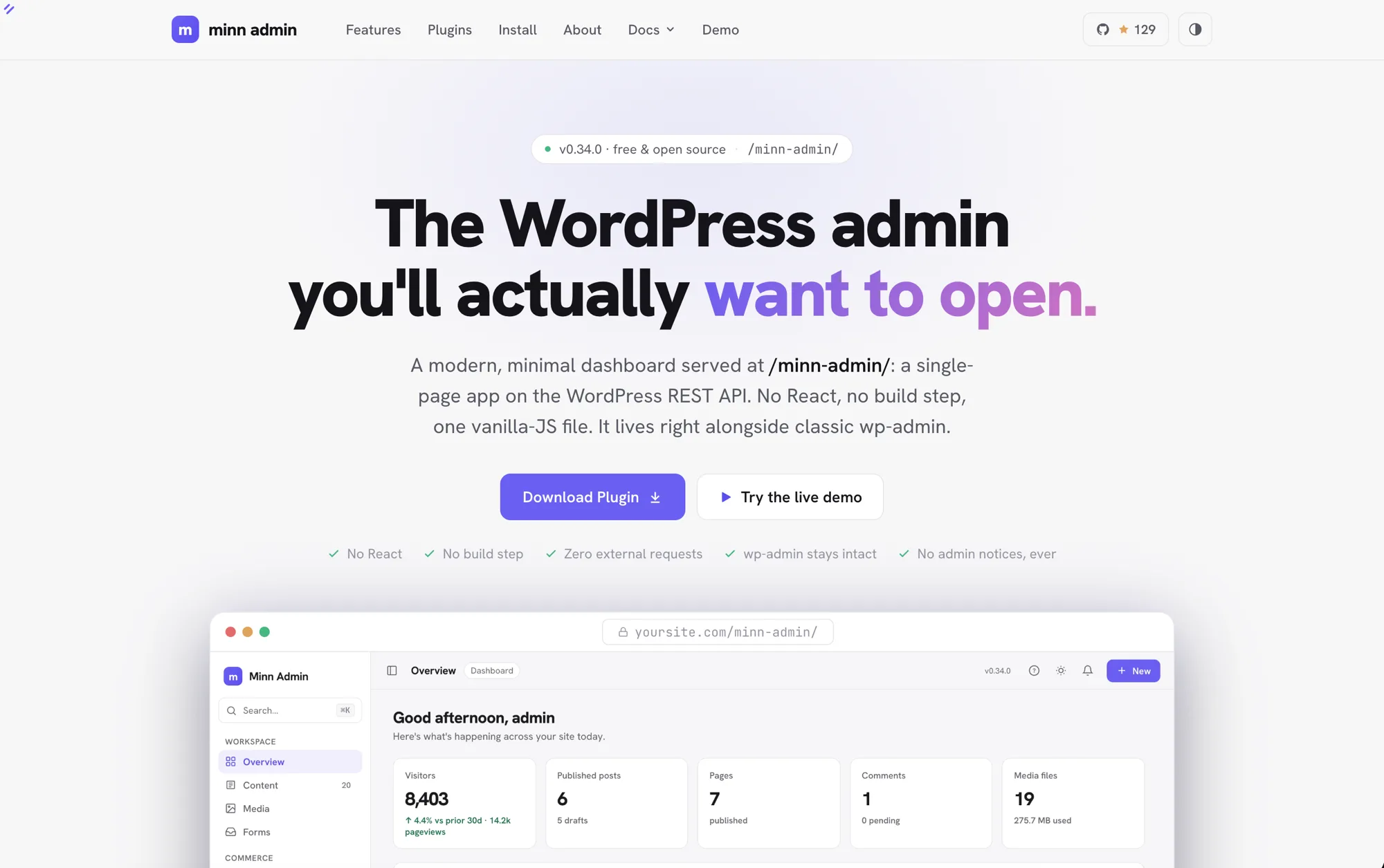
- Move a block with the keyboard. Ctrl+Shift+Alt+T moves the paragraph, heading, list or protected block under your cursor up one position, and Ctrl+Shift+Alt+Y moves it down (Cmd on a Mac). They are the block editor's own combinations, so the habit carries straight over, and pressing the opposite one puts the block back. Both are listed in the help dialog's Keyboard shortcuts.
Fixed
- Maintenance mode holds the whole site back. Turning maintenance mode on put a holding page in front of visitors, but the site's data endpoints kept answering, so every published post, page and file was still readable by anyone who asked for it directly. That is the same content the front page was already showing on a live site, and it is the wrong answer entirely on a site being staged before launch. Everything is held back now. Minn itself stays reachable, and so does anyone who can edit posts.
- The database browser stays inside this install. On hosting that puts several sites in one database, a neighbouring install whose table names begin with this one's could be opened from the browser, including its users table. The browser now works out which tables belong to a neighbour and leaves them alone, while a plugin's own table that happens to be named similarly stays where it belongs.
- A site's decision to hide the toolbar is respected. Turning the admin toolbar off for everybody is how a site says it wants no admin chrome on public pages, and the front-end bar was appearing anyway for anyone who had opted into it.
- Seven plugins are asked the question they ask themselves. Post SMTP, Wordfence, WPvivid, BackWPup, Asset CleanUp, WP Mail Logging and Gravity Forms each decide who reaches their screens in their own way, and Minn had been standing in with a general settings permission instead. A role built to manage settings without being an administrator could reach message bodies, login records, backups and the full forms roster that those plugins would not have shown them. Administrators are unaffected.
- A backup action names the backup you confirmed. Six backup surfaces read the item to act on in a way that let a value elsewhere in the request take over, so the confirmation you read could name one archive while the request removed another.
- Fields say only what they are for. A Forminator entry row was printing the server's own folder layout beside an uploaded file's address, a licence could be credited to a component that did not own it, and a linked venue or organiser could be read back by hand even when the picker would not have offered it.
- A redirect deletion only ever deletes a redirect. Removing a Safe Redirect Manager rule went through a helper that plugin has never actually shipped, so it always fell through to a permanent delete of whatever post carried that id, with nothing checking that the id named a redirect. A stray id could take a page or an order with it, past the trash, with no way back. The route now confirms its target first and refuses anything that is not a redirect, and it clears their cache afterwards the way their own screen does. Redirects also answer to the capability Safe Redirect Manager itself uses rather than a general settings one, so locking them down works and handing them to an editor works.
- Entry files keep Gravity Forms' protected links. The entries list handed back each uploaded file's real location. That address needs no login, never expires, and gives away the folder every other file on that form sits in, which is the one thing keeping them private. The list now uses the same protected link Gravity Forms uses on its own entry screens, as the entry detail already did.
- Each SEO plugin's own permission is asked before its fields are written. Four fields were offered to people their SEO plugin does not offer them to: SureRank reserves all of its per-post fields to administrators, Yoast withholds the schema type from the same people it withholds the canonical from, SEOPress files the target keyword under a second, separately controlled area, and All in One SEO keeps cornerstone on its Advanced tab. Each now answers to the rule its own plugin applies.
- The media an ACF or ACPT image field points at is authorized. Those fields accepted any attachment id, so someone who cannot upload anything could still point a field at a file that was not theirs and publish it. They now ask the same questions the SEO panel asks of a social image.
- A surface disappears when its plugin has taken it away. Some plugins decide who reaches a screen with a setting rather than a permission, and enforce it by not building the screen at all, which no permission check can see. Six surfaces stayed up after their plugin had withdrawn them: WPCode's snippet manager on a site limited to header and footer scripts, ACPT's option pages with the feature switched off or the licence lapsed, AnalyticsWP and Burst where the operator had narrowed access, Simple History while it was deliberately hidden, and All in One Security where its permission had been filtered. Each now asks its plugin the same question its plugin asks.
- A duplicated or pasted block is handled like every other stored block. Opening a post neutralizes anything in the saved markup that could run before it reaches the page. Duplicating a block, or copying one within a post, skipped that step, so the copy was treated differently from the original sitting next to it. Both now take the same path, and the saved markup is unchanged either way.
- Paste a video link without embedding it. Pasting a YouTube or other video link into an empty line turns it into an embed, which is usually right and sometimes exactly wrong: sharing several links should not fill the post with players. Paste without formatting (Ctrl+Shift+V, or Cmd+Shift+V on a Mac) now does what it does everywhere else: the link lands as plain text, nothing embeds, and copied markup or rich content pastes plain the same way.
- Choice fields in the Edit content dialog match the rest of Minn. A block setting with a fixed set of options (a stat card's color, an alignment) rendered as the browser's own dropdown, which ignores dark mode and looks nothing like the app. Those fields now use the same themed picker as everywhere else, typing filters the options, and picking one can no longer accidentally close the dialog.
- Clicking a linked image opens one panel, not two. An image with a link on it answered a click with both the image panel and the link popover at once, the same address editable in two places. The image panel is the one that owns an image's link, and it is now the only one that opens; link text elsewhere in a post keeps its popover.
- Deleting a bullet under a video no longer deletes the video. With a bulleted list sitting directly below an embed, pressing Backspace on a bullet could mark the embed above for deletion and then remove it. The editor now leaves list deletion to the browser, which handles it safely: the bullet dissolves into a plain line and the embed is never touched.
- Forms no longer needs Gravity Forms' REST API switch. The Forms surface used to appear only on sites that had turned on Forms → Settings → REST API, a switch most sites never touch, so a site could run Gravity Forms for years and never see its entries in Minn. Every request now goes through Minn's own routes over Gravity Forms' PHP API, which is always available, so the surface simply works, with their REST API on or off, behaving identically either way. The workflow endpoints also got stricter in the move: where their API accepts any entry property from anyone allowed to edit entries, Minn's accept exactly the three the surface uses (read, star, status).
- The front-end bar wears your color scheme. The bar on the public site kept Minn's stock purple no matter which appearance you picked on Your profile, so a site set to Ocean or a hand-built custom palette changed identity every time you stepped out of the admin. It now follows the same saved scheme as the rest of Minn: all the named presets and a fully custom palette, in light and dark alike.
- The phone launcher wears the same mark as the admin. On phones the front-end bar's corner tile rendered larger than the tile the admin sidebar wears, so the two views handed off between two sizes of the same mark. The tile is now identical on both sides (the tap target stays as large as before, only the visual shrank).
- The Format picker is there on a new post. A theme that adds post formats, a Link or a Quote or a Video, only offered them on a post that had already been saved, so the choice was missing at exactly the moment you were making it. The picker is in the Settings panel from the start now, and a new post begins on the default format from Settings > Writing, the way wp-admin has always started one. Leaving that default alone keeps it: a new post used to save as Standard no matter what the picker said.
v0.34.0 - August 21 2026
The good-neighbour release. Minn spends this cycle fitting in with the tools and habits already in place. A database push or pull runs through WP Migrate from a page inside Minn, showing what it will rewrite before it starts. ACPT's post types and taxonomies join the ones ACF, CPT UI and Minn create on one Structure page, with their fields editable on the post. Pages built in Etch become correctable copy instead of a picture of a page, and CleanTalk brings its spam accounts onto the Users list. The editor answers the keys people already press: Tab nests a list item and carries you from the title into the writing, three dashes or a typed hr both reach a divider, and a link can open a post already in focus or outline mode. On the public site the bar condenses to a single mark, the same tile the admin wears, resting on the same point of the screen so the two views hand off without anything moving.
The rest of the release is what people wrote in to say. Long product names stop printing over the column beside them, the products list is usable on a phone again, languages are named rather than coded, and a language you removed stops asking to be updated. The bundled fonts can finally draw the alphabets the plugin is translated into, which eleven of its twenty-four languages could not rely on before. A full security review walked the plugin end to end, found nothing critical, and everything worth fixing is fixed here.
Added
- Focus and outline mode from a link. Add
?focus=1or?outline=1to an editor address to arrive already in that writing mode, or?focus=0to arrive with it off. The link speaks for that visit only: it never changes your own saved preference, and leaving the mode by hand sticks. Useful for bookmarks and launchers that go straight to distraction-free writing. - An Etch page looks like itself in the editor, and all of it is reachable. Etch keeps a page's styling in its own store and hands it to the browser at the last moment, which a preview never reached: pages arrived with the right words and none of the design, white headings on white, sections with their backgrounds missing. They render properly now. Copy inside Etch's reusable components is editable too, and lines that Etch draws in a different order than it stores them are no longer skipped. Buttons finally have somewhere to change where they point: right-click a link and choose Edit link. The Replace image label sits on the picture rather than on the paragraph beside it, and pressing it now actually opens the picker.
- Field groups from every plugin share one place. ACF and ACPT both describe a named group of fields attached to something, and each had its own sidebar entry. They share one Field Groups item now, a list per plugin, and any plugin can add its groups the same way.
- ACPT field groups edit in Minn's builder. An ACPT group row opens the same schema canvas ACF groups use, with ACPT's shape kept intact: boxes sit above their fields as sections, and the fields inside them create, configure, reorder and delete in place. Seventeen ACPT field types are editable, choice lists keep their stored identities through a relabel so saved selections never orphan, number bounds ride ACPT's own advanced options, and repeaters nest one level with their sub fields. Where a group appears is editable too: the rules ACPT stores map onto the builder's location sets both ways, and a rule of a kind the builder does not model is shown as it is and saved back untouched. Every save runs through ACPT's own group-save machinery after checking the whole submission first, so a mistake refuses with a plain sentence and writes nothing. Field types beyond the editable set stay listed with their configuration locked, and ACPT's own canvas is one click away for those.
- The whole ACPT group lifecycle, without leaving Minn. Add field group creates one from a title and a "shown on" pick, ready to take fields; the row menu duplicates a group or deletes it behind a confirm that says plainly what ACPT's delete means (there is no trash, though values already saved on posts stay in the database). Export downloads a group in ACPT's own file format, so the file opens in ACPT's import screen on any site, and Import accepts those files back through ACPT's own pipeline: everything lands in one database transaction, anything that already exists here updates in place, and a file carrying post types or taxonomies beside its groups brings those along too, with a report of what came in. Two quiet safety rails guard quirks in how ACPT resolves names: creating a group under an existing name is refused rather than silently overwriting that group, and a new box cannot take a name another group's box already holds, which on some ACPT builds would silently move that box here.
- Every plugin's option pages share one place. ACF and ACPT each claimed a sidebar entry of their own, so a site running both grew two items describing the same kind of thing, and a theme with a page of its own had nowhere to put it. They gather under a single Site options item now, each page a tab, and any theme or plugin can add one the same way. A site with just one page still sees that page's own name rather than being renamed.
- ACPT option pages are editable in Minn. The site-wide fields ACPT keeps on its own pages, the business address, the phone number, the social links, were invisible here, so the most ordinary request after a handover sent people back to wp-admin. Each page a person is allowed to manage now appears under Tools with its fields ready to edit, and each page keeps whatever permission it was given. Two field types were also being read wrongly: a web address and a phone number are each stored with something beside them, a display label and a dialling code, and reading past that showed an empty box on a field that had content in it. Editing a link no longer overwrites a label someone wrote for it.
- Edit ACPT images, repeating sections and phone numbers. ACPT fields beyond plain text were listed as locked, which on a real site left a third of the fields on a page with nothing to fill in. Pictures use the media picker, repeating sections edit as rows, and a row keeps any part of itself Minn does not show.
- Etch copy and images edit in Minn. A page built in Etch keeps its wording somewhere Minn could not previously read, so it arrived as a picture of a page rather than something a client could correct. The words are editable in place now, and pictures can be swapped from the block's own settings, while the layout stays in Etch where it belongs. Fields that Etch fills in for you, such as a page's own title, stay read-only, since what you are looking at is the answer rather than the question.
- ACPT comes into Minn. Post types and taxonomies created in ACPT appear on Structure beside the ones ACF, CPT UI and Minn create, each marked with where it came from and each linking into ACPT's own builder for the parts only that builder can change. Posts get a Custom fields · ACPT panel for the field types Minn can round-trip through ACPT's public API (see the images, repeaters and phone numbers below); relationships and the other advanced fields stay locked and counted instead of being flattened. ACPT also joins Extensions → Licenses: the row reads only its local activation record, asks for the license code and account email together, activates through ACPT's own API client, and releases the seat through ACPT's manager. The rejected-key path is verified; a real-key success still needs a licensed account.
- Push and pull with WP Migrate, without leaving Minn. A Migrate page under Tools runs a database migration through WP Migrate: pick a direction, paste the other site's connection info, choose whether everything moves or only some tables, and watch it go table by table. Before it runs, the page shows what the migration will rewrite, so the address and folder swap that keeps the other site pointing at itself is something you read rather than trust. Every step is WP Migrate's own code on both ends, so a migration started in Minn behaves like one started on their screen. A pull replaces the site you are looking at, so it says so, asks first, and reloads when it lands. The page also shows this site's own connection info, so the other end can be set up from Minn instead of hunting through WP Migrate's settings: one click copies the address and key in the format their field expects, and the key stays hidden until asked for. Two switches decide whether another site may push here or pull from here, with a note when both are off, because the key alone will not connect without them. Media, theme and plugin file transfers stay in WP Migrate, which is where those add-ons live.
- WP Migrate's backups, beside every other backup. The .sql files WP Migrate writes, on their own or as the safety copy before a migration overwrites a database, now list as a provider in the Backups family next to UpdraftPlus, Duplicator and Disembark: each file with its kind, size and age, a card totalling what is on disk (with the honest note that these are database files only), a Download that goes through WP Migrate's own permission-checked handler rather than a bare file link, and a Delete that removes the real file through their machinery behind a confirm that says it cannot be recovered.
- WP Migrate joins the Licenses tab. A site running WP Migrate (the paid plugin from Delicious Brains, now WP Engine) sees its license beside every other paid component, with the state, a plain explanation, and paste-to-activate, re-verify and remove where WP Migrate's own code allows. Minn reads the key wherever WP Migrate keeps it, including the case their own screen makes normal: the key belongs to the person who entered it rather than the site, so the row says when the key on file belongs to someone else. An expired subscription is described the way it actually behaves, since migrations keep running and only updates and support stop. Removing the key clears it from this site and says plainly that the activation is not released, because WP Migrate offers no way to do that from here.
- Delete a customer without leaving Minn. Right-click a customer for a Delete option, or open one and use Delete customer. It runs the same flow as deleting a user: their content moves to whoever you pick, and the account is removed for good. Their orders are not part of that. Orders stay where they are, keep the billing details captured at checkout, and become guest orders, which the confirmation says before you commit.
- CleanTalk's spam users, on the Users list. When CleanTalk is active, Users gains a Spam tab of the accounts it has already marked. Right-click one to say it is not spam, or to delete it the way CleanTalk does: the account and the posts they wrote, no reassignment, with a confirm that says so. Checking existing accounts still happens on CleanTalk's own screen (it needs a date range and talks to their cloud in chunks); Minn links out for that, then lists and acts on the results. Settings → Comments shows the same count on the CleanTalk card, and ⌘K has Find spam users.
- Automatic.css joins the Licenses tab. Sites running Automatic.css (the styling framework beside Etch and Bricks) saw its license reported as missing even when a valid one was stored, because its options are named in a way the generic detector could never find. A dedicated reader now tells the truth, and the row carries the full set of controls: paste a key to activate, re-verify, and remove, each speaking to the Automatic.css server with exactly the request their own settings screen sends. A rejected key is explained in their own words and never stored, pasting the masked key from their screen is caught with a hint to use the full one, and a re-verify never rewrites the stored status (their server answers "not active for this URL" on a dev copy of a licensed site, which is about the copy's address rather than the license).
- SEOPress Pro joins the Licenses tab. A stored SEOPress Pro license was invisible whenever the Pro plugin sat deactivated, which is exactly how many sites rest: free running, Pro parked. The row now shows the license, its state and its renewal date whether or not Pro is active, and while Pro runs it carries paste-to-activate, re-verify and remove, each mirroring the requests SEOPress's own tooling sends. Removing a license releases the seat first and refuses to touch anything if the server does not confirm; a key defined in wp-config.php is honored, named as such, and never overwritten from a paste.
- CleanTalk's access key, in the same places as Akismet. It is a cloud token, not a purchase license. Settings → Connectors lists it next to Akismet as spam filtering: activate the plugin in place, then paste the key. The same paste lives on the CleanTalk spam card and on the Licenses tab, where the row is labelled as a key. Every door drives CleanTalk's own save-and-check; a rejected token is named, kept in the field for a retype, and never stored. A key supplied in code (the CLEANTALK_ACCESS_KEY constant) stays read-only.
Improved
- Type /hr for a divider. The block menu matched what you type against a block's name alone, so the obvious thing to type for a horizontal rule found nothing. Divider now answers to hr, rule, line and separator, in the block menu and in Browse all. Typing three dashes has always inserted one and still does.
- Tab nests list items. Press Tab anywhere in a list item to tuck it under the item above, and Shift+Tab to lift it back out, the way the block editor and the classic editor have always worked. It goes as deep as you need, undo walks it back a step at a time, and Tab on the first item of a list still moves on rather than doing nothing.
- Tab moves from the title straight into the writing. The formatting toolbar sat between them as sixteen separate Tab stops, which is the opposite of what the accessibility guidance for toolbars asks for. The toolbar is now a single destination outside the Tab order: press ⌥F10 while writing to reach it, move between buttons with the arrow keys, press Enter to apply one to your selection, and Escape puts the caret back exactly where it was. Every button keeps its name for screen readers, and the shortcut is listed in the help dialog.
- The Minn bar becomes a Corner Reveal. Only the Minn mark rests in the top corner until hover or keyboard focus reveals the site name and complete control set. It no longer asks themes to reserve a WordPress-toolbar-sized strip, hides while scrolling or moves around for overlays. On phones the mark opens the controls in a compact panel when tapped, so the site's own mobile menu stays visible. The mark itself is the same tile as the admin's own sidebar logo, resting on the same point of the screen, so moving between the site and the admin hands off without anything shifting.
Fixed
- A security review, and the fixes it asked for. An independent read of the whole plugin found nothing critical or high, and the eleven medium points it raised are all closed here. In plain terms: the admin app now refuses to be shown inside another site's page, so a hidden overlay can't trick a click; a contact-form entry built to trip the reader can no longer tie up the site; the database browser only ever shows this install's own tables, never a neighbour's on shared hosting; and across a dozen plugins that Minn re-exposes, an action now needs exactly the permission that plugin's own screen needs, so someone allowed less by SEO, redirect, gift-card, backup, snippet, media-replace or spam-filter tools can't reach further through Minn than through the tool itself. A gift-card balance change also now leaves a line in that plugin's own history, naming who made it.
- A licence can no longer be credited to the wrong product. When two things on a site used SureCart's licensing kit, the Licenses tab could show one product wearing the other's activation record: with an activated Etch and an unlicensed Etch theme, the theme read "activation stored" on the strength of the plugin's licence. The detector now looks only under the names a product would actually store its own record under, so the activated product shows its licence and the unlicensed one honestly says none. It also now says when a key was saved but never activated, which reads differently from an activated one.
- Activating no longer takes the site down next to certain older plugins. Two plugins that run during the same moment WordPress is still loading its helper functions, one that redefines a login check and one that asks for an admin address at that moment, could crash every page the instant this plugin was turned on. The address rewrite now waits until WordPress has finished loading.
- Opening a post can no longer run something the last writer left in it. A person allowed to save unfiltered HTML could leave working code inside a post, and it ran in the browser of whoever opened that post next, which on most sites is an administrator with more permission than the person who left it there. Stored content is now taken apart safely before it is shown, anywhere it appears: the editor, the read-only preview, block previews, the pattern inserter and the revision viewer. What you saved is untouched. The parts that would have run are set aside for display only and put back exactly as they were when the post is saved again, so a page of hand-written HTML still saves character for character, including code a site owner put there deliberately.
- Links are labelled by where they actually go. The name beside a link on the Extensions page was chosen by looking for a well-known address anywhere in the link, so a plugin whose update server answered with a lookalike address could earn the words "WordPress.org" or "GitHub" on screen. Those labels are the only thing telling you whose site a link goes to, so they are now decided by reading the address properly. The Open button in the editor's link panel also checks the link before offering it, which the Apply button beside it already did.
- The social image picker and the media folder list check who is asking. Setting a post's social sharing image accepted any media item by number, without checking whether the person was allowed to see it, so someone who can write a draft could learn the web address of files kept on other people's private posts. Since uploaded files are served to anyone who knows the address, that meant reading them. The image is now checked against the same permission the SEO plugins themselves put in front of that field, and its address is worked out here rather than taken from the request. Separately, the list of media folders answered to anyone who can write a post; on sites that file by client or by embargo the folder names say more than the files do, so it now asks for permission to upload, which is what every folder plugin asks for.
- The activity feeds no longer name posts you cannot open. A comment row on the overview says which post it was left on, and comments were being listed without checking whether the reader is allowed to see that post. Anyone who could open the overview was shown the titles of private, draft, pending and trashed posts that happen to carry a comment, along with the commenter's name. The drill-down went further: because of how it asked the database for comments, it also picked up records other plugins keep as comments, so a site running WooCommerce was handing order notes to people with no business seeing an order. Every one of these feeds now applies the same check WordPress applies to its own dashboard, and asks only for real comments.
- A snippet is judged by where it runs, not by what it is labelled. WPCode records what a snippet is and where it goes as two separate settings, and its own form only stops you pairing them in the browser, so a snippet can be labelled as markup while sitting in a spot WPCode actually executes. Turning one on, deleting one, or reading its source went by the label alone, which let it past the permission that governs code and past the setting a site owner turns on to forbid editing code from the dashboard entirely. All of these now read the location first, the way saving a snippet already did. Turning a snippet off is still always allowed, and a markup snippet in a spot that only prints it is unaffected.
- A free-text checkbox on a site options page can no longer carry working code. Checkbox fields that let someone type their own value, rather than pick from a list, were the one kind of options field saved without being cleaned up first. Since an options value is site-wide and themes usually print it as-is, someone who is trusted to write posts but not to write HTML could have left working code on every page showing that field. Those values are now cleaned the same way every other options field already was. Picking from a defined list is unaffected, fields on a single post are unaffected, and anyone already allowed to write HTML still can.
- Long product and customer names stay in their column. A long name ran past its column and printed across the ones beside it instead of trailing off with an ellipsis. Both lists shared the fault and both are fixed.
- The products list works on a phone again. At phone width a product row showed only its checkbox and the arrow at the end: the rule that decides which columns to drop and the one that makes room for the checkbox were each dropping a different column, and together they dropped nearly all of them. Rows show the product and its price again. Anyone who cannot edit products was unaffected, which is why it looked like the list had no phone layout at all.
- The admin's own fonts can draw the languages it speaks. Only the plain Latin part of each font was included, so Polish, Czech, Hungarian, Turkish and Vietnamese letters were borrowed from whatever font the device had, changing shape mid-sentence. Of the 24 languages this plugin is translated into, 11 could not be drawn by the font shipped to draw them. The accented Latin is now included, and only downloaded by readers whose language needs it. Alphabets this typeface does not cover, such as Cyrillic and Japanese, still come from the device, as they always have.
- Languages are named, not coded. Installed languages could show as "pl_PL" with the same code repeated underneath, and the site language menu could do the same, while the list of waiting translation updates beside them showed proper names. It depended on a cached list from WordPress.org that quietly expires, which is why installing any language pack appeared to fix it. Every list names a language the same way now, and falls back to the browser, which can always name one.
- A removed language stops asking to be updated. Removing a language left it listed under translation packs ready to update, because the check for WordPress core's own translations was skipped when it had run in the last minute, which this admin causes on nearly every screen.
- Nested lists stay nested when Minn saves them. A list inside a list item was saved as plain markup tucked into its parent item rather than as a list in its own right. Nothing looked wrong: the page rendered the same, and the block editor showed no warning. But it had quietly stopped seeing those indented lines as list items, so its own list controls no longer applied to them, and this happened on every save of any post containing an indented list, whoever wrote it. Such lists are now saved with their structure intact, including their own settings and any styling on the indented items. Lists pasted from Word were affected the same way and are fixed by the same change.
- The Minn bar gets out of the way of image lightboxes. The bar sits above WordPress's own toolbar, which also put it above anything a page opens over itself: click a screenshot to enlarge it and the mark stayed floating on top of the darkened backdrop. It now notices when something has taken the whole screen and sits behind it until that closes. It works this out by asking what is actually on top rather than by guessing at a number, so it steps aside for any lightbox or full-screen viewer, whichever plugin or theme opened it, and decorative full-page layers still leave it alone.
- Settings fields say what they are, and status text is readable in light mode. Every field on the Settings page had its caption sitting beside it as plain text rather than as a label, so a screen reader announced nine unnamed boxes on the Site tab alone, and clicking a caption did nothing. They are real labels now. Separately, several pieces of coloured status text kept the colours tuned for the dark theme: the core update chip, the update badge, the active and spam and license pills, the switch-back link and every soft Delete button all fell below the contrast minimum on a white background, one of them at 1.84 against a required 4.5. They use the darker light-theme colours that already existed for this purpose.
- A security review of this cycle, and everything it found. An audit went through the plugin again. Nothing it found could be reached by a visitor who is not signed in, and nothing let anyone sign in who could not already. What it found were places where Minn allowed or showed a little more than the plugin or WordPress screen it stands in for. All of it is fixed below.
- A snippet is judged by where it runs, not only by what it is called. WPCode decides which snippets to run from the place a snippet is filed under, and it never checks the snippet's type when it does. Minn asked only about the type. So a snippet filed as plain text, the one kind a person can write without permission to store raw markup, ran as code the moment it was placed in one of the spots WPCode executes, and that spot was both offered for every kind of snippet and the one chosen by default. Minn now decides from the kind and the place together, says plainly which places run code, and refuses a pairing it does not offer. Moving a live snippet into one of those spots counts as starting it, the same as switching it on. Two smaller repairs came with it: creating a snippet no longer forces its insert method on, and a switch sent as the word "false" is no longer read as on, which had let an ordinary rename start a snippet that was meant to run only where its shortcode appears.
- Removing a language removes only that language. Which files belong to a language was decided by looking for its code anywhere in the file name, and plugin names often contain something that is also a language code. Removing Ukrainian deleted the German files of a plugin whose name happens to start with "uk", on a site whose own language is German. Files are now matched against the languages the site actually has.
- Gift card codes and expiry follow WooCommerce. A gift card code is spendable by whoever holds it, and WooCommerce shows only its last characters to anyone below administrator unless the store says otherwise. Minn was printing the whole code with a copy button, and now follows the store's setting. Resending a card's email is also not the harmless act it looks like: WooCommerce's send routine records the card as delivered and can reset its expiry to never. Their own screen refuses this for expired and disabled cards; Minn checked only that there was an address, so a button labelled Resend email could quietly return a written-off card to circulation. It is refused now, and hidden on a disabled card.
- Deleting a network asks which network you administer. On an installation with several networks, the check for deleting one asked whether you administer the network you are looking at rather than the one being deleted, so one network could remove another along with its sites, content and users. Moving a site learned this last release; deleting a network beside it did not. Deleting the sites inside a network is also no longer implied by the request.
- Uploaded files and notes follow Gravity Forms. An entry's uploaded files were shown by their real address instead of the protected link Gravity Forms' own entry screen uses, and since the folder name is the only thing keeping those files private, one link exposed everything that form had received. Entry notes are a separate permission in Gravity Forms because that record also holds the text of every email the form sent; Minn was showing and accepting them on the permission for viewing entries.
- Every Perfmatters field that reaches the page is treated as markup. The rule that code fields need permission to store raw markup named the three boxes labelled as code, but the DNS prefetch list is printed into the page head with nothing escaped, so it is markup by any other name and was writable with ordinary settings permission. The rule now follows what a value does rather than what its field is called.
- A debug log outside the site is left alone when reading it too. Where the debug log points at a file outside the site, which on shared hosting is often a log the whole server writes to, clearing it already refused. Reading it did not: the viewer returned the full path on the server and the end of the file. Both now refuse.
- User and media lists stop where the caller's permission stops. WooCommerce gives shop managers a user list, then limits them to customers one account at a time. Minn kept going and showed staff and administrator email addresses, roles and whether they had an active login. The list and its login filters now follow that account-by-account rule. Image blocks and media folders learned the same lesson: an attachment inside a private post is no longer resolved or included for someone who cannot read it.
- Duplicate respects post types that cannot be created. A custom post type may allow an existing item to be edited while deliberately withholding the ability to create another. Duplicate checked only the first half, so it could create a draft anyway. It now asks the post type's own create rule before copying anything.
v0.33.0 - August 19, 2026
The long-view release. Overview still shows the recent pulse; a new Stats page is where you go to read the year: ranges up to twelve months, a custom window every analytics provider can answer, and breakdowns across the whole range, from top pages and referrers everywhere to countries, devices and search terms where the provider tracks them. Gift cards from three WooCommerce plugins share one Commerce inbox, and products and coupons now wear the same filter bar orders already had. Role defaults let a site choose the admin experience for each role without erasing anyone's saved preference, installed languages become visible and removable after years of silent accumulation, and Structure joins the rest of Minn in answering a right-click. Beneath the new surfaces, an outside security review walked the whole plugin end to end and everything it found is fixed in this release, while the Minn bar learned to hold its shape on sites with strong-willed stylesheets.
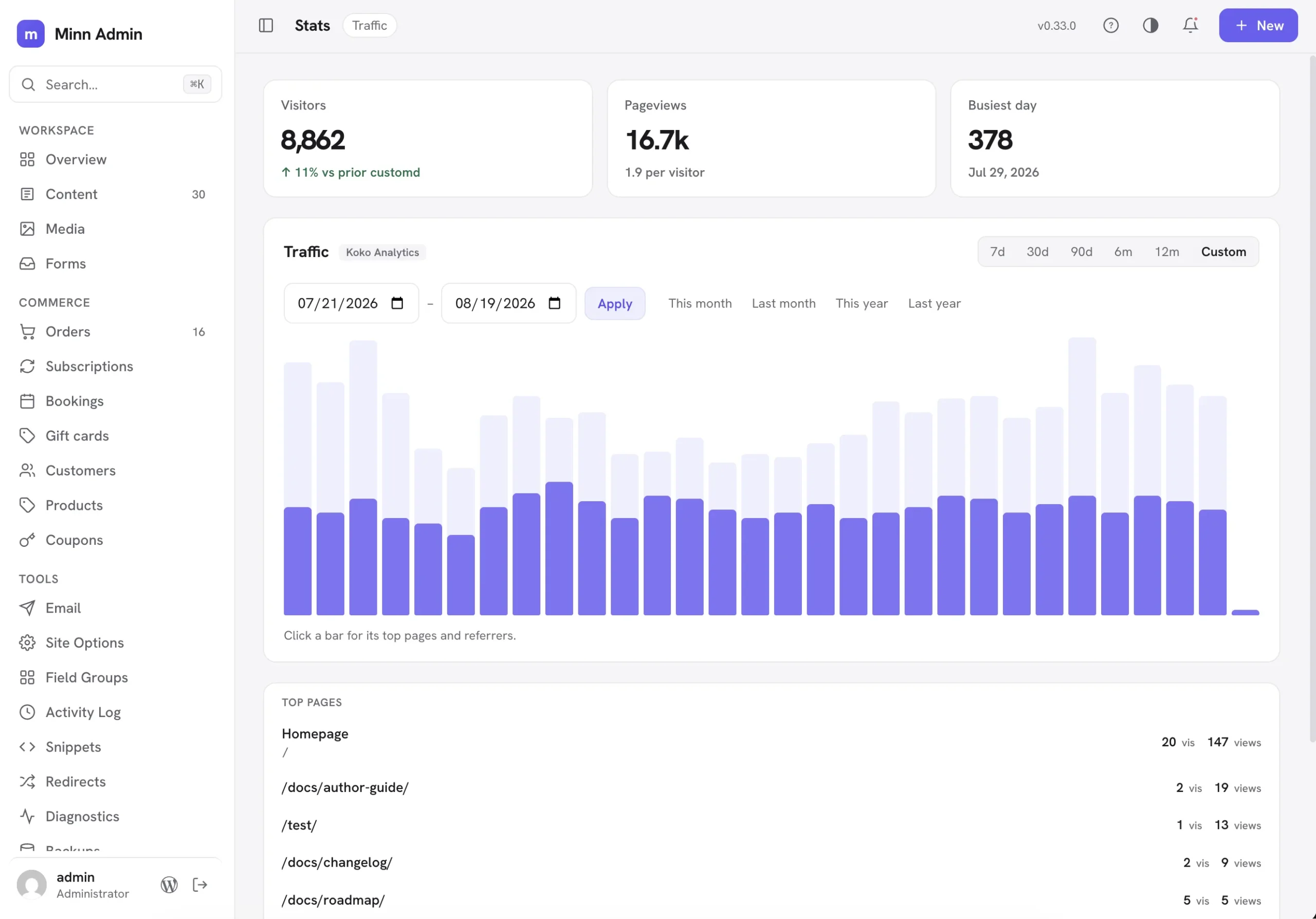
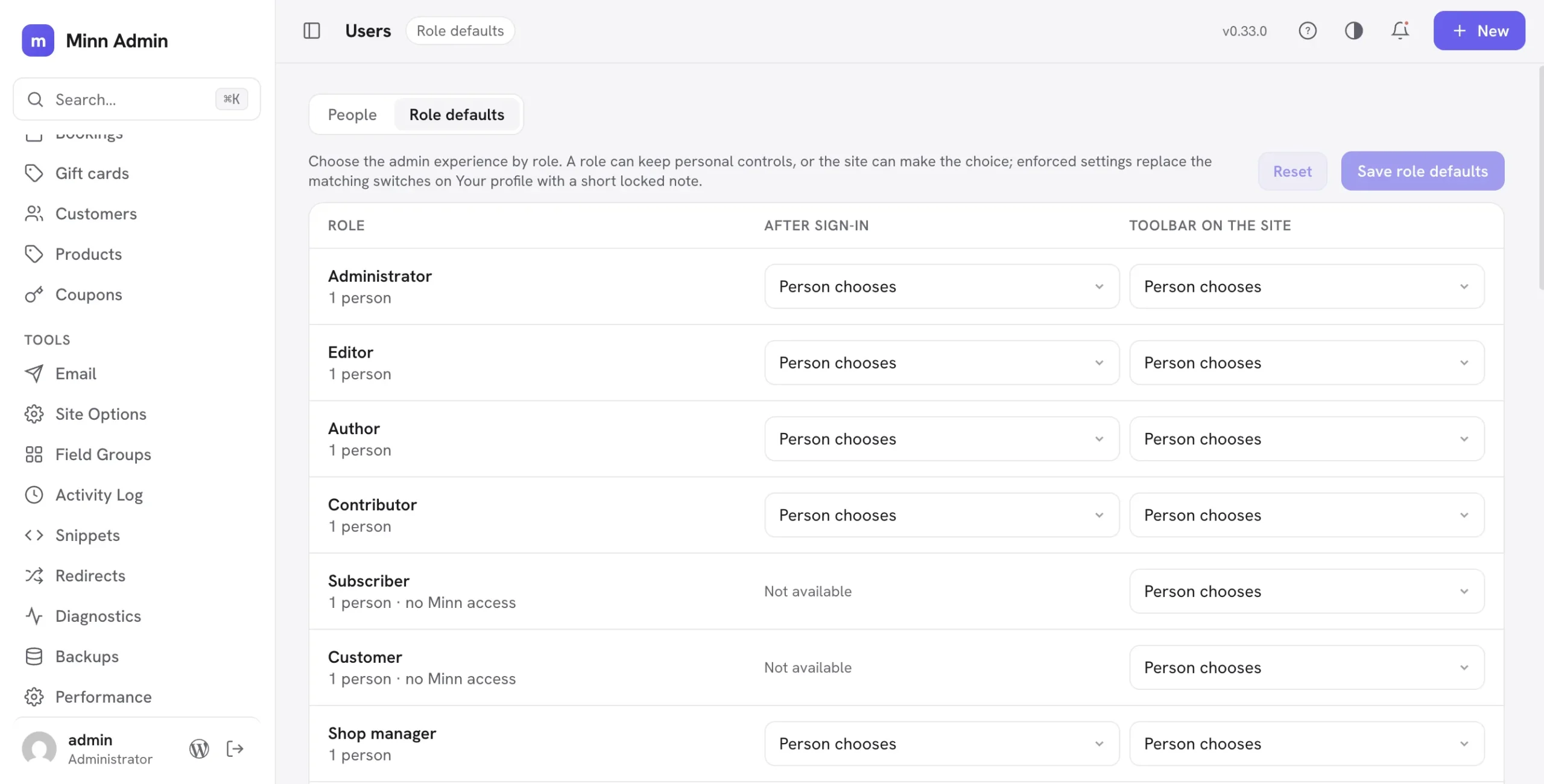
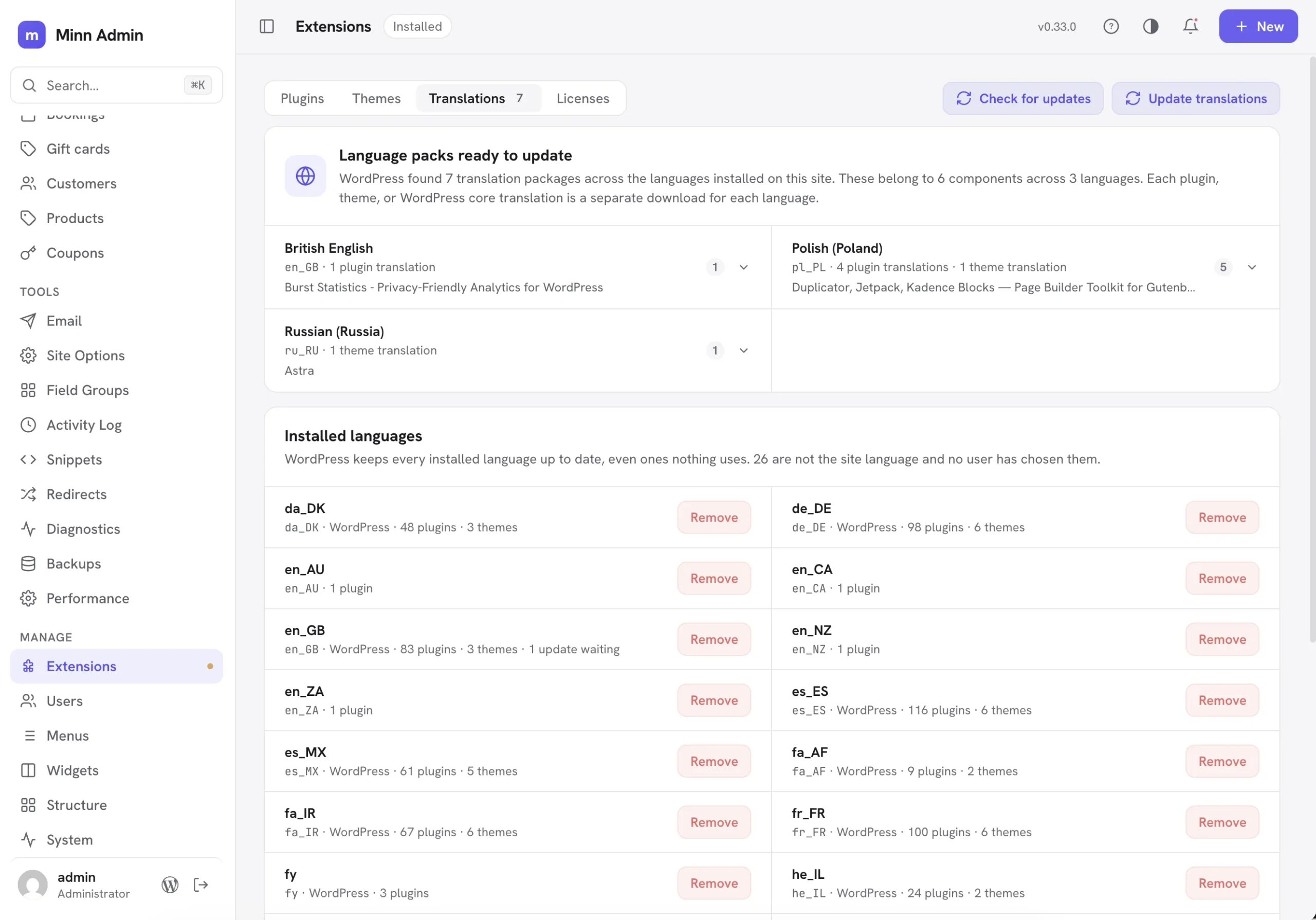
Added
- A Stats page for digging into traffic history. The Overview card shows the recent pulse; its new Open stats link (also the View traffic stats command in the palette) opens a dedicated page with ranges up to twelve months, including a custom date range: pick any window inside the last year, or one-click it with This month, Last month, This year and Last year, and every provider answers, because Minn slices the window out of the provider's own daily numbers. Switching ranges keeps the page steady; only the chart area waits. Visitor and pageview totals sit above a full-width chart, bars group by day, week or month to fit the range, and clicking a bar opens its top pages and referrers, the same drill-down the Overview chart has. Below the chart, breakdown panels cover the whole selected range: top pages and referrers from every analytics plugin Minn already reads, with richer dimensions where the provider tracks them (Matomo adds countries, devices and site searches; Jetpack Stats adds countries, search terms and outbound clicks). Plugins can feed the panels through a new
minn_admin_traffic_reportfilter. Everything rides the analytics plugin already on the site, and roles without reporting permission see a plain explanation instead of numbers. - A Gift cards surface, now a family. YITH WooCommerce Gift Cards (free and premium) is joined by official WooCommerce Gift Cards and PW WooCommerce Gift Cards (free and Pro). Same Commerce nav item, a provider switcher when more than one is active. Every provider lists cards with the Orders filter bar, leads with the outstanding balance the store still owes (expired cards are not counted), and opens a card to enable or disable, change the balance, or resend the email. The code copies with one click. Add gift card issues one by hand through each plugin's own generator, and the toast names the code it created. Product amounts, bulk generation, CSV, PDF and QR stay in the plugin.
- Installed languages, and a way to remove one. Extensions → Translations now lists every language whose files are on this site, not only the ones with an update waiting. Each language shows its locale, how many WordPress, plugin and theme translations it carries, and how many are waiting to update. Languages nothing uses get a Remove action that deletes their translation files and stops the downloads; WordPress otherwise keeps every installed language current forever, with no way to remove one, so a language tried once months ago is still being downloaded today. The site language and any language a user has personally chosen cannot be removed and say which of the two is holding them. Removing is not permanent: WordPress reinstalls a language the moment it is selected again.
- Role defaults: choose the admin experience by role. Users gains a Role defaults tab (administrators only) with two policies per role: what happens after sign-in (person chooses, or always open Minn) and which toolbar the role gets on the public site (person chooses, the Minn bar, the WordPress toolbar, or none). The controls use the same searchable dropdown as the rest of Minn. Enforced settings replace the matching switches on Your profile with a short locked note that says why. Enforcement is an overlay, never a write: changing a policy does not erase anyone's saved preference, and a role returned to "Person chooses" hands each person their previous choice back. Roles that cannot open Minn are marked honestly and are never offered a Minn policy.
- Leaving Elementor or Brizy opens Minn when it is the default admin. Elementor's hamburger still says Exit to WordPress, and Brizy's more menu still says Go to Dashboard. When Minn is the default admin, both items open Minn's front door instead of a wp-admin screen. People who have not opted in keep WordPress's destination.
Improved
- Products and coupons wear the orders filter bar. The two product tab strips (status and stock) and the coupon strip are gone. Status is the dropdown, one at a time because that is what WooCommerce accepts. Products add stock, category, tag, type, featured and on sale; coupons add a date window. Every filter is a native collection parameter and lives in the address, so a filtered list can be reloaded or pasted. Brand, price range and coupon discount type stay out: WooCommerce's collections cannot filter on them. Low stock is the store's own low-stock lookup, not a stock status. Product search matches the name or the SKU, not the name alone. Creating a product from the list now offers Open full page on the quick view, the same doorway an order already has.
- Right-click comes to Structure. Post type and taxonomy rows answer a right-click the way the rest of Minn does: open the definition, jump to that type's content, start a new item, manage a taxonomy's terms, and remove an editable definition. Entries only appear where they can actually work, so a type hidden from Minn offers no content shortcuts. Removing a definition now asks with Minn's own confirmation dialog, which spells out that existing content and terms stay in the database.
- A calmer order page header. The row of seven buttons is now two: Refund stays inline, and sending an email, copying the payment URL, the PDF documents and the WooCommerce link live behind a More menu. On a phone the back button takes its own row instead of squeezing the order title into a sliver. Two small blemishes went with it: the copy-shipping-address button no longer shows its hint twice, and a still-loading order no longer flashes an empty status chip beside its title.
- A quieter description for the Minn admin bar switch. The profile explanation shrank from a paragraph to one sentence, and the shorter text ships already translated in all twenty-four languages.
- The Playground demo already has Minn as the default admin. The signed-in admin lands with "Minn is the default admin" and "Minn admin bar on the site" turned on, so a later sign-in returns to Minn and the public site shows the Minn bar.
- Simple History's last-event time follows UTC. The status card used to read Simple History's stored GMT date as if it were the site timezone, so a Playground site set to America/Chicago showed "5 hours ago" for an event the list itself called "just now".
Fixed
- WP-CLI no longer dies while plugins load. A filter that points Choose Menu at Minn called a login helper before WordPress had loaded it, so any plugin that built an admin URL from its constructor (WPMU DEV Dashboard is the one that came up) crashed the whole command line. The rewrite now waits until those helpers exist, and the command line and cron skip it.
- The Minn bar stays out of page builders. Elementor's preview canvas (and the other front-end builders Minn already knows) hide the classic admin bar. The Minn bar is a replacement for that bar, so it now stays off those canvases too instead of floating over the editor. Brizy's editor iframe uses its own
is-editor-iframeflag, which is now recognised the same way. - The Minn bar sits above a theme's own header. Divi's fixed header (and other themes that use the same 99999 rung as the classic admin bar) was painting over the bar, so the homepage looked like the bar was missing. The bar now stacks above that chrome.
- Choose Menu on the public site opens Minn. When Minn is the default admin, a theme's empty-menu fallback (Beaver Builder's Choose Menu is the one that came up) goes to Minn's Menus screen instead of wp-admin. The classic menus screen is unchanged.
- Low stock still applies when you search. Typing in the products search used to drop the Low stock chip's meaning: the list became a plain name search and an in-stock product could appear while the chip stayed on. Search now runs inside the low-stock set. The same path remaps a low variation to its parent, because this list only opens catalog products, and combined filters such as Low stock + Featured ask WooCommerce for those parent ids.
- A gift card filter survives leaving the page. Coming back from another list used to keep the chips and lose the address, and a pasted search in the URL never reached the first request. The bar now writes the filters back on paint, sends a pasted search on the first load, and ignores a stale response when the filters change mid-flight.
- The products filter menu stays next to Add filter. Opening Featured (or any Yes/No filter) right after a list load used to pin the menu in the top-left corner, because the button it hung on had been replaced. It now finds the live button, and a list rewrite closes a stale menu instead of leaving it behind.
- A gift card switch has to say which way it goes. A request to enable or disable a card that left the field out was read as a disable, so a truncated or malformed request could quietly take a live card out of circulation. All three gift card plugins now refuse that request and say what is missing. Listing gift cards also stopped writing a warning into the debug log on every load.
- A gift card cannot be turned on by the word "false". Enable and disable go through the same boolean WordPress uses everywhere else, so the string "false" now means off. A typed code has to be plain text, and an amount larger than a real store card is refused rather than stored.
- A security review of the whole plugin, and everything it found. An outside audit went through Minn end to end. Nothing it found could be reached by a visitor who is not signed in, and nothing let anyone sign in who could not already. What it did find were places where Minn showed or allowed a little more than the plugin or WordPress screen it stands in for. All of it is fixed below.
- The site's admin bar keeps site posture to administrators. The bar on the public site named which coming soon, maintenance or password plugin the site runs, and said when the site was a staging copy, to anyone who can write posts. Minn already had a rule for that detail elsewhere, and the bar now follows it.
- A site on a network sees only the themes it may use. The theme list showed every theme installed on the whole network, with versions, and which ones the network had withheld from that site. It now shows what the site's own Appearance screen shows.
- Moving a site between networks asks about both of them. The move checked that the person administers the network the site is going to, never the one it is leaving, so on an installation with several networks one of them could take a site out of another, along with its content, users and settings. Deleting a network and moving a site also read their target from whichever part of the request answered first, so a stray value in the body could act on a different network than the one the address and the confirmation named. Both now read the address only.
- Booking staff limits are honoured in full. LatePoint restricts a member of staff by agent, by location and by service. Minn applied only the first, so a person scoped to one location could see, approve and cancel appointments outside it, which sends the customer an email. Amelia grants seeing and changing other people's appointments separately, and Minn decided both from the seeing one.
- Opening a saved rich text value cannot run anything inside it. The check that cleaned a stored value named only a handful of things to remove and then re-read the cleaned copy as text, which undid the protection. Several ways of running code walked through. Tables, images, links, lists and formatting still come through exactly as saved.
- Addresses are checked wherever they are used. Typing a link, opening a page from the traffic report, and entries a plugin adds to Minn's own lists all now go through the same check, which allows ordinary web addresses and refuses anything that would run code or point off the site.
- Every custom field on an options page follows the same rule. Values saved on an options page print across the whole site, and the rule that strips unsafe markup reached only the fields at the top of the page, not the ones inside a repeater or a section. A web address is now stored the way it was checked, and importing a field group cannot overwrite an unrelated page.
- Guards that quietly did nothing now work. On a site with file editing turned off, the control that switches a code snippet on was withdrawn by comparing the button's wording, so it did nothing at all in any language other than English, and it never covered the same control in the bulk menu. Saving a snippet also always turned its insert method on, so a snippet meant to run only where its shortcode appears started running everywhere the next time anyone renamed it. The stored insert method is now carried through, and switching it is a field people can see rather than something a save decides for them.
- The Minn bar keeps its shape on sites with hand-written link styles. A site whose custom CSS draws a border under every link and changes how links lay out was redrawing the bar's menus: a line under every item, icons stacked above their labels, and the site's letter spacing leaking into the bar's text. The bar now states its own layout, underline and spacing rules firmly enough that the site's styling cannot reach them.
- Your picture shows on the Minn bar even when the site hides avatars. The Discussion setting that hides avatars in comments also blanked the bar's account button. The bar is part of Minn, not the page, so it now shows your picture the same way the rest of the app does.
- Shared server logs are left alone. Where the debug log is configured to a file outside the site, which on shared hosting is often a log the whole server writes to, one of the two ways to reach it printed the full path and would empty it. Both now refuse.
- Smaller boundaries tightened. The System page no longer reports network wide facts to a single site's administrator. Deleting expired saved values on a network now asks a network administrator before touching values every site shares. The content feed no longer says whether a published post has unsaved edits, or who is editing it, to people who cannot edit it. Adding an existing account no longer answers differently for a network administrator's address, which had let someone test addresses to find them. The people picker no longer lists the site's users before anything is typed. A pasted licence key that fails to activate can no longer lose the working key it replaced. And a workaround for one page builder no longer lets any visitor quiet what the site writes to its log.
v0.32.0 - August 18, 2026
The front-door release. Minn now travels with you onto the public site through its own quiet admin bar, putting search, creation, contextual editing, notifications and site status one click from the page you are looking at. Extensions gains a Translations tab too, turning language-pack notices into a real grouped update workflow with visible progress for large batches. Back inside daily work, custom post types become first-class creation targets and Amelia, LatePoint and Bookly gather into one Bookings inbox. Plausible, Squirrly, Breakdance Pro and WP Multi Network deepen the places Minn can meet a site's existing tools, while tighter permission boundaries keep that wider reach grounded.
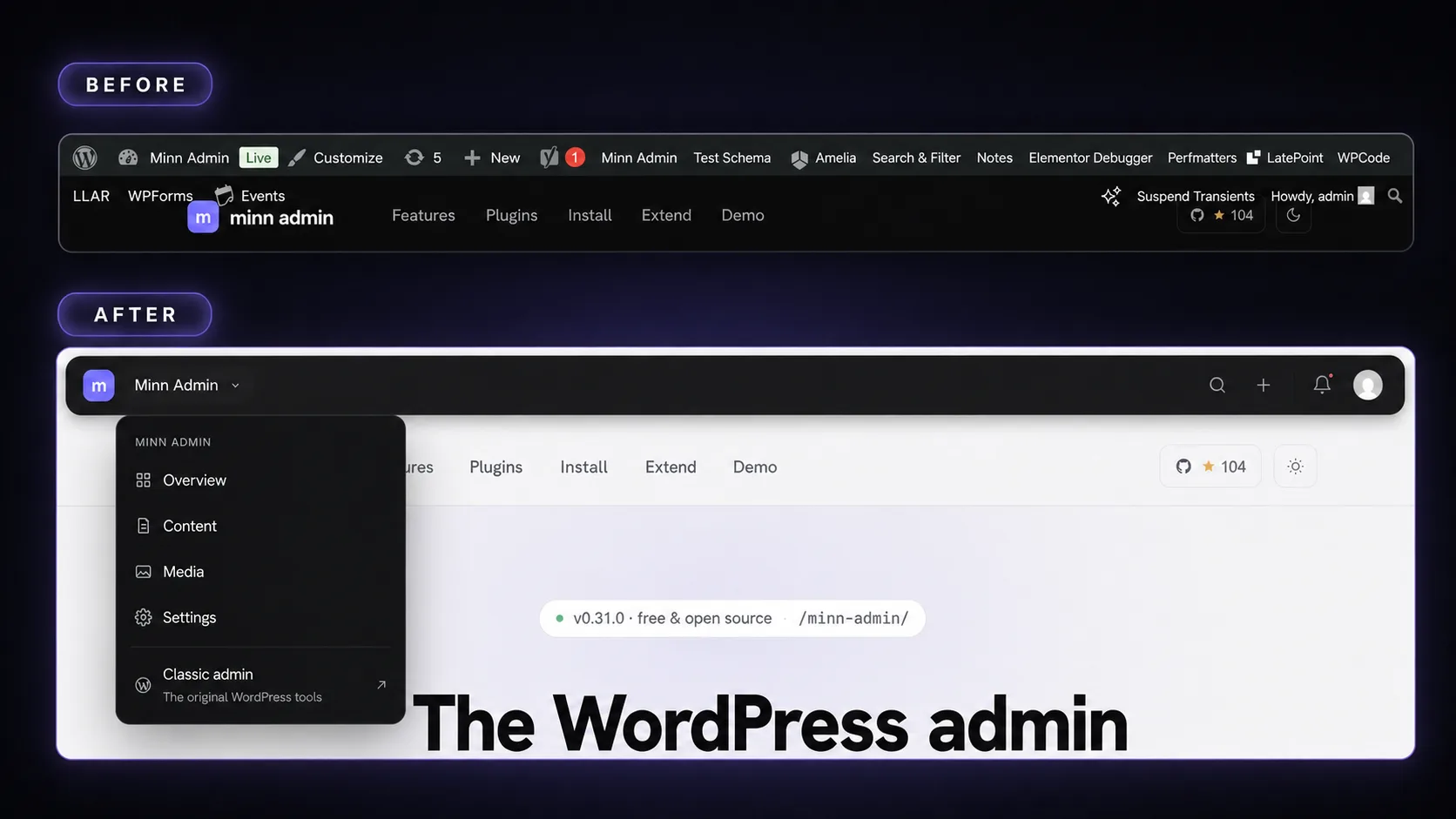
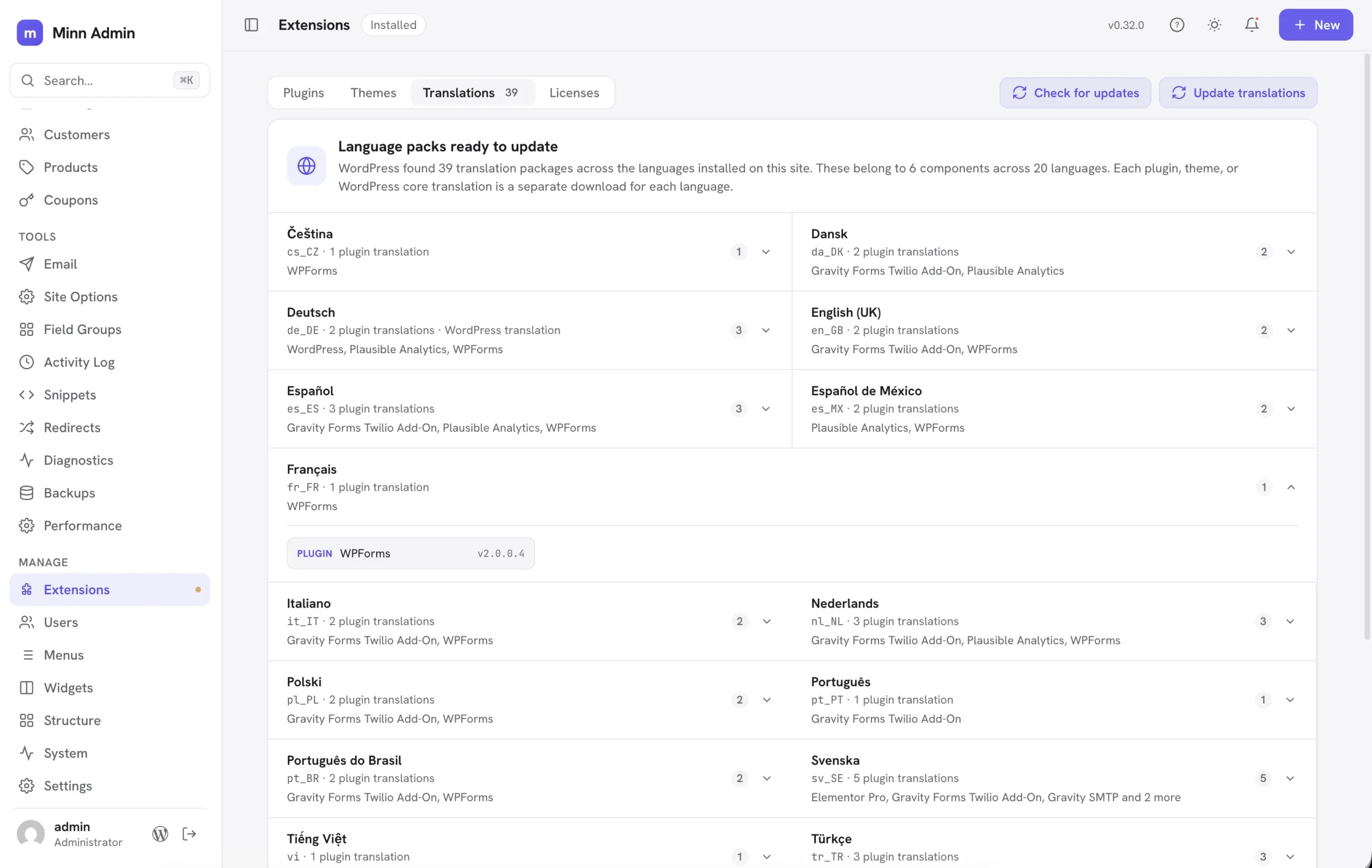
Added
- Translations have a home in Extensions. Language-pack notices now open a Translations tab grouped by language, with the pending package count and an update action of its own. Each language names the plugins, themes or WordPress core package behind it, and the page explains why a multilingual site can have hundreds of separate downloads. A large update keeps a progress marker in the top bar and explains that it may take a few minutes. Check for updates keeps translations in sync with plugins and themes.
- Minn speaks Frysk. Frisian joins the language packs under its WordPress locale
fy, carrying the same per-user language switch, update flow and plural handling as the other twenty-three translations. - Breakdance Pro joins Minn. Extensions → Licenses reads Breakdance's locally stored Pro status and expiry, then activates, deactivates and re-verifies through Breakdance's own license manager. A rejected key restores the prior key and status. Pages and posts carrying
_breakdance_dataare fenced as builder-owned content, with a plain message and a direct Edit in Breakdance ↗ link to Breakdance's full-screen builder. The fence stays in place while an installed Breakdance is inactive and points to Extensions so it can be turned on safely. - Plausible Analytics joins the Traffic chart. Sites using Plausible's official WordPress plugin now see daily visitors and pageviews on Overview, with top pages and traffic sources when a chart bar opens. Minn reads through the same shared dashboard the plugin creates for its own WordPress screen, keeps that access grant on the server, and links the detail back to Plausible's full dashboard. Plausible stays ahead of broad fallbacks such as Site Kit and Jetpack Stats, while a local analytics plugin keeps precedence when both are active. It also appears with the other analytics choices in Add plugin.
- Squirrly SEO joins the editor SEO panel. Sites running Squirrly now get the same title, meta description, focus keyword and social thumbnail fields as Yoast, Rank Math, AIOSEO, SEOPress, SureRank and SiteSEO. Reads and writes go through Squirrly's own per-page SEO service, so the hash, the table and the sanitizers stay theirs. Scores and the Live Assistant stay one click away in Squirrly. Yoast remains the first-active-wins resident when more than one SEO plugin is on. The Add plugin dialog's SEO card now lists Squirrly and SureRank with the other wired SEO plugins.
- Amelia appointments join Minn. Sites running Amelia now have a Bookings item in Commerce: upcoming appointments in a list, filters for pending, today and canceled, search by customer or service, and a card with the customer, the service, the employee and the time. Approve, cancel and mark no-show go through Amelia itself, so the emails Amelia would send still go out. The calendar, employee hours and the booking form stay one click away in Amelia.
- LatePoint appointments join the same Bookings inbox. LatePoint Lite (and Pro) now sit beside Amelia under Bookings: upcoming appointments, pending / today / canceled filters, search, a contact card, and approve / cancel / no-show through LatePoint's own status update so its notifications still fire. Agents who can only see their own bookings stay scoped that way. The calendar, agents and the booking form stay one click away in LatePoint.
- Bookly appointments join the same Bookings inbox. Bookly now sits with Amelia and LatePoint: upcoming appointments, pending / today / canceled filters, search, a contact card, and approve / cancel through Bookly's own customer-appointment status so its emails still go out. Staff who are not supervisors only see their own bookings. Bookly has no no-show status, so that action is not offered. The calendar, staff and the booking form stay one click away in Bookly.
- A Minn admin bar for the site itself. Turn it on from Your profile and the public site swaps the classic admin bar for Minn's own quiet, floating bar. It carries only what matters on the front end: search that opens a command palette right on the page (go anywhere, run a command, or find your own content and jump to its editor), a create menu, an Edit button for the page you are looking at, notifications, and your account. Beside the site name sits a status chip that stays empty on a healthy public site and only appears when something needs attention, such as coming soon, maintenance mode, a password gate, hidden from search engines, or a staging environment, with a one-click way to turn the mode off. The bar slides out of the way while you scroll down and returns when you scroll up, so a theme's own sticky header keeps the top edge. Flipping between the site and Minn is one click in each direction: the m mark on the bar opens Minn, while in Minn's sidebar the site icon returns to the site and the site name goes to Overview. The topbar's separate View-site button is retired, since the sidebar icon is now the doorway. The notification peek is live: opening one marks it read and jumps to the thing it describes, so an update lands on Extensions and a comment lands in moderation. The bar claims no keyboard shortcuts, because the site's own pages may use them. It is strictly per person: everyone who has not opted in keeps the classic bar exactly as before, and wp-admin keeps the classic bar for everyone. The Edit button knows who really renders the page: a page built with Elementor, Beaver Builder or another canvas-owning builder says "Edit in Elementor" and opens that builder directly, while everything else opens the Minn editor. Administrators on a site with a wired cache plugin get a Clear site cache command in the page palette, running the same per-layer purge as the app. The bar also steps aside while a lightbox or full-screen menu is open instead of floating above it, and on phones the floating pill becomes a plain full-width strip.
- Custom post types are creatable everywhere the built-ins are. A post type registered by ACF, CPT UI, a theme, or Minn's own Post Types manager now appears under its own name in the + New menu, gets a Create new command in the palette, and opens a proper blank document at its own editor address. The blank document reads the type's registration for what belongs in the sidebar, so a type without excerpts or comments simply does not offer them, and only people allowed to edit that type see its entry. Previously these types could be browsed and edited but not created, and adding an item meant going back to wp-admin.
- WP Multi Network joins the Network workspace. When WP Multi Network is active, network administrators get a Networks directory with site and administrator counts, network creation with a root site, and guarded permanent deletion. An ordinary site can move to another network from its right-click menu or detail card through WP Multi Network's own API. The primary network, the network in use and every network main site stay protected, while domain and path changes remain in WP Multi Network's dedicated editor.
Improved
- The help dialog teaches the flip. About Minn gained a "Flip to the site and back" section: the site tile and the m tile shown with a swap mark, and a plain explanation that the corner tile crosses over in both directions. The right-click section now calls itself one of Minn's hidden gems rather than the least discoverable thing.
- A crowded form list becomes a picker instead of a pill hunt. A surface's tab strip (the per-form tabs on Entries, for example) already swapped to a searchable dropdown past six tabs, but the count was only half the story: six forms with long names overflowed just as badly, spilling across the status filters and search box with scroll arrows floating over the text. The switch now also considers how wide the labels actually are, so a strip that would not fit becomes the dropdown. Quiet filter strips also scroll properly when a row squeezes them instead of painting over their neighbors.
- Markdown can become formatted content when pasted. Raw Markdown copied from a text editor, GitHub or an AI tool can arrive looking like a code block. Minn now recognizes clear Markdown and asks whether to format its headings, lists, quotes, tables, links, emphasis and fenced code or keep the clipboard exactly as it came. Ordinary prose and rich Word, Docs and web-page pastes keep their current behavior, and anything pasted inside an existing code block always stays literal.
- The sidebar separates publishing from commerce. Workspace now stays focused on content, media, comments and form entries. A conditional Commerce group holds Orders, Subscriptions, Bookings, Customers, Products and Coupons in a stable workflow order, showing only what the site's plugin mix provides. Note composers also replace the cramped customer-visible checkbox with a clear Customer can see this note switch.
- A subscription carries its daily work in the row menu. Right-click one to open it, glance at the quick view, reach its customer or parent order, jump to WooCommerce, activate it, put it on hold or cancel it. Cancellation asks first because it stops future renewals; existing orders and payments stay where they are.
- The plugin catalog catches up with Minn's daily-work surfaces. Add plugin now has Bookings for Amelia, LatePoint and Bookly, Page builders for Breakdance Pro, plus Site visibility for the seven coming-soon, maintenance and password plugins Minn already watches. Ten vendor-distributed plugins that Minn covers deeply now carry ZIP badges instead of trying a WordPress.org install that cannot work: WooCommerce Subscriptions, Gravity Forms, Gravity SMTP, Perfmatters, ACF PRO, Elementor Pro, WPForms Pro, WP Rocket, AnalyticsWP and Breakdance Pro. Each explains where its package comes from and points back to the upload area; Gravity SMTP correctly notes that it comes with a qualifying Gravity Forms license rather than calling itself a standalone paid product.
- A booking opens like an order. Clicking an appointment used to raise a small contact card with a raw UTC timestamp packed into one line. It now opens its own page in the same two-column shape as an order: the service and time on the left, the customer and notes on the right, dates written the way people read them, and Approve / Cancel sitting in the header.
- Custom-field dropdowns match the rest of Minn. A choice field (select, radio, button group) in the Custom fields dialog used to open the operating system's own menu. It now uses the same searchable dropdown as settings and the field group builder: click to browse, type to filter. Clearing is still the blank row at the top. The same control is used inside repeater rows and on an ACF block's settings form.
- Custom fields in a revision sit in the same comparison as the content. A field change used to stretch a sidebar row across the wide revision dialog, then a second card repeated This revision / Current above the content. Field rows now open the same comparison: one pair of column titles, a labeled Custom fields band, then the values (a color shows a swatch, and an empty value uses the same quiet empty state as a missing content block). The content follows under its own Content band, so it is always clear where the fields stop and the page begins, and the band labels stay pinned while you scroll a long comparison.
- Coupons have a right-click menu. Right-click a coupon row to open it, copy the code, publish it or move it to draft, delete it behind the usual confirmation, or jump to WooCommerce's own editor, without opening the detail window first. The same convention products already follow.
Fixed
- The coupon window reads cleanly again. A style-name collision squeezed the two option checkboxes into overlapping labels that spilled onto the usage line, and the Save and Delete buttons stacked instead of sharing a row. Both render properly now, and the same collision is fixed in the order refund box's checkboxes.
- The Database health page no longer logs warnings on MySQL 8. MySQL 8 returns table metadata under different column names than MariaDB, so the storage engine, reclaimable space and auto-increment checks read fields that were not there and wrote a PHP warning to the site's log on every visit. The queries now name every column the same way on both servers.
- Quieter logs all around. Entering a time without seconds in an ACF time or date-and-time field wrote a PHP warning while saving fine; it no longer does. A feed request that asks only for Minn's builder or SEO detail, without the post id, answered with a warning in the log; both now answer quietly. On PHP 8.5, license checks for Gravity SMTP logged a deprecation notice on every run; that is gone too.
- The command palette no longer opens behind the About Minn dialog. Pressing the palette shortcut while the dialog was up put the palette underneath it. The dialog is informational, so it now steps aside and the palette opens on top.
- Adding an existing account to a site asks that person first. On a network, a site administrator could type a username into Add existing user and find out whether that account existed anywhere on the network, then attach it to their site without the account holder hearing about it. Network administrators are the only ones who can look an account up by username now, because an email address is something the person adding already has to know. Everyone else sends a confirmation link and waits, so joining a site stays the account holder's decision. Network administrators themselves cannot be pulled into a site this way at all, and adding an account works exactly as before for the network administrator doing it.
- Publishing a snippet counts as writing it. Turning a Custom Code snippet on runs its code, so the permission to author that kind of snippet is checked when it is switched on. One of the two ways to switch a snippet on was deciding that question from whether the request carried code, and the editor sends the on and off state with every save, so a save could switch on a snippet the same person had just been told they could not edit. Renaming a snippet that is already running is untouched. Minn also honours WPCode's own refusal of code it considers unsafe, which until now only applied when the snippet was written on WPCode's own screen.
- Which page builder runs the site is no longer public. A visitor reading the site's public content feed was told which page builder manages each page and given that page's builder editing address. It was a description of the admin rather than of the published page, and it is now visible only to someone who can edit the page, like every other detail Minn adds to that feed.
- Clearing a transient clears the one you picked. A saved value whose own name contained the words "site transient" was mistaken for the network's copy, so clearing it left the value you picked in place and cleared a network one instead. On a network, clearing a genuinely network-wide value is a network administrator's job now, since every site on the network shares it.
- A link field will not accept an address that runs code. The check for dangerous web addresses read the text exactly as typed, but a browser quietly ignores stray spaces and invisible characters before deciding what kind of address it has, so a few disguised spellings slipped past. Addresses are now read the way the browser reads them, and WordPress makes the final call. The plain address field, which had no check at all, is covered too.
- Site-wide options written by an editor are held to the same rule as the rest. Values saved on an options page are printed across the whole site, and the rich text field on those pages already refused unsafe markup from anyone without the raw-HTML permission while the plain text fields did not. They all follow the same rule now. Fields saved on a single post are unchanged.
- An options page that says nobody may see it is believed. A page can be locked down by declaring an empty permission, which WordPress reads as "no one". Minn read the same empty value as "nothing was declared" and fell back to showing it to anyone who can write posts.
- A picker no longer answers questions about email addresses. Searching for a person in a relationship field searched their email address as well as their name, so the picker could be used to ask whether a given address had an account. It now searches the names it actually shows, unless you have permission to browse users anyway.
- Field lists respect the kind of content they belong to. Asking a podcast, events, listings or podcast-hosting panel for its field list without naming a post returned the whole list to anyone who can write an ordinary post, including field names a site added itself. The question is now answered against the kind of content the panel belongs to.
- Importing a field group cannot overwrite something else. An import file could name the entry it landed on, and a hand-edited file could name a real post and overwrite it. What gets written is decided by the group's own key.
- Opening a rich text field no longer runs what is inside it. Editing a saved rich text value opened it in a way that let anything hidden in it run. It opens inertly now, with only the runnable parts removed, so tables, embeds, images and links come through exactly as they were saved.
- Snippets keep the permission they were given. Turning a snippet on through the editing screen skipped the check the dedicated on and off switch applies, and one kind of snippet was being saved with no check at all. Reading a snippet's code now asks the same permission as changing it, which matters on sites that split those permissions by snippet type.
- A design library that cannot be reached is retried. One unreachable fetch of the Stackable design library was remembered for a week, leaving the library empty until it expired.
v0.31.0 - August 16, 2026
The ACF release. Advanced Custom Fields is where much of the WordPress world keeps its real content, and until now almost none of it was editable in Minn. Every field group now renders in the editor with no settings to change, and the fields themselves are genuinely editable: repeaters as rows, flexible content as sections, galleries, images, colors, dates, files, rich text, relationships and conditional logic all working the way ACF intends. A theme's options pages gather under a single Site Options entry, ACF blocks open their own settings form, and field groups get a manager and a real builder, with location rules, repeater sub-fields, and import and export that speaks ACF's own JSON.
In the same cycle, contributed by Renan Diaz, the WooCommerce product page takes the shape merchants already know: a readable main column, variations as rows, taxonomy fields that check off in place, and uploads that show their progress.
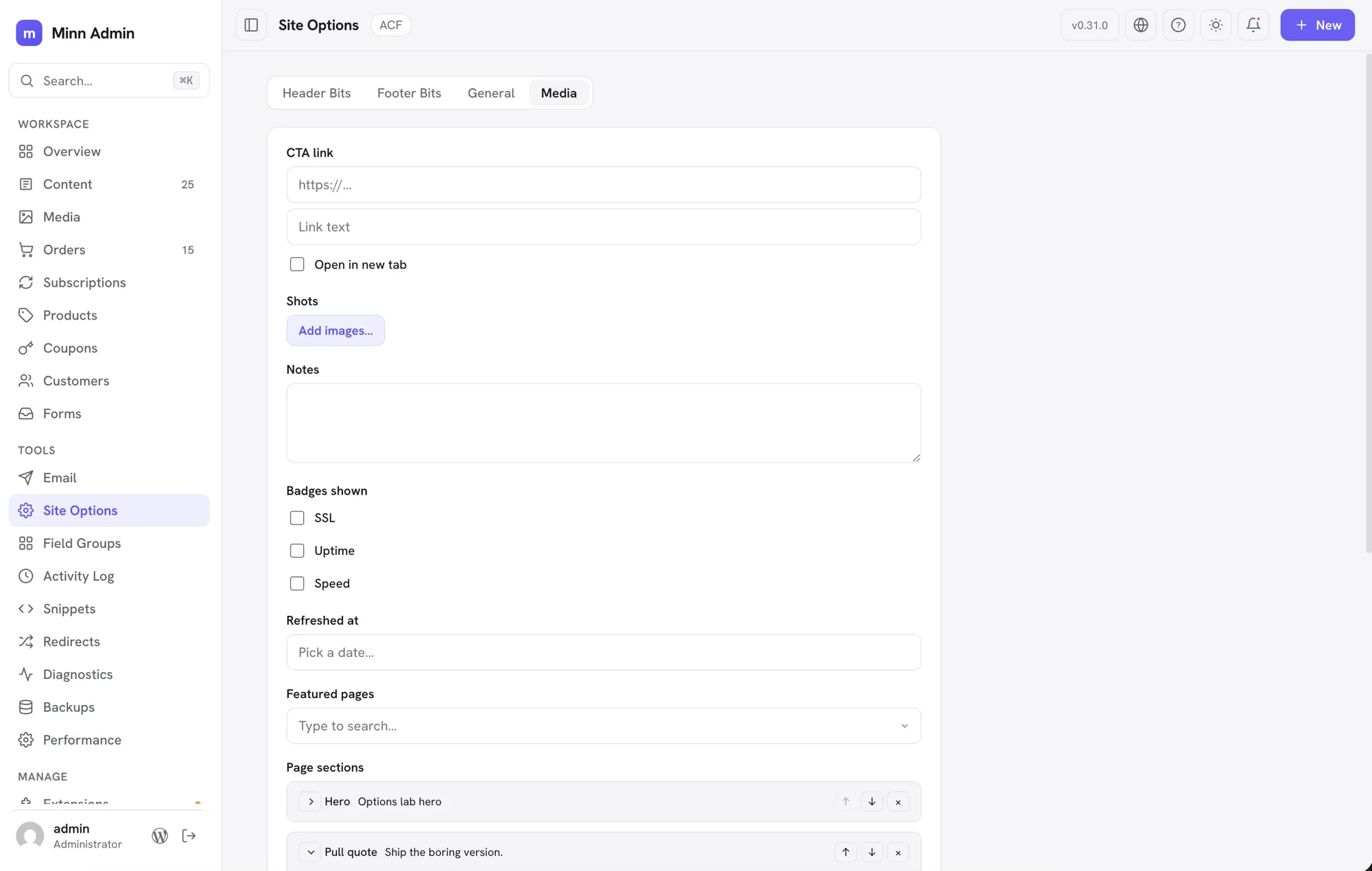
Added
- Add a category, tag or brand from the product. Contributed by Renan Diaz. Filing a product used to stop at the terms that already existed, so a new category meant a trip to WooCommerce and back. The taxonomy fields now carry an Add new door that opens a small dialog, where the name is typed on purpose and a category can be given its parent. Enter in the field still refuses to create a category by accident, because a typo in a tree is a mess to undo.
- Uploads say what they are doing. Contributed by Renan Diaz. Sending pictures to the media library used to show nothing but a spinner, which reads the same at two percent and ninety. The picker now names the file, counts it against the batch and fills a bar as the bytes go out, so a large image on a slow connection looks like progress rather than a hang.
- Location rules edit in place. The builder now carries ACF's location logic: rule sets that combine with or, rules that combine with and, each a readable sentence (Post type is Videos, User role is not administrator) over the site's real post types, templates, statuses, taxonomies, options pages, blocks and roles. Rules Minn doesn't model stay visible, survive saves untouched, and keep their pointer to ACF.
- A real field group builder. Opening a field group now lands on its own builder page, the way ACF works: stack fields, click one to configure it inline (label, instructions, required, defaults, choices, placeholders, ranges), add new fields whose names derive from their labels as you type, drag rows to reorder them, duplicate a field with one click, remove, and save the whole group with one button. Field names lock after the first save so stored content can never be orphaned, groups registered in code open read-only, and field types Minn doesn't configure keep an honest pointer to ACF's editor while still listing, reordering and renaming in place.
- Repeaters build in Minn too. With ACF Pro active, a repeater field opens its own sub-field builder inside the group builder: add text, choice, switch, color and media sub-fields, set the row limits and the add-row button label, then drag to reorder, duplicate and remove them like any other row. Everything saves with the group under the same protections (sub-field names lock after the first save, and a sub-field the builder cannot configure keeps its stored settings). Repeaters nest one level here; deeper nesting stays in ACF's own editor.
- Field groups move between sites. Every field group exports as the same JSON file ACF's own tools produce, from the group's row menu or its builder page, and an Import button on the Field Groups list takes a file (dropped, picked or pasted) from ACF or from Minn. Minn's import is safer than the original: a group that already exists on the site is updated in place instead of silently duplicated, groups registered in code refuse with a plain explanation, and a file with problems is refused before anything is written. Post types and taxonomies stay in ACF's own tools. Plugin authors get the same two building blocks (a download action and a list import dialog) for their own surfaces.
- ACF field groups are manageable from Minn. A new Field Groups view under Manage covers the schema work that used to mean a trip to wp-admin: see every group with where it shows and how many fields it carries, create a group against a post type, options page or block, rename, duplicate, activate or deactivate, and move a group to ACF's trash. Add a field from the group itself (text, choices, switches, color, image), then edit labels, defaults, choices and the required flag, reorder, or delete from the Fields view. Nothing here can lose content: deleting a field or trashing a group leaves every saved value in the database, field names are deliberately not renameable, and groups registered in code are shown read-only because their source of truth is the codebase. Anything richer, like conditional logic or repeaters, stays one click away in ACF's own editor.
- ACF options pages get their own place in Minn. A theme's ACF options page (site-wide settings like footer content or an announcement banner) used to exist only in wp-admin. Each options page now appears in Minn's sidebar under its own name, with ACF's tab layout intact: simple fields edit and save in place through ACF's own storage, and anything richer keeps an honest link to the wp-admin page. Who can see it follows the capability the options page itself declares.
- ACF blocks open a real settings form. A theme's ACF block used to show only its plumbing in the block inspector: an editable internal name that could corrupt the block, a raw mode value, and none of its actual fields. The inspector now renders the block's own fields (text, choices, switches) with their real labels, edits save back exactly the way ACF stores them, and anything the form cannot safely edit is counted with a pointer to the block editor. The internal wrapper settings are hidden. Plugin authors with the same nested-data block shape can opt in through the new
dataFormdescriptor.
Improved
- The product page takes the shape merchants already know. Contributed by Renan Diaz. The product now reads the way the order page does: a main column for what the product is (name, pictures, price, stock, size, attributes, variations) and a sidebar for what it is filed under (published or not, type, taxonomies, linked products), each section its own card rather than one wall of panels. A save bar rises when something changes and offers Discard beside Save, so backing out of an edit is one click and the button is always in reach on a long page. The quick view from the products list takes the same body, stacked into one column.
- Variations read as a list of what the product sells. Contributed by Renan Diaz. Six variations used to mean thirty input boxes and no answer to the question the card exists for. Each variation is now a row carrying its picture, its name, its price and what is available, and opens its own editor for attribute values, prices, SKU, stock and tracking. The per-variation picture is editable for the first time. The editor works on a copy, so Cancel is a real cancel, and everything still saves with the page's single Save.
- Categories, tags and brands open into a checkable list. Contributed by Renan Diaz. The taxonomy fields used to be an empty search box that answered nothing until you guessed a term that exists. Clicking one now drops the list with a tick box per row, ticked where the product already sits, and a row toggles without closing the list, so filing a product in four categories is four clicks. Typing still searches the whole site, and every search says it is searching in the space the chevron occupies, so nothing moves when the answer lands.
- The picture picker takes a folder at a time. Contributed by Renan Diaz. Building a gallery used to mean ten trips through the file dialog, because both the browse button and the drop zone took only the first file. The whole selection now uploads, one file after another so a shared host is not asked for a dozen at once, and the order you picked them in is the order of the gallery.
- A way back to the product from its description. Contributed by Renan Diaz. Opening a product's long description in Minn's editor used to leave no marked path back. The editor now carries a button naming the product you came from, the same trail the order and subscription pages already leave. A link opened cold shows nothing, because there is nowhere to go back to.
- Uploading something already installed offers to replace it. Uploading a plugin or theme zip whose folder already exists used to fail with an error; it now shows what's installed against what was uploaded and offers to replace it, the way wp-admin does. Files are swapped; settings and content stay. And when a server hiccup drops the connection mid-install, Minn now says so honestly and refreshes the list instead of reporting a failure that may not be one.
- The builder's dropdowns match the rest of Minn. Picking a field type or building a location rule now uses the same searchable themed dropdown as the rest of the interface: click to browse the full list, type to filter it, arrow keys and Enter to choose. The native operating-system select menus are gone from the field group builder.
- Rich-text fields open a real editor. An ACF wysiwyg field now edits in a focused writing dialog: paragraphs, bold, italic, strikethrough, lists and links, with pasted content cleaned the same way the main editor cleans it. It works in the Custom fields panel, inside an ACF block's settings form, and on ACF options pages, so a block built from rich-text fields (a timeline of steps, an embed with a description) and a theme's rich-text footer blocks are finally editable without leaving Minn. Saves respect the same trust boundary WordPress applies to post content.
- Flexible content edits as sections. ACF Pro's flexible content, the field most theme page builders are made of, used to be the one thing that kept a page in wp-admin. A page's sections now render as a stack of cards in the Custom fields panel and on options pages, each card named by its layout and quoting its first line of text, collapsed so a page of nineteen section types reads as a list of what it holds rather than a wall of forms. Open one and its own fields are there to edit; the add button asks which kind of section first. Sections reorder and delete, and they carry everything with them: a field the card does not show keeps its value through every edit, reorder and removal. A section built on a layout the field no longer offers is kept exactly as it is rather than quietly dropped, and it says so. Designing the layouts themselves stays in ACF's field editor.
- Repeater fields edit as rows. An ACF Pro repeater now renders in the Custom fields panel as one card per row: edit the text, choice, switch, image and gallery sub-fields in place (a team member's photo picks from the media library right on the row), add rows, reorder them, or remove them, and save with the post like any other field. Rows are careful with what they cannot show: a sub-field the panel does not render (a nested repeater, a relationship) keeps its stored value through every edit, reorder and removal, because saves change only the fields you touched on the rows you kept.
- Revisions say what changed in the custom fields. A page whose edits all live in ACF fields used to open its own history and read "Identical to the current content", which was not merely unhelpful, it was wrong. A revision now also compares the custom fields, listing what moved (a subtitle rewritten, a set of sections reordered) and counting them in the summary. Structural fields report their shape rather than pretending to a line-by-line diff: "11 sections, 2 edited". Only fields a revision actually recorded are compared, so an older revision from before a field existed never claims the field was emptied. Plugin authors can report their own fields through a new filter.
- Rows stop counting a field that isn't there. A repeater row said "1 more field per row lives in wp-admin" for a sub-field ACF itself never shows, because its condition points at a field that does not exist inside the row. Rows now count only what is really hidden, so the note sends you to wp-admin for something you can actually find there.
- Field labels and choices read as plain text. A theme that decorates its ACF labels the way wp-admin allows (an alignment choice prefixed with a dashicon) used to show the raw markup inside the dropdown, and a group nobody had named contributed a stray separator, so its fields read as "· Height". Labels and choices now come through as text, and an unnamed group prefixes nothing.
- The hex field opens the color picker. A color field's swatch was the only way into the picker, and it is a small target beside a wide box: clicking the box and getting nothing read as a dead control. Clicking anywhere in the field now opens the picker, and typing or pasting a hex still works.
- Color, image and gallery fields join the editable set. An ACF color field now edits with a real color picker (a swatch synced with the hex value), and an image field gets a real picker: set, replace or remove the image from the media library, in the Custom fields panel, in an ACF block's settings form, and on ACF options pages (a site logo field on Theme Options edits in place). A gallery field opens the same image manager the editor's gallery blocks use: reorder by dragging, replace by clicking a tile, remove, add from the library, or drop files straight in, and the new order saves through ACF's own storage. Gallery fields work on options pages too, so a footer's logo strip edits in place.
- Plugin settings gather in one place instead of crowding the sidebar. A plugin whose Minn integration is purely a settings screen used to claim its own top-level sidebar entry, so installing a few of them pushed the things you actually work on down the list. Those now gather under a single Site Options entry, each contributing its own tab, and they still save through their own code with their own permissions. A settings screen that genuinely belongs to a subject Minn already groups (a performance plugin sitting with the other performance tools) stays where it belongs.
- Options pages live in one place. A site's ACF options pages used to arrive in the sidebar one item each, so three of them meant three top-level entries competing with Content and Media. They are now a single Site Options item with every page merged into its tab strip (a page with tabs of its own keeps them; a single-tab page's tab takes the page's name), which reads the way the wp-admin menu it mirrors does. A site with only one options page keeps that page's own name. Each tab still saves through its own page with that page's own permissions.
- Theme options built from ACF groups unfold into real settings. The common agency pattern (an options page of ACF group fields, each holding toggles, link lists and repeaters) used to collapse into a single "N advanced settings" note. Each group now renders as its own titled section, repeaters edit as the same row cards the post editor uses (add, reorder, remove, with anything a row cannot show preserved untouched), and ACF link fields edit as URL, link text and a new-tab switch, in rows and on their own. Groups nest: a group inside a group joins the same section with a prefixed label (Search Bar · Title), and a group inside a repeater becomes prefixed row columns (Hover · Background Color), stored exactly where ACF keeps them. Saves route through the parent group the way ACF stores it, so subs Minn cannot render survive every save. And when something truly stays in wp-admin, the note now names it instead of only counting it. A footer navigation, contact block, button color variations and logo strip are now editable where they live.
- A button's link edits from its settings gear. Blocks that keep their link only in saved markup (a Stackable button, a linked card) never showed the URL anywhere in Minn. The block's settings now list its links as editable fields: change the URL, Apply, and every copy of it in the block updates together, with the rest of the markup preserved byte for byte. Links that point at images stay with the image tools, and a link can never be changed into something that runs script.
- Conditional fields show and hide the way ACF intends. A field group's conditional logic (show the image position only when the banner style is an image banner) is now honored at edit time: rows follow their controlling fields live as you flip a switch or change a choice, in the Custom fields panel and on ACF options pages. When a condition depends on something Minn does not render, it is answered once from the saved values, exactly like ACF's own screen. Hidden fields always keep their values; hiding never erases. Authoring the rules themselves stays in ACF's field editor.
- Relational fields pick without leaving Minn. ACF's linking fields (Post Object, Relationship, Page Link, Taxonomy, User) used to be the surest trip back to wp-admin. A single-value field now searches as you type and picks from a dropdown; a multi-value field collects picks as chips you can drag into order and remove with a click. The search only ever offers what the field itself allows (its post types, its taxonomy, its user roles), drafts are labeled as drafts, and saves refuse anything outside the field's rules, so a picker can never file the wrong kind of thing. Works in the Custom fields panel and on ACF options pages; plugin authors get the same ordered picker as a documented field type.
- File fields choose from the media library. An ACF file field (a PDF manual, a sample download) now shows its filename and picks a replacement from the media library with every attachment type listed, not just images. Works in the Custom fields panel, on ACF options pages, and inside repeater rows; only a real attachment can be saved.
- Date and time fields pick like the rest of Minn. An ACF date field now opens the same calendar popover the editor's scheduling uses (without the content heatmap, which belongs to scheduling), a date-and-time field adds the time row, and a time field takes relaxed typing ("7:30 pm" becomes 19:30). Values save in exactly the format ACF stores, so the field's own display format and every theme reading it keep working, a mistyped value never overwrites a saved date, and clearing is explicit. Works in the Custom fields panel, on ACF options pages, and inside repeater rows.
- Checkbox and button-group fields join the editable set. An ACF checkbox field (and a select allowed to hold several values) now edits as a list of tick boxes with the field's own choice labels, in the Custom fields panel, in an ACF block's settings form, on ACF options pages, and inside repeater rows. A button group edits as the choice control it is. Saves keep only real choices from the field's list, in order, so a stray value can never sneak into the database.
- Custom fields show up without the REST setting. The ACF panel used to appear only for field groups with "Show in REST API" switched on, a setting that is off by default and off on most real sites, so the panel usually never rendered at all. Field values now travel through Minn's own channel using ACF's field API, so every field group that applies to the post you are editing renders and saves with no ACF settings to change. Layout elements like tabs and messages no longer inflate the advanced-fields count.
- Slider and carousel images edit as a gallery. A carousel nested in a column (or on its own) now offers Edit images from its settings gear: reorder slides by dragging, replace by clicking a tile, remove, or add, with the slider's arrows, dots and styling preserved exactly and captions traveling with their slides.
- Stackable columns edit in place. A Stackable columns block used to render as one untouchable card. Each column is now its own writing surface: type in the text, edit headings and tables where they sit, and blocks Minn cannot safely edit (a carousel, an ACF block) keep their own protected card inside the column, with their own settings gear. Every byte of Stackable's wrappers, styles and ids is preserved exactly on save. Adding or removing columns stays in the block editor, one click away.
Fixed
- Editing a picture or rich text from the Custom fields dialog returns you to it. Opening a gallery's image editor, a rich-text field's editor, or the media picker from the Custom fields dialog closed the dialog to make room, and finishing dropped you back in the post editor with the dialog gone. The dialog now reopens on its own when the second window closes, applied or cancelled, scrolled where you left it and showing the change you just made. Nothing typed in the dialog is lost along the way.
- Changing your language is immediate. Saving a language used to wait while every installed plugin and theme fetched its translations from WordPress.org, which on a long plugin list took long enough that the page looked like it had ignored you. Minn switches straight away now and those plugin translations arrive in the background, so the interface is in your language the moment you save. A first switch that still has to fetch the language itself shows a marker in the top bar while it works.
- A dropdown opened the instant a dialog appears lands in the right place. Clicking a dropdown while its dialog was still animating open put the list about ninety pixels too low, far enough to run off the bottom of the screen, until the animation finished and it snapped back. It now settles into place as soon as the dialog does.
- Minn tells you when a post type is hidden from it. A custom post type created in Custom Post Type UI without touching its "Show in REST API" setting is switched off there by default, despite that plugin's own help text saying otherwise. The post type then works normally in the old dashboard while being invisible to Minn and to the block editor, which reads as Minn having lost it. System now says so plainly, naming the post types affected, and the Post Types list marks them "Hidden from Minn" instead of a dash that is easy to miss. Turning on Show in REST API from the post type's own settings in Minn fixes it, and the change is written back where Custom Post Type UI keeps it.
- Escape closes a row's menu. The ⋯ menu on a list row could only be dismissed by clicking elsewhere, so anyone working from the keyboard was stuck with it open over the row it belonged to. Escape closes it now, like every other panel in Minn.
- The autoload summary says what it is again. The Database card's autoloaded-options section lost its title when System diagnostics was translated, leaving a bare size with nothing naming it. The title is back.
- A row moved after a save is the row that gets removed. Reordering repeater rows, saving, then removing one used to take a different row than the one whose card was clicked, because the save had changed the stored order underneath. The rows now re-point to their new places the moment a save lands.
- Two product saves that quietly did nothing now say so. Contributed by Renan Diaz. A sale price at or above the regular price came back from WooCommerce as a success with the sale price silently dropped, on a product and on a variation alike; the page now answers before saving, so the number you typed is either kept or explained. A duplicate SKU inside a batch of variations came back as a success too, with the refusal buried in the response, so a variation could report saved while keeping its old SKU. The refusal now reaches you, along with the free SKU WooCommerce suggests, and a SKU already used by the product or one of its own variations is caught on the page.
- Custom CSS and JS respects its own code permission when linking changes. A snippet set to load as an external file is the one kind someone without the raw-code permission is allowed to write, because that file is loaded as a stylesheet and cannot escape into the page. Switching that same snippet to load inline used to skip the permission check, since only a language or location change asked for it again. Sites were still protected by WordPress itself, which strips anything executable from those authors, but the check now covers the switch as well. Renaming a snippet, editing external CSS and switching a snippet inline as an administrator all work exactly as before.
- Order actions apply to the order you opened. Sending an order email, listing its emails or reading its refund state took the order from the request rather than from the address, so a crafted request could aim one of those at a different order than the one being checked. On a standard WooCommerce store, anyone who can reach these can already work with every order, so no store was exposed; the actions now always act on the order in the address they were checked against.
- Field pickers only answer for the fields you were handed. The address behind ACF's linking fields checked whether you use the editor at all, not which fields were yours, so an author or contributor could point it at any field on the site. Aimed at a user field, it answered with every account on the site, including login names of people who have never published, which WordPress deliberately keeps from those roles. Each picker address now carries a signature tied to you and to that one field, issued only where Minn had already decided to show you the field. Pickers work exactly where they appear and nowhere else.
- Draft titles stay with the people allowed to edit them. A picker decided who may see unpublished entries by asking one question about blog posts, then let that answer speak for every kind of content the field covered. An editor holds that permission and usually does not hold the matching one for products, so a picker limited to products offered them draft product names that WordPress itself refuses the same account outright. Unpublished entries are now judged per kind of content, and everyone still sees their own drafts.
- Uploading a plugin that is already installed now offers to replace it. The replacement notice used to never appear on a site with a large plugin list: WordPress unpacked the zip, noticed the folder, then fired a hook that made every installed plugin phone home and crashed the local server before the notice could be sent. Minn now reads the zip's name and version without installing anything, so the Replace confirm shows even when that hook would have taken the server down.
- Dropdown lists open where their control is. A searchable dropdown that opened near the bottom of a scrollable page could flash at the far left edge of the screen before settling into place. It now opens directly under its control on the first paint.
- A theme's page-canvas sizing no longer inflates block previews. On themes that pin the page body to the viewport height (a common sticky-footer pattern), every preserved block preview rendered at least a full screen tall, so a 50-pixel spacer filled the window. Preview scoping now drops canvas sizing, and blocks render at their real height.
- Picking from a long dropdown inside a dialog no longer closes it. When a searchable dropdown's option list reached past the bottom of its dialog, choosing one of the lower options could dismiss the whole dialog and lose what was typed. Dialogs now only dismiss when the click starts on the background.
v0.30.0 - August 14, 2026
The translation release. Choosing another language used to paint the edges and leave the real work in English. Every visible string now goes through the catalog, the interface reads right to left when the language does, and translations arrive as WordPress language packs through the same Updates screen you already use. Twenty-three languages ship with it, covering about half of WordPress installs. In the same cycle, contributed by Renan Diaz, the order page takes the shape merchants already know, the orders list filters the way Shopify does, and a subscription opens on its own page with the same filter bar.
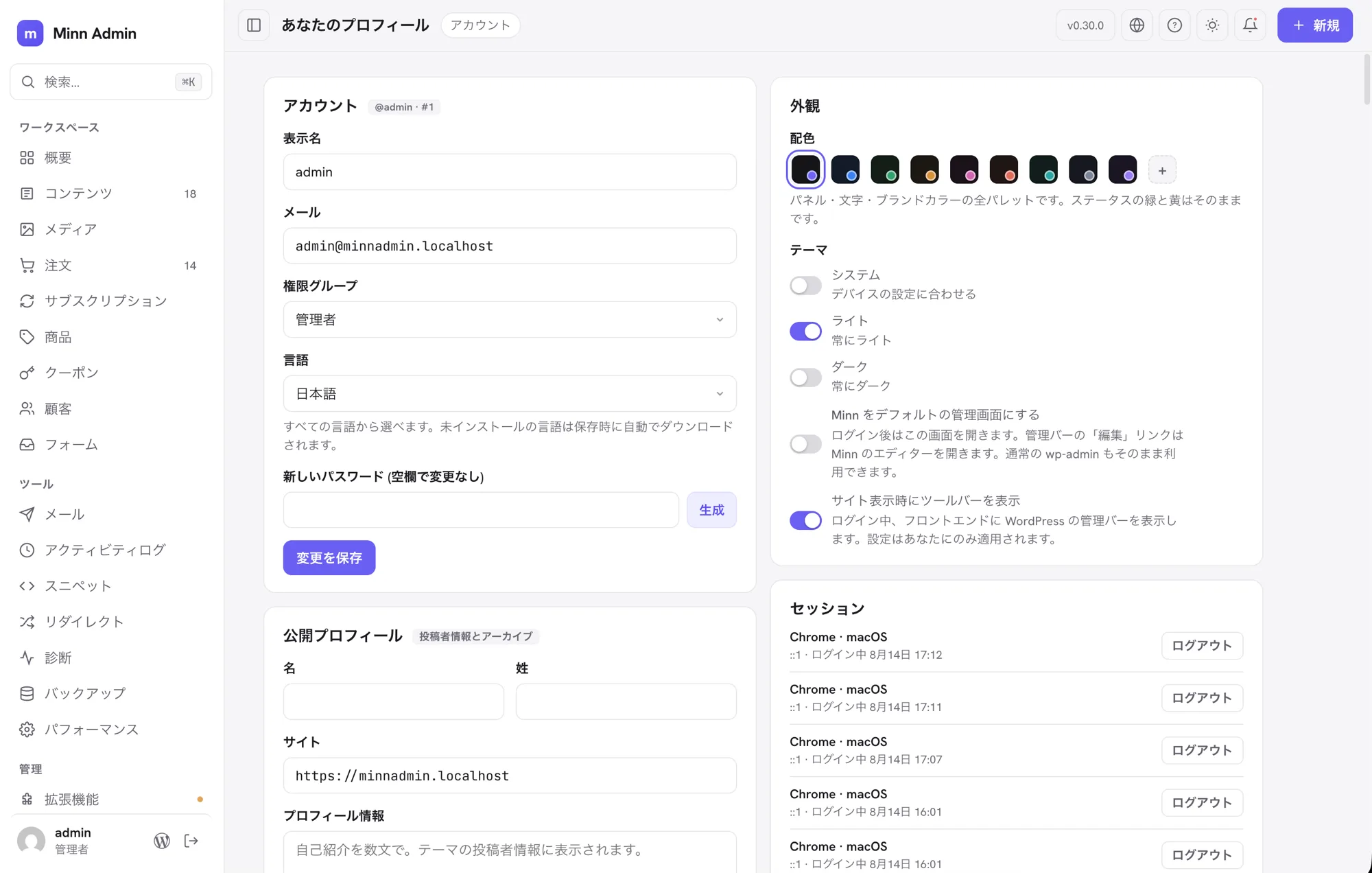
Added
- Minn reads in your language. Your profile's Language setting now applies to the whole of Minn, not half of it. Interface text, buttons, table headings, empty states, confirmations and error messages all follow the language you choose, and a language you pick for yourself does not change what anybody else sees.
- Right to left. Persian, Arabic, Hebrew, Urdu and every other right-to-left language now get a genuinely mirrored interface: the sidebar, menus, popovers and settings all move to the correct side rather than being flipped and left broken. Addresses, file paths, version numbers and code stay readable left to right inside the surrounding text, which is the part that usually goes wrong. Things that should not mirror do not: image crop handles stay where the image is, and previous and next stay physical.
- Translations install themselves. Language files arrive through the same Updates screen as everything else and update alongside the plugin, so there is nothing extra to install or maintain. Minn only offers files for languages your site can actually display.
- Twenty-three languages. Japanese, Spanish (Spain and Mexico), German, French, Portuguese (Brazil and Portugal), British English, Italian, Dutch, Russian, Polish, Turkish, Persian, Arabic, Vietnamese, Indonesian, Czech, Swedish, Chinese (China), Hungarian, Danish and Hebrew.
- The order page grew into the shape merchants already know. Contributed by Renan Diaz. The main column holds the work: items with the money broken down, status, payment, refunds, mail and the timeline. The sidebar holds the context: customer, shipping, attribution, subscriptions and other orders from the same customer, each card showing text until its pencil opens the form. Refunds move behind a header action offered when the order has something to refund, items on an editable order can be added, removed and requantified through WooCommerce's own idioms, and status names come from WooCommerce itself, so a translated store or a plugin-registered status reads correctly.
- The orders list filters the way Shopify does. Contributed by Renan Diaz. One row holds a status view, the search box and Add filter; active filters sit beneath as removable chips. Status accepts more than one at a time, and date window, customer and product each map to a native WooCommerce query, so the narrowing happens on the server and survives pagination. Filters live in the URL, so a filtered list can be reloaded or pasted to someone else.
- Subscriptions get a detail page and the same filter bar. Contributed by Renan Diaz. A subscription opens on its own page in the order page's shape, with editable items and schedule, its notes timeline, coupons, and a quick view of related orders. The subscriptions list wears the orders filter bar with its own status vocabulary, and orders that belong to a subscription carry a badge in the orders list.
Fixed
- A subsite's activity log stays on that subsite. WP Activity Log keeps network-wide events in the same table as each site's events. A subsite administrator could see those global records in Minn, including usernames, IP addresses and event details. Subsite views now select only that site's records.
- Order tools respect each order's permissions. A delegated store role that could work with orders generally could ask the subscription badge, refund and email endpoints about an order outside its assigned scope. Minn now checks every requested order before returning details or offering an action.
- A cached language-pack update never loses its checksum requirement. If WordPress remembered an update after the release manifest changed, Minn could stop finding the checksum and let WordPress continue the download. Every Minn package is now refused unless its checksum is present at install time; unrelated WordPress downloads still pass through untouched.
- Cards stopped being doors in any language but English. Overview stat cards and System health checks worked out where to send you by matching their own label text, so translating the label quietly removed the destination. They now route on something that does not change between languages.
- Counted things read correctly everywhere. Anything Minn counts followed the English rule for singular and plural. That is wrong in most languages: Japanese has one form, Russian and Polish have three, Arabic has six. Minn now follows each language's own rule.
- A language chosen in your profile applies to all of Minn. Because Minn runs at its own address rather than inside the classic admin, WordPress only handed it the site's language. Choosing a language for yourself translated part of the screen and left the rest, and it could never turn on a right-to-left layout.
- The chrome follows a language change. New, Search, the topbar title (Account / Your profile) and the Users table headings used to stay in the language you started in, and the New menu opened on the wrong side of the screen in a right-to-left language. They now update with the rest of the page, and the menu sits under the button.
- Overview and Extensions finish the translation. Store attention labels, activity-chart hovers, notification tabs, update controls, extension filters and plugin/theme context menus no longer fall back to English. Notification panels also enter from the left in a right-to-left language, and third-party notice buttons no longer expose hidden screen-reader suffixes as visible text.
- Lists, store screens and plugin surfaces finish the translation. Media details and actions, WooCommerce filters and statuses, list counts and pagination, settings sections, form and mail views, activity-log severity, and adapter status cards now use the active language. One-form languages such as Japanese and Chinese also keep their translated count labels instead of falling back to an English plural.
- System diagnostics finish the translation. Health summaries, generated-time labels, database and autoload details, extra log counts, and the Extensions and Integrations manifests no longer switch back to English below their translated headings. Japanese also uses natural labels for the autoload column and freshly generated reports.
- Adapter actions and admin controls finish the translation. Shared Open menus, adapter detail labels and known states, command-palette maintenance actions, user roles and passwords, taxonomy buttons, and inactive widgets now follow the active language. Links back to Forminator, WP Activity Log and every other adapter use one translated Open action, and backup adapters use localized relative time.
- The editor and appearance controls finish the translation. Theme choices, editor cards and revision counts, featured-image and media-library states, block names, visibility choices, publish controls, and the agent-guide action now follow the active language.
- An unchanged language pack stays on its existing release. Two translations can share the same English source but carry different meanings through gettext context. If those entries merely changed order in a regenerated catalog, the release pipeline could mistake that for new translation work and publish another pack. The content check now ignores entry order completely, so only a real translation change moves that locale forward.
- Translated dashboard and media labels stay inside their markup. Five translated strings reached an HTML or attribute slot without escaping, including the dashboard chart title and the Safe SVG note. Catalog text is escaped at every one of those boundaries now, and the release check no longer relies on line-number exceptions that went stale as the app grew.
- A partial language-pack build cannot quietly drop a locale. The release checks treated a missing catalog or missing pack archive as though that language simply was not part of the release. Both cases now stop the release with the exact missing file instead of removing its update from the manifest.
- Editing one order card can no longer blank another. The order save read its values from whatever form was on screen, so saving the customer dialog used to write empty strings over the shipping address it could not see. Every field now falls back to the order's stored value when its input is absent.
- The orders and subscriptions lists print WooCommerce's own status labels. The list showed the raw slug ("on hold", "pending") while the detail page one click away showed the real label ("On hold", "Pending payment"). Both now read the label from WooCommerce, which also lets a translated store read its own vocabulary.
- An order's Back returns where the visit started. Opening a renewal order from its subscription used to strand you on the orders list; the button now names and returns to the place you came from.
- An order's status is shown once. The items card used to repeat the same chip already in the header and the Status card, so a glance read as three statuses. The items card now names the count and keeps its actions; the header states the status and the Status card changes it.
- A profile language with a variant suffix no longer blanks the admin. Locales such as Swiss German informal (
de_CH_informal) are not valid Intl tags. Every date on screen used to throw, so every view died mid-paint. Minn now walks the tag down to something the browser accepts, and the page stays up even when that language has no Minn catalog. - Switching language also installs plugin and theme packs. Changing your profile language used to fetch WordPress core's pack and stop there, so WooCommerce statuses and other plugin strings stayed English. The same switch now installs those packs too, and a pack that fails to download is refused without saving the broken locale.
- The new order and subscription strings are in every catalog. Filters, coupons, notes, attribution and the subscription schedule landed in English after the merged pull requests. All twenty-three catalogs cover them now.
- Changing language no longer reloads the page. The chrome, lists and cards repaint in the language you just chose, and the New menu sits under the button in a right-to-left layout instead of opening on the wrong side.
- A language pack is ready the first time you need it. Activating Minn now primes the catalogs for the languages already on the site, so the first visit after install is not a half-translated one.
- Order and subscription popovers stay on screen. The filter and items menus used to open off the top of the viewport, and a scroll left them floating. They now clamp like every other popover and close when the page moves. Adding a note also clears the composer, and note times are read as GMT so a timestamp is not shifted twice.
- The subscription badge fits the cell it lives in. The worded pill was wider than the order-number column, so a Subscription or Renewal mark clipped into a sliver that still looked clickable. The badge is the icon alone now; the word lives in the accessible name and in the popover the badge already opened. The parent order and its renewals also use different shapes, not one shape in two colours.
- Card-head actions share one right edge. More than one button in a card head used to push each other apart, and the icons had no tooltip until a second later, and never on keyboard focus. The actions now sit together, and the tooltip is drawn from the accessible name on hover and on focus.
- The add-product picker shows the product picture. Searching for a line item used to be names and SKUs only. The picker now shows the product image next to the match.
v0.29.0 - August 13, 2026
The product release. Orders became real pages a few cycles ago and products follow now, further than orders went. A product used to be a modal with a handful of fields, so almost every real edit still finished in WooCommerce. It is a page at its own URL now, and it holds on one screen what WooCommerce spreads across the Product data tabs: pricing with its sale schedule and tax class, inventory down to GTIN, backorders and a low stock threshold, shipping, the product image and gallery as tiles you drag to reorder, categories, tags and brands, upsells and cross-sells, attributes, and variations that a variable product can generate from its own attributes. The product type is a control here too, so marking something downloadable or external rearranges the page around it without losing anything you had already typed. The long description opens in Minn's own editor rather than sending you back. The page settled a house rule while it grew, one that now holds across all of it: every choice is one of Minn's own comboboxes and every yes or no is a switch, so no operating-system menu punches a pale hole through a dark screen. Around the store work, licensing and connections keep filling in. Every Brainstorm Force product gets its own key and renewal date, SureRank joins the SEO panel, OttoKit's outgoing webhooks become something you can search and retry, and SureCart's store connection appears beside the rest. Smaller comforts run through the release as well: older dates name their year, the content list sorts by title, a post carrying unsaved edits wears a quiet dot instead of a second status, and the caret stays where you put it when a list finishes loading underneath you.
Added
- Every Brainstorm Force product can be licensed from Minn. Astra Pro, Ultimate Addons for Beaver Builder and for Elementor, Convert Pro, Schema Pro, WP Portfolio, Premium Starter Templates and Spectra Blocks Pro used to appear on the Licenses tab as a single read-only list. Each is now its own row with its own key: paste a key to activate, free the seat again with Deactivate, and ask Brainstorm Force to confirm a license with Re-verify, all through the plugin's own activation code. Licensed products show their renewal date once they have been verified, and a product Minn has never heard of is covered the day Brainstorm Force ships it.
- SureRank joins the SEO panel. Sites running SureRank now edit their SEO title, meta description, focus keyword and social thumbnail from the editor, the same panel Yoast, Rank Math, AIOSEO, SEOPress and SiteSEO already fill. Clearing a field really clears it: SureRank treats an empty box as "use the site-wide template" and writes that template into the post, so Minn removes the value instead of storing the template as though you had typed it.
- OttoKit's outgoing requests are visible in Minn. OttoKit runs your automations from its own cloud, but every webhook this site fires at it is recorded here, and that record is what you want when an automation did not run. The new Automation surface lists those requests with their response code and error, filtered by delivered or failed, searchable by endpoint, with the payload on the card and Retry available one at a time or in bulk. Retrying goes through OttoKit's own retry, so the attempt count and status stay its own. Workflows and run history live in OttoKit and Minn links out to them rather than showing a stale copy.
- SureCart shows whether your store is connected. SureCart keeps every order, customer and product in its own service, reached with a site token, so that connection is the whole local story. It now appears with your other site connections on the Licenses tab: connected or not, with a link to SureCart's own setup when it is not. The token itself is only checked for presence and never read.
Improved
- Products open as a page. A product used to be a modal you clicked a row to get, which meant it could not be linked to, bookmarked or opened in a second tab. Clicking a row now opens /minn-admin/products/{id}, a real page with a back button and the same fields the modal had. The modal stays as a quick look: hover a row and click the eye, or right-click and choose Quick view. Both surfaces share one body, so anything added to the page arrives in the quick view too. The long product description now opens in Minn's own editor, with blocks, autosave and revisions, rather than sending you to WooCommerce.
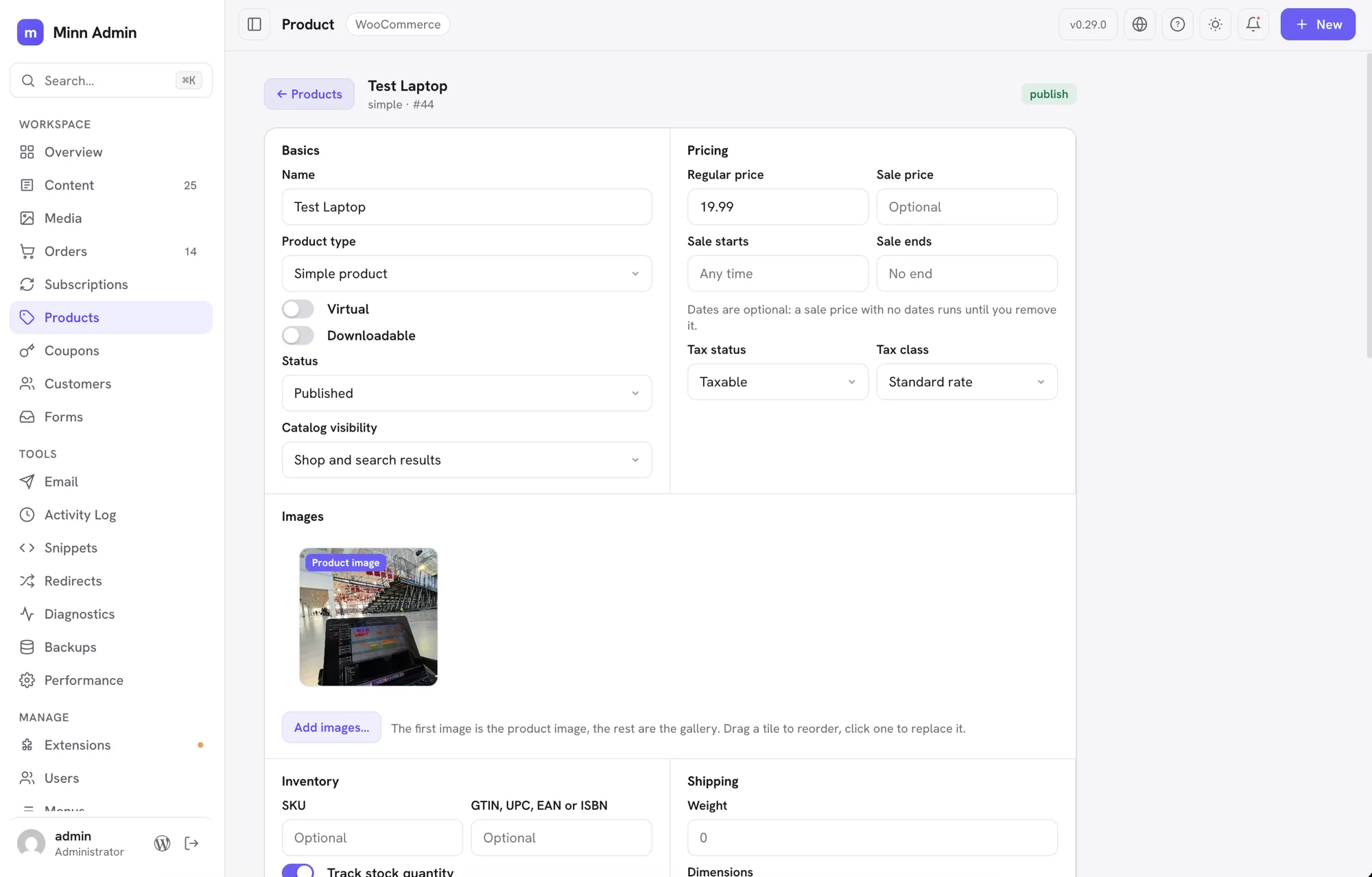
- The product page covers inventory and shipping. It used to stop at name, SKU, status, visibility, price and stock, which meant most edits still ended in WooCommerce. The page now carries the identifier fields (SKU and GTIN, UPC, EAN or ISBN), the stock policy that goes with tracking quantity (backorders and a low stock threshold), the one-per-order limit, and shipping: weight, dimensions and shipping class picked from the classes your store actually has. The fields are grouped the way WooCommerce groups them, as Basics, Pricing, Inventory and Shipping, but on one page instead of behind tabs. A virtual product hides shipping, the same as WooCommerce does. Leaving the low stock threshold empty means your store-wide setting, not a threshold of zero.
- Products are organized from the product page. Categories, tags, brands, the slug and the featured flag now live on the page in an Organization card. Each taxonomy shows what is assigned as chips you can click to remove, with a search box under it that looks through the terms your store already has. Tags and brands can be made on the spot: type a name that does not exist and press Enter. Categories are pick-only on purpose, since a typo there would leave a stray category in your shop's navigation. Brands appear only if your WooCommerce has them.
- Product images are managed on the product page. The page shows the product image and the whole gallery as a row of tiles. Drag a tile to reorder, click one to swap it for something else in your media library, and hover it for the × that removes it. The first tile is labelled, because that is the picture WooCommerce shows in the shop, so promoting a gallery image to the product image is a drag rather than a trip to WooCommerce. Add images opens the media picker and appends what you choose. It all saves with the rest of the page, in one Save changes.
- The product page covers every product type. The type is a control on the page now, not something you leave for WooCommerce: switch between simple, grouped, external and variable, and mark a product virtual or downloadable. The page follows along. A virtual product drops the shipping fields, a downloadable one gains a Downloads card where you name each file and point it at a URL or pick it from your media library, with the download limit and expiry beside it, and an external product asks for the address and the button text that send shoppers there. Anything you have already typed stays put when the page rearranges itself.
- Upsells and cross-sells are set on the product page. A Linked products card searches your catalogue by name or SKU and holds what you pick as chips: upsells appear on the product's own page, cross-sells in the cart. A product never offers itself, and reopening the page shows the names of what you linked rather than a row of ids.
- Product attributes are edited on the product page. Each attribute is a row: its name, its values separated by commas, and two switches for whether shoppers see it and whether a variable product varies by it. Attributes you invent for one product are typed in place; attributes your whole store shares are picked from a list and keep their name as a label, since that name belongs to the store rather than to this product. Creating a brand new store-wide attribute is still WooCommerce's job.
- Variable products build their variations in Minn. A variable product gets a Variations card listing each variation with its attribute values, SKU, price, sale price and stock status. Generate from attributes creates every combination your attributes allow and skips the ones you already have, or add them one at a time. Everything saves with the page's own Save changes, and saving twice updates your variations rather than duplicating them.
- Older dates on lists name the year. Once a date is more than a week away, Minn still shows a short month and day (Aug 17). Dates from another year now add the year (Aug 17, 2025), so a long-lived site's content list no longer looks out of order. This year's dates stay compact. The same wording is used everywhere a relative date ages out: comments, orders, users, and plugin surfaces.
- The content list sorts by title or date. Click the Title or Date header to sort. Date starts newest first, Title A to Z; click again to flip. The default stays newest first, which is what a blog wants. Author and status are not sortable.
- The theme button is a light/dark switch. Clicking it used to walk System, Light and Dark, so a second click could land you on follow-the-OS when you only wanted the other color. Click now flips light and dark only, locking that choice. Follow the system is still on the right-click menu, and on Your profile.
- Unsaved edits are a mark on the status, not a second status. A live post with a newer autosave used to wear an amber Modified pill next to Published, which stacked two labels in a narrow column. The status pill now carries a small amber dot instead: one pill, one line, and the same quiet marker the sidebar uses to say something is waiting for you. Hover it for the explanation. The Modified filter is unchanged.
Fixed
- Content counts describe the list underneath them. An author signing in saw a sidebar count and an item count taken from every post on the site, above a list holding only their own. The two numbers could sit above an empty list entirely. WordPress hands back the total for a query and then removes the rows the person is not allowed to edit, so Minn now asks only for what that person can actually work on, and the count and the list agree. Authors and contributors get a count of their own writing, which is the useful number for them. Editors and administrators see no change. The same correction covers a page WordPress hides from anyone who cannot manage privacy settings, which used to leave an editor's count one too high.
- The Stream activity log opens again. Sites running Stream saw a permission error where its activity log should have been, even for administrators. Stream only grants its own view capability on its wp-admin screens, so nothing outside them could read it. Minn now applies Stream's own Role Access setting directly, which means the log opens for exactly the roles Stream is configured to allow: take administrator out of that setting and administrators are refused here too.
- Newly installed Brainstorm Force products no longer stay invisible. These plugins only add themselves to their shared registry while somebody is looking at the WordPress dashboard, so a product installed over the command line, the way most hosts provision sites, was missing from the Licenses tab entirely. Minn now refreshes that registry itself.
- Typed web addresses look like web addresses again. The monospaced typeface Minn uses for values ships programming ligatures, and one of them pushed the colon away from the slashes, so an address you typed showed as "https: /example.com" in fields like a redirect's target. Nothing was ever stored wrong and the address always saved correctly, but it read as though Minn had mangled it. Minn shows that typeface for data rather than for writing code, so those substitutions are off now.
- Selected chips are readable in dark mode. A chip that could be clicked to remove it, the kind used for a post's tags and now for a product's categories, brands and tags, drew its text in the browser's own default colour rather than Minn's. On a dark panel that is near black on near black, so the label was there but almost invisible. Chips now carry their own colour, and a chosen one wears the same accent treatment as everything else that is switched on.
- The caret stays in the search box after a list finishes loading. Arriving at Media put the caret in its search box and then quietly took it away again a moment later, when the list finished loading and redrew the toolbar. Anyone who paused before typing lost their first keystrokes to nothing. The caret is put back when a redraw is what removed it, and left alone when you have moved somewhere else yourself.
Security
This release closes the findings from a full audit of v0.28.0. Nothing here is known to have been used against a site, and most of it needed an account on the site to begin with, but several were real and are worth naming plainly.
- One tenant of a network can no longer reach another's. On multisite, an administrator of a single site could turn a plugin off for every site on the network, including its security plugin, and could switch to a theme the network administrator had deliberately withheld from them. They could also read and spend the network owner's paid licenses: wiping the stored credentials so no site received updates, or releasing a seat at the vendor, which cannot be undone from here. Licenses, plugin activation and theme activation now belong to the network administrator, and the Licenses tab is simply absent for anyone else rather than failing when opened. The same boundary was extended to the two database health checks that were still counting other tenants' tables, and promoting somebody to network administrator now asks for the capability WordPress asks for.
- Editing a post no longer turns a contributor's markup into working code. WordPress stores a contributor's submission safely, but opening it in an editor decodes it again, and Minn rebuilt some blocks (quotes, lists, tables, verse, preformatted text and buttons) in a way that could turn that decoded text back into a live event handler when you saved. The handler would then run for every visitor and for the next person to open the post. Every attribute Minn rebuilds is now escaped on the way out, and a test suite keeps it that way.
- Logged-out visitors can no longer list which posts have unsaved edits. The flag itself was correctly kept to editors, but the filter that searched on it was not, so anyone could ask the site for exactly the posts whose authors had work in progress.
- Ordinary accounts can no longer mint themselves a permanent login link, or read another account's settings. WordPress treats "may edit this user" as always true about yourself, which two places relied on: a subscriber could create a one-time login URL for their own account, and that URL kept working after logout and after an administrator reset the password, and a subscriber could read or change another person's hidden-items list by naming them in the request body. Making a link for yourself is refused outright now, re-issuing one revokes the old one, and every per-user route reads the account named in the address bar and nothing else. A subscriber can also no longer make the site send mail from its own address to an inbox they control.
- A file's alt text can no longer escape into the markup of a post. Alt text can be set by anyone allowed to upload, and a few characters that mean something special to a text replacement were being expanded rather than copied when Minn wrote an image into a post. Carefully chosen alt text could use that to close the attribute it was supposed to sit inside and add markup of its own, which was then saved into the post by whoever was editing. The affected paths were the image swapper and the two places block settings are parked, both of which take values from block settings that WordPress does not inspect. Values are now copied literally wherever they reach a replacement.
- Smaller hardening. Contributors can no longer enumerate field definitions for post types they cannot edit; editors no longer see the parts of the Aryo activity log its own plugin withholds from them, including administrator actions and visitor IP addresses; a site that forbids editing code from the dashboard now has that respected by the Header Footer Code Manager, FluentSnippets and WPCode paths that had missed it, and by the CSS route that could break out of its own style block; a site created on a subdirectory network can no longer take an address that would break the whole network's REST API; and the network administrator's email address now goes through WordPress's confirmation step instead of changing silently.
v0.28.0 - August 12, 2026
The multisite release. Minn runs on a WordPress network now. A chevron beside the site name moves you between the sites you belong to, and the palette knows them by name. If you run the network, a fourth sidebar group appears: every site with its state and members, the network settings worth revisiting, the accounts and who administers them, and plugin and theme activation for the whole network from Extensions. The rules WordPress leaves to its own screens are enforced here on the server: the main site is never offered deletion, nobody revokes their own network administrator status or the last one on the network, and a site administrator's view stops at their own site. That last point drove a security pass across the release. Several plugins keep one table for an entire network, and Minn was reading them with a single site's permission; those, the shared debug log, and everywhere Minn writes or runs code now ask for the permission the data deserves.
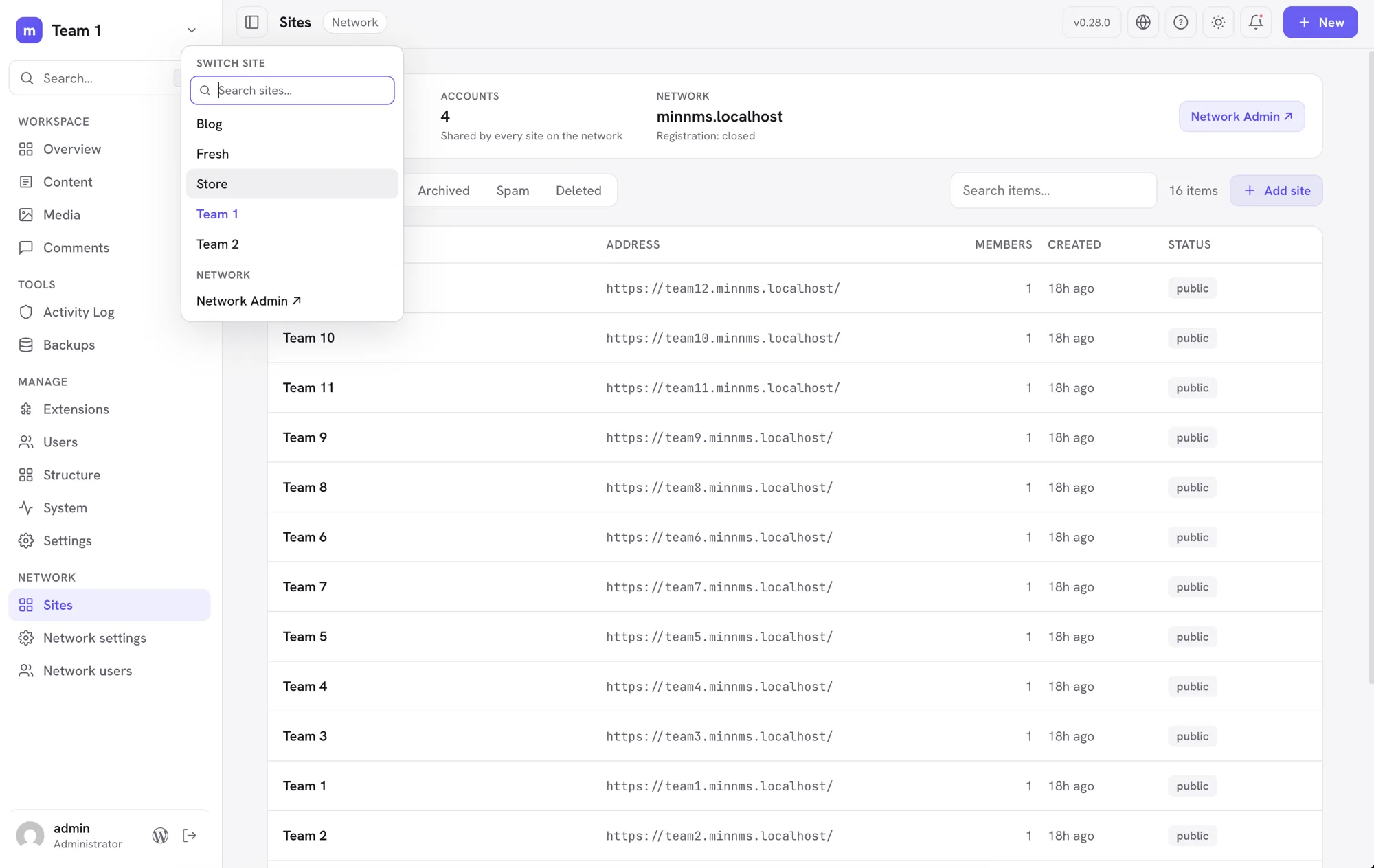
Added
- A Network area for the people who run the whole network. Network administrators get a Sites view: every site on the network with its address, member count and state, filters for public, archived, spam and deleted sites, and search. From a site's row you can open it in Minn, visit it, archive or restore it, mark it as spam or clear that, and delete it. Adding a site takes an address, a title and the email of someone who already has an account. The main site of the network is never offered archive or deletion, nor is the site you are working in, and every one of these refusals is enforced on the server rather than only hidden in the interface. Site administrators do not see any of it. Network-wide settings and account creation stay in Network Admin, one click away.
- The network settings you actually revisit. Registration (who may sign up, and whether new sites and accounts email you), uploads (storage per site, the largest single file, which file types are allowed), whether site administrators may create accounts and manage plugins, and where network mail goes. The rest of the network settings screen, the welcome emails and reserved names and language defaults, stays in Network Admin behind a link, the same way Minn treats a single site's settings long tail.
- Turn a plugin on everywhere, or offer a theme to every site. Network administrators can activate a plugin across the whole network from its card in Extensions, and withdraw it again, without leaving for Network Admin. Themes get the matching control: offer one to every site, or stop offering it. These are separate from a single site's own switches, so turning a plugin off network-wide leaves sites that chose it for themselves alone, and withdrawing a theme never changes the theme a site is already using. Minn will not deactivate itself network-wide from inside itself.
- Network accounts, with the safety rails WordPress leaves to the screen. The Network area lists every account on the network with the number of sites it belongs to, and marks the network administrators. You can promote someone or take that status away, but never your own (that would lock you out of the network) and never the last one standing. Where the list of network administrators is fixed in wp-config.php, Minn says so instead of offering buttons that would do nothing. Creating and deleting accounts stays in Network Admin, because deleting a network account removes that person's posts from every site and only WordPress's own flow offers to reassign them first.
- Move between sites on a network without leaving Minn. A chevron beside the site name opens a compact switcher with an autofocused search field and no more than five fuzzy-matched sites at a time. It searches site names and addresses across the full set you can use, so
team1findsTeam 1and even a shorthand liketm10reachesTeam 10beyond the initial menu cap; arrow keys and Enter work without leaving the field. Network administrators get a link to Network Admin from the same menu. The command palette carries the sites too, so ⌘K and a site's name is enough. Nothing appears when you belong to a single site, or when the site is not part of a network. - Users on a multisite subsite now work the way the network intends. A site administrator sees the whole site's user list again (it used to collapse to just their own account), changes roles from the row menu, adds an existing network account to the site by email or username with a role, and removes a member from the site without touching their network account or other memberships. Deleting accounts stays a Network Admin job, and network administrators are off limits: their rows offer no role or removal controls, and the server refuses such requests no matter where they come from.
- Core updates finish the job on a network. After updating WordPress on a multisite network, every site's database migration now runs as part of the update, the way Network Admin's Upgrade Network does; before, only the site you updated from migrated, and the rest waited for someone to open each dashboard. The update status check also notices a half-finished network walk and completes it.
- Translations join the rest of the updates. WordPress keeps language packs apart from plugin, theme and core updates, so Minn could tell you everything was current while WordPress itself was still offering Update Translations. Waiting translations now appear in the Updates list, count toward the update badge, and go in with everything else when you update. They install in one step, the way the WordPress screen does it, and only for someone allowed to install languages.
Fixed
- Links that carry a whole address work again. Where a plugin's row action links straight to an address the item supplies, rather than building one around it, the address was being escaped as though it were a fragment of a longer link. The result was a dead link back to the current site with the real destination stuck on the end. This affected the Performance Lab settings links, and would have affected the new per-site links in the network Sites list.
- Network-activated plugins read as what they are. On a multisite network, a plugin activated for the whole network showed in Extensions as Inactive with a live switch, and clicking it tried to activate a plugin that was already running. Those plugins now show a Network active label with no switch, count as active in the filters, and their menu drops the activate and delete entries; network-wide changes belong to Network Admin.
- Security and backup histories stay inside the right hands on a network. Several plugins keep one network-wide table that Minn read with a single site's permission: Wordfence's login log, Solid Security's lockouts, Duplicator's backup packages, and Limit Login Attempts in its network mode. A site administrator could see, and in some cases act on, other sites' data. Each now requires network permission on a network, matching where those plugins put their own screens.
- The System page no longer offers logs it will not serve. On a network, the shared debug log is readable only with network permissions, but the Debug card still showed every log source to a site administrator, whose clicks then failed. The card now lists only what the viewer may actually open.
- Minn's address now works across a whole multisite network. Activating Minn network-wide only taught the main site the /minn-admin/ address; every other site on the network answered Not Found until its rewrite rules were rebuilt by hand. Each site now repairs its own rules the first time Minn loads there. Deactivating had a mirror problem on any site, multisite or not: the address quietly kept working and showed the homepage. Deactivation now removes the route cleanly, network-wide.
- A capability check could be pointed at the wrong thing. Two places asked "may you do this?" about one item and then acted on another, because the question and the answer read the request differently. On WPCode, sending the snippet type in the web address rather than the body skipped the check that decides who may write PHP, so someone trusted only with markup could turn a snippet into code the site runs. On the user routes, a request could ask about your own account while writing to somebody else's, so any signed in visitor could change an administrator's Minn language or appearance. Both now resolve the target once and act on that.
- Snippets that run as code now need the capability that implies. Custom CSS and JS quietly ran non-privileged code through an HTML filter, which does nothing to JavaScript, and then wrapped it in a script tag anyway. JavaScript and HTML snippets now require the unfiltered HTML capability, as do stylesheets that load in the admin or on the login screen, and a stylesheet cannot be retyped into JavaScript to get around it. Editing ordinary front end CSS is unchanged. Header Footer Code Manager already refused those writes, but activating or deleting an existing snippet skipped the same check, and both now take it.
- Form entries stay with the person who owns the form. The Everest Forms list showed every author's entries, including the submitted answers, to anyone who could see entries at all. It now follows the same own and others rule the plugin applies everywhere else, and so do the form list and the entry counts.
- Shared logs are no longer treated as this site's own. On a network, wp-content holds one debug log for every site on it, and the viewer could read and empty it with a single site's permissions. It now asks for network permissions there, matching the database browser. The viewer also stopped falling back to the server's own PHP error log, which on shared hosting belongs to other people's sites entirely.
- A network's security history stays inside each site. The All-In-One Security activity log is one table shared by every site on a network, and Minn read all of it. A site administrator could see other sites' sign in attempts, usernames and addresses. It is now scoped per site, the way the plugin itself scopes it.
- Unpublished titles stay unpublished. The field naming the post a media item belongs to was readable without signing in, which revealed the titles of drafts, pending and scheduled posts through the media list.
- The dashboard no longer shows a Contributor more than the dashboard should. Stepping through the activity chart listed the names of people whose comments were still awaiting moderation, to roles that have no comment screen at all. The registered user count and the site's visitor and referrer figures were on the same footing, where WordPress and every analytics plugin ask for more. Each is now held to the permission it belongs to.
- A site that forbids editing code from the dashboard is now believed. Setting DISALLOW_FILE_EDIT stops WordPress letting anyone reach PHP on disk, and Minn did not consult it. The wp-config editor, PHP snippets and JavaScript snippets now decline on such a site and say why. Ordinary stylesheet editing is untouched.
- Notice buttons cannot point off the site. A notice from another plugin could offer a link that looked like a local Dismiss button but belonged to somebody else's server, and clicking it sent that server a token and your address. Links are now checked against the site they claim to be on.
- Credentials no longer linger next to the site. Changing a debug setting left behind a permanent readable copy of wp-config.php, database password and security keys included, beside the original. The copy now exists only for the moment of the change and is removed as soon as the new file is confirmed written.
- Form estates stay with their owner. Fluent Forms listed every form's name and submission volume to a manager assigned to one of them, and WPForms could lose its scoping altogether on a site with many forms.
- Every snippet that runs code now follows the same rule. A site that sets DISALLOW_FILE_EDIT is telling WordPress that nobody reaches PHP from the dashboard, and Minn already declined to write WPCode PHP snippets there. Code Snippets sat in the same Snippets view and still offered to author and switch on new PHP. It declines now too. Turning an existing snippet off, deleting one, and the link out to the plugin's own screen all keep working, because stopping code from running is never the direction that needs guarding.
- Smaller hardening. Image addresses are escaped for stylesheets rather than for HTML, so an unusual media URL cannot append its own styling to the page. The updater's check that a download belongs to this project now has to match from the start of the address rather than anywhere in it. The admin bridge page escapes its redirect properly. Turning on a Performance Lab feature asks for the permission that installing a plugin actually needs.
v0.27.0 - August 10, 2026
The images release. Every gallery-shaped block gets one images editor: a tile grid to reorder, replace, add, remove, duplicate and caption photos, covering sliders, fixed layouts and blocks that keep their pictures in settings. Each image moves as an exact unit, so captions and per-image tweaks travel with it. Columns, crop and random order sit on the gallery's ⚙ popover, dropped photos upload straight into the block, and Jetpack's tiled gallery can be built and edited outright. Groups of styled paragraphs open in an Edit content window, text first, with each block's other settings behind a toggle. Previews match the front end, and a security audit of v0.26.0 is complete with every finding fixed.
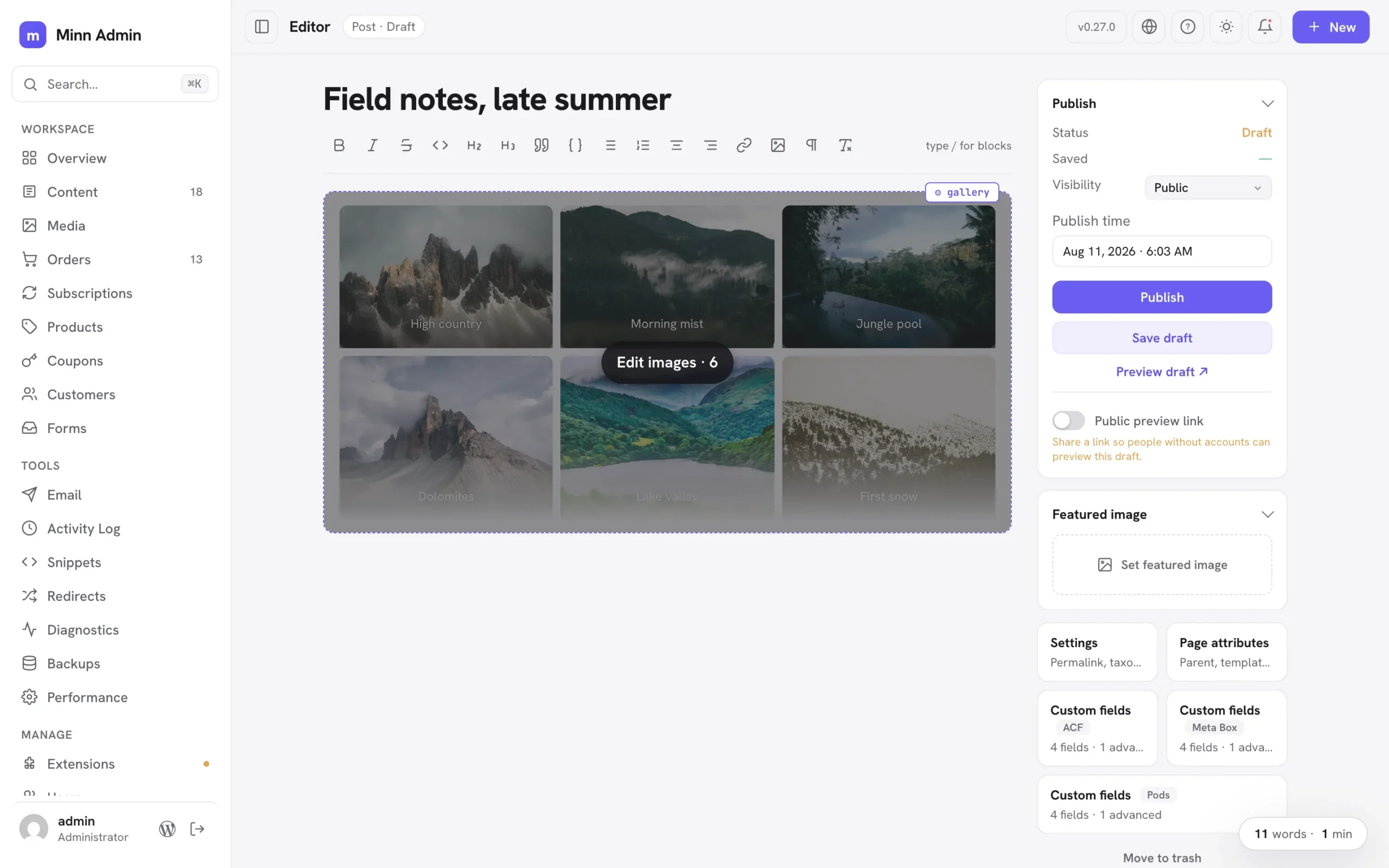
Added
- Gallery settings, the safe ones: a gallery's ⚙ popover now offers Columns, Crop images and Random order alongside Edit images. Columns and crop live in both the block's settings and its markup, so applying rewrites the two together and the change renders exactly as the block editor would have written it. Link, size and lightbox options rewrite every photo in the gallery, so those stay in the block editor and the popover says so.
- Previews lay galleries out correctly: a four-column gallery used to preview three across. The width each column reserves assumes the gap the theme actually uses, and that gap value only existed on a real page view; previews now receive it, so columns match the block's setting (this also tightens group and grid spacing in previews generally).
- You can always tell which block a ⚙ popover belongs to: the open popover's block wears an outline, hovering any ⚙ handle outlines the block it configures before you click, and nested handles that used to stack on the same corner now sit side by side. A group inside a group reads as two distinct controls instead of one button that seems to change its mind.
- Nested blocks edit in a roomy window, text first: a group of styled paragraphs used to unroll in the ⚙ settings popover as a text field plus a dozen schema inputs per block, so fixing a typo meant scrolling past walls of settings (GitHub #12). Containers holding several blocks now open an "Edit content" window instead: one card per block with its text front and center, and everything else tucked behind a small Settings toggle, exactly the shape the images editor already has. Reorder with the arrows, remove with ×, add another block from the footer. The popover keeps the container's own settings plus a "Content · N blocks" doorway; protected cards open the window from a click anywhere on them, with the block you clicked highlighted; and inserted designs open it directly, so placeholder copy is replaceable the moment it lands. Text you didn't touch is kept byte for byte. The same work fixed a quiet bug underneath: editing a live container's blocks through its ⚙ settings used to update only the stored copy, so the next keystroke inside the container could silently revert the change; applying now updates the container in place.
- Duplicate an image where it sits: the ⚙ popover on any editable image gains a duplicate button, so a photo inside a group or column can be copied in place without a trip to the block editor. The copy keeps the caption, size and the image itself, and lands directly below the original. Protected blocks keep their duplicate in the same place they always had it, the ⚙ settings popover. And for either kind, ⌥-clicking a block's ⚙ handle duplicates it outright instead of opening settings, while ⇧⌥-click removes it (⌘Z brings it back). Both are listed in the help dialog's shortcuts.
- Synced patterns open for editing: a synced pattern in a post is a reference to content that lives elsewhere, so Minn now says so and offers the way in: hovering one dims the whole card and names the action, and clicking anywhere on it saves the post you are on and opens that pattern in Minn's editor, where every editing tool works as usual. Changes there flow to every post using the pattern, which is what synced means.
- Two quiet ways into the block editor: while you are editing, the ⌘K palette offers "Edit in the block editor", and ⌥-clicking the WordPress button at the bottom of the sidebar opens the post you are editing in wp-admin's own editor. Both save your work first, so the tab that opens shows exactly what you were looking at. Without the modifier that button still goes to the dashboard, and the help dialog lists the shortcut.
- Less chatter around blocks: hovering a group or columns block no longer shows a label explaining that you can write inside it, and protected cards no longer carry one repeating the ⚙ button sitting right next to it. Cards explain themselves only where there is something to explain: a styled text block that looks typeable and isn't, and a card whose text can be edited in place.
- Block handles wait to be asked: the ⚙ handles on images, tables and code blocks used to sit on screen permanently, so a page of photos wore a row of chips. They now appear only on the block you are pointing at, and the image settings popover fits its actions on one line.
- Row layouts stay rows while you write: a group whose blocks sit side by side on the front end (a details strip of label and value pairs, a row of links) used to unroll into a tall stack of one-word lines in the editor. Those groups now lay out horizontally while you edit, honoring their alignment, so what you type looks like what visitors see. Groups set to stack vertically are unchanged, and the block’s saved settings are untouched either way.
- Sliders and carousels get the same image editing, and preview as one slide: carousel blocks wrap every image in its own slide block (Carousel Slider, and most slick or swiper based blocks), which used to leave them out of the images editor and listing every photo as a separate Replace row. Those blocks now offer "Edit images…" like any gallery: reorder, replace, add and remove, with each slide moved as an exact unit so its settings and captions travel with it. Their previews behave too: a slider is a stack of slides until its script runs, and the editor never runs a plugin's scripts, so a six-slide carousel used to render as six full-height images and bury the rest of the page. The preview now shows the first slide, the way the block does on the site, and the hover overlay says how many images are inside. That overlay dims the block now as well, so the images read as the button they are.
- Jetpack tiled galleries, built and edited in Minn: Tiled Gallery is in the slash menu now, so picking a set of photos builds the block for you, and existing ones can have photos added or removed rather than only swapped. The block works out its own rows and columns from the shapes of the images in it, so Minn had to learn those rules exactly; the result is checked against the block editor itself, which accepts what Minn writes as though it had written it.
- Blocks can teach Minn how their images work: a plugin whose block computes its own layout can now hand Minn a way to rebuild it, and the block then gets the full images editor plus a place in the slash menu. Nothing about a plugin's layout lives in the editor itself.
- Galleries with a fixed layout open too: some blocks don't keep a list of images, they keep a layout whose openings hold images, with column widths the plugin worked out from each photo's shape (Jetpack's tiled gallery is the common one). Those blocks used to fall back to replacing one photo at a time. They now open the images editor for what is safely theirs, reordering and replacing: the photos move through the openings and the layout stays exactly as the plugin built it. Adding and removing aren't offered there, since the layout holds a set number of images, and the editor says so.
- Sliders that keep their images in settings, too: some sliders save no image at all in the page's markup, keeping each slide's picture in the block's settings with a mirror list on the block itself (Gutenslider works this way). Those slides now get the same images editor as any gallery, and the mirror list travels with them, so reordering can't leave the slider showing one set of pictures while listing another.
- Captions, edited with the images: every tile in the images editor now carries its caption, typed straight in, so a gallery's captions are managed in the same place as its photos. Clearing one removes it rather than leaving an empty line behind, and a caption you didn't touch is left exactly as it was.
- The editor ignores full-screen section heights: a page built as a slide deck sets each section to fill the screen, which while writing reads as acres of empty space between two paragraphs. The editor now lays those sections out around their content. Your page is untouched: visitors still get the full-screen sections.
- Tall image blocks preview as a card: a gallery of two dozen photos used to render as a column of full-size images you had to scroll past to reach the rest of the post, with the editing button somewhere in the middle. Those previews now fade out at a readable height, with the number of images on the hover overlay and the editor one click away.
- Blocks that fetch their own styling now preview correctly: some blocks load the stylesheet their layout depends on from their own script, when a visitor opens the page. The editor never runs a plugin's scripts, so that stylesheet was simply missing and the block's pieces fell into a plain stack: a slider's caption, for instance, ended up just past the bottom of the slide and was cut off, leaving what looked like an empty box. Minn now takes those stylesheets from a real view of the page and applies them to the preview, so the block composes the way it does on the site. It happens once, only for a block showing the problem, and only ever affects previews. Your content is untouched.
- Images that are gone say so: an image whose file no longer exists used to show the browser's broken-file icon, which inside a styled block reads as though the whole block were broken. Previews and the images editor now draw a small illustration that says the image is missing, so the block still reads as itself and the tile is still there to click and replace. Nothing about it touches your content: the image's address is kept exactly as it was.
- Columns are editable where you are working: adding or removing one used to mean a trip to the block's settings. Inside a Columns block the slash menu now offers Column, which adds one beside the column you are in with the cursor ready in it, and right-clicking a column opens the same menu the table block has: add column before, add column after, remove column. Removing offers an Undo, since a column leaves with its content, and the last column stays put (an empty columns block is removed as a whole from its ⚙ instead). The slash menu also inserts a whole Columns row now, which was the missing way to start another row inside a group. Columns you didn't touch keep their content exactly, and a new column carries no width of its own, so it can't squeeze the row.
- Drop images straight into the images editor: dragging a photo onto the tile grid used to hand it to the media library and take you out of the post you were writing. Dropped images now upload into that block: they join the grid as new tiles and land in the block when you press Apply.
- Edit a slideshow or gallery’s images in place: gallery-shaped blocks (Jetpack Slideshow, core galleries and friends) get an "Edit images…" button in their ⚙ settings: a tile grid where you drag to reorder (or use the arrow buttons), remove with ×, and add images from the media library, mirroring the screen wp-admin offers for these blocks. Reordering and removing are byte-preserving: each image’s markup moves as an exact unit, so captions and per-image settings travel with their image and the block editor reopens the result cleanly. Hovering the block's images shows an "Edit images" overlay and clicking them opens that editor with the clicked image highlighted; clicking a tile swaps just that image, keeping its caption, and each tile can be duplicated in place. Blocks whose markup doesn’t map safely simply don’t offer the button, and blocks that hold a single image still open the picker straight from a click on the image.
Security
- A security audit of v0.26.0 found a set of access-control and disclosure issues, and this release fixes all of them. The two that matter most to a live site: a helper that stripped tags from text before displaying it parsed that text in a way that could run an image or SVG event handler hidden inside it, which meant a form submission or even a failed login attempt could plant something that ran when an administrator later opened the matching screen; and the debug-constant toggle on the System page left a copy of
wp-config.phpbeside the original under a name web servers hand out as plain text, exposing database credentials and security keys to anyone who asked for it. The backup is now written so it can never be served, and any copy left behind by an earlier version is removed the next time you open the System page. If you ever used those toggles, rotating your database password and salts is a sensible precaution. - Screens now enforce the same permissions the plugin they connect to would. Entry lists for Fluent Forms, WPForms and Everest Forms honour per-form access, so someone given entries for one form no longer sees or deletes another's. Backup jobs can only be started by users the backup plugin allows to start them, snippet types by users allowed to write that type of code, and job-listing fields that the job plugin reserves for administrators stay reserved. Custom field layouts are now read against the post they belong to, so an author cannot inspect the field structure of someone else's draft, and event venue and organizer suggestions offer published records to everyone while keeping unpublished ones to the people allowed to edit them. Site traffic on the dashboard follows each analytics plugin's own reporting permission, so contributors and authors no longer see visitor figures. Session lists, password-reset mail and Additional CSS moved to stricter, per-user checks, and the dashboard's recent-activity list no longer names other people's unpublished drafts.
- Smaller hardening throughout: the updater now pins where an update may come from and always verifies its checksum, a developer flag no longer disables certificate checking for the whole site, mail-provider settings mask credentials by default rather than only when recognised, and a Contact Form 7 entry containing certain text can no longer corrupt its own record.
Fixed
- Writing inside a cover block: a cover's background image sat on top of its own text, so clicking there placed no cursor. You could see the words but not edit them, and the "/" menu was unreachable inside one. The text sits above its background now, and a click always lands on the words.
- The "Edit images" overlay is a button: on a slider whose slides carry text, the middle of the card is editable text and took the press, which is exactly where the overlay sits, so the card felt unclickable. The overlay is now a real button wherever it appears, and while you hover editable text the card stops offering itself as one button, so what you see is what a click will do.
- The whole image card is clickable: a gallery or slider card dims and offers "Edit images" when you hover it, but only the photos themselves opened the editor. Pressing the space between them, a caption, or the block's own padding does it now too. Clicking a photo still opens the editor with that photo selected.
- Photos in a column get the space, not the frame: the editor draws a frame around every image, sized for one at full width, which inside a four-up column left the photo about a third smaller than its column with a lot of empty card around it. The frame is tighter in columns now, so a row of photos reads as the row it is.
- Galleries with a lot of images keep their tiles square: the Edit images grid collapsed its rows when the images ran past one screenful, so a thirty-image gallery showed as vertical strips of crushed photos. Rows now size from the tiles themselves.
- Replacing an image that lives only in a block's settings: some sliders keep no image in their saved markup at all, storing the photos in the block's settings instead, with two addresses for each picture (a sized copy and the original) and a mirror list on the parent block. Minn listed every address as a separate image and replaced only one of them, which left the block pointing at a mix of old and new. Those addresses now count as one image, and replacing it rewrites every copy along with the attachment ids.
- A replaced image no longer reverts on the next save: text inside a protected block stays ready for editing in place, measured against the markup it was read from. After changing that block another way (replacing an image, swapping an embed URL) the next save quietly wrote the old markup back. It now notices the block changed and re-reads it.
- Embeds fill the space they are given: a YouTube or Vimeo embed previewed at its raw oEmbed size, leaving a band of empty space beneath it inside the block. WordPress's responsive-embed rules are keyed to a class it puts on the front-end page body, which a preview can never carry, so Minn now states the aspect contract itself: the embed spans the column at its true proportions with nothing dead below.
- Blocks that wait for their own script now show in previews: some blocks hide their markup until their front-end script boots (Jetpack's Slideshow keeps the whole carousel invisible until it initializes), which left a correctly-sized but blank card in the editor, since Minn previews never run third-party scripts. When a preview has size but nothing visible, Minn now un-hides it, and the block's own no-script layout takes over: a Jetpack slideshow previews as its first slide. The saved markup stays byte-identical.
v0.26.0 - August 9, 2026
The whole-page release. Minn's editor was built for writing, and for a while that quietly meant it was built for posts: the moment content turned into a Group or a set of Columns, it locked into a read-only card. This cycle it grew up to real pages. Every core layout container now opens for writing (Group, Columns, Cover and Media & Text), nested inside one another to any depth, with each container's frame and styling kept to the byte. The complex pieces inside a layout, a spacer, a row of buttons, an embed, a third-party block, stay as small protected cards you can configure, duplicate, or move between columns without leaving Minn, and the slash menu, block picker and paste all reach inside a group now. Paste raw block markup from an AI tool or a tutorial and it becomes real, editable blocks on the spot. Everything you do not touch saves back identical, so the block editor always reopens your layout exactly as it was. Around the layout work sits a run of reader-reported fixes: decoded labels and numbers on non-English sites, real avatars for users without a Gravatar, an honest and clickable notice on builder-managed pages, and a new performance benchmark that keeps deeply nested pages typing smoothly.
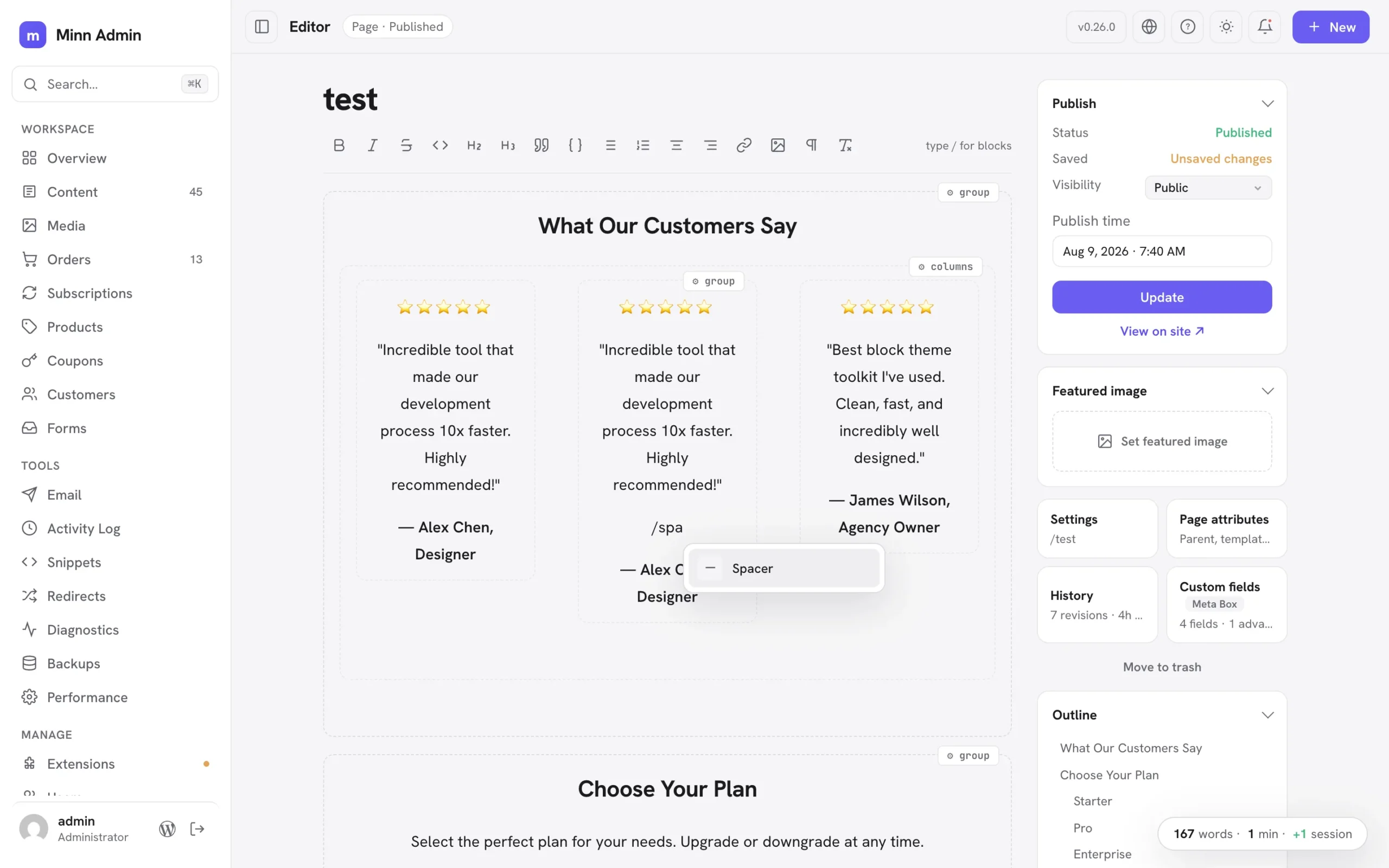
Added
- Write inside groups and columns: Group and Columns blocks are no longer locked cards. The container's frame stays protected while everything inside it is simply writable: type, split paragraphs with Enter, use bold and the other inline markdown shortcuts, and create new blocks right there with the markdown prefixes (# for headings, - for lists, > for quotes, --- for a divider), the toolbar's block buttons and the slash menu. Each column is its own writing surface, laid out side by side like the front end. Complex pieces inside a container (a spacer, a row of buttons, an embed, a nested group, a third-party block) stay as small protected cards you can configure from their ⚙ chip, remove (two presses, with Undo) or edit in place where they offer text. Containers nest to any depth: groups inside columns inside groups all open for writing. The container's own settings, layout and styling re-save byte-for-byte, and a container you never touch saves back identical to the byte, so the block editor always reopens your layout exactly as it was.
- Hidden wp-admin menus stay hidden in Minn: many sites hide admin menus from clients with a few lines of code (
remove_menu_page; hiding Comments is the classic). Minn now notices: the same background check that gathers admin notices also reads the final admin menu, and anything a developer removed there (Comments, Media, Users, Extensions, Settings) leaves Minn's sidebar too. Like the wp-admin original it is purely cosmetic; every screen stays reachable by URL and the command palette. Menus absent only because a user lacks the capability are never treated as removed, and site owners can opt out with theminn_admin_respect_removed_menusfilter. - Styled text blocks stay editable: paragraphs, headings and lists carrying custom styling (a font size, a text color, a style preset) used to lock into protected cards; now they load as ordinary editable text. Their styling travels with them untouched: the block's settings re-save byte-for-byte, splitting a styled paragraph with Enter gives both halves the styling (exactly what the block editor does), pressing Enter at the end starts a fresh unstyled paragraph, and merging two paragraphs keeps the first one's look. Changing such a block's TYPE (a styled paragraph into a heading, say) is deliberately declined with a pointer to the block editor, since that conversion cannot keep the styling intact. List items with their own styling now also keep it across saves, which previously could be lost silently.
- Protected blocks are editable in place: text inside a protected block card (a plugin's fancy block, a complex layout piece) can now be edited right where it sits. Click any text in the card and type; your words save into the exact spot they live in while the block's layout, styling and settings stay byte-for-byte untouched, so the block editor always reopens it cleanly. Editing inside a protected card is deliberately text-only: formatting and new paragraphs belong to the ⚙ inspector and the block editor, and the hover hint says so. A block whose displayed text can't be matched safely back to its saved markup simply stays as it was, with the ⚙ inspector available as before.
Improved
- Faster editor loads on pages full of groups: editable Group and Columns blocks no longer ask the server to render a preview they never display, so a page built from many grouped sections opens with noticeably less work behind the scenes.
- Copying a few words inside a group or a locked block: selecting part of a sentence inside grouped content and copying now copies exactly those words. It previously copied the entire block.
- Plugin views read like cards on phones: every plugin-contributed list (snippets, redirects, activity logs, email logs, form entries, diagnostics and the rest) now stacks each row as a small card at phone widths: the item's name gets the full line and can wrap, the details sit quietly underneath, and nothing scrolls sideways or truncates to a few letters. Status cards tidy up too, with stats flowing two-up and charts taking the full width. Desktop keeps the familiar table.
- The What's-new popup reads one release at a time: a clickable version list sits beside the notes (the same layout as the changelog on minnadmin.com), so finding what changed in any release is one click instead of a long scroll. On phones the list becomes a compact row of version chips that scrolls on its own.
- Rich paste inside groups and columns: pasting from Word, Docs or another post now works inside an editable group the same way it does at the top level. Multi-paragraph payloads land as separate real blocks, formatting normalizes to what the editor stores, and lists merge naturally.
- Insert anything inside a group: the slash menu inside a group now offers the full set (tables, images, embeds, spacers, design libraries, patterns and Browse all, not just headings and lists), the ⌘K block picker inserts at your cursor even inside a group, pasting a video URL into an empty line in a group creates the embed right there, and pasted or dropped images upload and land inside the group.
- Cover and media-and-text open for writing too: the text inside a Cover block or a Media & Text block is now directly editable, with the background image or media preserved exactly as the block editor saved it. Together with groups and columns, every core layout container is now a writing surface.
- Paste block markup, get blocks: pasting raw Gutenberg markup as plain text (from an AI tool, a tutorial, or a theme's pattern file) now converts to real blocks instantly, exactly as the block editor does. Groups become writable sections, complex pieces become protected cards, and everything saves as proper blocks. Pasting the same markup inside a code block keeps it as literal text, so writing about markup still works.
- Duplicate a block in place: every block card's ⚙ settings popover now has a duplicate button next to remove. The copy lands right below the original: a testimonial card duplicates inside its own column, ready to edit.
- Nested layouts calmed down: deeply structured pages used to wear a settings chip on every card at every level, and hovering a section lit up the whole ancestry. Now nesting is quiet at rest (faint outlines, no chips) and the chrome follows the innermost card under your pointer: hover a testimonial and only its chip and outline appear, while the containers around it stay still. Top-level blocks keep their familiar resident chip, and the explanatory hints only appear on top-level containers.
- Nested layouts stay fast: the calmer nested-layout chrome is driven by lightweight hover tracking instead of a CSS feature that made the browser re-check the whole document on every keystroke, which had made typing stutter on deeply nested pages. Keystrokes are smooth again, and a new editor performance benchmark guards against this class of slowdown going forward.
- Move blocks without leaving Minn: the same popover gains move arrows. Up and down reorder a block within its section; when a block lives in a column, left and right arrows hop it to the neighboring column, so a duplicated testimonial walks straight into the empty middle column. The popover stays open, so repeated presses carry a block exactly where you want it.
- Pasted markup with semantic wrappers renders correctly: AI tools often generate a group as a
<section>element without the matchingtagNameattribute. On classic themes that mismatch made WordPress mis-nest the whole section on the front end (columns stacked instead of sitting side by side). Pasted markup now heals the attribute to match the element, the same normalization the block editor applies. - HTML comments don't lock a section anymore: AI tools often label markup sections with plain comments (
<!-- Testimonial 1 -->). Those used to make the whole container read-only-ish (text editable, but no new lines). Containers with comment labels now open fully for writing, line returns included, and the labels survive every save.
Fixed
- Stale update notices are filtered out: WordPress's update cache routinely keeps announcing an update that's already installed until something refreshes it (the classic refresh-the-updates-screen fix). Minn now validates every plugin and theme offer against the actually installed version before showing it anywhere (the notifications panel, the Extensions badges, and Update all), so an already-satisfied update simply never appears.
- The builder notice is one big button now: on pages managed by Elementor, Bricks and friends, the whole "canvas is managed by" banner is clickable and opens the builder, with the Edit-in-builder pill staying readable on hover (its text used to vanish into the highlight). And when a builder page has nothing to preview (a fully dynamic canvas like a store account page), the body says "Nothing to preview here" instead of showing the misleading "Keep writing…" prompt. Reported in issue #10.
- Code blocks can be removed from their settings popover: the ⚙ popover on a code block gains a Remove button, matching what tables and images already had. Removal shows the Undo toast, and ⌘Z while it shows brings the block back with its content.
- Table and code settings inside groups: tables, code blocks and images living inside an editable group or column now get the same floating ⚙ settings chip they have at the top level, so row and column operations, syntax highlighting and image settings work there too. Deleting a table inside a group keeps your cursor in the group.
- Broken avatars in the Users list: on sites with the Show Avatars setting turned off (or a privacy plugin emptying avatar URLs), every user row showed a broken-image icon. Those rows now show a colored tile with the user's initial, and an avatar that fails to load falls back to the same tile. Reported in issue #9.
- Discussion defaults respect the wp-admin off state: the v0.25.0 fix for the new-post comment and pingback switches missed how wp-admin actually stores an unchecked Discussion checkbox (an empty string, not
closed), so sites that turned comments off in Settings → Discussion still saw both switches start on. Only a literal open counts as open now, and new pages start with both switches off, exactly as WordPress stores them. Re-reported in issue #6. - Raw HTML codes in labels and numbers: on many non-English sites, numbers showed the literal text
'instead. All formatted numbers and display labels are now decoded before Minn renders them, everywhere. Reported in issue #11.
v0.25.0 - August 8, 2026
The people release. A full-page user editor lets admins set another user's entire Minn experience, color scheme included, before their first sign-in. Any menu item can now be hidden just for you, core views included, and restored from your profile or by an admin. New posts honor the site's discussion defaults, the version badge stopped crowding the site name, locked editor blocks explain themselves on hover, and plugin authors gain status panels: post-scoped status and actions in the editor sidebar, declared entirely server-side.
Added
- Hide any menu item, just for you: the right-click "Hide for you" that plugin surfaces have had now works on the core menu too. Comments turned off sitewide? Hide the Comments entry. Never touch Widgets? Gone. Hiding is per-user and purely cosmetic (every screen stays reachable by URL and the command palette), items disappear immediately with an Undo toast, and everything you hid lists on Your profile for one-click restore. Overview and the editor stay put; they are destinations, not menu noise.
- Admins can restore what a user hid: the user edit page gains a "Hidden for them" card showing every item that user chose to hide from their own Minn, with a Restore button for each. Hiding remains each user's own choice; admins can only bring things back.
- Editing a user is a full page now: clicking a user opens /minn-admin/users/{id}, a deep-linkable page with everything the old dialog had (identity, role, password, sessions, delete) plus what it never had room for: public profile fields, language, and the user's whole Minn appearance. Admins can set another user's color scheme (including full custom palettes for both dark and light), make Minn their default admin, and flip their front-end toolbar, so a client's Minn looks right before their first sign-in. Appearance changes apply to that user's next session and never restyle yours. A "← Users" link at the top returns to the list, and the dialog remains only for adding new users. Light or dark mode stays a device preference each person controls themselves.
- Status panels in the editor sidebar: plugins can now add a post-scoped status card to the editor's door stack. The door shows a live one-line summary from the plugin (with a green, amber or red tint when it declares one), and opening it reveals status rows plus the plugin's own action buttons: plain verbs, dangerous verbs behind Minn's themed confirm, and verbs that collect a value first (an email address, for example). Everything is server-declared through the
minn_admin_editor_panelsfilter's newstatusRouteshape, so a newsletter plugin can say "Not sent · 57 subscribers" on the door and offer its send buttons without shipping a line of JavaScript.
Improved
- Locked blocks explain themselves: hovering a locked block card in the editor now reveals a short hint saying why it is locked and where edits live. A core text block that locked because of custom styling reads "Styled block: edit text via ⚙"; every other protected block points at the ⚙ chip and the block editor escape hatch.
Fixed
- The version badge no longer crowds the site name: the changelog badge moved from beside the logo up to the top bar, next to the view-site button, so longer site names get the sidebar's full width. Clicking it opens the changelog as before.
- New posts honor the site's discussion defaults: the editor's comments and pingbacks switches started every new post as on, even when Settings → Comments had them off sitewide. They now start from the site defaults, matching what wp-admin does and what WordPress actually stores.
v0.24.0 - August 6, 2026
The connections release. Minn has managed license keys for a while; this cycle it starts telling the whole truth about the external services a site talks to. The Licenses tab now inventories service keys and account connections alongside purchase licenses, with WooCommerce.com, Site Kit and Jetpack as read-only rows and the AI connector keys WordPress core manages one doorway away. Akismet's key gets a paste-in-place field on the spam card, WPForms Pro joins both the license manager and the Forms surface with the full entries treatment, and FluentSMTP's quiet daily connection test surfaces the failure that matters most: outgoing email that silently stopped working months after setup. A topbar progress pill while updates run and the sidebar toggle moving up into the topbar keep the everyday feel visible and honest.
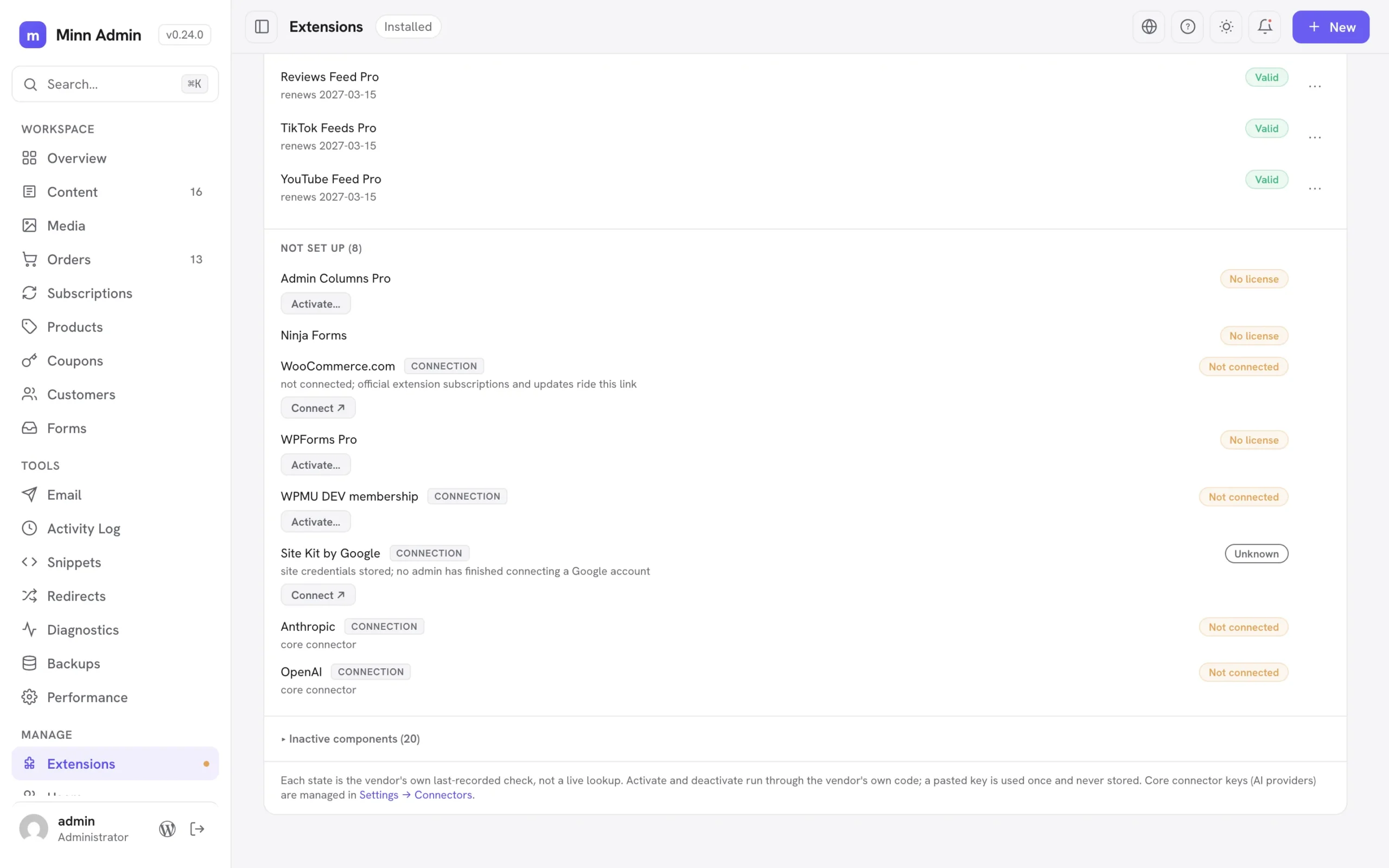
Added
- Updates tell you they are running: starting "Update everything" now puts a progress pill in the top bar that stays on every screen until the run finishes, so closing the notification panel or walking away no longer leaves you wondering whether anything is happening. It names the current phase (the plugin count, then each theme by name with its position, then WordPress), spins while it works, and clicking it reopens the panel where the results land. Plugins still update in a single batch, which is the fastest way to run them.
- WPForms entries in Minn: WPForms joins the Forms surface with the full treatment. Entries render as contact cards with per-form tabs, unread, read, starred, spam and trash views, search, star and read state, spam and trash flows with restore, and permanent delete through WPForms' own machinery. Opening an entry marks it viewed, exactly as WPForms' own screen does, and the whole surface honors WPForms' access capabilities, so a user who cannot see entries in WPForms cannot see them in Minn either. Entries are a WPForms Pro feature; Lite sites simply do not get the surface.
- Status cards across the whole forms family: Fluent Forms, Ninja Forms, Forminator, Contact Form 7 and Everest Forms now open with the same at-a-glance card SureForms already had: unread or received entries, spam and trash counts where the plugin tracks them, how many forms exist, and a link to the plugin's own entries screen. Every number comes from the plugin's own storage, so the card always agrees with what the plugin itself reports.
- Resend an email to somebody else: every FluentSMTP log entry now offers "Resend to…" alongside the plain Resend, so a receipt that went to a dead address can be pointed at the right one without leaving the log. Addresses are checked before anything sends; one bad address stops the whole resend.
- Your site's account connections, inventoried: WooCommerce.com (with who it is connected as and how many extension subscriptions ride it), Site Kit by Google and Jetpack now appear on the Licenses tab as read-only rows. A site that is not connected gets a Connect button straight into the right screen; a half-finished Site Kit setup says so honestly instead of reading as fine. Minn only checks that each connection exists: the sign-in ceremonies, tokens and disconnects stay entirely with each plugin.
- Service keys and connections join the Licenses tab: the card covers more than purchase licenses now; the Envato Market account token, WPMU DEV's Hub link and Akismet's service key are connections, not licenses, and the rows finally say so. Each row carries a small chip naming what it is, connection rows read "Connected" or "Not connected" instead of borrowing license language, the "No license" group became "Not set up", and the AI connector keys WordPress core manages appear as read-only rows with a doorway to Settings → Connectors, so one screen answers "what external services does this site talk to, and is each healthy". Unconfigured AI connectors never trip the System health check.
- Akismet keys, right on the spam card: an unconfigured Akismet card on Settings → Comments now carries a paste-your-key field (with a Change key option once one is set), verified and stored through Akismet's own machinery, including its subscription check. A rejected key shows Akismet's real reason inline and stores nothing. Akismet also appears on the Licenses card with the same activate, verify and remove controls, so both doorways drive one implementation. Keys supplied in code (the WPCOM_API_KEY constant or a filter) render read-only, and spam plugins can offer the same in-place field through a new
keyProvidercontract key. - WPForms Pro joins the license manager: the Licenses card now reads WPForms Pro's license state (plan level, expired, disabled, invalid and site-limit flags, and keys defined in wp-config) and offers activate, deactivate and verify through WPForms' own license machinery. A rejected key is refused cleanly with WPForms' own message and nothing is stored; deactivating frees the seat on wpforms.com the same way their settings screen does.
- FluentSMTP's daily connection check, surfaced: FluentSMTP 2.3 quietly tests every mailer connection once a day, because the failure that matters is the silent one (an expired token months after setup). Minn now shows that verdict on the Email status card and, when a connection is failing, as a System health warning that links to the connection screen. A site whose outgoing email is broken says so the moment you open Minn.
Improved
- The navigation toggle is a real button now: showing and hiding the sidebar moved from a slim tab on the left screen edge up into the top bar, as an icon button beside the page title. Same behavior, same ⌘. shortcut, same memory of your choice; it is simply where your eyes already are, and when the sidebar is hidden the button stays in the corner as the obvious way back.
- Resends now leave a trail: resending from the FluentSMTP log rides FluentSMTP's own resend machinery on 2.3 and newer, so the original headers and attachments come along, the log entry records each resend (who sent it, where it went, and whether it delivered), and no duplicate row appears. The email's detail view shows that history. Older FluentSMTP versions keep the previous behavior.
- FluentSMTP permissions are honored: sites that grant FluentSMTP access to a custom capability through its new filter get the same access rules in Minn's Email surface, instead of a hardcoded administrators-only gate.
- Scrutoscope profiles read through Scrutoscope: the profiler's author shipped a list endpoint in Scrutoscope 1.5 so integrations no longer have to read his database table, and Minn now uses it. This is a safety improvement rather than housekeeping: Scrutoscope reduces stored SQL to a verb and table name, and outbound request URLs to a bare hostname, then re-applies both on the way out so that captures written by older versions get cleaned too. Reading the table directly was the one path that skipped that step. The profile list, and the totals on the status card, now come from Scrutoscope's own code on 1.5 and newer, with the previous reader kept for older versions.
- Profiles you captured from Minn are easier to find: using "Profile this hook" on the Cron view saves an on-demand profile, but the list only offered Pinned, Session and Background tabs, so your own capture appeared under All profiles and nowhere else. There is now an On demand tab for exactly those.
- A Context column on the profile list: every capture now shows whether it came from the front end, the admin, a REST call, Ajax, cron or the command line, which is the quickest way to tell an admin-only slowdown from one your visitors feel.
- More on the profiler status card: it now reports how many distinct routes have been captured and how far back the stored history reaches, alongside the profile count, so you can see at a glance whether a profiling session covered enough of the site to be worth reading.
v0.23.0 - August 4, 2026
The switches release. Minn has flagged a forgotten coming-soon page since the visibility system arrived; now the warning carries the fix, a switch that turns the mode off through the plugin's own storage, with an Undo that restores exactly the mode that was on. The same hands-on-the-controls spirit runs through the whole cycle: automatic updates gain per-plugin and per-theme pills, inactive themes gain a live preview, and the patterns you create in WordPress become first-class citizens in Minn, insertable from the slash menu as live references and managed from the Content list. A second click on the sidebar refreshes the list you are looking at, and a run of small honesty fixes (Select All that really selects everything, one preview tab per post, detectors that see through Password Protected and SeedProd) keeps the everyday feel trustworthy.
Added
- Re-click the sidebar to refresh: clicking the sidebar item for the page you are already on now re-fetches the list in place. Content, Media, Comments, Users, the shop views, Extensions and every plugin surface all take part; the toolbar, tabs, search and filters stay put while the rows dim and reload, so a tab left open all day can pull in what teammates just published without a full page reload. On a grouped item with several providers (Email, Forms, Backups) the refresh stays on the provider you are viewing, and the lit item's tooltip says what a second click does.
- Three more coming-soon plugins on the visibility radar: Maintenance (WebFactory), CMP Coming Soon & Maintenance (NiteoThemes) and Minimal Coming Soon now register on the site visibility system while their mode is on, covering the most installed plugins in the category. The Overview banner, the topbar chip, the System health check and Settings → Visibility all name the plugin and link to its screen, so "I forgot the coming-soon page was on" gets caught the moment you open Minn.
- Turn a coming-soon page off without leaving Minn: the visibility warning now carries the fix. Every detected maintenance, coming-soon or password plugin (SeedProd, Maintenance, CMP, Minimal Coming Soon, LightStart, Under Construction, Password Protected, WooCommerce coming soon and Elementor maintenance mode) gets a switch in the banner, the chip popover and Settings → Visibility that turns its mode off through the plugin's own settings storage, with an Undo toast that restores exactly the mode that was on, including which of a plugin's two modes was active and WooCommerce's store-pages-only shape. Plugins Minn does not know how to write to keep their honest link-out, and third parties can register their own writer through a new
minn_admin_visibility_togglesfilter.
- Automatic updates, per plugin and per theme: every card on the Extensions page now carries a small Auto pill that turns WordPress automatic updates on or off for that one plugin or theme, the same setting the wp-admin screens manage. The pills store through core's own auto-update lists, so choices made in Minn and wp-admin always agree, and they only appear when the site allows automatic updates at all.
- Try a theme before switching: inactive theme cards gained a Live preview link. Classic themes open in the Customizer's preview and block themes in the Site Editor's preview, so you can walk the site in a candidate theme without changing what visitors see.
- Your patterns, everywhere they belong: the patterns you create in WordPress (synced and unsynced) now live in Minn. They surface in the editor's slash menu and the Browse-all picker under Your patterns; inserting a synced pattern places a live reference that renders the real thing and stays current when the pattern changes, while an unsynced pattern drops in a detached copy. A Patterns entry in the Content switcher lists them with the usual rename, duplicate, trash and bulk tools, the editor opens their markup natively with a reminder that saving a synced pattern updates every post using it, and the + New menu can start a fresh one.
Improved
- Select All now takes the whole post, blocks and all: custom blocks sat in the editor as cards the browser refused to highlight, so selecting everything looked like it skipped them, and copying carried only the words around them. Those cards now highlight with the rest of the text while a selection covers them, and a copy carries the real block markup: pasting back into Minn (this post or another one) rebuilds them as the same blocks with their settings intact, rather than dropping loose paragraphs where the block used to be. Undo still steps back over the whole paste at once, and pasting into another app keeps the readable text and formatting it always had. A block's text also no longer runs together when pasted as plain text.
- A wider email preview: an HTML email body in a log detail now opens in a wider dialog (900 pixels on large screens, with a taller reading pane) instead of the 720 pixel one, so real message layouts render without clipping.
Fixed
- Preview stops multiplying tabs: clicking Preview draft (or View on site) in the editor sidebar, and the same link in a content row menu, now reuses one browser tab per post; a second click refreshes that tab instead of opening another. Minn adopts the same named preview window classic wp-admin and the block editor use, so all three even share the tab.
- Password Protected no longer hides from its own warning: with its "Allow Administrators" or "Allow Logged In Users" setting on, the plugin masks its status option for logged-in reads outside wp-admin, which is exactly how Minn asks. The detector now reads the stored value directly, so a password gate that still blocks visitors shows up even when it waves the admin through. A stale Under Construction status left behind by a deactivated plugin also no longer registers.
- SeedProd detection actually works again: SeedProd stores its settings as a JSON string in current builds, and the old detector expected an array with different keys, so an enabled SeedProd coming-soon or maintenance page went unreported. The detector now reads the real storage shape, distinguishes the two modes, and keeps ignoring the login and 404 page modes that do not hide the site.
v0.22.0 - July 30, 2026
The under-the-hood release. Minn opens a calm window into the machinery it has always sat on top of: a read-only database viewer with a structure tab and a set of storage health checks that hand you the exact cleanup command instead of a scary button, on-demand cron profiling through Scrutoscope, and login posture from All-In-One Security. The traffic story widens too: Matomo and Jetpack Stats join the Overview chart through their own APIs (Jetpack verified on a live connected site), and the day drill-down learns to step through days with the arrow keys. Everything new holds the same line: Minn reads, explains, and links out; it never edits what it cannot promise to leave consistent.
Added
- A read-only database viewer at /minn-admin/database: administrators get a calm window into the site's actual storage. The table list shows every table with estimated row counts, sizes and engines (scoped to this install's prefix by default, with a one-click toggle for other-prefix tables); clicking a table opens its rows with live columns from the schema, a primary-key badge, column sorting, a per-column contains-filter and pagination; clicking a row opens a detail view with full values, column types and a copy control per value. The viewer deliberately has no sidebar item (most sites never need it): its doors are the System page's Database card, where "browse all" opens the table list and each largest-table row drills straight into that table, plus the command palette's "Browse database" command and the /minn-admin/database address itself. Read-only is the product, not a limitation: a database editor would bypass every plugin's invariants, so writes are a permanent non-goal and the interface says so. Serialized values render as raw text (never reconstructed), binary values show a hex preview, and queries stay polite on huge tables: counts come from index metadata, filtered counts stop at ten thousand, and browsing is bounded to the first ten thousand rows of an ordering, with filters as the honest way to reach the rest.
- A Structure tab on every table: alongside Rows, each table now shows its columns (type, nullability, default, key and any comment) and its indexes (the columns each one covers in order, whether it is unique, its type and its cardinality, with partial indexes showing their prefix length). It reads index metadata only, never the table itself, so it opens instantly even on the tables the Rows view has to page carefully. This is the answer to "why is this page slow", one tab away from the data.
- A Health view over the site's storage: the database viewer gains a second view that runs a fixed set of read-only checks and explains what each one means. It finds meta rows left behind by deleted posts and users, relationships pointing at categories that no longer exist, tables missing a primary key or still on an older storage engine, space that could be reclaimed, id columns approaching their ceiling, a missing combined post and meta-key index (a large, low-risk speed win on sites with heavy meta use), stored revisions, spam and trashed comments, expired shop sessions and background-job backlogs. Warnings sort to the top, every check names the table it concerns and links straight to it, and a summary row on the System page reports the state at a glance. Where a check finds something worth cleaning up, Minn hands over the exact WP-CLI command to copy, with a reminder to back up first, rather than a button that runs it: the read-only boundary holds here too. Checks stay polite by design, bounded the same way the row browser is and skipped entirely on tables too large to count cheaply, which is exactly where an eager diagnostic would otherwise do harm.
- Profile a cron hook from Diagnostics: with Scrutoscope 1.4 or newer, the Cron view's row menu gains Profile this hook. Minn asks first, because the hook runs for real (emails, updates, cleanup, queue work) under the profiler, then saves an on-demand profile you can open under Profiles. The work rides Scrutoscope's own profiler API, so per-hook segmentation and their report shape stay intact; on older Scrutoscope the action simply is not offered.
- Restore a backup, one click from Disembark: with Disembark 2.8 or newer, the Backups status card gains a Restore a backup link that opens their Tools screen (where upload-a-zip and pull-from-a-live-site live). Restore stays on Disembark by design: it rewrites the whole site, and Minn does not pretend to own that risk. Older Disembark builds simply do not show the link.
- Matomo joins the Traffic chart: sites running the self-hosted Matomo Analytics plugin now get the Overview Traffic chart and its day drill-down (top pages with real post titles, referrers, and an Open Matomo link) read through Matomo's own reporting API, so the numbers match its screens exactly, including its hourly archiving cadence. Access follows Matomo's own view permission, and a Matomo that has never tracked steps aside so another analytics plugin can answer.
- Jetpack Stats joins the Traffic chart: connected sites with the Jetpack Stats module get the same treatment through Jetpack's own WordPress.com client: daily visitors and views on the chart, top posts and referrers on the day drill-down, and an Open Jetpack Stats link. Verified end to end on a live connected site. A purpose-installed analytics plugin still answers first; Jetpack is the fallback many sites already run. WordPress.com reports views without per-page visitor counts, so page rows say views and skip the number they do not have instead of showing a made-up zero, and referrer rows carry the specific names their own screens show ("Google Search", not the "Search Engines" grouping).
- Step through days in the traffic drill-down: with a day's top pages open, the left and right arrow keys (or the header chevrons) pull up the previous or next day of stats without closing the dialog, skipping days that had no traffic. Works for every analytics provider.
- All-In-One Security login posture: the Activity Log status card for AIOS now reports failed logins in the last day, who is locked out right now, and how many permanent IP blocks are in place, with deep-links into AIOS's own locked-IP and permanent-block screens when those counts are non-zero. The System page gains a matching health row (same Solid Security / Wordfence shape), so a site running AIOS surfaces its login protection without opening their menus.
Fixed
- Redirection's setup notice stays in Minn: the notification panel's "Redirection setup" button used to open wp-admin's Tools screen in a new tab, even though Minn already has the one-time setup gate on Redirects. It now lands on
/minn-admin/redirectionin the same tab (no off-site ↗), and the same rewrite is ready for any future notice that points at a surface Minn already covers.
v0.21.0 - July 24, 2026
The trust release. This cycle is for everyone who is not the person who built the app: the interface gains real translation plumbing so it can meet users in their own language, the app chrome passes a genuine accessibility audit with a suite that keeps it honest, and a plain-words user guide ships inside the plugin, one click from help. The same spirit runs underneath: updates verify themselves against a published checksum before they install, a security policy opens a private door for researchers, a tab left open overnight recovers on its own, and boot rides one request instead of nine so shared hosting stops watching panels trickle in.
Fixed
- Pending comments stay in the moderation queue: the Overview's Recent activity feed included comments awaiting moderation (author names and all) for every user who could see the dashboard, even though the Comments view, the notification panel and the pending row's own click-through are all reserved for moderators. The feed now applies the same rule everywhere: users who can moderate see pending rows, everyone else sees approved comments only.
- Test scaffolding no longer ships in the notice pipeline: the two dev-fixture ajax handlers used by Minn's own browser suites lived in the shipped whitelist, reachable (though harmless) on any site. The notice button mapping is now filter-open like the whitelist itself, and the fixture handlers moved to the dev site's fixtures plugin where they belong. Production installs carry no fixture code paths.
- A tab left open overnight recovers on its own: REST nonces expire after a day, and an expired one used to dead-end the app (every request failed with a raw error toast until a manual reload). Minn now notices the expired nonce, mints a fresh one in the background through WordPress core's own nonce endpoint, and retries the request; a whole page of parallel requests shares one refresh. If the login session itself is gone, Minn says so and reloads into the login flow instead of leaving dead buttons.
- Typing a license key can no longer be interrupted: a background loader resolving late could rebuild the Licenses tab out from under an open key form, discarding the form and the key being typed before the activation request even returned. A stray rebuild now leaves an open paste form alone; only the renders that legitimately dismiss or replace it (the post-action refresh, Cancel, the inactive-components toggle) still swap it out.
- Three low-severity hardening fixes from a full security audit: a line-by-line pass over the REST surface, adapters and app shell turned up no serious issues and three small gaps worth closing. A public read of a post no longer reveals the name of whoever happens to have it open in the editor (that "someone is editing" signal is for the dashboard, not the world). The Custom CSS & JS reader now refuses to reconstruct PHP objects from stored data, matching the safe pattern the rest of the integrations already use. And the small block of startup data the app inlines is encoded so a site name or display name can never break out of it. None of these were exploitable in normal use; all three are now closed.
Added
- A guide for the people who actually use Minn: docs/user-guide.md is the new site-owner manual, covering getting around (the sidebar groups, the command palette, and the fact that right-click works nearly everywhere), writing and the editor's safety model in plain words, daily site care, hiding what you don't use, every keyboard shortcut, and an honest safety section: what happens when you deactivate (nothing), how updates are verified, and who can open the app. It ships inside the plugin so the copy you read always matches the version you run, and it is now part of the release checklist so it stays current. The guide is one click away in the app itself: a User guide button on the About dialog and an "Open the user guide" palette command render the bundled copy in a reader modal, with the shortcuts table and all, no internet required.
- The app chrome passes a real accessibility audit: every main view now audits clean with axe (zero violations, both themes), and a dedicated browser suite keeps it that way. Screen readers hear each navigation announced and see the active nav item marked as the current page; keyboard focus is rescued when a view swap would have dropped it; every page has a proper top-level heading; the sidebar is a labeled navigation landmark; icon-only buttons and list checkboxes carry real names ("Select Hello world", not silence); sort buttons speak their direction; and users who prefer reduced motion get an interface that stops animating. Muted text and status-chip colors were nudged to meet WCAG AA contrast in both themes: same hues, slightly more present, with pills and dots keeping their original tones.
- Minn is ready to speak your language: the app now has real internationalization plumbing. Interface strings translate through standard WordPress translation files (the same .po/.pot format every translator already knows), each user sees the interface in their own profile language, and English remains the built-in default so nothing changes until a translation exists. The app shell (navigation, page titles, toolbar) is translated first; the rest of the interface converts view by view. Plugin authors' own labels stay theirs to translate.
- Boot rides one request instead of nine: the startup burst (notifications, plugin and update caches, core status, the pending-comment badge, post types and the order summary) now arrives in a single consolidated request. Each section is produced by the same route the standalone fetch used, so nothing changes shape, and a section the server cannot provide falls back to its old standalone fetch automatically. On shared hosting, where a handful of PHP workers had to serialize nine parallel requests, the app's panels stop trickling in one by one.
- Updates are checksum-verified before they install: the release manifest now publishes the sha256 of each release zip, and the self-updater downloads the package, checks it against that hash, and refuses to install on any mismatch. The manifest travels from the GitHub repository while the zip comes from the release CDN; pinning the hash ties the two together, so a tampered or truncated download can never reach your plugins directory.
- A private channel for security reports: the repository now carries a security policy with GitHub private vulnerability reporting enabled, so a researcher can disclose quietly and expect an acknowledgment within 48 hours. It also includes design notes for reviewers, the properties worth knowing before an audit: the capability gate and per-route permission checks, the descriptor-only integration boundary (third-party PHP never runs in Minn's render paths), the no-unserialize and prefix-scoped-SQL shim rules, and the checksum-verified updater.
Improved
- The help dialog helps first: the About dialog now leads with what a person clicking "?" actually needs: how to get around, the fact that right-click works nearly everywhere, and how to hide what you don't use, followed by the keyboard shortcuts. The philosophy is still there, condensed at the end, and the User guide button remains one tap away.
- The plugin and its website finally point at each other: the plugin's listed website is minnadmin.com now (it was the GitHub repository), and the About dialog links to the site and its new shareable docs pages at minnadmin.com/docs. The bundled in-app user guide is unchanged; the web pages are the linkable copies.
- One listing, not two: the wp.org-style readme.txt is gone. GitHub is the distribution channel, so readme.md and minnadmin.com are the listing surfaces; the FAQ, security notes and user guide now live where people actually read them instead of drifting in a second copy.
- List pages are ready to search the moment they open: navigating to Extensions (plugins or themes), Content, Media, Users, Orders, Terms and every other list view drops the caret straight into the view's filter box, so typing filters immediately with no click first. It happens once per navigation and politely: a re-render never yanks focus back, an already-focused text field (the palette, a modal input) is never robbed, and touch devices skip it so the software keyboard stays down.
v0.20.0 - July 20, 2026
The consent release. Every consequential action now says what it touches before it happens: updates enumerate what changes and what stays untouched, permanent deletes wear danger styling with plain-stakes copy, and quick reversible verbs keep their one-click ease. Around that spine, comments learn in-place editing and one-click commenter blocking, the content list says who is editing a post right now, Settings closes two more Customizer-era gaps (site logo and site language), Search & Filter Pro and Admin Columns Pro join the license manager, and plugin activation moves to a real admin context so activation hooks that assume wp-admin stop failing.
Fixed
- Plugin activation works for plugins that assume wp-admin: plugin toggles now run through admin-ajax, a real admin context, instead of the REST plugins endpoint. Activation hooks are written for wp-admin, and some plugins only load parts of themselves there (Breeze skips its ecommerce class outside wp-admin and fataled when activated from Minn on a WooCommerce site). Every activate and deactivate door rides the new path: the Extensions switch, right-click menus, license Turn on, connectors, the Add plugin dialog and the deactivate-Minn modal, with REST as the automatic fallback when admin-ajax itself is unreachable.
- Add-on families keep their names: the plugin name cleanup trims marketing taglines after the first separator, which collapsed families like Admin Columns Pro's add-ons ("Admin Columns Pro - Ninja Forms") into a wall of identical cards. When two installed plugins clean to the same name, both now keep their second segment, so add-ons stay tellable apart while tagline stripping stays aggressive everywhere else. Search matches the disambiguated name too.
- Installing several themes quickly no longer fails with "Failed to fetch": a theme install swaps files and can recycle the PHP worker, so a rapid second install landed on the dying connection and errored even though the server was fine. The Add theme dialog now waits for the server to come back, asks the themes list for the truth (an install whose reply died after the work counts as done), and retries once before reporting a failure. Activating from the dialog gets the same recovery.
- No Comments tab in notifications when comments are off: the notification panel offered a Comments tab even on sites where comments are disabled (the same gate that already hides the Comments nav item). The tab now follows that gate, and an active Comments tab falls back to All if the gate closes mid-session.
- The notification panel's fifth tab was unreachable: with Comments, Updates, Notices and a System kind all present, the tab strip clipped at the panel edge with no way to scroll. The strip wraps to a second row now, so every kind stays visible and clickable.
Added
- A confirm that says what it touches: consequential actions moved from the browser's native confirm to a shared Minn dialog with scope disclosure, swept across the whole app. Update everything and the WordPress core update (both of its doors) enumerate exactly what will change (the pending plugins, themes and core version) and what is not touched (your content, media, users and settings), so the biggest button in the app is also the most explicit. Every permanent delete wears the danger styling with plain-stakes copy: plugins and themes, content, media files, comments, users, terms and term merges, menus, widgets, coupons, refund records and emptying a log. Switching the site's theme shares one dialog across all three of its doors (and says out loud that the old theme stays installed), deactivating a license says the seat frees up, a refund says whether the gateway is asked to send money back, and sending a WooCommerce order email says it goes out right away. Confirms stack politely too: Escape over an open modal peels just the confirm, never the dialog beneath it. Quick reversible verbs (move to trash, sign-outs, password resets) keep their one-click confirms.
- Edit a comment in place: Pending and Approved rows gain an Edit action that opens an inline box with the comment's raw text; guest comments also offer the author name and email (a registered commenter keeps their account identity, so only the text travels). Fixing a typo or stripping a link no longer means a trip to wp-admin.
- Site logo, in Settings: when the active theme supports a custom logo, the Site tab gains a logo field beside the site icon with the same flows (pick from the library, drag and drop an upload, remove), saving through the exact theme_mod the Customizer writes. Themes without logo support see nothing, matching the Customizer's own gate.
- Site language, in Settings: the Site tab gains a Site language picker over every installed and downloadable locale (the options-general list). Picking a language the site does not have downloads its pack on save, through the same machinery as the profile's per-user language; your own language stays on Your profile. This closes another named Customizer-era gap from the core coverage audit.
- The content list says who is editing: a post someone else has open right now wears a quiet "{name} is editing" chip beside its status, on every post type in the list. It reads core's own edit lock (the same lock wp-admin, Gutenberg and Minn's editor already honor between them), so there is no new bookkeeping: a crashed session's lock ages out on its own, and your own open tabs are never flagged. The editor's blocked-open and takeover flow stays the door; the chip means you know before you knock.
- Two more license vendors: Search & Filter Pro and Admin Columns Pro join the Licenses tab with the full loop: paste to activate, deactivate frees the seat, re-verify on demand, all through each vendor's own code. Search & Filter rides its REST controller and the free base plugin's own options store, and a rejected key can no longer clobber a working activation (their own screen would let it). Admin Columns Pro is admin-screen-gated by design, so Minn bootstraps its service container headless; its key-for-token swap (a successful activation trades your pasted key for an activation token) is handled and read back faithfully, lifetime licenses included.
- Block this commenter: right-click a comment and Block commenter adds the author's email (or IP when the comment carries none) to core's disallowed list, so their future comments go straight to the trash. Core's own mechanism, no new storage: the entry is visible and editable under Settings → Comments, the confirm says exactly what will happen, and the toast's Undo removes exactly the line the block added. Offered to administrators, matching who may edit the disallowed list in wp-admin.
Improved
- The editor sidebar's doors pack two-up: Settings, Page attributes, History, the custom-field panels and SEO now sit in a two-column grid instead of a full-width stack, roughly halving their vertical footprint on plugin-heavy posts. An odd count lets the last door span the width, summaries ellipsize inside the narrower cells, and the chevron gives its width back to the text. The Publish and Featured image cards keep their full rows.
- Deleting a theme keeps the page still: the deleted theme's card fades out in place and the rest of the Themes tab stays exactly as it was (scroll position, sibling cards, screenshots untouched). The repaint through the loading screen is gone.
- Comment rows open their post: the "on Post title" in every comment row is a door now. Clicking the title lands in the Minn editor (pages resolve too, not just posts), a quiet ↗ beside it views the post on the site landing right at that comment, and the row's right-click menu leads with Open post in editor and View post. Rows whose post cannot be resolved keep the plain label.
v0.19.0 - July 19, 2026
The storefront release. Orders stop being modal glimpses and become real pages with their own URLs, payments arrive by hand (a check in the mail is two clicks), refunds learn the order's own line items, and the Overview says out loud when the store needs you. Around the store: every site log in one viewer with a collapse-repeats mode, live posts carrying unsaved edits get a name (Modified) in the content list, Yes/No notices finally answer properly, and the post-lock story closes its last blind window with a server-side guard.
Added
- Orders open as a full page: clicking an order now navigates to
/minn-admin/orders/{id}, a real URL: linkable, refreshable and back-button friendly. The page hosts the full detail (customer and shipping, items, status, the Payment card with Record payment, refunds, WooCommerce emails, notes, subscriptions, and the customer's other orders) at full height with no inner scrollbox, the header keeps the status pill in view, and the Orders sidebar item stays lit. Every order reference navigates there: related orders on the page, a customer's order history, a subscription's parent and renewal orders, and a newly created order lands on its page too. The old modal survives as Quick view: a hover eye button on each row for one click, plus an entry on the row's right-click menu, with an Open full page action in its footer. - Receive payments by hand: the order modal gains a Payment card with the payment method (your enabled gateways plus a free-form Other), a transaction ID field, and a Record payment button on unpaid orders. A check arrives in the mail: pick Check payments, note the check number, record. Pending orders run through WooCommerce's own
payment_complete(paid date, status move, stock and email hooks all fire); on-hold check orders, which WooCommerce's REST guard skips, get the paid stamp and processing status set explicitly, exactly as an admin would by hand. Method and transaction edits also ride the normal Save changes without touching the paid state. - The Overview knows when the store needs you: with WooCommerce active, a Store strip joins the dashboard under the stat cards listing the orders that need working today: awaiting payment, on hold, to fulfill and failed. Each count is a chip that lands on the Orders list pre-filtered to that status, a View orders button keeps the plain door, and an all-clear store says "All caught up" out loud instead of hiding the strip. Counts read from WooCommerce's own order counters, and the strip only renders for users who can manage orders.
- The third state has a name: Modified. A published, scheduled or private post carrying unsaved edits (its newest autosave is newer than the version being served) now says so in the content list: an amber Modified chip beside the status, and a quiet Modified toolbar filter that shows only those posts. The state already existed, since Minn's status-aware autosave protects live posts by writing edits to revisions instead of the live copy; now it is named and filterable, backed by a
minn_modifiedREST field and collection filter on every REST-visible post type. The editor's amber restore banner remains the way back in. - Site logs, all in one viewer: the System page's log viewer outgrew the single debug log. The Debug tools card now lists every log the site has: the WordPress debug log, the PHP error log when it is a separate file, and one source per WooCommerce log channel (gateway errors, transactional emails, fatal errors), each read through WooCommerce's own log controller. The full-screen viewer gains a source picker, and a collapse repeats mode that ignores digits when grouping, so ten thousand "Undefined index on line 47" repeats read as one line with a count. Clearing stays per source and only where it is safe (file logs you can write; WooCommerce retention stays on its own screen), plus a ⌘K "View site logs" command. Plugins and host mu-plugins can register their own sources through the new
minn_admin_log_sourcesfilter, documented in the author guide; Minn deliberately never guesses at web-server log paths. - More from this customer: the order modal lists the customer's other orders (status, total, age), found by account for registered customers and by billing email for guests. Click one to jump straight to it, or View all to open the Orders list pre-filtered to that customer.
Improved
- Refunds grew up: the order Refund card lists the order's items with quantity steppers, so refunding two of the three mugs is two clicks. The amount computes itself (tax included) while staying hand-editable for shipping or goodwill refunds, and a Restock refunded items toggle rides WooCommerce's own restocking. The gateway checkbox names the real gateway ("Also refund via Stripe") and only appears when that gateway can actually push money back; check and manual orders say plainly that the record is manual and the money moves outside the site. Refund rows in the totals list gained when and who, plus a delete control that removes a mistaken refund record and restores the totals, with honest copy that money a gateway already sent is not pulled back. Underneath, a refund-state endpoint serves the accounting Minn could not get from wc/v3: per-line refunded quantities through WooCommerce's own bookkeeping, refunder names resolved server-side, and whether the order's gateway supports refunds.
- The Playground demo feels like a lived-in site: the WordPress Playground blueprint now ships Koko Analytics with 65 days of seeded traffic (site totals, per-page stats and referrers, dated relative to whenever you launch it), so the Overview opens on a real Traffic chart with working day drill-downs. Code Snippets comes preloaded with three example snippets and User Switching joins the demo roster alongside Simple History, Redirection and the example adapter. Seeding runs through each plugin's own machinery (Koko's migration hook, Code Snippets' save API), and the demo continues to request the latest WordPress build Playground ships.
- The payment picker mirrors wp-admin exactly: the method list is served by a Minn endpoint reading each gateway's computed title (the same call wp-admin's own dropdown renders and stores), so the options and the stored
payment_method_titlematch the WooCommerce order screen byte-for-byte, even for gateways that generate their titles like Stripe. Saving without touching the method never rewrites the stored title (wp-admin's own rule). - The order modal's dropdowns are themed comboboxes: status, payment method and the WooCommerce email picker join the app's searchable combobox style; the last OS-drawn selects in the modal are gone.
Fixed
- Activating a Performance Lab module no longer strands the list: turning a feature on installs and activates a real plugin, which can recycle the PHP worker and kill the very next request. The list reload after any action now replays once when its socket drops (the error card only paints if the replay also fails), and an action whose own reply dies after the server did the work proceeds to the reload instead of toasting a false failure. No more "Couldn't load this list" plus a manual refresh after activating a module.
- Yes/No notices lost their Yes: Smash Balloon's "Are you enjoying the Instagram Feed Plugin?" notice showed fused text ("Plugin?YesNo") and only a No button, because its Yes is a literal button element the extractor never walked and notice text was flattened without element boundaries. Notice text now joins elements with spaces (and tidies punctuation), button elements join the CTA extraction in document order, and surfaced choice labels are stripped from the body by last whole-word occurrence, so a short "No" label can never eat part of the sentence. Buttons only surface when Minn can honestly answer them: a whitelisted handler, or a dismiss-shaped label. Both Instagram Feed choices now run the plugin's own consent handler from the panel, so Yes and No do exactly what they do in wp-admin.
- A save racing a lock takeover is rejected by the server: the up-to-30-seconds between someone taking over a post and the losing session's next lock refresh used to be a blind window where the loser could still save and silently overwrite the taker's work. Minn's in-place saves now carry the post id in an
X-Minn-Expect-Lockheader, verified against the edit lock inside the save request itself; a save from an ousted session fails with a clear conflict error, nothing is written, and that session flips straight to the taken-over banner. Requests without the header (the block editor, other REST clients) behave exactly as before. - Taking a post lock back no longer risks silently reverting the other person's saves: when a lock changes hands, the winning session's copy could predate saves the other session made in the meantime, and the next save would quietly restore the stale copy. Regaining the lock now checks the server's modified stamp: a clean local copy adopts the newer saved version in place, and a copy with unsaved edits gets an amber banner naming who saved and offering Load theirs or keep working. Their work stays in revisions either way; choosing Load theirs also discards the local crash-net snapshot so the overwritten copy is never offered back.
- The order modal no longer loses in-progress edits: its background fetches (emails, notes, related orders) re-render the modal as they land, and anything typed or picked in that window used to silently revert to saved values, with the save then persisting the reverted form. Edits now survive those refreshes, and focus returns to the field the rebuild stole it from.
v0.18.0 - July 18, 2026
The depth release. Plugin surfaces stop being flat lists: detail modals gain typed rows (status pills, code blocks, key-value tables and the real HTML email in a fully sandboxed preview), status cards spread across the whole mail, redirects and snippets families, and columns become sortable where a route supports it. The media library grows up in one cycle: folders from your folder plugin, an Unattached filter and month picker, an Attached-to jump, and replace-file in place through Enable Media Replace. The editor sidebar reaches events, job listings and podcast episodes with panels drawn live from each plugin's own schema, Gravity Forms feeds and FluentSMTP settings come inside, and four more providers join the families (SureForms, SureMails, Site Mailer, All-In-One Security). Underneath it all, a sequential full-suite runner drove all 171 suites green before this release and caught four real bugs, fixed below.
Added
- Event details, editable in Minn: with The Events Calendar active, events gain an Event details panel in the editor sidebar: start and end, all-day, venue, organizer, cost and website. Venue and organizer are live search pickers over your existing TEC records, and every write goes through TEC's own save machinery, so durations, timezones and linked-post bookkeeping behave exactly as on its screens. Events with several organizers keep that field on TEC's screen rather than silently dropping any; recurrence and tickets stay in TEC too.
- Plugin panels can offer search pickers: the editor-panel contract gains a
suggestfield type, an async picker that searches a route you provide as the user types (with a built-in None row for clearing). Documented in the author guide; the Events Calendar venue picker is the reference. - Job listings, editable in Minn: with WP Job Manager active, listings gain a Job listing panel in the editor sidebar covering location, the company fields, the application email or URL, salary, the remote, filled and featured flags, and the expiry date. The field list comes live from WP Job Manager's own schema (add-ons and site customizations included), and every write runs through its own per-field sanitizers.
- PowerPress episodes too: with PowerPress active, plain posts gain the same Podcast episode panel for the default channel: media file URL, file size, duration, subtitle, and the Apple episode fields (title, number, season, type). Edits rebuild PowerPress's enclosure data carefully, so hosting, chapter and artwork details it stores alongside survive untouched, and clearing the URL removes the episode exactly like its own Remove control. Custom channels, artwork, explicit flags and chapters stay on the PowerPress metabox.
- Podcast episodes, editable in Minn: with Seriously Simple Podcasting active, episodes already live in Minn's Content list and editor (they are a normal post type), and the editor sidebar gains a Podcast episode panel with the whole episode-detail estate: the media file URL, audio or video type, duration and file size, date recorded, the explicit and directory-block flags, and the iTunes fields. The panel reads its field list live from SSP's own schema (so a site with iTunes fields turned off sees fewer fields) and stores values exactly as SSP does; the cover-image uploader and Castos hosting sync stay on SSP's screen.
- Gravity Forms feeds at a glance: with any feed add-on installed (Twilio, Mailchimp, Zapier, webhooks and the rest), the Forms surface gains a Feeds view listing every integration across your forms: which add-on, which form, on or off. Turn a feed on or off or delete it right there through Gravity Forms' own model; configuring a feed deep-links to the add-on's screen, where its credentials and builders live.
- FluentSMTP settings, without the wizard: the FluentSMTP Email surface gains a Settings view for the choices that actually change day to day: the default and fallback connection (picked from your configured connections; credentials never leave FluentSMTP), email logging, log retention, and email simulation for staging sites (locked when a wp-config constant forces it). Everything reads and writes through FluentSMTP's own settings model; setting up a new connection stays in its wizard.
- Media folders, from your folder plugin: with FileBird, Real Media Library or Folders by Premio active, the Media view gains a folder picker listing your folders (with counts, children indented, plus each plugin's own no-folder view) and filters the library to the picked folder while search, type tabs and pagination keep working. Everything reads through each plugin's own model or API, so FileBird's per-user folders mode is honored and counts match their screens; organizing stays in the plugin's UI. Other folder plugins can join through the new
minn_admin_media_foldersprovider filter, documented in the author guide; very large folders honestly show their newest 500 files and say so. - Move to folder: select files in the media library and the bulk bar offers a folder picker and a Move button (with "no folder" as a real destination). The move runs through the folder plugin's own assign machinery, so its hooks, counters and per-user scoping all apply; providers opt in with a single
movecallable on the same filter. - The media buttons work with more plugins: the SVG filter tab and detail note now come from Safe SVG or SVG Support (the note names the plugin, and claims sanitization only where it is certain), and the ↻ Thumbnails button works through Force Regenerate Thumbnails when Regenerate Thumbnails is not installed, calling FRT's own handler so its delete-stale-files behavior applies exactly as on its Tools screen.
- Media filters that answer the two daily questions: an Unattached filter shows the files no post or page claims (core's own parent query, ready for a cleanup pass), and a month picker lists exactly the months that hold uploads, with counts, so "that screenshot from May" is two clicks. Both keep the toolbar painted while the list reloads, and the media toolbar moves to the same two-row layout as Content.
- Every file says where it lives: the media detail modal gains an Attached to row naming the post or page the file was uploaded to, and clicking it drops you straight into that post's editor. Files nothing claims read Unattached, plainly.
- Replace a file in place: with Enable Media Replace active, the media detail modal gains a ⇅ Replace file button. The new upload goes through EMR's own replace machinery: the old file and its thumbnails are removed, the new file lands under the same name and URL (so every post, theme and hotlink reference keeps working), metadata and thumbnails are rebuilt, and EMR's hooks fire for other plugins. Minn enforces the honest constraint of in-place replacement (the new file must be the same type); renaming or moving the file stays on EMR's own screen. Capabilities mirror EMR exactly, including a wp-config
EMR_CAPABILITYoverride. - Status cards across the whole redirects family: Safe Redirect Manager (rules, status-code mix, regex count), Simple 301 Redirects (rule count and the wildcard toggle) and 301 Redirects by WebFactory (rules, lifetime hits, top redirect, 404 log size) join Redirection with an at-a-glance card, each read from the plugin's own storage.
- Status cards across the whole snippets family: WPCode, FluentSnippets, Custom CSS & JS and Header Footer Code Manager each open with the same at-a-glance card as Code Snippets: active and inactive counts plus each store's own facts (running types or languages, the last change, FluentSnippets' file-based storage note).
- Code Snippets status card: the Snippets surface opens with active, inactive and trashed counts, the scopes currently running, the most recent change, and a warning row whenever safe mode is armed (safe mode means nothing executes, which deserves saying out loud).
- SureForms entries join the Forms surface: submissions read from SureForms' own table, with per-form tabs, unread/read/trash filtering and bulk status changes, search, an entry contact card, and a status card of unread and total counts.
- Two more email loggers: SureMails and Site Mailer: both join the Email family reading their own free log tables, with sent/failed tabs, search, single and bulk delete, a status card with a 14-day chart, and the sections detail (status pill, the real HTML body in the sandboxed preview). Timestamps are normalized to UTC no matter what timezone the database runs in.
- All-In-One Security joins the Activity Log: its audit feed reads from AIOS's own log table as a fifth activity-log provider, with level tabs (warnings, errors, info), search, per-event detail (the JSON context flattened into readable fields) and a status card counting 24-hour, 7-day and all-time events plus recent warnings.
- Sortable columns on plugin surfaces: a collection can declare
sortQuery(anorderby/directiontemplate) and mark columns with the sort token its route understands. Marked headers become clickable: numeric and date columns start descending, everything else ascending, and a repeat click flips. The Redirects surface is the first consumer, sorting by source, hits and last hit through Redirection's own API. - Redirection status card: the Redirects surface opens with rule counts, all-time hits, the top redirect, served and 404 counts for the log window, and a stacked 14-day chart of redirects served over 404s, all read from Redirection's own tables.
- The whole mail family opens rich detail: FluentSMTP, Post SMTP and WP Mail Logging log details moved to the new sections layout alongside Gravity SMTP: a status pill, the real HTML email body in the sandboxed preview (plain-text bodies as a code block), and each store's own extras (FluentSMTP's provider-reply peek, Post SMTP's failure text and suggested fix, WP Mail Logging's raw headers). The flat detail routes stay for API consumers.
- Detail row types for plugin surfaces: a
sectionsRouteresponse row can now declaretype: pill(the shared status vocabulary),code(escaped monospace block),html-preview(your HTML in a fully sandboxed iframe, no scripts, opaque origin) orkv-table(a two-column table from an object map or pair list), alongside the existingurlandemaillink rows. Values stay escaped everywhere; the sandbox is the one place plugin markup renders. Gravity SMTP's log detail is the first consumer: delivery facts with a status pill, the real HTML email body rendered safely, and the stored headers as a table.
Improved
- The System theme glyph is a half-circle now: the theme toggle's System state wore a monitor icon, which read as "view the site" rather than "follow the OS". It wears the conventional half-filled circle instead; Light and Dark keep the sun and moon.
- A full-suite runner ships with the repo:
tests/run-all.shruns all 171 Playwright suites sequentially with settle guards, a one-retry rule for environment noise, per-suite logs and resume support, so a release pre-flight (or an overnight run) is one command.
Fixed
- The block picker no longer waits on the slowest design library: it used to hold the whole dialog on every design and pattern source before rendering anything, so one slow or unreachable CDN left it stuck on the loading screen. It opens instantly with the basics now, and each design library and pattern group fills in as its source answers; a dead source just never arrives.
- The Overview traffic chart dropped today's visitors before noon UTC: the chart bucketed provider days against a noon-UTC anchor, so for half of every day the current day computed as "in the future" and vanished from the chart (and a bar's drill-down could land on the wrong day). Days are bucketed by calendar distance now, in the site's timezone.
- Gravity SMTP's Resend button vanished from the log detail: the new sections-based detail no longer feeds the full event back to the modal, and the list route never carried the resend permission its
when-gate read, so the button silently disappeared. The list route carries it now. - A failed license activation could eat the typed key: the Licenses tab was the one list still missing the soft-reload guard, so a stray re-render during the tab's refresh window could detach the activation form mid-flight, typed key and all. It keeps the form (and the key) through the refresh now.
v0.17.0 - July 17, 2026
The boundaries release. Minn's integration story grows teeth: placement and count budgets are enforced rather than requested, every off-site link a plugin supplies wears the mark, the descriptor vocabulary is frozen by a kitchen-sink contract suite, and anything you don't want is one right-click away from hidden, restorable from Your profile. Which is now a real page: account, public profile, appearance, per-user language with automatic pack installs, the front-end toolbar preference, AI access and sessions as calm cards. The command palette searches what you've written, the commerce views and menu items gain right-click menus, the author guide is rebuilt around first contact with a copyable example plugin, and the last native selects and checkboxes in Settings and the structure dialogs became themed controls.
Added
- ⌘K finds your content: the command palette now searches what you've written, not just what Minn can do. Type anything and your posts, pages and custom post types appear under the command matches (published content plus your drafts and scheduled posts), and Enter drops you straight into the Minn editor. Same arrow-key and click behavior as commands, debounced against core's search API with the usual field allowlist (lists never render content), and commands always stay first.
- Hide any integration for you: right-click a plugin surface's sidebar row, a plugin editor panel's door, or a plugin group's heading in the block picker and choose Hide for you. Design libraries hide individually; a slash namespace hides everywhere it feeds the editor menus (auto-insertable blocks, insert templates, block patterns and namespaced commands go together, while inspector forms stay so existing blocks remain editable). Hidden integrations leave the boot payload entirely (the sidebar, ⌘K palette, routes, block picker and slash menu never see them), survive reloads, and restore from Your profile → Hidden for you or the Undo toast. The choice is per user; plugin re-registration does not undo it, and there is no API for a plugin to detect or resist it. Core views, core editor doors and the picker's Basics are not hideable.
- Attention budgets: placement and count limits on plugin integrations are now enforced, not asked. The Workspace nav group requires an inbox-shaped surface (a time-ordered collection); anything else claiming it lands under Tools with a note on the Integrations card. One plugin holds at most 3 nav slots: past that, its surfaces collapse into a single nav item and a single ⌘K palette row using the familiar provider switcher. One namespace holds at most 3 entries in the default
/slash menu, with overflow demoted to search-only (still one keystroke away, never dropped; the block picker always shows everything). Minn's own bundled adapters are exempt from the nav budget since each registers only while its subject plugin is active. - External links are always marked: every link a plugin's descriptor supplies (row and detail actions, status-card actions, setup links, context-menu entries) opens in a new tab, and any link that leaves the site now renders with the ↗ affordance automatically. Minn adds the mark at render time; a descriptor cannot make an off-site link look like an app action, and same-site wp-admin deep links stay unmarked. Off-site hrefs carried in a descriptor are also listed per surface on the Integrations card, attributed to the plugin that registered them (informational, never a contract problem).
- The contract suite: the descriptor vocabulary is now frozen by test. A doc-lockstep check fails the suite if any key in the validator's vocabulary constants is missing from the author guide, and a kitchen-sink fixture surface declares the entire documented collection vocabulary at once (every column format, every action key, tabs, filter, bulk, create with defaults, inline edit with preserve, manage and extra views, status card, item-scoped settings) and is driven end to end with server-state verification. The same fixture validating with zero problems on the Integrations card proves the full vocabulary is contract-clean. The WordPress Playground demo also boots the shim tutorial's example plugin preactivated, so a working instance of the API is one click away.
- The shim tutorial and a copyable example plugin:
docs/shim-tutorial.mdwalks a custom-table plugin into a full Minn surface (REST shim, descriptor, status card, actions), anddocs/examples/minn-example-adapter/is the finished code as a real working plugin. Minn's own test suite activates the example and drives it end to end, so the tutorial can never drift from the contract. - Your profile is a full page: the self-profile outgrew its modal and lives at
/minn-admin/profilenow, with Account (name, email, role, language, password), Public profile (first and last name, website, bio and the Gravatar-sourced picture, the fields author boxes and archives read), Appearance (color schemes, theme, and the front-end toolbar preference), Hidden for you, AI Access and Sessions as proper cards. The avatar, the ⌘K entry and your own row on Users all land there; the modal stays for adding users and editing other people, where the short form is right. - Per-user language, with automatic installs: the Language picker offers every installed locale plus the full downloadable catalog (for admins who can install languages), exactly like core's Site Language dropdown. Picking a language that is not installed yet downloads its pack on save through
minn-admin/v1/me/language; Site default remains the first option, and the picker reads your raw preference, not the effective fallback. - Show toolbar when viewing the site: core's per-user admin-bar preference joins the Appearance card as an instant-save switch, exposed over REST via registered user meta with core's own true/false storage.
- Right-click menus on Orders, Products, Customers and Menus: the context-menu pattern from Content, Media and Comments reaches the commerce views and menu items. Orders offer the common status moves (processing, completed, on hold) without opening the modal; products toggle stock and publish state in place (managed-stock products keep stock edits in the modal, where quantity lives); customers offer email, a pre-filtered jump to their orders, and the wp-admin user screen; menu rows expose their own move, indent and remove controls plus the inline label editor.
Improved
- The author guide, restructured for first contact: the quick start now opens the doc (the 19-hook wall moved to a Hook reference section), with new sections for testing your integration, capability patterns (including the adapter-side gating precedent the bundled adapters use), the canonical icon list (66 names; unknown names render empty), building with an AI agent, and Integration etiquette: the whole enforcement story in one place (what the validator blocks or degrades, that rendering is Minn's, what users can hide, and that labels are for naming, not marketing). Every primitive now has a screenshot beside its section (surface list, status card, detail modal, contact-card entry, setup gate, settings view, editor panel doors and modal, slash namespace entries), captured from the live app with the shim tutorial's own Campfire example as the subject; minnadmin.com's guide modal renders them too. The run-on
actionsandfiltertable cells became real sections,managevsviewsis differentiated,group's two honored values are stated, newer keys carry since-version notes, and required keys are named up front (label,collection.route,columns). The staleextension-api.mdproposal (whose example used keys that no longer exist) is deleted. - A first-class Forms provider recipe: the author guide gains a worked section for forms plugins specifically: per-form dynamic tabs paired with
{tab}routes, howentry-summarypicks its list line (and thesummaryoverride), the contact-card entry detail's hero and body heuristics, the Entries/Formsmanageshape,family: 'forms'coexistence semantics, and the honesthrefexport pattern. Plus the previously undocumenteddetail.labelsresponse contract, DELETE-method actions, column sortability (fixed by your route, stated plainly),WP_Errorhandling on create, and what an older Minn does with newer descriptor keys. - Post Types and Taxonomies dialogs: the visibility, supports, taxonomy and attach-to checkboxes are proper toggle switches now (the whole row is the click target), and the "Store definition in" picker is the themed combobox instead of a native select. Locked core and code-registered definitions render the same switches, dimmed and inert.
- Calmer plugin-surface headers: the status card puts its action buttons beside the stat rows instead of alone at the bottom, and a chart window with nothing sent or failed collapses to a one-line note instead of 88 pixels of empty bars (Gravity SMTP in test mode sandboxes everything, so its Sent/Failed chart was pure dead space). The second row of filter pills under a view switcher (Log's All/Sent/Failed, Settings tabs) drops the boxed strip for the quiet text style, so each screen keeps one boxed pill row.
Fixed
- A dropped reply no longer wipes a soft-reloading list: a tab, filter or search request that dies mid-flight (a PHP worker recycle, flaky network) used to replace the whole view with the error card, toolbar included. The chrome now stays painted, the dim clears, and an error toast reports it; the next click simply retries. Chrome-less first paints still show the error card.
- The
shieldicon rendered blank: three bundled adapters (Wordfence, Solid Security, Limit Login Attempts) declared it but the icon map never carried it. - Content's Trash control floated mid-toolbar: the aux tab strip inherited the stretching flex rule meant for the type tabs, leaving a dim "Trash" word stranded in the middle of the row. It pins to the toolbar's right edge now, wears the trash icon, and sits a step brighter than the quiet filter tabs.
- Settings kept three native selects: the homepage-displays picker, the default post format and the permalink-structure preset were the last OS-drawn dropdowns on the Settings page. All three are the themed searchable combobox now, with the homepage mode flip still revealing the page pickers and the permalink preset staying in two-way sync with the custom-structure field.
v0.16.0 - July 16, 2026
The personalization and polish cycle. Minn now looks and behaves per user: named color schemes for light and dark (or a fully custom palette) picked on Your profile, and preferring Minn as the default admin becomes an opt-in per-user choice. Lists calm down across the app: tab, filter, and search changes keep toolbars painted and dim in place instead of flashing a Loading screen, on Content, Media, the commerce views, and plugin surfaces alike. The editor gets quieter and deeper at once: secondary meta tucks behind door rows, revisions open with an activity heatmap, the schedule calendar shows what is already planned, and long titles finally wrap. Licenses keep growing with Yoast SEO Premium and the Smash Balloon family, activity logs gain status cards, and updating a single plugin or theme no longer wipes every other pending offer.
Added
- Yoast SEO Premium license: Extensions → Licenses gains a Yoast SEO Premium row. Subscription state comes from free Yoast SEO's MyYoast site info (
WPSEO_Addon_Manager); there is no paste-a-key path. Activate ↗ opens Yoast's Licenses page, and Verify refreshes the MyYoast cache. - Smash Balloon licenses: Extensions → Licenses gains dedicated rows for Instagram Feed Pro, Custom Facebook Feed Pro, YouTube Feed Pro, Custom Twitter Feeds Pro, Social Wall, Reviews Feed Pro, TikTok Feeds Pro and Feed Analytics Pro. Paste-to-activate, deactivate and re-verify go through Smash Balloon's own EDD store (
smashballoon.com); an All Plugins multi-product key activates each product with that product's own download name. - Per-user color schemes: how Minn looks is now a per-user preference on Your profile. Pick a named scheme for light and dark, or build a Custom scheme with per-slot color pickers (13 surface and brand tokens). Preferences live in
minn_admin_appearanceuser meta viaminn-admin/v1/me/appearance, paint FOUC-free from the pre-paint script, and scheme flips apply instantly with the save debounced in the background. Theme mode (System / Light / Dark) joins the profile beside the schemes, sharing the topbar control's preference. Legacy accent-only choices migrate; status colors stay fixed. - Open in new tab on the link popover: a switch on the editor's link popover sets
target="_blank"(withnoreferrer noopener) on Apply; links that already open in a new tab seed the switch on. - Schedule calendar shows what's already planned: in the date picker, days that already have published or scheduled items of the same type get a tint and an under-dot, with a floating list of titles on hover and a legend when any day is marked. Months soft-load as you page through the grid.
Fixed
- Single plugin update cleared every other update notice:
Plugin_Upgraderrunswp_clean_plugins_cache, which deletes the wholeupdate_pluginstransient. Updating one plugin (e.g. Jetpack from Notifications) then wiped every remaining plugin offer from the panel and Extensions badges. Minn now snapshots pending offers before the upgrade and restores every file that was not updated. - Single theme update cleared every other theme offer: same trap for
Theme_Upgrader/wp_clean_themes_cache/update_themes. Snapshot and restore the other stylesheets after a single theme upgrade. - Extensions list empty after a notification-panel plugin update: finishing the last plugin update while the Updates filter was active (or left sticky from earlier) hid the Updates pill and left a blank “No updates plugins” page even though All still showed full counts. When no plugin/theme updates remain, Minn snaps back to All, keeps the active filter pill visible at zero, and uses clearer empty copy.
- Connectors after Install & activate: installing a provider plugin (e.g. OpenAI) no longer leaves Settings → Connectors on “Connectors couldn’t be loaded” when the PHP worker recycles mid-response. Minn waits for REST, retries the connectors fetch, and offers an in-panel Retry if a load still fails. A dropped install reply after a successful package install is treated as success and reloads the list the same way.
Improved
- Users list column sort: Name, Email, and Registered are sortable headers (server-side via
wp/v2/usersorderby/order). Click flips direction; a new column uses a sensible default (A→Z for name/email, newest first for registered). Role is not sortable (WordPress has no roles orderby). - Revision heatmap: the All revisions dialog opens with a GitHub-style activity grid (activity window capped ~3–6 months so empty years don’t dominate). Click a day to filter the list to that day; click again or Show all to clear.
- Rank Math social thumbnail: when Rank Math is the active SEO provider, the SEO panel gains a Social thumbnail image field (Facebook OG image; Twitter inherits via Rank Math’s own flag). Set / replace / remove through the media picker; values write
rank_math_facebook_image+_id. - Settings door summary omits Uncategorized: only real category picks appear on the Settings door one-liner.
- Sticky moved to Settings: “Stick to the top of the blog” leaves the Publish card (still hidden under password visibility) and lives in the Settings modal with discussion.
- Editor sidebar doors: secondary editor meta (Settings, Page attributes, History, Custom fields, SEO, …) is a quiet door row with a one-line summary that opens a large modal. Publish, Featured image, and Outline stay on the rail so the write path stays one glance. Same fields, dirty flags, and autosave as before — no second save button in the modal.
- Content list thumbnails: posts and pages with a featured image show a small thumb in the content list (type icon stays when none is set). Uses core REST
_embed=wp:featuredmediawith the existing_fieldsallowlist, so lists still never runthe_content. - Content list type chip: on the All tab, each row shows a quiet Post / Page / CPT chip under the title (same line as the slug and builder chip). Not a full column: single-type tabs already name the type in the filter, and thumbs had hidden the ¶/file glyph.
- Gravity SMTP bulk log delete: the Email log (the mail family reference) gains single-row and bulk Delete, through Gravity SMTP's own
Event_Model::deleteand gated on itsDELETE_EMAIL_LOGcapability. Permanent, no trash; same shape FluentSMTP and Post SMTP already had. - Activity Log status cards: Simple History, WP Activity Log, Stream and Aryo each gain a status strip above the list (events in the last 24 hours and 7 days, all-time total, last event, plus a family-specific mix: severity, high+critical, top connector, or top action). Matches the daily-ops depth Solid Security, Limit Login Attempts and Wordfence already had. Open ↗ deep-links to each plugin's own screen.
- Extensions cards drop the ⋯ button: plugin and theme cards open their actions menu only via right-click (or long-press). The on-card ⋯ was the same menu and just cluttered the foot.
- Default admin is per-user and opt-in: "Prefer Minn Admin as the default admin" is a profile preference now, off unless you turn it on (it is no longer seeded from the legacy site option). When on, login lands in Minn and edit links open the Minn editor; wp-admin lists and screens keep their classic Edit links either way, with only the admin bar's edit entry retargeted. The admin bar entry always reads "Minn Admin".
- Soft-reload keeps list chrome painted: Content, Comments, Orders, Subscriptions, Products, Coupons, Customers, Media, and surface lists (Gravity Forms and friends) share one soft-reload path. Tab, filter, and search changes keep the toolbar and tabs painted and dim the list body instead of replacing the whole view with "Loading…". First visits to Extensions Themes / Licenses, Menus, and Structure keep the tab strip too, and stale responses after a fast tab change are ignored.
- Long editor titles wrap: the title is an auto-sizing textarea, so long titles wrap onto multiple lines instead of clipping. Enter still moves into the body and never inserts a newline.
- Users: ID and session filter: the list shows a sortable ID column (the edit dialog shows the ID too) and filters by session status (All / Active / Expired / Never signed in) through
minn-admin/v1/users. - Editor switches: Discussion, Stickiness, and Public preview checkboxes are now left-aligned switches.
- Media toolbar drops the SVG pill: the SVG filter tab already signals Safe SVG is active, so the green toolbar badge is gone (the sanitization note stays on media detail).
v0.15.0 - July 15, 2026
The library and daily-ops cycle. Performance settings join a provider family beside Perfmatters, Add plugin opens a marketing-style catalog, Meta Box and Pods land in the editor sidebar next to ACF, WooCommerce Subscriptions gets its own Workspace surface, and Extensions finally feels like a real package manager: card menus, clearer hub links, resilient Update all, and per-row Update on notification offers. Notices and mail keep catching up to real plugins: clickable Allow / No Thanks, ThemeIsle dismiss in-panel, Post SMTP search and delete, and a Fluent Forms suite that closes the last forms-family coverage gap.
Added
- Performance family pack: the thin Performance card grows three popular peers alongside Perfmatters, sharing one Tools nav item with a provider switcher. Autoptimize maps its daily JS / CSS / HTML / CDN / Misc options as a settings-only surface (Critical CSS, Extra and Image stay in Autoptimize; Clear site cache still purges its cache). Asset CleanUp maps global minify/combine, head cleanup, Google Fonts and test-mode toggles the same way (the page-level CSS/JS unload manager stays in Asset CleanUp). Performance Lab lists the WordPress Performance Team standalone features with Activate (through its own install helper) and Deactivate, plus a status card.
- Add plugin catalog: the Add plugin dialog opens on a marketing-style grid of popular plugins by category (SEO, Forms, Backup, Performance, Dev tools, and more) instead of flat search chips. Click a chip to install from WordPress.org or activate if already present; Disembark installs from its latest GitHub release. Hover a chip for a tip with icon, author, active installs and short description (wordpress.org info, cached 12h; GitHub-only plugins use a local blurb). Free-text search still hits the directory, with a one-click return to the catalog.
- Meta Box editor panel: simple Meta Box fields (text, textarea, number, range, email, url, select, radio, checkbox, switch) appear in the editor sidebar as Custom fields · Meta Box, with values on a dedicated
minn_meta_boxREST field written throughrwmb_set_meta. Cloneable and advanced fields count as locked with a wp-admin link (ACF-style). - Pods editor panel: simple Pods fields on extended post types (text, paragraph, number, email, website, single custom-simple pick, boolean) appear as Custom fields · Pods, with values on a dedicated
minn_podsREST field written throughpods()->save(). File, relationship, multi-pick and other advanced types count as locked with a wp-admin link. - Traffic day drill-down for Burst and Independent Analytics: the Overview Traffic bar modal now answers from Burst Statistics (
burst_statisticspages +burst_sessionsreferrers) and Independent Analytics (views × resources + session referrers), joining Koko and WP Statistics onminn_admin_traffic_day. - Safe SVG media affordance: when Safe SVG is active, Media gains an SVG filter tab, an SVG on badge, and a detail note that uploads are sanitized by Safe SVG. Sanitization stays the plugin's job; Minn only surfaces that SVG uploads are allowed.
- WooCommerce Subscriptions: when the extension is active, Workspace gains Subscriptions (status tabs, search, next payment, billing period, detail modal with status save through
wc/v3/subscriptions, related orders, deep link). Order modals list related subscriptions and open them in place. Theshop_subscriptionCPT stays fenced out of Content. - Extensions card menus (plugins and themes): right-click, long-press, or the ⋯ button on a plugin or theme card for Activate / Deactivate (or Activate theme), Update when an offer is pending, Delete when allowed, plus Links (Open on WordPress.org / Open on GitHub when the URL is on those hosts, otherwise plugin/theme website and author) and Copy plugin file / stylesheet. Theme cards also link the screenshot and author to the theme hub when known. Verbs share the same handlers as the on-card controls so the menu cannot drift.
- Update buttons on update notifications: each plugin, theme, or WordPress core update row in the Notifications panel has its own Update → version button (same serial queue and labels as Extensions), so you can apply one offer without Update everything.
Fixed
- Otter / ThemeIsle “No, thanks.” dismisses in-panel: review nags that link to
wp-admin/index.php?nid=…&tsdk_dismiss_nonce=…(and similar admin dismiss URLs) run as background actions instead of opening wp-admin in a new tab. External review CTAs (wordpress.org) still open in a new tab. - Notification panel keeps scroll on mark-read: clicking a notice to clear its unread dot no longer jumps the list back to the top.
Improved
- Fluent Forms suite: Playwright coverage for the Fluent Forms entries surface (form tabs, Received/Spam/Trash filters, search, labeled detail + mark-read on open, trash and permanent delete, Forms manage view). Closes the last forms-family suite gap for an adapter that already had full depth.
- Notice “No, Thanks” / “Allow” buttons work: telemetry and opt-in nags that only use
href="#"buttons (Everest Forms contribute notice, and the same shape) show as real action buttons in the Notifications panel instead of dead text. No, Thanks runs the plugin’s dismiss path (whitelist) so the nag does not bounce back; Hide still works for everything else. - Post SMTP email log: search (subject / to / from) and permanent single + bulk delete on the log, matching FluentSMTP and WP Mail Logging. Session transcripts stay out of the surface.
- Content bulk status is a themed combobox: the bulk bar's Set status… control (and Products' status / stock pickers) uses the same searchable autocomplete as Users bulk role, instead of a native OS
<select>. - Update all feedback on Extensions cards: Update all queues each pending plugin through the same one-at-a-time path as a single Update click, so cards show Queued… then Updating… (with a highlight on the active card) and the toolbar button reads
Updating… (N)until the queue drains, instead of a silent bulk request with only a toast. - Plugin update queue survives worker recycles: after each upgrade (and on "Failed to fetch" / connection refused) Minn waits for REST to answer again before the next card, retries a dropped upgrade, and treats a vanished update offer as success when the reply was lost mid-upgrade. Stops a multi-update run from dying after the first successful package swap on FrankenPHP.
- Subscriptions polish: clearer empty state; parent order callout and open action; View customer from the subscription modal; customer detail gains a Subscriptions strip (and All subscriptions) when WooCommerce Subscriptions is active. Dogfooded on WooCommerce Subscriptions 9.0.1 (same
wc/v3/subscriptionscontract; detail also shows manual renewal and suspension count when present).
v0.14.0 - July 14, 2026
The commerce release. WooCommerce day-to-day work lands in Minn: Products, Coupons, Customers, order create and deep order management (notes, refunds, resend and compose email, pay URL), plus an Orders Analytics view with long-range revenue and top products. Diagnostics collapse four tools into one family (Scrutoscope, WP Crontrol, Transients Manager, Rewrite Rules Inspector). The editor grows shareable draft links through Public Post Preview, a full revisions browser, paste-a-URL-to-link and Select All that finally includes island block text. FluentSMTP catches up with search and log delete.
Added
- Products surface: WooCommerce catalog work lives at
/minn-admin/products(Workspace nav + ⌘K), not in the Content writing editor. List with status tabs (Published / Draft / Private / Pending), stock filters (In stock / Out / On backorder / Low stock via WooCommerce Analytics), search by name, SKU or exact ID, bulk status and stock updates, and a wide detail modal for the daily fields: name, SKU, status, catalog visibility, regular/sale price, stock tracking and status, and short description. Variable and grouped products show price/stock as read-only with an honest note; full gallery, variations and long description stay one click away via Edit in WooCommerce / View product. TheproductCPT is fenced out of Content type tabs so opening a product never drops into the Minn post editor by mistake. - Coupons surface: promo codes at
/minn-admin/coupons(Workspace + ⌘K). List with status tabs, search by code or ID, create and edit daily fields (code, discount type, amount, usage limits, per-user limit, minimum spend, expiry, individual use, free shipping), delete, and Edit in WooCommerce. Theshop_couponCPT is fenced out of Content. - Customers surface: registered WooCommerce customers at
/minn-admin/customers(Workspace + ⌘K). Search by name, email or ID; detail modal shows profile, billing and recent orders (click through to the order modal). - Create product / create order: Add product on Products creates a simple product (name, price, SKU, status) then opens the edit modal. New order on Orders builds a processing (or pending/on-hold) order with billing details and one line item via product search.
- Orders Analytics view: pill switcher on Orders (Orders | Analytics). Revenue chart, gross sales / net revenue / orders / items cards, and top products from WooCommerce Analytics (
wc-analyticsreports). Ranges: 7d / 30d / 90d / 1y / All, with monthly bars on long windows. - Orders management depth: the order modal loads the full WooCommerce order and covers the day-to-day fixes people still bounced to wp-admin for. Edit billing (name, email, phone, address), shipping address, customer note and status in one save; issue a partial or full refund with optional payment-gateway refund; copy the customer payment URL; resend any order-scoped WooCommerce email (invoice, processing, completed, and the rest) through WC's own mailer; and Send email… opens a Users-style compose form to the billing address with a prefilled subject/body and an order pay-or-view button in the HTML email. Notes are recorded on the order. Deep link targets the single order edit screen. The list gains a search box (order ID, number, customer name, email and the rest of WooCommerce's order search).
- Order notes: the order modal loads the WooCommerce notes timeline (private and customer-visible), and staff can add a new note with a "visible to customer" toggle without leaving Minn.
- Diagnostics family (Scrutoscope, WP Crontrol, Transients Manager, Rewrite Rules Inspector): Dev tools share one Tools nav item with a provider switcher instead of a top-level entry per plugin. Scrutoscope lists performance profiles (Pinned / Session / Background), detail sections from its own
/profile/{id}(sources, queries, HTTP, milestones), a status card, an attribution Cron view, and delete through its Storage. WP Crontrol is the actionable cron manager (overdue / paused / recurring / one-off, run-now, pause/resume, delete viaCrontrol\Event\*). Transients Manager lists options-table transients with search and Expired / Persistent / Site-wide filters, delete and bulk delete through coredelete_transient, and a Delete expired status action through their own purge; serialized values stay opaque (type + size only). Rewrite Rules Inspector lists registered rules with source attribution (Missing / Core / Posts / Pages / Other tabs, search by text or path), flushes soft rewrite rules the same way their tool does, and tests a path against the rule set with a first-match toast. Capture settings, PHP/URL cron authoring, full transient edit, and the full RRI screen stay deep-linked. Complements the Query Monitor chip and System's cron / expired-transients health rows. - Public Post Preview adapter: when Public Post Preview is active, the editor Publish card gains a Public preview link toggle (enable copies the share URL; disable revokes it), and the content row menu offers Copy public preview link (enables if needed). Links and expiry stay the plugin's own nonces and Reading setting; Minn only reads/writes their post-id list and calls
get_preview_link. - FluentSMTP search and delete: the Email surface for FluentSMTP gains subject/from/to search (the same columns their Logger searches) plus permanent single and bulk delete through
Logger::delete, with a prefix-scoped SQL fallback when the class is unavailable. - View all revisions: the editor History card still shows the latest few versions, and when more exist (the live total from
wp/v2/…/revisions) a View all revisions (N) control opens a dialog of every revision with absolute timestamps. Pick a row to open the existing side-by-side diff; ←/→ then walks the full list.
Improved
- Copy includes island blocks: Select All (or any selection that spans a dynamic/custom block island) now puts the island's visible content on the clipboard with the surrounding prose. Browsers skip
contenteditable=falseislands by default, so the card text used to vanish from ⌘C; copy and cut rebuildtext/plainandtext/htmlfrom the selected top-level blocks (preview HTML for islands, plus their Gutenberg raw undertext/x-minn-blocks). - Paste a URL over selected text to hyperlink it: in the editor, selecting words and pasting a URL (or a browser-copied link) wraps the selection in a link and keeps the original words, instead of replacing them with the URL string. Code blocks and islands still paste as plain text.
- Orders Analytics chrome stays put while ranges load: changing the range keeps the Orders|Analytics switcher, range tabs and stat card headers on screen (values show … until the new data lands) instead of blanking to a lone "Loading…" line. Top products request
extended_infoso names show instead of bare IDs.
Fixed
- Orders status tabs missed pending / cancelled / failed: the list tabs cover the full WooCommerce set (All, Processing, Completed, On hold, Pending, Cancelled, Refunded, Failed) so older failed or pending orders are not hidden behind an incomplete filter strip.
- Coupons nav when WooCommerce coupons are disabled: if Enable coupons is off,
shop_couponis not registered andwc/v3/couponsalways returns "Sorry, you cannot list resources." Minn now only offers Coupons when WC has coupons enabled and the post type exists (and shows a clear settings link if the route is hit anyway).
v0.13.0 - July 13, 2026
The depth release. Surfaces grow a third list view and item-scoped settings, proven end to end on Gravity Forms (per-form settings drawn from its own schema, plus a Notifications view) and Gravity SMTP (Debug log, Routing, status-card charts). Three more form plugins join the family (Forminator, Formidable, Everest Forms), backups expand to WPvivid, BackWPup and All-in-One WP Migration, snippets take Simple Custom CSS and JS and Header Footer Code Manager, and Clear site cache covers five more providers. Older adapters catch up to the new primitives (status filters, bulk, charts, tabs) across mail, forms, redirects and activity log. The editor closes Horizon 2 with writing stats and a slash-command extension point, picks up IME, mobile Safari and accessibility passes, and surface/Content toolbars finally stop fighting for one row. Theme defaults to System.
Added
- Editor slash-command extension filter: plugins register free-form
/commands throughminn_admin_editor_commands(boilerplate HTML, island templates, or an async REST route that returns either), with keywords, namespace badges and optional search-only entries so the default menu stays curated. Same commands appear in the block picker under{plugin} · commands. Pure descriptors; no third-party JS in the Minn document. Documented indocs/for-plugin-authors.md. - Writing stats on the editor pill: total words and reading time grow a session delta (words written since you first edited this open) and an optional word goal. Click the pill to set or clear a goal; it turns green when you hit it. Goal is global and sticks across posts.
- Traffic day drill-down: clicking a bar on the Overview Traffic chart opens a modal of that day's (or week's) top pages and referrers, the same click-for-detail pattern the Activity chart already had. Providers: Koko Analytics (local
post_stats/ paths / referrer tables) and WP Statistics (statistics_pages+ visitor referrers). Other adapters join through the newminn_admin_traffic_dayfilter. The Visitors card now always names pageviews alongside the period delta. Documented indocs/for-plugin-authors.md. - Status-card charts: a surface status payload may include a
chartseries (title, daily points, optional dual primary/secondary values) and Minn draws Overview-style bars with a hover tip above the list. Gravity SMTP's Email status card is the first consumer: a 14-day sent/failed chart built from its own events table. Documented indocs/for-plugin-authors.md. - Surfaces can declare any number of list views: beyond the main collection and the Manage slot, a surface (bundled or third-party) may declare a
viewsarray of additional collections, each a full citizen (its own tabs, search, filters, detail modal, actions, bulk) with an optional capability gating just that view. Documented indocs/for-plugin-authors.mdand validated on the System page's Integrations card. - Gravity SMTP debug log: the Email surface grows a Debug log view, the first consumer of the new slot: every debug line with priority tabs (Errors / Warnings / Info / Debug), search, and a detail view, gated on Gravity SMTP's own debug-log capability. The status card's "Debug log ↗" link-out to wp-admin is gone; the log lives in Minn now.
- Gravity Forms form settings: each form's row on the Forms view opens Form settings: the whole estate (basics, layout, save-and-continue, restrictions, spam detection, options) drawn at request time from Gravity Forms' own Settings-framework schema, so a GF release that adds a field shows up in Minn without an adapter change. Saves go through
GFAPI::update_formwith GF's own semantics throughout: selects validate against their own choices, a duplicate form title is refused the way GF's screen refuses it, enabling Save and Continue runs GF's own activation (its resume confirmation appears), and the spam-confirmation toggle runs GF's own helper. Scheduling's date-time controls stay in GF, honestly counted as locked settings with a deep link. - Item-scoped settings views: the surface
settingscontract grows item scope: a route containing{id}renders per item instead of globally, entered from a row'ssettingsItemaction (the Settings tab leaves the view switcher, and the toolbar names the item). Documented indocs/for-plugin-authors.md, validated on the Integrations card, and the Gravity Forms per-form settings above is the reference. - Gravity Forms notifications: the Forms surface grows a Notifications view listing every notification across forms (or per form via the tabs) with type-aware recipients: an email notification shows its address, a field-routed one resolves the field's label, a conditional one reads "Routing (2 rules)". Notifications activate and deactivate through Gravity Forms' own toggle (its hooks fire), and the daily fields (name, send-to, subject, message) edit in place through its own notifications store, with honest refusals: a bad address or duplicate name is named plainly, and a send-to typed on a routing notification explains that routing lives in Gravity Forms. Building notifications (events, conditional logic, routing rules) stays in GF's editor, one deep link away. The whole view is gated on GF's edit-forms capability through GF's own resolver.
- Forminator support: its entries join the Forms surface as contact cards: answers summarized in form order, per-form tabs, search across every answer, and a detail card with labeled answers read from Forminator's own form models at runtime (so editing a form updates old entries' cards too). Delete routes through Forminator's own cleanup and is named honestly: Forminator has no entry trash, so the confirm says permanent. A Forms view lists each form with a live entry count and a one-click jump into Forminator's builder, and the whole surface honors Forminator's own permissions model, so a site that grants submissions to editors grants Minn's view the same way.
- Formidable support: its entries join the Forms surface the same way: answer summaries in form order, per-form tabs, search across every answer, labeled detail cards read from Formidable's own field models at runtime, and permanent delete through Formidable's own destroy flow (its hooks fire; it has no entry trash and the confirm says so). Its permission model is honored: the granular entry capabilities its role settings can grant, with the administrator fallback its own screens use.
- Everest Forms support: its entries join the Forms surface with the full Received / Spam / Trash workflow (status filter + when-gated actions): answer summaries in form order, per-form tabs, search across every answer, labeled detail cards read from the form's field map at runtime, trash and spam through Everest's own status helper (prior status preserved for restore), and permanent delete through its entry cleanup (hooks fire). A Forms view lists each form with a live entry count and a one-click jump into Everest's builder. Its view/delete entries capabilities are honored (with the manage-forms master cap).
- Gravity SMTP Email Routing (2.3.0+): the Email surface grows a Routing view of conditional send rules (name, provider, enabled, condition summary), with enable/disable and delete through their own
routing_settingsstore under theirgravitysmtp_*_routingcaps. Building and testing condition trees stays on Gravity SMTP's React screen (one deep link away). The status card reports rule counts and the Log gains a Filtered tab for the 2.3.0 partially-sent status (suppressed recipients stripped from to/cc/bcc).
- WPvivid support: its backups join the Backups family: every completed set with components, size (from its own file list), local/remote pill and type, a status card with last backup, set count, schedule on/off and idle/running, Back up everything / Database only through its own prepare_backup + background run (the REST request returns immediately), and delete through its own
delete_backup_by_idso local and remote cleanup stay its code. Locked sets refuse delete the same way WPvivid's screen does. Restores stay in wp-admin. When UpdraftPlus is not the active reporter, WPvivid also feeds the System Backups health check and the ⌘K "Back up site now" command. - BackWPup support: its jobs join the Backups family as local folder archives with run-now and delete through their own destination helpers (no freshness claims for remote destinations Minn does not list).
- All-in-One WP Migration support: local
.wpressexports list and delete through their Backups model. Export and import stay deep links to their screens; Minn does not claim backup freshness. - Simple Custom CSS and JS + Header Footer Code Manager: both join the Snippets surface (provider switcher when more than one is active). CCJ is a CPT shim with list/create/edit/activate/delete/bulk and a rebuild of their frontend search tree on write. HFCM reads and writes
hfcm_scriptsfor the daily all-pages cases; page/post targeting pickers stay on HFCM's screen. - Surface list row actions: any surface list can open a ⋯ / right-click menu built from that collection's actions (the same shared pattern content, media and comments already use), so activate, delete and deep links stay one gesture away without opening the detail first.
- Cache purge pack: Clear site cache detects SpeedyCache, Redis Object Cache, Breeze, Nginx Helper and Cloudflare alongside the existing providers, each still purged in its own isolated request.
Fixed
- Gravity SMTP updates after license activate: Gravity SMTP freezes its license key on a request-scoped Common object and caches offerings for a day (their own plugins.php screen flushes that cache). Minn's post-activate force-check ran in the same request as the key write, still saw an empty key, and never offered 2.3.1. The force-check now refreshes their Common key from the store, drops their GFCache offerings entry, and the client re-fetches the updates map on a clean request after activate/verify.
- License Deactivate / Re-verify from the ⋯ menu actually run: the per-row menu built its entries with
fnwhile every other Minn context menu (andopenMinnMenuitself) usesrun, so clicking Deactivate or Re-verify closed the menu and did nothing. The license menu now usesrun, and the menu helper also accepts a legacyfnalias so a misnamed entry never silently no-ops again. - Per-plugin Update clicks no longer crash each other: clicking Update on two plugins in a row used to fire concurrent
Plugin_Upgraderruns. Those race on the filesystem, recycle the PHP worker, and the follow-up plugin list fetch dies with "Failed to fetch", blanking Extensions. Updates now queue one at a time (a second click toasts "Queued …"), the list reloads only after the queue drains, and that reload retries through the post-upgrade worker recycle instead of painting the empty error card. Server-side, a single-plugin update also skips a redundantwp_update_plugins()when the file is already known pending.
Improved
- License activate force-checks for updates: after a successful license activate or re-verify, Minn forces a fresh plugins (and themes) update check so commercial plugins that only report updates once a key is stored (Gravity SMTP, Elementor Pro, and friends) light up immediately. If an update is available for that component, the toast names the version with a View updates action; either way the notifications panel and Extensions badges refresh from the same check. Extensions also gains an explicit Check for updates button (and a ⌘K command) that does the same force path without a license change.
- Adapter expansion round (existing wiring, newer primitives): UpdraftPlus gains a real surface status card (last backup, set count, idle/running) with Back up everything / Database only actions through its own cron; Snippets family gets bulk activate/deactivate/delete (Code Snippets, WPCode, FluentSnippets) plus Active/Inactive filters on the two shimmed providers; Ninja Forms, Flamingo and Fluent Forms grow Received / Spam / Trash status filters with restore and permanent-delete where their models support them (bulk too); Everest Forms bulk mirrors its per-item spam/trash/restore; FluentSMTP gains a status card (14-day sent/failed chart, connection count) and a parameterized Send a test email action through its own test helper.
- Adapter expansion round, continued: Elementor Pro form submissions get Received / Unread / Read / Trash filters with restore, permanent delete and bulk through their own Query helpers (opening a detail marks read); CFDB7 gets All / Unread / Read filters, mark-unread and bulk delete; Post SMTP gains resend plus a status card with a 14-day chart; Redirection gets a Settings view (permalink monitor, log retention, IP logging) written through
red_set_options, plus bulk enable/disable/delete; Safe Redirect Manager, Simple 301 and EPS 301 all grow bulk delete. - Adapter expansion round, third pass: Forminator gains Received/Spam filter, mark spam/not spam and bulk delete; Formidable bulk delete; Wordfence surface status card (24h login counts + firewall/scan posture); Stream connector tabs; Aryo action tabs; WSAL and Simple History severity/level tabs expanded; WP Mail Logging status card (14-day chart) and bulk delete.
- Editor accessibility first cut: the formatting toolbar is a labelled toolbar with named tools, the body is a multiline textbox, slash items are listbox options, config chips and block popovers (table, image, code, link, inspector) expose dialog roles with Escape dismiss and initial focus, and toasts/lock banners use live regions so assistive tech hears them. Suite:
tests/editor-a11y.test.js. - Mobile Safari editor pass: fixed bottom chrome (word-count pill, toasts) tracks the software keyboard via
visualViewport(--minn-kb-inset), notched phones get safe-area padding (viewport-fit=cover), toolbar tools and config chips grow finger-sized hit targets on phones, and the find bar uses 16px inputs so iOS doesn't zoom on focus. Desk writing is unchanged. - Editor Visibility is a themed combobox: the Publish card's Public / Password protected / Private control is Minn's searchable autocomplete now (same control as Parent and Template), not a native OS select popup.
- Surface toolbars, calmed: a surface with a view switcher (Entries / Forms / Notifications) now stacks it on its own row with the current view's controls underneath, the same two-row shape Extensions settled on, instead of cramming the switcher, form tabs, status filters and search into one clipped line. On the second row, only one boxed strip remains: the status filter (Received / Spam / Trash) wears the quiet text style, and a long tab list (a site with more than a handful of forms) becomes the themed searchable dropdown instead of a pill strip that scrolls past the edge. Short tab lists keep their pills, and simple surfaces keep the single row.
- Content header and filters, calmed: the Content toolbar follows the same two-row pattern (type filter on its own row; categories, tags and search underneath) so a long CPT list no longer clips filters off the edge. More than six post types become a searchable combobox.
- Theme follows the OS, with an explicit menu: until you choose, Minn matches the system light or dark preference and flips live when it changes. The theme control also right-clicks (or long-presses) into Dark / Light / System, and System is the default for a fresh browser. An explicit choice still wins forever.
Fixed
- Inline code from backticks is undoable again: wrapping with `
used a direct-DOM insert (Blink rewrites bare<code>frominsertHTMLinto a styled span), so ⌘Z could not restore the backticks. The wrap now ridesinsertHTML` with a one-shot zero-width spacer so a real code chip lands on the undo stack; the toolbar code toggle uses the same path. - IME composition no longer breaks the editor: markdown wraps, code-edge escape, island Backspace arming, slash-menu Enter and figcaption Enter all used to fire on every keydown, including intermediate IME steps (CJK candidates, dead keys). They now bail while
isComposing(or legacy keyCode 229) so candidates aren't stolen mid-composition. Latin markdown is unchanged. Suite:tests/ime.test.js. - Revision diff white corner in dark mode: the side-by-side revision modal painted a bright white square where the scrollbar tracks meet (WebKit's default scrollbar-corner + light
color-scheme). The corner is transparent/theme-matched now and the diff scroller declares a dark color-scheme in dark theme. - Media multi-select no longer covers the type badge: the grid checkbox and the IMG/VID/… label both lived in the top-left corner, so hover/select stacked the check on the badge. They now sit in opposite corners (badge left, checkbox right).
- Update everything reloads after Minn updates itself: the notifications panel's Update everything path already bulk-updated plugins (including Minn Admin) but only soft-refreshed the SPA afterward, so a self-update left the old app.js, CSS and version badge in memory. It now hard-reloads the same way the Extensions single-plugin and bulk Update buttons already did.
- Detail-modal link actions now fill every
{field}placeholder: an adapter action'shrefdocumented{field}substitution from the item, but the modal renderer only filled{id}, so multi-key deep links (a form id plus a notification id) rendered with literal braces. Both now use the same substitution.
v0.12.0 - July 12, 2026
The workflow release. Surfaces grow from lists into complete workflows: schema-driven settings views, bulk actions with shift-select, status filters, parameterized actions, setup gates for first-run installs, and honest outcome reporting, all proven end to end on Gravity Forms and Gravity SMTP. Six more plugins join the families (Perfmatters, Ninja Forms, Solid Security, Limit Login Attempts Reloaded, WP Mail Logging, Duplicator), Settings mirrors WP 7.0's new Connectors registry, the license manager settles in beside the plugins it describes on Extensions → Licenses, and the header wears the site's own name and icon so you can tell which site you're in at a glance.
Added
- Solid Security support: its lockouts join the Activity Log family: every host, user and username lockout with a locked / expired / released pill, a "Locked out now" tab, search, and a status card reporting who's locked out right now, all-time lockouts, banned hosts and which protection modules are on. Actively locked rows carry a Release lockout action through Solid Security's own lockout API, and the System page gains a Solid Security posture row (brute force protection on or off, with firewall and two-factor noted). Its dynamically granted management capability is honored, so sites using its user-groups feature keep their access model.
- Ninja Forms support: entries join the Forms surface as contact cards: answers summarized in form order, per-form tabs, search across every field, and a detail card with labeled answers, entry number and submission time. Field labels are read from Ninja Forms' own models at runtime, so editing a form updates old entries' cards too, and answers whose field was since removed still show. A Forms view lists each form with a live entry count and a one-click jump into Ninja Forms' builder, and Trash routes through its own submission model (restore stays on its screen; the confirm says so). Its submissions capability filter is honored, so a site that grants entries to editors grants Minn's view the same way.
- Duplicator support: its packages join the Backups family: every package with its archive size read from the files on disk, who built it, and a completed / building / error pill; a status card with the newest package, package count and total disk footprint (honestly labeled: free-tier packages are manual builds, so Minn makes no freshness claims, the Disembark rule); and package delete routed through Duplicator's own cleanup so archive files, logs and temp files go with the row. Building a package stays on Duplicator's screen, one click away.
- WP Mail Logging support: its email log joins the Email family: every logged send with sent/failed status, tabs, search, a detail view with the full message (HTML mail renders sandboxed) plus headers, host and the error text, Resend routed through the plugin's own resender service (so recipient splitting, header cleaning and attachment paths stay its logic, and the new attempt appears as its own log entry), and permanent delete matching its log screen. Its "who can see submission data" capability setting is honored.
- Limit Login Attempts Reloaded support: the lockout log joins the Activity Log family. Every lockout with the username, IP, attempt count, gateway (login form, XML-RPC, password reset) and a lifecycle pill (locked / expired / unlocked), a "Locked out now" tab, search, and a status card showing who's locked out right now, failed attempts in the last 24 hours, all-time lockouts and the configured policy. Actively locked rows carry an Unlock IP action that mirrors the plugin's own unlock handler through its own Config store. Plugin settings stay on its screen, one click away.
- Perfmatters support, and settings-only surfaces: a surface can now declare
settingswith nocollectionat all and its settings view renders as the whole page, the right shape for plugins that are configuration rather than data. The bundled Perfmatters adapter is the first: a Performance page under Tools with all nine of its settings tabs (General, JavaScript, CSS, Code, Preload, Lazy Loading, Fonts, CDN, Analytics) drawn at runtime from the plugin's own core-Settings-API registrations, so a Perfmatters update that adds a field shows up in Minn without an adapter change. Saves merge only the edited keys and go through Perfmatters' own registered sanitizer (one-per-line lists normalize exactly like its own form), unknown keys never write, and the handful of fields drawn by bespoke callbacks count as locked with a link to the full screen. - Gravity SMTP suppressions: the Email surface's view switcher gains Suppressions: the addresses Gravity SMTP refuses to send to, listed with reason and notes, searchable, with suppress-an-address (create form) and reactivate, all through Gravity SMTP's own model under its granular suppression capabilities. Reads use a direct scoped query because the plugin's own count and search disagree on partial terms, which would have made the pager lie. The status card links out to the debug log until surfaces grow a third list view.
- Status filters on surfaces: a collection can declare a
filter(a second dimension beside the tabs, rendered as a segmented control) whose value rides a plain query parameter or merges into the same JSON criteria object the search box uses, for APIs like Gravity Forms that take both in one param. Gravity Forms entries get Received / Spam / Trash views out of it, which finally makes the whole workflow round-trip inside Minn: spam and trashed entries are visible, Not spam, Restore and Delete permanently appear exactly where they apply, and the bulk bar only offers verbs at least one listed entry can take. - Actions can report honest outcomes: an action route may return a
messagethat replaces the default "done" toast. Gravity SMTP's send-a-test and resend use it for the multi-mailer reality: only one mail plugin can own the sending pipeline, so when another active mailer (FluentSMTP, say) carries the send, the email delivers but never appears in Gravity SMTP's log. The toast now says exactly that instead of implying it was logged. - Parameterized actions: a surface action (detail modal or status card) can declare
fields, and clicking it swaps the button row for an inline form whose values ride the request. First consumers: Send a test email on the Email surface's status card (through Gravity SMTP's own force-connector pattern) and Add note on Gravity Forms entries (shimmed throughGFAPI::add_note; Gravity Forms' own REST notes route creates the note but then fatals building its response). The status card also now reports the active sending service and test mode at a glance. - Bulk actions on surfaces: any surface (bundled or third-party) can declare
bulkactions and its list grows a checkbox column with shift-range select, a Select-page control and a selection bar. Actions apply per item so one failure never aborts the rest, per-item conditions skip ineligible rows in a mixed selection, and the result toast counts done, skipped and failed. Documented indocs/for-plugin-authors.md, validated on the Integrations card. - Gravity Forms entry workflow: entries can be starred and unstarred (singly or in bulk), marked as spam, trashed in bulk, and their notifications resent, all through Gravity Forms' own workflow endpoint under its own capabilities. Opening an entry marks it read exactly like GF's own screen, and entry notes now render as a section on the entry card (which used to drop sections it didn't recognize). Restoring from spam or trash stays in wp-admin until Minn grows a status filter, and the actions say so honestly.
- Gravity SMTP, fully at home: the Email Log surface grows a Settings view built from Gravity SMTP's own settings schema. The Sending tab lists all 21 connectors, renders the primary connector's configuration (host, credentials, from controls, whatever that connector declares), and switching the primary service reloads the tab with the new service's own fields; the General tab covers test mode and the email and debug log controls. Everything reads and writes through Gravity SMTP's own data stores, so
GRAVITYSMTP_*wp-config constants keep winning and stored secrets stay behind their****************mask (an unchanged mask never overwrites the real value). The surface now honors Gravity SMTP's granulargravitysmtp_*capabilities instead of a flat admin check, the email detail is enriched through its own models (from, cc, bcc, source, resend eligibility), and Resend replays the original recipients, headers and attachments through the configured connector rather than approximating with a plain send. One-click OAuth handshakes (Google, Microsoft, Zoho) stay on Gravity SMTP's own screen, honestly counted as advanced settings with a link. - Settings views for surfaces: an adapter (bundled or third-party) can now declare a
settingskey on its surface and get a real settings UI in Minn: tabs it names, forms drawn from a schema its own route serves at runtime, saves routed back through the plugin's own settings APIs. Only edited keys ride a save (untouched values never round-trip through a plugin's sanitizers), masked secrets that ride back unchanged never clobber the stored value, a refused save keeps the form as typed, and a group'slockedcount links the too-bespoke remainder to wp-admin. Because the schema is read from the live plugin, a plugin adding a field updates its own coverage with no Minn release. The contract is documented indocs/for-plugin-authors.mdand validated on the System page's Integrations card. - WP 7.0 Connectors: Settings gains a Connectors section mirroring core's new connector registry (AI providers and other external services). Each connector card shows its connection state and where its key comes from: a saved key, a wp-config constant or an environment variable, with the latter two honestly read-only since they win over anything saved. Cards install or activate the provider's companion plugin in place, link to the vendor's key page, and save keys through core's own settings route, so core masks every response (a raw key is never echoed back to the browser) and validates AI provider keys against the live provider. A rejected key is named plainly, kept in the field for a retype, and never stored. Third-party connectors registered through core's
wp_connectors_initappear automatically. - Setup gates: a freshly installed plugin often needs its own first-run install (tables, default groups) before its surface can work, and pointing a fully-armed surface at it produced raw errors deep in a form. A surface can now declare a
setupgate: until the plugin's own readiness check passes, the surface renders a setup card in place of the list, with the plugin's wizard questions as toggles and one Set up now button that runs the plugin's own installer. The bundled Redirection adapter is the reference (monitoring and logging surface as toggles; IP logging defaults off, a privacy choice Minn won't make silently), setups Minn genuinely cannot run inline render an honest link-out, and the contract is documented indocs/for-plugin-authors.mdand validated on the Integrations card.
Fixed
- Table, image and code chips wiggled during scrolling: the ⚙ chips on editable tables, images and code blocks were pinned to the viewport and chased the page per scroll frame, so fast scrolling made them jitter, drift past their block and snap back (worst with the trackpad's elastic bounce). They now live inside the scroller at content coordinates like island chips, riding the scroll natively with zero lag, and re-anchor whenever the page actually reflows (late image loads, block previews rendering) instead of on every scroll tick. The sticky toolbar covers passing chips naturally.
- Combobox panel detached during fast scrolling: a dropdown panel that had re-anchored to the viewport (the no-room-below escape) chased the page during scrolling and visibly lagged behind it, showing a gap between the panel and the content until the scroll settled, worst with the trackpad's elastic bounce. A re-anchored panel now closes on a real page scroll, exactly like a native select; panels that fit in place still ride the scroll seamlessly, scrolling inside the option list never closes it, and the highlighted option is revealed by scrolling only the list itself (revealing it the old way could nudge the page and instantly re-close the panel).
- ACF panel saves failed with an empty select in the group: ACF reports
falseover REST for any field without a value, including selects and text fields. Panel saves round-trip the whole values object, so that sentinel made ACF's own validation reject the write and every panel save on the post failed with a 400, while the editor looked fine. Empty values now normalize on load, and clearing a select sends the null ACF expects.
Improved
- "Week starts on" is a themed dropdown: Settings → Site now renders it as Minn's searchable combobox like the other pickers, instead of a native OS select popup.
- The header wears the site's own identity: the sidebar logo used to say the product twice (the "m" mark and a "minn" wordmark). Now the mark is the site's WordPress Site Icon when one is set (falling back to the gradient "m" tile), and the wordmark is the site name, so you can tell which site you're in at a glance, the same context wp-admin gives. The name falls back to "minn" when a site has no name, and a long title truncates rather than pushing the version badge around. Changing the Site title or Site icon in Settings updates the header immediately, no reload.
- A quiet way back to wp-admin: the account card now carries a WordPress mark beside Log out that opens the classic admin in a new tab. The exit used to live only in the ⌘K palette and the contextual "Edit in wp-admin ↗" links, so someone who didn't know the palette had no visible way out. It stays deliberately quiet (a small icon, not a prominent topbar button): Minn is where you work, wp-admin is a tool you dip into.
- One Time Login gets its first UI: that plugin is CLI-only (it ships no admin screen), so the users row menu now offers Copy one-time login link, minting a single-use login-as-that-user link through the plugin's own token generator and copying it to the clipboard. The link is a secret, so it's generated on demand and never stored; the endpoint is gated on
edit_userfor the target, matching the plugin's own REST route. When "Minn is the default admin" is on, a one-time login lands in Minn too (the plugin hardcodes a wp-admin redirect that skips the normal login filter, so Minn intercepts its own post-auth hook). - Switched sessions get a way home: switching to another account via User Switching used to be a one-way door in Minn (the plugin's switch-back link lives in wp-admin's admin bar, which Minn never renders). A switched session now shows an amber Switch back to ⟨you⟩ bar above the user card, through the plugin's own nonce URL, landing back in Minn as yourself.
- Health cards with a destination are clickable: System health cards that have somewhere to act now carry a small ↗ and go there: Backups opens the Backups surface, Debug mode scrolls to the Debug tools card, a pending WordPress update opens Extensions, a hidden site opens Settings → Visibility, and Licenses opens the license manager. Adapter posture rows can declare an
href(Wordfence's firewall and scan rows open its own screens; Solid Security's row opens its dashboard). Cards that are pure facts with no in-app fix (PHP version, HTTPS, memory) stay plain on purpose. - The license manager moves to Extensions → Licenses, de-noised: licenses now live beside the plugins and themes they belong to, as a third Extensions tab. Rows group by state (needs attention first, then valid, then no license), inactive components collapse behind a count, and only Activate stays an inline button: deactivate, re-verify and turn-on tuck into a per-row ⋯ menu built from what that row can actually do. The System page keeps the Licenses health check (now clickable, jumping straight to the manager) and the copy report's licenses section; the big card and its ~40 always-visible buttons are gone.
- Extensions toolbar, calmed: the view switcher (Plugins / Themes / Licenses) sits on its own row with page-wide Update all beside it, and the second row is consistent across tabs: quiet text filters with counts (no more boxed pill strip stacked on a boxed tab strip), then search and the Add button aligned right.
- Plugin icons load themselves: wp.org icons and directory links ride the update-check transient, which every plugin activate/deactivate wipes. When it's empty, Minn now primes it on demand instead of showing letter tiles until the next cron check, so a site whose only admin is Minn still gets real icons.
- Adapter dropdowns are themed autocompletes: every
selectan adapter declares (surface settings, create and edit forms, parameterized action fields) now renders as Minn's strict searchable combobox instead of a native OS select popup, the same control the Email surface's primary-service picker already used. Typing filters, the current choice stays highlighted, and an untouched control still submits exactly what an untouched select would. Editor sidebar panels and the block inspector deliberately keep native selects (compact, and their clear-to-default semantics live there). - Images can link, and the lightbox is a toggle: the image popover gains a Link URL field (with open-in-new-tab) and an "Expand on click" lightbox switch, closing two gaps where the block editor was still required. The link is stored exactly as Gutenberg stores it (the anchor wrapped inside the figure), so posts stay valid in both editors, and the two options are mutually exclusive with an explanation, matching core's own rule.
- Focus and outline mode wear an exit chip: entering either mode used to leave no visible way out (the entry toast names the shortcut, then vanishes). The topbar now shows a dismissible "Focus mode ✕" / "Outline mode ✕" chip beside the editor's status badge; clicking it exits, and it survives reloads with the persisted mode. A back arrow was considered and rejected: it reads as "leave the editor," and this is a view mode, not a place.
- Recent activity is clickable: the Overview feed's rows navigate to where the activity happened: posts and pages open in the editor, comments land on the matching moderation tab.
- Gravity Forms notification notes read clean: notes written by notification logging store raw HTML that wp-admin renders; Minn's entry card showed the markup as text soup. Notes now render as plain text with the note's link (View Email and friends) surfaced as a proper link row.
- The mail surface is called Email now (it grew settings and a status card; "Email Log" undersold it and read oddly as a place to configure sending). Gravity SMTP's view switcher reads Log / Settings, and the primary-service picker is the same themed autocomplete used everywhere else in Minn instead of a 21-option native select. The form engine gained
comboboxas a first-class field type for any adapter's settings. - One form engine: the three field renderers that grew up independently (surface create and edit forms, editor sidebar panels, the block inspector's generated controls) now render through a single engine with one field vocabulary, one value reader and one coercion path. Nothing changes for adapter authors except more consistency: edit fields accept the full create vocabulary (
textarea,select,tags,rows,placeholder), and the Integrations card now validatescreateanddetail.editfield lists (unknown types, selects without options, unknown keys) instead of letting them fail silently in the app.
v0.11.0 - July 11, 2026
The licenses release. The System page grows a full license manager: every paid plugin and theme classified from the vendor's own locally stored state, with paste-to-activate, deactivate and re-verify wired through each vendor's own code and proven against the live licensing services of more than twenty vendors. Around it, the daily-work gaps close (a terms manager, bulk actions for media, comments and users, media captions, post formats, Custom CSS), Settings reorganizes around intent instead of history, and the site's posture becomes glanceable: Minn now warns when the site is hidden from the public and reports firewall, SSL, loopback and REST health at the same glance.
Added
- License visibility: the System page gains a Licenses card listing every paid plugin and theme with a state pill (valid, expired, invalid, missing or unknown), the vendor's expiry where one is stored, and a health check that flags expired or invalid licenses. Everything reads from locally stored vendor state: no network calls, no vendor code execution, so looking can never burn an activation seat. Bundled readers cover Elementor Pro, ACF PRO, WP Rocket, Gravity Forms, Bricks, Divi, Beaver Builder, WPBakery, Brizy, Etch, AnalyticsWP, Avada, Slider Revolution, LayerSlider, Rank Math Pro, Envato Market and the Brainstorm Force family, plus generic Freemius, EDD Software Licensing, SureCart and StellarWP/PUE detection via SDK fingerprints. Third parties join through the
minn_admin_license_providersfilter, the card rolls into the copy report, and rows for inactive components still read their stored license truthfully. - License activation: license rows grow paste-to-activate, deactivate (behind a confirm) and re-verify controls that route through each vendor's own activation code. Guardrails throughout: a pasted key rides one request and is never stored, logged or echoed back; a failed activation is never retried automatically (retries can burn paid seats) and keeps the field in place with the typed key selected for a quick retype; hitting a site limit is named plainly instead of reading as a generic error; controls render only while the vendor's code is loaded; a rejected key never leaves residue (prior key and status are snapshot-restored). Wired vendors, each proven against the live service: Elementor Pro, ACF PRO, WP Rocket, Beaver Builder, Brizy Pro, Etch, Bricks, Divi (username plus API key), Gravity Forms, Gravity SMTP, The Events Calendar family (Events Calendar Pro, Event Tickets Plus, Filter Bar, Community), Kadence Blocks Pro, WPMU DEV, SearchWP, Gravity Perks, GP Premium, Perfmatters, WP All Import Pro, WP All Export Pro, Slider Revolution and LayerSlider. Portal-handshake vendors (WPBakery, Rank Math Pro, Envato Market) get an Activate ↗ link to their own screen instead of a paste field that could not work. Vendors that keep no readable local state (Gravity SMTP, Brizy) show Minn's own last check result with honest wording ("verified 2 hours ago from Minn"). The contract, including multi-secret fields and the tested-vendor table, is documented in
docs/license-manager.mdanddocs/for-plugin-authors.md. - Turn a licensed component back on in place: dimmed rows for inactive plugins and themes carry a small power button (shown only when the file exists and you hold the capability) that activates the component and re-renders the card, revealing its license controls. Themes confirm first, since that switches the site's active theme.
- Terms manager: Manage → Structure covers every REST-enabled taxonomy that organizes public content, with a switcher (categories and tags first), an indented tree for hierarchical taxonomies, inline create and edit (name, slug, parent, description), delete with confirms that say what actually happens, and count links straight into the filtered content list. Merge is the one new primitive: pick a surviving term and every post moves over through core's own reassignment machinery before the source is deleted. Editors get it through their normal
manage_categoriescapability. - Bulk comment moderation: comment rows carry checkboxes with shift-range select and a Select-page control; the selection bar offers the current tab's own verbs (Approve, Spam, Trash, Restore, Delete forever), so a batch can never apply a status the tab doesn't offer.
- Bulk media select and delete: grid tiles and list rows gain checkboxes (hover-revealed on the grid) with shift-click range select and a selection bar. Bulk delete confirms once, then deletes per item so one failure never aborts the rest.
- Media captions and descriptions: the media detail modal now edits Caption and Description alongside title and alt text, fetched lazily so the library list stays light.
- Bulk role change: the users table gains a checkbox column and a bar to change every selected user's role in one action, using the same themed combobox as the rest of the app. Your own account is skipped by the batch, with a note, so you cannot demote yourself mid-batch.
- Per-post format picker: the editor's Settings card offers the post format (aside, gallery, link and the rest) when the active theme declares post-format support, hidden exactly as wp-admin hides it otherwise.
- Custom CSS: Settings gains a Design section editing core's per-theme Additional CSS (the same store the Customizer uses), gated on the
edit_csscapability. Structural validation refuses unbalanced braces or unclosed comments without writing, and a refused save keeps the typed CSS in the editor instead of re-rendering over it. - Site visibility warnings: a site can be silently invisible to the public (a maintenance or coming-soon plugin, a whole-site password gate, or "discourage search engines" left on after launch) and its owner never notices. Minn now detects all of it read-only from local options and says so: an amber Overview banner, a persistent topbar chip on every route, and a System health check that appears only when something is hiding the site. The chip opens a popover with the actual control where Minn can safely flip it (its own maintenance mode, search-engine visibility); third-party gates link out. Bundled detectors: WP Maintenance Mode, SeedProd, Under Construction, Password Protected, WooCommerce coming soon, Elementor maintenance mode, Minn's own maintenance mode and the search-visibility setting; WooCommerce's store-pages-only shape reads as "Partly hidden" rather than claiming the whole site is dark. Third parties register through the
minn_admin_visibility_providersfilter. - Security posture on System: with Wordfence active, health rows report the firewall mode (blocking, learning or off) and the last scan with its unresolved issue count. With Really Simple SSL active, an SSL-enforcement row reports whether the whole site redirects to HTTPS, which the generic HTTPS check cannot prove. The WordPress group also shows the real login URL, honoring login-hider plugins.
- Loopback and REST self-checks: two health rows driven by core's own Site Health tests catch the failure that silently kills cron, scheduled posts and background updates, cached for 15 minutes.
- Autoload and Cron detail modals: the System page's autoload breakdown and cron row (cards and grid rows both) expand into wide modals: every autoloaded option by size, and every scheduled event with its next run, recurrence and overdue highlighting.
- Tools card: deep links to wp-admin's one-shot jobs (Site Health, export and import content, the GDPR personal-data tools), the honest link-out instead of a rebuild.
- Order PDFs: with PDF Invoices & Packing Slips active, the order modal offers a download link per enabled document through the plugin's own endpoint and nonce.
- Switch to this user: with User Switching active, the users row menu gains a switch action riding the plugin's own nonce URL.
- Regenerate thumbnails: with Regenerate Thumbnails active, the media detail modal gains a ↻ Thumbnails action running the plugin's own regenerator server-side.
- SiteSEO in the SEO panel, WP Armour on the Spam page (all-time blocked count from its honeypot, deliberately no toggles) and 301 Redirects (WebFactory) in the Redirects family (list, search, create, edit and delete, with its 404 log kept out of the rule list).
- Theme follows the OS: until you explicitly toggle, Minn now matches the system's light or dark preference and flips live when it changes. An explicit choice still wins forever.
Improved
- Settings reorganized by intent: the historical General/Writing/Reading/Discussion tabs are regrouped by the job you're doing: Site (identity, locale, admin), Visibility (search engines, maintenance mode, membership), Homepage, Content (new-content defaults plus permalinks), Comments (discussion plus spam, because they are the same job) and Design. The section nav is sticky, and a tab that shows settings from more than one save endpoint persists them all in one click.
- Structure page: Post Types, Taxonomies and Terms are three tabs on one Manage page instead of separate nav items, gated individually (an admin sees all three, an editor sees Terms). The taxonomy tab's term counts cross-link into the Terms tab in place.
- System page order and jump bar: Licenses moves up under the health checks (licensing is daily work; PHP info is reference), and a sticky jump bar (Health, Licenses, Debug, System, Extensions, Integrations) smooth-scrolls between sections with a scroll-spy pill.
- Revision browsing: the revision diff modal steps with the left/right arrow keys and header buttons with a position count, so flipping through versions no longer means close, click, reopen.
- Visibility controls update live: toggling maintenance mode or search-engine visibility from Settings, the chip popover or the Overview banner refreshes the banner, chip, Settings page and System health check in the same session, no reload.
Fixed
- Theme cards wore two update badges: an updatable theme showed the overlay badge on its screenshot and the Update button below it. The badge now renders only for users who can't run updates; everyone else gets just the button.
- Session list showed dead sessions: the profile modal listed expired session tokens core itself filters out, padding the list with rows offering a pointless sign-out, and same-day logins were indistinguishable. Expired tokens are now dropped and each row shows a precise sign-in time.
- Modal comboboxes clipped their options: a dropdown panel inside a modal was cut off at the modal edge (the Add-user role picker lost its lower roles). Panels that would spill now re-anchor to the viewport and flip above when there's no room below; everything that fits is untouched.
- "email · email" user labels: users whose display name is their email (common for imported accounts) showed the value twice in delete, send-email and reassign controls.
- Content shifted sideways between pages: navigating between a tall page and a short one changed the scrollbar's presence and re-centered the content a few pixels left or right. The scrollbar gutter is now reserved app-wide.
- Install-modal drops landed in Media: with Add plugin or Add theme open, a zip dropped a few pixels outside the dropzone uploaded to the media library. Any drop while the installer is open now routes to the installer.
- Integrations card falsely flagged
status: the descriptor validator rejected the documented surfacestatuskey, so a correct adapter (Disembark) read as misdeclared. - Order modal Status block padding: the status controls sat flush against the modal edge.
v0.10.0 - July 10, 2026
The surfaces release. One nav item per job, with every capable plugin layered in behind it: Forms (now including Contact Form 7 via Flamingo or CFDB7), Email Log, Activity Log, Snippets, Redirects and Backups (UpdraftPlus and Disembark) are first-class Minn views with a provider switcher, and the sidebar reorganizes into Workspace, Tools and Manage. Around them: admin notices extracted into a safe digest (with background actions and Hide), one-click Update everything, Clear site cache across a dozen providers, find & replace in the editor, a Spam settings page, Site Kit traffic, and Integrations diagnostics so a misdeclared surface explains itself.
Added
- Spam settings page: Settings gains a Spam section showing who filters comment spam and what happens to it. Active providers (Akismet, Antispam Bee, CleanTalk bundled; others via the
minn_admin_spam_providersfilter) each get a card with configured state, all-time blocked count, a few safe toggles and a link to their full screen. The page also carries the spam-queue count with a jump to the Comments spam tab (or a plain explanation when commenting is disabled) and core's Disallowed Comment Keys blocklist, editable in place. - Integrations diagnostics: the System page gains an Integrations card: a live registry of every surface, editor panel, design source, cache purger, page builder and hook listener, each attributed to the plugin that registered it, with descriptor problems flagged (unknown keys, missing routes, columns without keys). A malformed integration used to fail silently in the app; now it explains itself, and the copy report carries the section for tickets.
- Open design-library seam: any block plugin can now put its template library in Minn's slash menu and block picker by answering the new
minn_admin_design_sourcesfilter; the picker groups each library under its own name. The bundled Stackable, Kadence and GenerateBlocks adapters register through the same filter, and the two-endpoint route contract is documented indocs/for-plugin-authors.md. - Security activity log (Wordfence): Wordfence joins the Activity Log family with a login-security view: every sign-in and failed attempt, with usernames and decoded IPs, filterable by success/failure and searchable. Firewall and scans stay in wp-admin. New
docs/plugin-support.mdmaps everything Minn covers. - Add theme opens with popular themes: the Add theme dialog now preloads the WordPress.org popular directory instead of a blank search box, so there's always something to pick.
- Backups surface (UpdraftPlus): a read-only Backups view lists every backup set (components, size, where it's stored, when), a Backups health check on the System page answers "is my site backed up?" at a glance (pass under 36 hours, warn under 8 days, fail beyond or on errors), and ⌘K gains Back up site now, which starts a backup through UpdraftPlus's own background machinery and never runs it in-request. Restores stay in wp-admin.
- AIOSEO and SEOPress in the SEO panel: the editor's SEO panel (title, meta description, focus keyword) now covers All in One SEO and SEOPress alongside Yoast and Rank Math. AIOSEO stores in its own table rather than postmeta, so Minn reads and writes through AIOSEO's own model; additional keyphrases are preserved and clearing a field removes it cleanly. The first active SEO plugin wins, in install-base order.
- Site Kit traffic: sites running Google Analytics through Site Kit get the real Overview traffic chart with no dedicated analytics plugin. Reports flow through Site Kit's own REST module as the current user, so Google auth, dashboard sharing and API quotas stay Site Kit's job. A purpose-installed analytics plugin still answers first; Site Kit fills in when none is active, with results cached for 15 minutes.
- Email Log family: FluentSMTP, WP Mail SMTP and Post SMTP join Gravity SMTP under one Email Log nav item with a provider switcher. FluentSMTP and Post SMTP show the full send log (subject, recipients, sent/failed, message body) and FluentSMTP supports one-click Resend; WP Mail SMTP (free) surfaces its debug events, which is where that plugin records delivery failures. All read-only database shims: serialized recipient blobs are mined with regexes, never unserialized, and each plugin's local-versus-UTC timestamp convention is normalized so relative times read true.
- Clear site cache: one ⌘K command purges every cache layer the site runs. Bundled providers: Kinsta (page, CDN, object cache and OPcache via the hosting mu-plugin), LiteSpeed Cache, WP Super Cache, W3 Total Cache, WP Rocket, WP Fastest Cache, SiteGround Optimizer, Autoptimize, WP-Optimize, Cache Enabler, Hummingbird and Elementor's generated CSS. Each layer purges in its own isolated request, so one broken cache plugin never blocks the rest; third parties can add providers with the
minn_admin_cache_purgersfilter. - Duplicate: the content row menu can duplicate any post or page as a new draft. Content, excerpt, taxonomy terms and meta (builder data, featured image, SEO fields) ride along, and an Open action in the toast jumps straight into the copy.
- Update everything: the notification panel's Updates tab pins a single button that runs every pending plugin, theme and WordPress core update in one click (core goes last, with poll-verified completion), shows each step while it works, then reports what changed.
- Core updates, front and center: a pending WordPress update now shows a banner on the Overview page and an amber chip in the topbar on every screen (alongside the existing Extensions banner, notification item and a new System health check). Updating polls for completion, so a connection dropped while core files are replaced can no longer report a false failure; the poll also finishes a missed database migration. When WordPress updates itself (minor releases do), a notification says so instead of the update nag silently vanishing.
- Theme updates surface: pending theme updates light the Extensions dot and appear in notifications; clicking one lands on the Themes tab.
- Admin-notice digest: notices other plugins print in wp-admin now land in Minn's notification panel under a new Notices tab. Minn triggers a background dashboard pageload as the current user, renders each registered notice callback in an isolated buffer, and extracts structured data only (severity, plain text, action links, owning plugin via Reflection). No third-party HTML, CSS or JavaScript ever reaches Minn.
- Notice actions run in the background: a notice's own links render as buttons on the row. Allow, dismiss and opt-in style links (the ones that reload the page they rendered on) run without leaving Minn, the plugin's own security nonce reaches its handler untouched, and the digest refreshes so an actioned notice disappears on the spot; external links open in a new tab.
- Hide any notice: every row on the Notices tab gets a Hide button (with Undo) that clears the notice from Minn's digest. Some plugins wire their notice dismissal to their own admin-ajax JavaScript, which no extraction can replay; Hide covers those and anything else you are done seeing. A hidden notice stays hidden across re-captures until its text changes, and hiding is per-user in Minn only: wp-admin is untouched.
- Find & replace in the editor: ⌘⇧F opens a find bar over the post (also in ⌘K); plain ⌘F stays the browser's native find. Matching works the way a writer expects: case-insensitive with an Aa toggle, matches cross bold, italic and code boundaries but never cross blocks, and protected block islands are left alone. Enter and ⇧Enter step through highlighted matches, Replace and Replace-all rewrite through the editor's native input path so ⌘Z steps back one change at a time, and Esc closes with the current match selected.
- Disembark in the Backups family: sites using the Disembark connector get a Backups view that tells the truth about a pull-based tool: a status card with the last scan, database size and working files on disk, the exact
disembark connectcommand as a click-to-copy box (also in ⌘K as Copy Disembark backup command, fetched on demand so the site token never rides a pageload), scan sessions with per-session delete, workspace cleanup, and token regeneration. Minn never claims backup freshness for Disembark; the site cannot know a pull completed. - Surface status cards: adapters (bundled or third-party) can now declare a
statusroute on any surface and get a card above the list: server-built stat rows, an optional copy-to-clipboard command box, and action buttons with confirm and refresh semantics. The Disembark adapter is the reference; the shape is documented indocs/for-plugin-authors.md. - Contact Form 7 joins the Forms family: the biggest form plugin in the ecosystem, through both of its popular storage plugins. With Flamingo (CF7's own companion), messages render as contact cards with per-form tabs, spam and unspam run through Flamingo's own handlers (Akismet reporting rides along), trash stays restorable in Flamingo, and CF7 forms list in the Manage view with shortcodes and message counts. With CFDB7, entries are read from its serialized rows without ever running
unserialize(a byte-length scanner walks the data instead, so hostile content cannot execute), opening a message marks it read like CFDB7's own screen, and delete is honest about being permanent. Form building stays in CF7's editor, one click away. - Snippets surface: Code Snippets, WPCode and FluentSnippets list, toggle, create and edit from Minn. One Snippets nav item with a topbar provider switcher when more than one is active.
- Forms family: Fluent Forms and Elementor Pro join Gravity Forms under one Forms nav item. Entry details use a contact-style card (name, email, message body, quiet meta) instead of a raw field dump. ←/→ still steps entries on the page.
- Redirects edit: Safe Redirect Manager and Simple 301 Redirects support in-place edit (not list-only). Redirect adapters collapse to one Redirects nav item with a provider switcher.
- Activity Log family: WP Activity Log, Aryo, Stream and Simple History collapse to one Activity Log nav item. Event detail uses the same card language as form entries (who, event message, short context, meta chips) with open-in-log and Simple History action links where available.
- Users context menu: right-click (or ⋯) a user for View, Copy email, Send password reset, Send email (styled HTML from the site), Sign out sessions, Edit in wp-admin, and Delete with a reassign autocomplete. REST:
users/{id}/reset-passwordandusers/{id}/email. - Buttons live island: slash Buttons inserts a multi-row CTA editor (label, URL, new tab, outline, add/remove). Nested
core/buttonmarkup stays Gutenberg-valid; non-edited attrs (e.g. colors) are preserved. - Interactive Details island: expand/collapse, type the summary and body in the card (no free top-level
<details>that traps the caret). - Shortcode island field: type
[shortcode …]in the island; no browser prompt. - Pullquote as editable prose; slash insert for Spacer, File and Shortcode (Basics always lists them, including on classic-mode posts; insert promotes to blocks mode).
- Add plugin categories: SEO, Forms, Ecommerce, Security, Backup, Analytics, Cache, Email/SMTP, Redirects, Dev tools, Spam, Blocks. Each chip runs a plain WordPress.org search so the directory ranks popular options.
- Admin bar "Edit in Minn Admin": on a singular front-end view you can edit, the bar node retargets to that post/page in the Minn editor; elsewhere it stays Minn Admin → the app home.
Improved
- Sidebar in three groups: the navigation now separates the act-on-it set (Workspace: Overview, Content, Media, Comments, Orders, Forms) from site plumbing (Tools: Email Log, Activity Log, Snippets, Redirects, Backups, and any future surface family by default), and Extensions joins Manage. Group labels collapse and expand with the choice remembered, every row keeps its icon, and third-party surfaces can claim Workspace with a
groupdescriptor key when they are genuinely inbox-shaped; everything else lands in Tools so the prime real estate stays curated. - Plugin toggle refresh: activating or deactivating a plugin re-polls surfaces, builders and editor insertables so the sidebar and slash menu match live state without a hard reload.
- Comments nav: hidden when comments are disabled site-wide; detection uses support / REST mechanisms rather than a single plugin slug.
- History card: labels when a version was superseded; hides the live-post mirror; refreshes after save; site-timezone dates no longer skew.
- Activity detail chrome: drops the redundant "Open in log" meta chip (footer open-in-provider remains).
- User email template: site-branded only (no Minn Admin header/footer credit).
Fixed
- Spam page tracks plugin toggles: activating or deactivating a spam plugin from Extensions now refreshes Settings → Spam in the same session; the cached settings data used to survive the toggle until a hard reload.
- wrapperText fields no longer double-render: a block-form
wrapperTextpattern and the generic text-run pass both offered the same string, so the labeled field appeared alongside a duplicate "Text" run and the two edits raced. The labeled field now wins; overlapping runs are suppressed. - Sidebar scrolls on short screens: the navigation list scrolls when the window is short; the logo, search and your account stay pinned.
- Details no longer breaks the editor: free contenteditable
<details>trapped the caret and blocked typing after insert; Details is an island with trailing affordance and Remove + undo. - Basics list completeness: Spacer, File, Shortcode (and Embed/Gallery) always appear in Browse all / Basics even on classic content.
- ⌘Z restores removed islands: while the "Block removed" toast is up, ⌘Z / Ctrl+Z runs the same restore as the Undo button (island deletes are outside Blink's undo stack).
- New → Post/Page from the editor: URL changed to
/editor/pagesbut the open post stayed on screen. Route change now compares editor type + id and rebuilds a blank document. - Relative times ("in 4h" on EDT): bare UTC timestamps (Code Snippets
modified, Stream/WSAL/Aryo, GF entry dates, Redirection last hit, Simple Historydate_gmt) were parsed as site-local.normalizeTimeInputhonorsutc/*_gmt; adapters emitZor set columnutc: true. Site-local WP REST dates unchanged. - Otter Product Review / classic blocks no longer preview as giant stars: Otter only registers front-end
style.csshandles whenhas_block()runs on a real post, so islanddo_blocksnever loaded them. The Otter adapter now registers those styles from the submitted markup (and returns their URLs) so review stars, pros/cons, and the rest layout at real size. - Otter Maps preview is no longer an empty shell: the Leaflet block is a JS-only empty div (and Otter can emit invalid
height:400pxpx). Previews now use OpenStreetMap's embed iframe (Otter's own AMP path) so the map is visible without running Leaflet in the editor. - Slash menu on blank posts: empty editor bodies (new pages, select-all + delete) left the caret in a bare text node with no wrapping
<p>, so typing/never opened the block menu. Blank bodies now seed a paragraph, and a bare text/is promoted to one on the fly. - Block editor ↗ saves first: the inspector (and locked-mode) escape to wp-admin now persists the live document before opening, so unsaved islands no longer vanish in Gutenberg. The button reads Saving… while the request runs.
- ⌘S in shortcode (and other live-field) islands: focus in a shortcode input used to stop keydown propagation, so ⌘S never hit Minn and the browser offered "Save Page As…". Save is handled in the capture phase and commits the focused field first.
- Backspace/Delete arm-then-remove is consistent: empty shortcode fields, empty code blocks, and islands all share the same first-press red outline / second-press remove (with Undo). Empty paragraphs no longer jump over a shortcode into the previous code block.
- Featured image thumb is clickable: opens the media preview modal (full image, title/alt, Copy URL, Open, Edit image). From that context, Replace featured and Remove featured are available; saving an edited copy adopts it as the new featured image.
- Self-update reloads the app: updating Minn Admin from Extensions (single or Update all) hard-reloads the page so the version badge, boot payload, and new JS/CSS land immediately instead of leaving a stale SPA in memory.
v0.9.0 - July 9, 2026
The block-library release. Minn grows past the curated slash menu: auto-insert for standalone third-party blocks, Stackable / Kadence / GenerateBlocks free design libraries, site patterns, and a Browse all (⌘/) picker. Complex islands gain text and image editing, previews that actually warm their CSS, and no more mid-card clipping. Table structure undoes with ⌘Z; entry details step with ←/→.
Added
- Third-party blocks insert with no adapter: dynamic (server-rendered) blocks a plugin registers now appear in the editor's slash menu automatically, provided they prove they render standalone: each candidate is render-probed, and blocks that output nothing from a bare comment (hybrids whose real markup lives in their editor JS) are excluded rather than inserted broken. Entries are search-only, so the default menu stays curated; type part of a block's title, or its namespace (like
/anchor) to list everything a plugin ships. Insertion lands as a configurable island with a real preview and the schema-driven inspector, exactly like adapter-declared blocks. Adapterinserttemplates still win when present,insert => falsehides a block, and the newminn_admin_insert_blocksfilter prunes or extends the list.
- Swap the images inside any complex block: the inspector now shows an Images section listing every picture an island uses, whether it sits in an
imgtag or a background style. Replace opens the media picker (upload straight into it if the shot isn't in the library yet), and the new image lands everywhere the old one appeared, with paired media ids andwp-imageclasses retargeted so the block editor agrees. Anything typed into the inspector's other fields rides along with the swap. - Edit the text inside any complex block: the block inspector now lists every piece of text living in an island's saved HTML as an editable field, no matter how deeply the block nests and even when the block registers no editable settings (the Stackable case). Each field writes back only the exact text you changed; everything else in the block stays byte-identical, so nothing ever breaks in the block editor. Inserting a design opens the inspector right away so the placeholder copy can be replaced on the spot.
- Stackable design library in the slash menu: Stackable's blocks are built in its editor JS, so Minn can't create them one by one; instead, Minn now scrapes what Stackable itself publishes as data. All 107 free designs from the Design Library (Hero, Call to Action, Pricing Table, Testimonials, and more) surface as search-only slash entries; try
/heroor/pricing. Each design inserts as one island of the library's own serialized markup, valid in Gutenberg by construction, with its stock images sideloaded into the media library first. Requires Stackable to be active; nothing loads otherwise.
- Design-suite previews got their CSS back: three more preview fixes from the block-suite lab. GenerateBlocks previews now carry each block's own styles; Otter previews (including the new atomic-wind Tailwind blocks) recover the per-post CSS the plugin already cached, so an icon renders at icon size instead of filling the canvas; Essential Blocks previews extract the CSS each block carries in its own markup. Under the hood the preview scoper also learned modern CSS:
@layer-wrapped stylesheets (compiled Tailwind) and nested rules now scope correctly instead of being dropped. Adapters can feed preview styles via the newminn_admin_render_stylesfilter. - The block picker (⌘/): with hundreds of insertables now available, the
/menu grew a door. "Browse all" at the bottom of the slash menu, or ⌘/ anywhere in the editor, opens a large searchable picker with everything grouped by source: Basics, each plugin's blocks, each design library, and patterns. Picking inserts exactly like the slash menu would, at your caret. The inline/menu stays curated and fast. - GenerateBlocks pattern library in the slash menu: all free GenerateBlocks patterns join the block library through the plugin's own cached proxy, with their per-block CSS traveling inside the markup so previews arrive fully styled. Entries wear a
generateblocksbadge; remote images are sideloaded on insert like every design source. - Kadence design library in the slash menu: all 352 free Kadence sections join the block library, fetched through Kadence's own caching proxy (no license needed) and inserted as preserved sections with live previews, editable text, and replaceable images; remote images are sideloaded into the media library first, like every design source. Search by section name; entries wear a
kadencebadge. - Previews warm themselves: some plugins only produce their CSS when a page runs in a browser (Otter's atomic-wind compiles Tailwind client-side, and clears its cache on every save, so an actively edited post is usually cold). When the server reports that gap, Minn quietly loads the page in a hidden iframe so the plugin's own compiler runs and caches, then picks the styles up for its previews. No more giant unstyled icons after a save.
- Fresh assets after every update: script and stylesheet versions now include the file's timestamp, so the browser never serves a stale copy of the app after an update or during development.
- Block settings that scale: design-suite blocks can register hundreds of settings (one popular post grid ships 315). The inspector now keeps the fields a block actually uses in view and tucks the rest behind "More settings" with a filter box; setting a value promotes that field into view. Small blocks are unchanged.
- Image replacement understands more plugins: swapping an image inside a complex block now retargets attachment ids across every convention found in the block-suite lab (Kadence's background pairs, media objects, GenerateBlocks' media ids, and per-image markers from Otter sliders) so the block editor and front end always agree on the new image.
- Friendlier block settings labels: inspector fields fall back to humanized attribute names ("Has custom CSS" instead of
hasCustomCSS) when a plugin doesn't provide labels. - Block patterns in the slash menu: every pattern registered on the site (by core, the active theme, or plugins like Otter and Essential Blocks) is now insertable from the editor, no adapter needed. Patterns are ready-made valid markup, so they land as preserved sections with live previews, editable text, and replaceable images; a multi-section pattern becomes a run of siblings, and its plain paragraphs turn into normal editable prose. Search-only like the rest of the block library; contextual patterns (query variations, template parts) are filtered out, and post-type-restricted patterns only show where they apply.
- Block editor escape hatch on every island: the inspector's action row now links straight to the post in the block editor. Content lives in Minn; layout, spacing, and color controls live where the block's own tools are.
Improved
- ←/→ steps through entry details: when viewing a Gravity Forms entry (or any surface detail opened from a list), the left and right arrow keys go to the previous and next item on the current page, with matching ‹ › buttons in the modal header. Same idea as the media preview; arrow keys leave the caret alone when you're typing in a field.
- Widget drag grips: widget rows in an area get the same drag handle as menu items. Drop above or below another row to reorder; ↑↓ and Move to… stay for the other cases.
Fixed
- Island previews no longer clip tall blocks. Previews had a hard
max-height: 420pxwith overflow hidden, so multi-card grids (e.g. Anchor Blocks vector-cards) and tall design inserts were cut off mid-card in the editor while the front end looked fine. The cap is gone; the island grows with its content. - X embeds read correctly in dark mode. Island previews can't run Twitter's widgets.js, so they show the bare blockquote fallback (always a light card before). It now uses Minn design tokens (dark panel on dark theme, soft gray on light). The site's
bodybackground is no longer painted onto the island shell either (that was the remaining white plate under the card). - Table row/column actions undo with ⌘Z. Add, delete, header toggle, and delete-table used to mutate the DOM directly, so ⌘Z was a no-op (deletes only offered a short-lived Undo toast). Those ops now go through the browser command stack: mutate a clone, swap via
insertHTML/delete, and ⌘Z restores the previous table. Destructive ops still toast a "⌘Z restores it" hint. - Adding a column/card to a complex block clones a sibling. "+ Add" used to create an empty block comment, which renders nothing and fails block-editor validation for design-suite blocks. It now duplicates an existing sibling verbatim (plugins like Stackable regenerate duplicate ids themselves), which is what "add another card" means anyway. Attribute-only children keep their blank start.
- Complex-block previews now pick up lazily-loaded styles. Many block plugins (Stackable with its CSS optimizer, Kadence, GenerateBlocks) only enqueue their stylesheets while one of their blocks renders, so island previews could show bare unstyled markup. The preview renderer now reports what the render enqueued and the editor scopes it in, and the editor-styles sweep also fires the front-end registration hooks it was missing.
- New posts no longer degrade to classic mode. Reloading a brand-new post before its first content save (the title-only autosave draft) reopened it as a classic-mode post permanently, silently hiding embeds, galleries, and custom blocks from the slash menu. Empty posts now open in blocks mode; there is nothing classic mode would need to preserve.
v0.8.0 - July 6, 2026
The delight release. Horizon 2 of the editor roadmap lands: revision diffs, an outline panel, focus mode, and an internal link picker, plus two new view modes and a real keyboard-shortcut story. Around the editor, the whole app picked up a shared context-menu language (content rows, media, comments, tables), Minn grew its own image editor, and the System page now surfaces the silent-rot trio every developer checks first.
Added
- Revision diffs: the History card opens a side-by-side diff of a revision against your current content (unsaved edits included) with word-level change marks, instead of a raw preview. Unrelated paragraphs render as a removal plus an addition, not one fully-marked change; identical revisions say so; Restore is unchanged.
- Outline panel: headings as a clickable table of contents in the editor sidebar. It updates live while you type, indents by depth, sticks in view on long posts, and clicking a heading scrolls to it with a highlight that rides the scroll.
- Focus mode (⌘⇧D): fades everything but the paragraph you are writing, with typewriter scroll and the nav and sidebar tucked away. Persists per browser; never touches saved markup.
- Outline mode (⌘⇧O): just the writing and the outline. Hides the nav and every sidebar card except the Outline. The two view modes are mutually exclusive and live in the ⌘K palette.
- Internal link picker: type a post title into the link popover (⌘K with text selected) and pick from your own content; URLs still paste straight through.
- Image editor: rotate and crop right in the media preview, saved as a new copy through core's own image-editing endpoint. All pixel work happens server-side; originals are never touched.
- Context menus everywhere: right-click a content row for quick status changes, view/preview, a block-editor escape, and trash; a media item for preview, copy URL, edit image, and delete; a comment for its moderation verbs; a table cell for targeted row and column operations.
- Keyboard shortcuts: ⌘. shows or hides the navigation, ⌘⏎ publishes or updates, ⌘S saves, and the help dialog now documents the whole set.
- Audit-log adapters: WP Activity Log, Activity Log (Aryo), and Stream join Simple History, so all four major audit plugins read natively in Minn.
- System page additions: an autoloaded-options breakdown with the top offenders and a health check, cron health (overdue events flagged), expired-transient bloat, and a clickable version badge that opens the full changelog.
- Themed date-time picker: scheduling gets a Minn-styled calendar with a lenient time field and an explicit Done, replacing the unstyleable native control.
- Menu drag handles: drag to reorder menu items; children travel with their parent. The indent buttons stay for nesting.
- Extensions cards: real wp.org plugin icons (linked to the plugin's directory page) and author lines linked to the author's site.
Improved
- Content lists sort by publish date, so scheduled posts lead with the dates they go out. Rows grow a hover actions button; the big Overview stat cards navigate to their views; sites without comments show a Users count instead of an eternal zero.
- Sidebar cards collapse from their titles and remember your layout; the role pickers in Users and the profile are searchable comboboxes; the WordPress and PHP marks on the System page are the real brand icons.
- Deactivating Minn from Extensions asks properly and lands you on a readable notice before the classic dashboard, instead of a native confirm and an instant redirect.
- Every block-config popover (island, table, image, code) now opens beside the block instead of on top of the content it configures, and the code block's settings chip is persistent like table and image chips.
Fixed
- The block inspector can now edit the text of core paragraph and heading children inside wrapper blocks (the report-card case), and no longer injects empty attributes into children it merely displayed.
- Applying a link deep in a long post no longer scrolls to the top; the same fix covers image drops, slash commands, and focus-mode toggles.
- Toggling a plugin no longer scrolls the Extensions list to the top (the tab bar's reveal was yanking every scroll ancestor).
- A code block as the last block no longer traps the caret; a click-to-continue paragraph always follows terminal blocks, tables, and embeds.
- The activity feed decodes entities, labels untitled drafts, and no longer hides never-edited drafts; the version badge shows the full version.
v0.7.1 - July 5, 2026
A fast follow for managed hosts: the new System page could 500 where wp-admin includes were not preloaded.
Fixed
- System page 500 on managed hosts: the System endpoint called
disk_free_space()/disk_total_space()unguarded — hosts like Kinsta remove them from the web PHP viadisable_functions, which turns the call into a fatal error (@doesn't save you, and the CLI on the same box reports nothing disabled). Both are nowfunction_exists()-guarded, as isphp_uname()a few lines below — the next fatal waiting on hardened hosts. Disk usage degrades to "Unknown" where the host hides it.
v0.7.0 - July 5, 2026
Beyond writing. Two big moves this cycle: coexist with page builders instead of pretending they don't exist, and give developers a real System page. Plus the trust work that closes Horizon 1 of the editor roadmap — a writer never loses work.
Added
- Page-builder coexistence: Minn detects pages built with Divi, Elementor, Brizy, Beaver Builder, Etch, Bricks or WPBakery and gets out of their way. A builder chip marks them in the content list; opening one shows a read-only preview with an Edit in ⟨builder⟩ button to the builder's own chrome-free surface (no wp-admin screen), while title, status, URL, SEO and the sidebar still save from Minn. Builders that keep their content in postmeta (Elementor, Beaver, Brizy, Bricks) or shortcodes (WPBakery, legacy Divi) fence the editor so a stray Minn edit can't silently break their canvas; block-native builders (Etch, Divi 5) stay editable through islands. Third parties register via the
minn_admin_page_buildersfilter. - New page in a builder: The + New menu lists every active builder — pick one and Minn creates a prepared draft and hands the tab straight to the builder's editor.
- Paste cleanup: Pasting from Word, Google Docs or any web page is sanitized to Minn's safe block subset — Word's
mso-listparagraphs rebuild into real nested lists, Docs style-spans map to bold/italic/strike/code,javascript:hrefs and vendor styling never pass, and a single ⌘Z reverts a whole paste. Multi-line plain text becomes real paragraphs; a lone URL still becomes an embed. Classic mode is sanitized too. - Inline media flow: Paste a screenshot or drag an image file into the editor and it uploads to the media library at the caret — an instant preview, then an undo-safe swap to a real attachment (a true Gutenberg image block). The serializers skip in-flight uploads so an autosave can never store a
blob:URL. Every editable image now carries a typable caption ("Write a caption…"). - Conflict safety: Post locking rides WordPress's own
_edit_lock, so Minn, the classic editor and Gutenberg all honor each other. Opening a post someone else is editing shows a takeover dialog; being taken over drops you to read-only with a "take back" banner. A localStorage crash net snapshots every edit within ~1.2s — even before the first autosave — and offers recovery on the next open, so a crashed browser loses nothing. - Undo for structural deletions: Deleting an embed, gallery, table row/column or whole table shows a "Removed — Undo" toast. (These are direct-DOM operations outside the browser's undo stack, so ⌘Z can't reach them — see the undo-completeness investigation.) Restoring re-inserts the block and its saved markup intact.
- Editor sidebar — the publish essentials: Editable permalink/slug, per-post Discussion (allow comments / pingbacks), full Visibility (Public / Password protected / Private) and Sticky for posts — everything writers used to open wp-admin for. All through WordPress's native REST fields, with the sticky/password mutual exclusion and "private is a status, not a field" edge cases handled so an autosave never accidentally publishes a draft.
- System page: A developer diagnostics surface under Manage — a health strip (PHP version, HTTPS, persistent object cache, memory, OPcache, debug-in-production, uploads writable) over cards for WordPress, PHP, the database (with a largest-tables breakdown) and the server, plus one-click Copy report as markdown. Deliberately not WordPress-y — dense with the facts a developer actually wants.
- Debug tools: On the System page, live toggle switches for
WP_DEBUG,WP_DEBUG_LOG,WP_DEBUG_DISPLAY,SCRIPT_DEBUGandSAVEQUERIESthat safely rewritewp-config.php— whitelist-only, syntax-validated before writing, backed up, and shown only when wp-config is writable and file mods aren't disabled (constants defined elsewhere are read-only). Thedebug.logpath is clickable and opens a large overlay showing the tail with Refresh / Copy / Clear. - Installed extensions manifest: The System page lists every plugin (active first, inactive dimmed), must-use plugin and theme with versions — folded into the Copy report too.
- Extensions filters & search: The Extensions view gains All / Active / Inactive / Updates status filters and a search box.
- Test coverage: New repo-citizen Playwright suites for paste cleanup, conflict safety, the crash net, inline media, the editor sidebar, the System page and structural-deletion undo — each verifying saved content, not just the DOM.
Improved
- One consistent grammar for list-view toolbars: filters and search on the left, a single primary action on the right, and the item/page count moved down to the pager where it belongs. Trash became a slice tab rather than an action button.
- The page-builder chip moved to the slug line so its placement is consistent regardless of the builder's name length, leaving the Status column a clean column of pills.
- Content-list and + New row markers are proper SVG icons now (the page glyph read as broken).
Fixed
- The Extensions on/off switch reflects the real plugin state immediately. Concurrent
loadPlugins()fetches could replace the cache after a render had bound the toggle handlers to the older array, so the switch appeared frozen even though the plugin had toggled server-side. - A late editor re-render could revert unsaved edits before a save (surfaced under server load) — the editor now adopts the live DOM whenever there are unsaved changes.
- Etch's edit URL renders its app at the site root (
?etch=magic&post_id=N); a permalink-based URL yielded a silent blank page. - Toasts animate straight up from the bottom instead of flashing in sideways — the keyframe was dropping the horizontal-centering transform mid-animation.
- A first-block island's ⚙ chip is no longer clipped at the top of the editor (
overflow-x: hiddenwas forcing vertical clipping toauto).
v0.6.0 - July 5, 2026
The editor release. Everything here is aimed at one goal: writing in Minn beats writing in the block editor — see the new editor roadmap.
Added
- Markdown typing conventions: the full set — `
,bold,*italic*,__bold__/_italic_(word-boundary, so snake_case survives),~~strike~~,text; block prefixes on space —#–######,-/*/+,1.,>— plus`→ code block and---→ divider. Wraps go through the undo stack so ⌘Z restores the literal text, with guards so spaced math stars andarray0` prose never convert. - Inline code: a
</>toolbar toggle and the backtick markdown rule, plus a boundary escape — typing at a code chip's edge lands outside the chip (contenteditable offers no such caret position; Chrome would extend the code forever). - Link popover + ⌘K: click any link to edit its URL, open it, or unlink. The toolbar button and ⌘K-with-a-selection create links; ⌘K still opens the command palette everywhere else.
- Table controls: every editable table carries a persistent ⚙ chip opening a popover — add row above/below, add column left/right, delete either (all relative to the caret cell), make the first row a header (content-preserving both directions), delete table. Tables wear the same dashed cutout as block islands, with editor-side gridlines and a shaded header row.
- Image controls: images get the island-style cutout and their own persistent ⚙ chip into the existing alt/caption/replace popover. Removing an image is dialog-free and ⌘Z restores it.
- Status-aware autosave: 15s-idle / 60s-max instead of every keystroke. Drafts save in place; published, scheduled and private posts are never written by autosave — edits back up to a WordPress autosave revision (like Gutenberg) and apply only on Update. Save draft button, ⌘S, an unsaved-changes indicator, flush-on-navigate and a browser unload warning.
- Backup restore: opening a post with a newer autosave revision (a crash, an abandoned session) shows a banner offering Restore / Dismiss. REST saves now refresh the post's oEmbed caches — core only does that from the classic editor, so stale embed failures used to stick forever.
- Text alignment: center/right toolbar toggles, and aligned paragraphs/headings now round-trip as editable content instead of becoming read-only islands. Ordered-list
start/reversed/typeround-trip too, andcore/spacerheight edits regenerate the block properly. - Front-end styles in previews: island previews load the site's real block and theme CSS — collected server-side, scoped client-side so the admin chrome and the typing surface keep Minn's own look. An
anchor/stats-dashboardisland now looks like the published page. - In-place embed & gallery editing: the inspector offers Change URL… / Replace images…, rebuilding the block through the same templates that create them. The misleading generic attribute fields are gone (editing
urlin the comment never touched the URL living in the saved HTML). Embed islands now render the real embed in the editor. - Word count · reading time: a fixed bottom-right pill, always visible while scrolling, recounted live (including when island previews finish rendering).
- SEO editor panel: Yoast SEO or Rank Math — SEO title, meta description and focus keyword in the editor sidebar, via a dedicated
minn_seoREST field (edit-context only, per-post capability checks). Completes the extension-api plan. - Gravity Forms, readable: the entry detail is now a document — answers under the form's real field labels in form order (choice labels resolved, composite names assembled, multiline preserved), then a Submission section (formatted date, clickable source, IP, user), and an open-in-GF link. A new Forms view lists forms with entry counts and status, offers activate/deactivate and edit-in-GF. Deliberately not a form builder.
- x.com embeds: WordPress 7.0's trusted oEmbed providers cover twitter.com but not x.com, so tweets were stripped as untrusted — Minn registers the x.com provider until core catches up.
- Browser test harness: self-contained Playwright suites in
tests/(markdown rules, autosave semantics) plus aCLAUDE.mdagent guide. Suites create and delete their own fixtures over REST and gate on zero console errors.
Improved
- SVG icons across the editor toolbar and slash menu (the app's lucide-style set), plus new strikethrough, bulleted/numbered list and clear-formatting buttons.
- The editor toolbar is sticky, and block-type buttons toggle — pressing Quote or H2 again returns to a paragraph. (Repeat presses used to be silent no-ops that still pushed junk undo entries, which made ⌘Z look broken.)
- The slash menu filters as you type —
/conarrows to Code; a second/(a literal path) dismisses it. - Table and image chips highlight together with their cutouts on hover, track scrolling, and are always visible — no hover hunting.
- Surface framework: collections can declare a second manage view, sectioned detail routes, conditional (
when) and link (href) actions — all generic, first used by Gravity Forms.
Fixed
- Backspace in the paragraph after an embed no longer destroys the embed (Chrome treats an adjacent island as one deletable atom — and merged the neighbors too). Empty blocks delete alone; deleting into an island arms it red and a deliberate second press removes it.
- Images insert at the caret instead of the top of the document — clicking in the media picker destroyed the editor selection.
- Alignment now previews inside the editor; the word count is no longer stale until the first keystroke.
- Serialized content stays clean: no nbsp litter around inline elements,
<strike>stored as<s>, lists never nest inside paragraphs, hover styles and image-delete husks never reach the database. - Gravity Forms surface now appears for administrators whose role has
gform_full_accessbut not the granular caps (gated through GF's own capability resolver).
v0.5.0 - July 4, 2026
The breadth release. The everyday rooms of wp-admin land in one sweep: taxonomies, Menus, Widgets, Trash, comment replies, media search and filters, excerpts, page attributes, Your profile and real pagination, plus core WordPress updates and the option to make Minn the default admin. The editor learns embeds, galleries, video and audio blocks, and image controls; redirects can be created and searched; Query Monitor gets a chip on every Minn page.
Added
- Taxonomies manager: The Post Types view gains a Taxonomies tab — every registered taxonomy with its attachments, term counts and owner, editable through the same storage adapters as post types (ACF
acf-taxonomydefinitions via ACF's own API, Custom Post Type UI's option, or Minn's own store). Create (hierarchical or flat, choose the backend), re-attach to any post types, or remove — terms always stay in the database, and ACF deletions trash recoverably. Core and code-registered taxonomies are read-only. The Post Types modal's taxonomy checkboxes are now dynamic — every assignable taxonomy, not just Categories/Tags. - Create redirects (and search them): The Redirects surface gains an Add redirect button — a form for source, target and HTTP status that writes through Redirection's own API — plus a filter box that searches by source URL server-side. Both come from two new generic surface capabilities (
createandsearch), so any adapter can opt in. - Tidier surface tables: Columns take an explicit
widthand anumformat (right-aligned, tabular); text cells truncate to one line with an ellipsis instead of wrapping long URLs to three rows, and empty/zero timestamps read "—" rather than "Invalid Date". Redirects now fit source, monospace target, code, hits and last-hit cleanly on one row. - More redirect plugins: Drop-in adapters for Safe Redirect Manager and Simple 301 Redirects — list, search, create and delete, each shimmed over the plugin's own storage (SRM's
srm_*functions; the301_redirectsoption) since neither exposes REST. - Image controls: Clicking an image in the editor opens a popover — alt text, caption (created, updated or removed, wrapping bare images in the standard figure), Replace via the media picker, and Remove. Replacing keeps the block honest: the
{"id":…}attribute andwp-image-Nclass follow the new attachment, and stalesrcset/sizes/dimensions are dropped. - Video & audio blocks:
core/videoandcore/audiojoin the editable set via attribute passthrough — no longer islands. - Query Monitor support: With QM active, Minn's pages get the full Query Monitor experience — a floating summary chip (time · memory · query time · query count) that opens the real QM panel, covering the Minn document request. The integration is a bundled adapter plus
minn_admin_template_footer, the one hook Minn's standalone document now fires (deliberately not wp_footer — no third-party injection). Capability checks stay QM's own: users withoutview_query_monitorget zero QM bytes. - Attribute passthrough for simple blocks: Images, tables, quotes, separators, verse and preformatted blocks that carry attributes (
{"id":…,"sizeSlug":…}images, styled tables/quotes/separators) are now fully editable instead of islanded — the comment attributes are parked on the element and re-emitted byte-faithfully on save, with Gutenberg's comment-safe escaping. The class-derivedhasFixedLayoutrespects explicitly-writtenfalse(newer Gutenberg defaults tables to fixed). Only non-text-flow blocks participate, so contenteditable splits can never duplicate attributes. Cosmetic note: void elements serialize as<img …>rather than<img …/>(HTML-equivalent).
- Activity chart drill-down: The Overview's activity bars are clickable — a modal lists the events behind the bar (posts and pages published, comments received in that day or week), each row linking to the editor or the Comments view. The overview endpoint now stamps each chart bucket with its GMT bounds, and a new
overview/activityendpoint returns the events for a window. - Trash: The Content view gains a Trash toggle — see trashed posts, pages and custom post types, restore them (a new
posts/{id}/restoreendpoint; core REST has no untrash) or delete them permanently, singly or in bulk. Authors see only their own trashed items, matching wp-admin. - Menus: A full navigation manager for classic themes (block themes keep the site editor, matching wp-admin) — every menu as a tab, items in their real hierarchy with reorder/indent/outdent controls, inline label and URL editing, add pages/posts via a searchable picker or custom links, theme-location assignment via combobox, and create/rename/delete menus. All through core's
wp/v2/menus,menu-itemsandmenu-locationsREST — reordering renumbers the whole tree and writes only the items whose order or parent actually changed. - Widgets: Classic widget areas as cards — reorder within an area, move between areas, delete, and edit block, text and HTML widgets in place (other widget types keep their settings and can still be arranged). Adding drops in a block widget and opens the editor. Widgets are created and then assigned to their area in a second request — creating straight into a sidebar gets silently swept to inactive by the same request's
retrieve_widgets()pass (core #53657 territory). - Page attributes in the editor: Pages (and hierarchical post types) get a Page attributes card — a parent picker showing the page tree with the post's own descendants excluded, a template combobox (a new
templatesendpoint exposes the theme's classicTemplate Name:templates, which core REST validates against but never lists), and a menu order field. Everything rides the normal autosave. The card appears only when the post type actually supports something: posts see nothing unless the theme registers post templates. - New menu: The + New button opens a Post / Page choice (page authors only — everyone else goes straight to a new post), and the ⌘K palette gains "Create new page". New pages get the full Page attributes card before first save, so parent and template can be set as you write.
- Embeds: Paste a lone YouTube / Vimeo / TikTok / Spotify / X link (any of fifteen core oEmbed hosts) into an empty block and it becomes a
core/embedisland; the slash menu gains an Embed command that takes any URL. The markup is Gutenberg-byte-faithful (verified with aparse_blocks/serialize_blocksidentity round-trip), so the block opens natively in the block editor. URLs inside sentences still paste as plain text, and classic-mode content keeps relying on WP's own autoembed. - Galleries: A Gallery slash command opens the media picker in multi-select — pick images in order (or upload straight into the selection) and insert a modern nested-image
core/galleryas an island, rendered in place. Editing an existing gallery still hands off to the block editor; creating one no longer does. - Core WordPress updates: When a core update is on offer, Extensions leads with an update banner — one click runs the same
Core_Upgraderpath as wp-admin (maintenance mode, rollback protection), then triggers the database migration step over loopback. Update notifications now land on Extensions instead of bouncing to wp-admin. Gated onupdate_core. - Minn as the default admin: A new General setting — after signing in, users who can use Minn land at
/minn-admin/instead of the wp-admin dashboard. Explicitredirect_todeep links (a plugin page, a specific post) still go where they intended, users withoutedit_postskeep core behavior, and classic wp-admin stays fully reachable. - Comment replies: Answer comments without leaving Minn — a Reply box on every pending and approved comment, posting as you. Replying to a pending comment approves it, matching wp-admin.
- Media search & filters: The library gains a search box and type tabs (Images / Video / Audio / Docs) — server-side via the media endpoint's own
searchandmedia_typeparams, so it scales past the 48-per-page window. - Excerpt: Posts (and CPTs with excerpt support) get an Excerpt field in the editor's Settings card, riding the normal autosave.
- Your profile: The sidebar account area (and a new ⌘K entry) opens your own profile for any role — display name, email and password, with the role shown read-only when you can't change it. Non-admins finally get a way to update their password without wp-admin; the page reloads after a self password change since the session token (and REST nonce) rotates. A self display-name edit updates the sidebar immediately.
Improved
- Real pagination: Every list view — Content, Media, Comments, Orders, Users and all adapter surfaces — replaces the append-only "Load more" button with numbered pagination (‹ 1 … 4 5 6 … 20 ›) plus a "page X of Y" count, jumping back to the top on page change. Content's type tabs now filter server-side (each tab is its own query instead of a client-side sieve over merged pages), which also makes them accurate on large sites. The wp.org install dialogs keep "Load more", where appending suits browsing.
- Editor says what it's editing: The topbar pill reads "New page" / "Post · Published" instead of a bare status, and the title placeholder follows suit ("Untitled page") — a blank new page and a blank new post are no longer indistinguishable.
- Add-plugin dialog: wp.org search results paginate — a "Load more" row appends the next page (with the running count of 2,500-odd results) instead of stopping at twelve, keeping your scroll position instead of snapping back to the top. Plugin-name cleanup handles more tagline junk: attached colons ("UpdraftPlus: WP Backup & Migration Plugin"), sentence periods ("CleanTalk Anti-Spam. Spam Firewall…"), comma lists ("SmartCrawl SEO checker, analyzer & optimizer") and "by Vendor" suffixes — the vendor only comes off when a multi-word name remains, so "Login by Auth0" survives while "GEO Plugin by Squirrly SEO" trims. The untouched full name stays as the row's tooltip, and the same cleanup already runs across the Extensions list.
- Swappable overview chart: When an analytics adapter provides traffic, the chart no longer hides the Activity view — a ⇄ button in the chart header swaps between Traffic and Activity (with its clickable drill-down bars), and the choice sticks across visits. Recent activity trims to four entries so the two dashboard cards line up.
- Searchable Forms and Activity Log: The Gravity Forms surface gains a filter box that searches every field of every entry (per-form tabs included), and Simple History's Activity Log gets free-text event search — both server-side through each plugin's own REST API. Gravity Forms takes its search criteria as a JSON string, so the generic surface
searchcapability now accepts a JSON-criteria form alongside the plain{q}query template — any adapter can use either. - Revision authors: The editor's History card now shows who made each revision. (Revisions expose an author ID but no embeddable link, so names resolve through the users endpoint — the previous
_embedapproach could never work.) - Tag autocomplete: The editor's tag input uses the combobox — click to browse existing tags with usage counts, arrow/click to pick; plain Enter still creates exactly what you typed as a new tag.
- Site icon as favicon: Minn's pages now use the site icon (settable from Minn's own Settings) as their favicon when one exists.
Fixed
- Stale content loads: A content request still in flight when the filter context changes (trash toggled, search typed, taxonomy picked) is now discarded instead of landing rows from the old context into the new view — which in trash mode could have decorated live posts with Restore/Delete-permanently buttons.
v0.4.1 - July 4, 2026
A fast follow: per-plugin updates could deactivate the plugin they updated.
Fixed
- Per-plugin updates deactivated active plugins: The single-plugin update endpoint used
Plugin_Upgrader::upgrade(), whose core behavior deactivates an active plugin before swapping files and leaves reactivation to the caller — so updating an active plugin from Minn (including Minn itself) stranded it deactivated. Now usesbulk_upgrade()for a single file, the same path core's own AJAX updater uses, which preserves active state — plus a reactivation safety net. "Update all" was never affected. - Plugin description punctuation: dropped the em dash ("Fast, focused and beautiful. Served at /minn-admin/.").
v0.4.0 - July 4, 2026
The block-inspector release. Complex blocks stop being sealed boxes: every island gets a settings form drawn from the block's own registered schema, children can be added, removed and reordered, custom blocks insert from the slash menu, and previews render with real markup. A Post Types manager arrives alongside AnalyticsWP traffic, the site icon, searchable selects and timezone autocomplete.
Added
- Block inspector: Complex blocks (islands) are no longer opaque. Every island's chip is now a ⚙ button that opens an inspector popover: the block's attribute schema is fetched from
wp/v2/block-types, a form is generated from it (strings, numbers, booleans, enums), and edits rewrite the attributes JSON in the block comment — Gutenberg-escaped, spliced back verbatim, byte-safety model unchanged. Works one level deep too: nested self-closing children (e.g. Anchor Blocks conversation messages) each get their own form section. Attributes stored in saved HTML (source-backed) are correctly left alone. - Add, remove & reorder children: When an island has the standard InnerBlocks shape (wrapper HTML + block children), each child section in the inspector gains ↑ ↓ × controls and a "+ Add" button — insert a new message/card/row with schema defaults, reorder, or delete, then Apply. Typed-but-unapplied values survive the re-renders; islands with real HTML interleaved between children keep attribute editing but lock structure changes.
minn_admin_block_formsfilter: Plugin authors can refine the inspector's generated forms — per-attribute labels, controls (text · textarea · select · number · checkbox), option lists, hiding, and field order — pluswrapperTextpatterns that surface editable text living in an InnerBlocks wrapper's saved HTML (replaced in place only when changed, so untouched wrappers stay byte-identical). The convention: ship the integration inside your own plugin — the filter is a no-op without Minn. Anchor Blocks is the reference (app/MinnAdmin.php), covering all 13 of its blocks including a user/assistant Role select and the editable conversation header.- Code block config chip: Editable code blocks get the same ⚙ affordance islands have — hover (or place the caret) and a floating chip shows the current language; click it for a popover with the syntax-highlighting picker. Lives outside the editable document, so it can never leak into saved content.
- Insert custom blocks from
/: Blocks that declare aninserttemplate viaminn_admin_block_formsappear in the slash menu — inserted as a configurable island with a real server-rendered preview and the inspector opened immediately. Anchor Blocks offers Conversation, Timeline, Callout, Stats Dashboard and Bar Chart; templates are verified byte-identical through core's ownparse_blocks/serialize_blocksround-trip. Blocks-mode only, and the slash menu now scrolls when it grows. - Remove a block from the inspector: Every island's inspector now has a Remove action (with confirm) — including blocks that aren't registered on the site, where it's the only action. Previously the only way to delete an island was selecting the card and pressing backspace.
- Post Types manager: A new Post Types view (Manage → Post Types) lists every registered post type — labels, slug, item counts, REST availability, and who manages it — and edits definitions through whichever manager owns them: ACF post types (written via ACF's own internal API, so they stay first-class in ACF's UI), Custom Post Type UI (its option, its shape), or Minn's own lightweight store when no manager plugin is active. Create (choosing the storage backend when several are available), edit labels/visibility/supports/taxonomies, or remove a definition — content is always preserved, and ACF deletions trash (recoverable) rather than delete. Code-registered types are shown read-only. Rewrites flush automatically and the Content view's type tabs update immediately.
- AnalyticsWP traffic adapter: The Overview chart gains a fifth analytics provider — daily visitors (distinct sessions) and pageviews aggregated from AnalyticsWP's events table with the same site-timezone bucketing its own dashboard uses.
- Real island previews: Islands render their actual content in the editor via a new
minn-admin/v1/render-blocksendpoint (server-sidedo_blocks,edit_posts) — dynamic blocks and nested dynamic children show what the site will show instead of an empty "Dynamic block" card. Previews refresh live after inspector edits. Best-effort: a misbehaving render callback never breaks the editor. - Code block language attribute:
core/codeblocks carrying{"language":…}in the block comment (the attr dialect) are now fully editable instead of islanded — the existing toolbar language picker reads and writes the attribute, and serialization preserves the incoming dialect (attr stays attr, class stays class).markupadded to the language list. - Site icon: Settings → General can now set the site icon — drag & drop an image, choose from the media library, or remove it, with a live preview.
- More settings: Membership (anyone can register) and New user default role (General); Convert emoticons (Writing); Moderate all comments, Registered-users-only commenting and Show avatars (Discussion) — exposed over
wp/v2/settingsviaregister_setting, with role writes validated server-side.
Improved
- Upload from the image picker: The Insert-image / featured-image picker gains a drag & drop zone (with click-to-browse) — drop an image and it uploads and is used immediately, instead of dead-ending when the library is empty.
- Searchable Content filters: The Content view's category and tag dropdowns are now the searchable combobox too — type to filter a long term list, with usage counts and the theme-native panel instead of the OS select.
- Searchable selects: New user default role, Default post category, and the Homepage/Posts-page pickers are now themed, searchable comboboxes — click to browse with the current choice highlighted, type to filter, and the display shows friendly labels while the real value is what saves. Unlike native selects, the option panel matches Minn's theme on every OS.
- Timezone autocomplete: The Settings timezone field is now a proper combobox instead of a 400-option select — click to browse the full list (current zone highlighted), type to filter ("new york" finds America/New_York — spaces match underscores), arrow keys + Enter to pick. The option panel is anchored in-flow below the input, so it never drifts around the page the way the native datalist popup does, and free-typed input is validated against real zone ids before saving.
Fixed
- Stale Overview after plugin changes: Activating, deactivating, installing or deleting a plugin now clears the Overview cache (and the post-type caches) — switching analytics plugins immediately switches the Traffic chart's provider instead of showing the old one until a hard reload.
v0.3.0 - July 4, 2026
The list-polish release. Filters arrive where they were missing (user roles, categories and tags), orders change status in place, media gets alt-text and title editing, content gains bulk actions, redirects become editable, and permalinks join Settings. Toolbars stop jumping, tab strips scroll, and the phone layout firms up.
Added
- User role filter: The Users view gains role tabs (All plus every registered role), filtering server-side via
wp/v2/users?roles=. - HTML email preview: The Email Log (Gravity SMTP) detail now renders the real HTML message in a sandboxed iframe — the email as it actually looks — in a wider modal, with Open raw (opens the message in a new tab) and Resend (re-dispatches to the original recipients) actions.
- Category & tag filters: The Content list gains category and tag dropdowns (post taxonomies), and the editor sidebar gains a Tags box — add existing or brand-new tags inline (with suggestions), remove with a click — alongside the existing categories picker.
- Order status changes: The order detail modal can set an order's status (processing, completed, on-hold, …) straight from Minn via
wc/v3, no longer read-only. - Media editing: The media overlay is larger and lets you edit an image's title and alt text in place instead of bouncing to wp-admin.
- Content bulk actions: Select rows in Content to bulk-change status or move to trash. Shift-click a checkbox to select a whole range; Esc clears the selection.
- Redirect editing: The Redirects (Redirection) detail modal can now edit a redirect's source URL, target URL and HTTP status in place — via a small generic "editable fields" capability on the surface API that other adapters can opt into.
- Permalink settings: The Settings → Permalinks stub is now real. Core leaves
permalink_structureout ofwp/v2/settings, so Minn exposes its ownminn-admin/v1/permalinksendpoint (GET/POST,manage_options): structure presets or a custom structure with tag validation, category/tag bases, the same normalization as options-permalink.php (including the/index.phpprefix when URL rewriting is unavailable), and an automatic rewrite flush. If a save flips the site between pretty and plain permalinks, the app reloads itself at its new home (/minn-admin/↔?minn_admin=1).
Improved
- Toolbars stay put: Switching a user role (or a content category/tag filter) no longer blanks the whole view — the toolbar stays in place and only the table dims while the new data loads.
- Scrolling tabs: Tab strips with many entries (all the user roles on a big site) now scroll horizontally on one line instead of wrapping and clipping.
- Phone layout: A real mobile breakpoint. The topbar compacts to the essentials, toolbars wrap (tab strip on its own scrollable row, full-width search), the Content/Orders/Users tables drop secondary columns instead of clipping, plugin surface tables scroll sideways, the settings nav becomes a scrollable row, and the app height tracks mobile Safari's collapsing URL bar. Touch niceties: visible media prev/next arrows, larger checkboxes, and inputs sized so iOS doesn't zoom on focus.
Fixed
- Resend sends to every recipient: Resend in the Email Log now extracts the full To list from the event record (scoped to the
tocollection, so cc/bcc addresses are never promoted into the To header). Previously it reused the truncated display string and silently dropped recipients beyond the first two. - Open raw shows source, not a live page: The Email Log's raw view opens the message as plain text. Opening it as HTML would have run any scripts in the logged email with the app's own origin.
v0.2.0 - July 3, 2026
The first expansion. Theme installs and management, plugin installs, redirect and activity log surfaces, notifications, featured images, and traffic on the Overview. The editor learns tables, verse, citations and syntax-highlighted code languages, and an About dialog explains what Minn is.
Added
- Code block languages: A language picker (PHP, JS, HTML, CSS, bash, JSON, Python, SQL) appears in the editor toolbar whenever the caret is inside a code block. The choice is stored as a Prism-style
language-*class on the<code>element — portable and theme-highlighter compatible — and drives language-aware syntax highlighting, including PHP$variablesand<?phptags. - Dark code surfaces: Code blocks in the editor and previews always render on a dark surface with a fixed highlight palette, so syntax colors are equally readable in light and dark themes.
- Theme installs: An "Add theme" flow on the Themes tab with a WordPress.org search picker (screenshot cards, install and activate in place) and zip upload via drag-and-drop or file picker.
- Redirects: A bundled Redirection adapter lists redirects (source, target, status code, hits, last access) straight from its redirection/v1 API, with enable, disable and delete actions via its bulk endpoints.
- Activity Log: A bundled Simple History adapter surfaces the audit log as a native Minn view — events with who/level/when columns, Warnings and Errors tabs, and detail modals — visibility following Simple History's own view capability.
- Plugin installs: An "Add plugin" modal on Extensions with a WordPress.org search picker (server-side proxy — the app never talks to external hosts), install/activate in place, and zip upload via drag-and-drop or file picker.
- AI Access: Your account now manages application passwords — create a revocable credential for an AI agent (shown once, with copy-password and copy-curl buttons) and revoke any credential — plus a generated agent guide: a markdown REST reference tailored to what's installed on the site (core routes, WooCommerce, Gravity Forms, ACF, Minn extras), ready to hand to a coding agent.
- Notifications: Individual notifications mark read on click and navigate to the thing they're about (comments → moderation, updates → Extensions, new users → Users).
- Featured images: A Featured image card in the editor sidebar with a thumbnail preview, set/replace via the media picker, and remove. Saves through the normal post save and autosave.
- Tables, verse and citations in the editor: Tables are now editable inline (insert a 2×2 via the
/menu, edit cells directly;hasFixedLayoutround-trips), verse and preformatted blocks keep their block type on save instead of becoming code blocks, and quote citations (<cite>) are preserved. - Theme management: Extensions gains a Themes tab with screenshots, active/update badges, activate (with confirmation), per-theme update, and delete for inactive themes.
- Traffic on the Overview: A new
minn_admin_trafficfilter lets analytics plugins power the Overview chart. When a provider is active, the Activity chart becomes a real Traffic chart (visitors per day/week with a source badge) and a Visitors stat card with a period-over-period delta leads the dashboard. Ships with adapters for Koko Analytics, WP Statistics, Burst Statistics and Independent Analytics, each reading the plugin's local tables directly; sites without an analytics plugin keep the Activity chart. Traffic bars stack pageviews behind visitors, and hovering any bar shows a Koko-style card with the date, visitors and pageviews (or event count on the Activity chart). - About Minn: A help icon in the topbar (and ⌘K entry) opens the philosophy page — what Minn is for, the AI-agent configuration model, and the no-lock-in guarantees — with links to the docs.
Fixed
- Plugin names are cleaned of keyword-stuffed suffixes everywhere ("Rank Math SEO", not "Rank Math SEO – AI SEO Tools to Dominate SEO Rankings") and HTML entities are decoded in wp.org search results; full names remain available on hover.
- Slash-menu inserts (table, divider, image) land at the top level of the document instead of nested inside the current block's wrapper, and wrapper divs created by contenteditable are serialized as their real child blocks instead of raw HTML.
- Stat cards flow into a single row regardless of count, and activity entries with invalid modified dates are skipped.
- Panels and modals no longer replay their entrance animation on every re-render — the notification panel opened with a double flash and flashed on tab switches, and the plugin-search modal flashed on each keystroke.
- Line breaks inside code blocks (entered as
<br>by the browser) are preserved when saving. - Classic-content saves now strip syntax-highlight decoration from code blocks before writing to the database.
- Elementor's internal post types (templates, floating elements) no longer appear as Content tabs.
v0.1.0 - July 3, 2026
The first release. A standalone admin SPA at /minn-admin/ with Overview, Content, Media, Orders, Users, Comments, Extensions and Settings, a writing-first editor that preserves complex blocks byte-for-byte as islands, a command palette, plugin surfaces and editor panels for extensions, and a GitHub self-updater. Classic wp-admin stays fully available alongside.
Added
- Minn Admin app: A reimagined WordPress admin served at
/minn-admin/— a standalone single-page app that talks to the WordPress REST API and lives alongside the classic wp-admin. - Overview: Real stat cards (posts, pages, comments, media storage), an activity chart with 7d/30d/90d ranges, and a recent-activity feed.
- Content: Combined posts, pages and custom post types with status pills, author and modified columns, title search, and Load-more pagination.
- Media: Grid and list library views with real thumbnails, an Upload button, and drag-and-drop uploads from anywhere in the app. Clicking a file opens a preview overlay (image/video/audio playback, metadata, copy URL, open, delete). Arrow keys and on-screen buttons step through the library inside the preview. The Upload button reveals a drag-and-drop zone with a file picker.
- Orders: WooCommerce orders view (when WooCommerce is active) with monthly summary cards, status tabs, and an order detail overlay with line items.
- Users: Searchable user directory with roles and registration dates, plus full user management — create users (with password generator), edit name/email/role, set new passwords, and delete with content reassignment. Each user's active login sessions are listed (browser, IP, sign-in time) with per-session sign-out and "Sign out everywhere".
- Plugin surfaces: A declarative extension API (
minn_admin_surfacesfilter) that renders third-party plugin data with Minn's generic list/tabs/detail/action primitives — no JavaScript required from the integrating plugin. Ships with two bundled adapters: Gravity Forms (entries per form, field-label resolution, trash action) and Gravity SMTP (email log via a custom-table REST shim). Seedocs/for-plugin-authors.md. - Editor panels: A second extension class for per-post fields (
minn_admin_editor_panelsfilter) rendered in the editor sidebar with native inputs and autosave. Ships with an ACF / ACF Pro adapter: field groups with "Show in REST API" appear as editable panels (text, textarea, number, select, radio, true/false…), with advanced field types deferring to wp-admin. - Clean URLs: Path-based routing (
/minn-admin/contentinstead of#/content) with pretty permalinks, including deep links, back/forward support, and automatic migration of legacy hash links. Falls back to hash routing on plain permalinks. - Comments: Moderation view with Pending/Approved/Spam/Trash tabs and approve, spam, trash, restore and delete actions, plus a pending-count badge in the sidebar.
- Extensions: Activate/deactivate plugins with a switch, update badges, and one-click "Update all". Inactive plugins can be deleted from the card. Plugins with updates get a per-plugin "Update → x.y" button.
- Settings: General, Writing, Reading and Discussion sections backed by the core settings endpoint, plus a built-in maintenance mode. General includes a timezone picker, date/time formats and week start.
- Editor: Distraction-free, block-aware writing surface. New posts save native Gutenberg block markup; complex blocks render as atomic read-only islands preserved byte-for-byte on save, so text stays editable around any layout; classic posts stay classic. Autosave, one-click publish, slash commands (type
/for headings, quotes, code, lists, images, dividers), code blocks get dependency-free syntax highlighting, image insertion from the media library, editable categories, and post scheduling with a date/time picker. A Publish-panel link previews drafts or views published posts on the frontend, and a History card lists recent revisions with preview and one-click restore. Posts and pages can be moved to trash from the editor. Seedocs/editor-direction.mdfor the hybrid-editor rationale. - Command palette: ⌘K / Ctrl-K everywhere, with navigation and actions.
- Notifications: Pending comments, plugin/core updates and new users with per-user unread tracking.
- Themes: Dark and light, persisted per browser. Bundled variable fonts (Hanken Grotesk, JetBrains Mono) — no external font requests.
- Self-updater: Update checks against the GitHub manifest with install from GitHub Releases.